Unlock Request Form
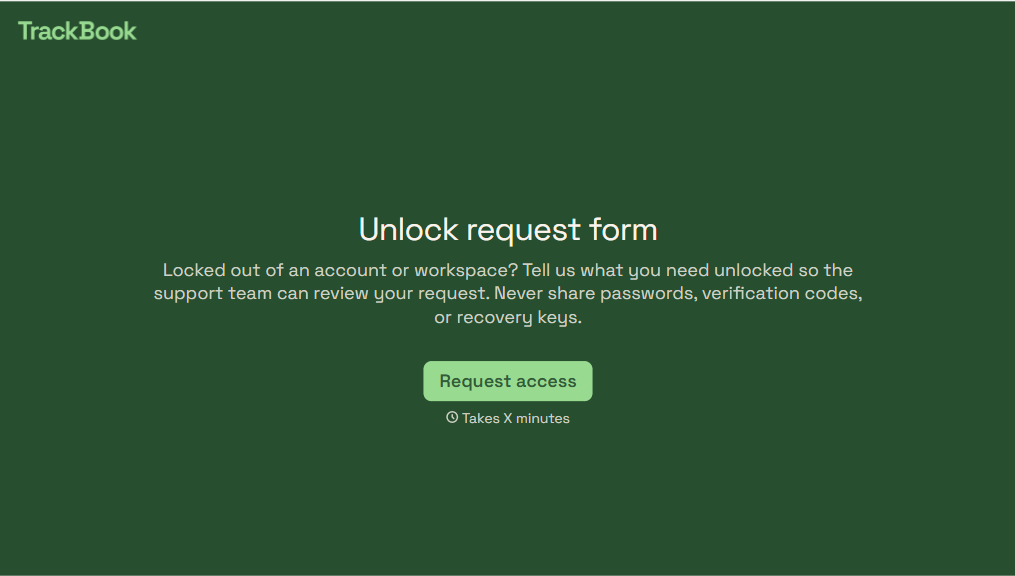
Give users a straightforward way to request help with locked accounts or restricted access. Collect account details, the affected service, and issue information so your support team can review requests and guide users through the next steps.



An employee gets locked out of a work account after several unsuccessful sign-in attempts. Another user can't access a service because their account was temporarily restricted. While they both need assistance, the reasons for their access issues are different. An unlock request form helps support teams understand each situation clearly.
Users identify the affected account or service, describe the issue, and explain when they lost access. You can include questions about error messages, previous troubleshooting attempts, and preferred contact methods. Make clear that users should never submit passwords, verification codes, or recovery codes through the form.
Your support team gets consistent information to review and route requests. Staff can identify common access issues, follow established verification procedures, and provide appropriate instructions. Users get a clear way to request assistance without relying on scattered emails or messages.
An unlock request form collects information from users who need help restoring access to a locked account or restricted service. It typically asks for an account identifier, the affected application, and a description of the issue. Support teams use the information to review requests and determine the appropriate next steps.
Account lockouts can happen for different reasons, like unsuccessful login attempts, security restrictions, or administrative actions. A structured form helps support teams identify the problem without repeatedly requesting basic information. It also keeps requests organized, supports consistent handling, and helps users understand the recovery process.
Collect the information needed to review and route access requests, such as:
- User name and contact information
- Account username or registered email address
- Application or service requiring access
- Type of account lockout or restriction
- Date and time access was lost
- Error message or notification received
- Troubleshooting steps already attempted
- Reason for requesting access restoration
- Preferred contact method
- Additional details for the support team
Never request passwords, authentication codes, or recovery credentials through the form.
Use recognizable issue options, like "Too many failed login attempts" or "Account temporarily disabled." Include an open-text field for additional details and link to approved self-service recovery instructions when available. Conditional logic can display relevant follow-up questions based on the reported issue. Explain how users will receive updates after submitting their requests.
No. Submitting an unlock request starts the review process but doesn't authorize immediate access restoration. Support teams must follow established identity verification and security procedures before unlocking an account. Some restrictions require additional investigation or administrator approval. Clearly explaining these requirements helps users understand what to expect.
Get inspired by relevant templates and categories
3200+ Templates, 300+ Integrations
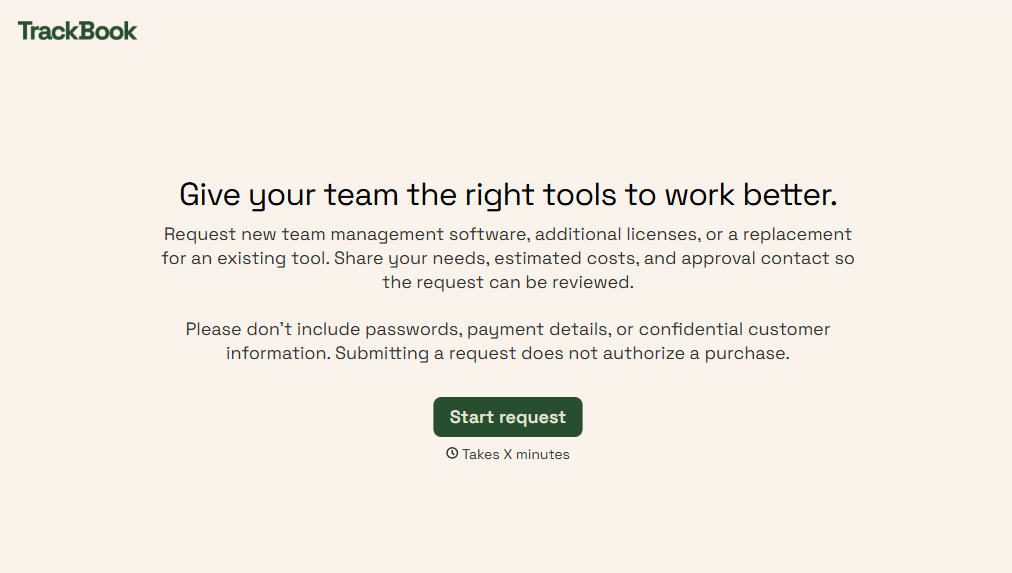
Team Management Software Requisition Form
Give employees and managers a straightforward way to request team management software with a form that collects software requirements, business needs, and budget information. Keep requests organized so IT and procurement teams can evaluate options, coordinate approvals, and provide teams with the tools they need to work efficiently.
View template
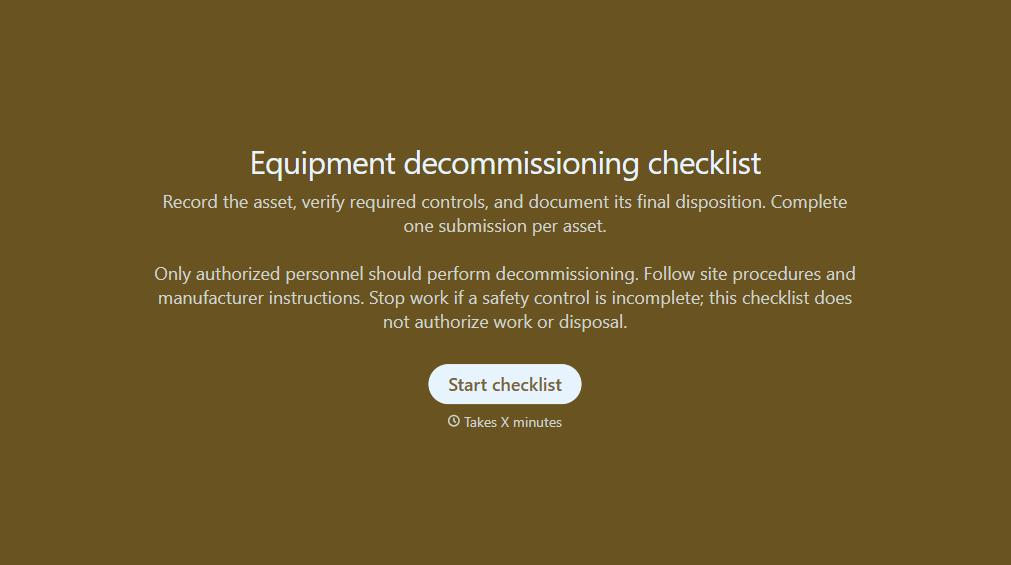
Equipment Decommissioning Checklist Form
Give teams a structured way to retire equipment with a form that collects asset details, shutdown procedures, and disposal requirements. Keep decommissioning records organized so your team can track completed tasks, document safety checks, and manage equipment removal.
View template
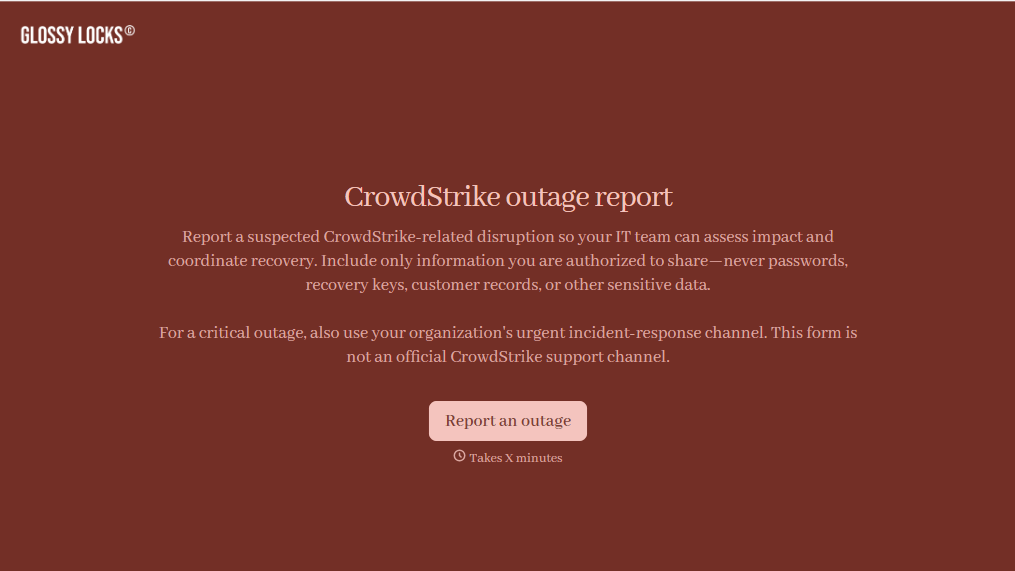
CrowdStrike Outage Report Form
Give IT teams an easy way to document CrowdStrike-related disruptions with a form that collects affected systems, error details, and business impacts. Keep incident reports organized so your team can prioritize troubleshooting, coordinate recovery efforts, and track service restoration across your organization.
View template
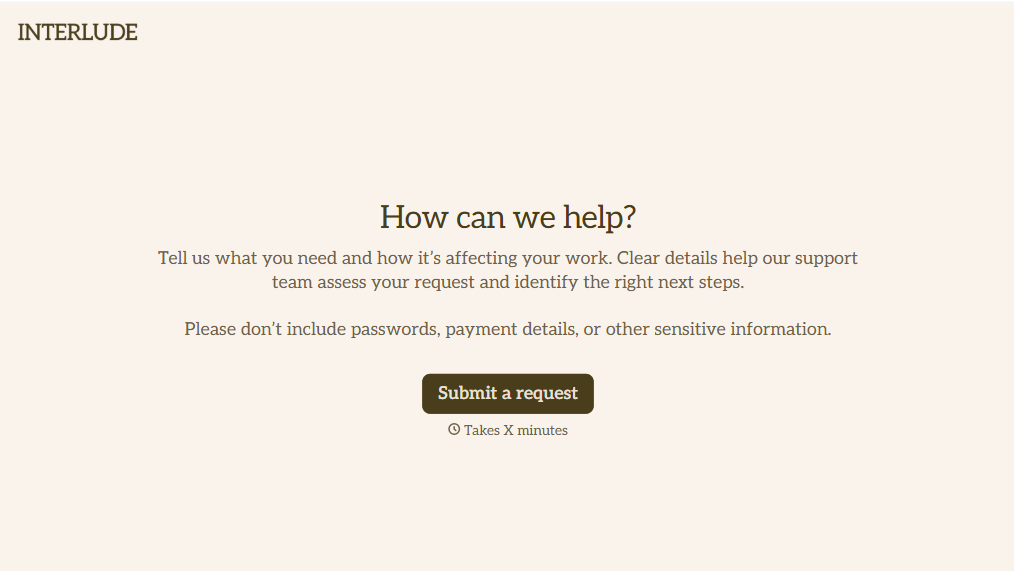
Helpdesk Request Form
Give employees, customers, and IT teams a straightforward way to report technical issues with a form that collects problem descriptions, contact information, and support priorities. Keep helpdesk requests organized so support teams can troubleshoot problems, assign tickets, and resolve issues efficiently while minimizing disruptions to daily operations.
View template
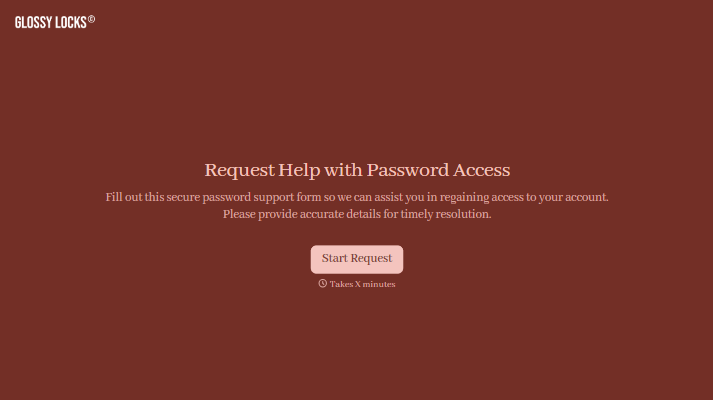
With Typeform, you can customize everything
Change text, colors, and even logos to match the look and feel of your brand. Then embed forms smoothly onto web and email.
Make forms feel effortless to fill out. Pace questions, call people by their name, and adapt the flow based on the data they share.
Stay efficient by connecting forms to your workflow. Typeform integrates with 300+ tools including Slack, Zapier, and HubSpot.


