Team Management Software Requisition Form
Give employees and managers a straightforward way to request team management software with a form that collects software requirements, business needs, and budget information. Keep requests organized so IT and procurement teams can evaluate options, coordinate approvals, and provide teams with the tools they need to work efficiently.



A project manager needs software to track team assignments and deadlines. A department leader wants a platform that improves communication and resource planning. While they want to make their teams more productive, their software requirements and operational priorities differ. A team management software requisition form helps organizations collect requests and evaluate potential software purchases.
Employees provide information about their departments, describe their software needs, and explain how the requested tools will support their teams. You can include fields for preferred software platforms, required features, user counts, and estimated costs. Questions about existing tools, integration requirements, and implementation timelines help IT and procurement teams understand each request and assess available solutions.
Your team receives organized software requests without relying on scattered emails or informal conversations. IT departments review submissions, evaluate compatibility, and coordinate approvals with managers and procurement teams. Organizations get a structured way to manage software purchases, control technology spending, and provide employees with appropriate team management tools.
A team management software requisition form collects requests from employees or departments seeking software to support team coordination, project management, communication, or resource planning. It typically includes requester information, software requirements, business justifications, estimated costs, and approval details. Organizations use it to evaluate software needs, manage purchasing decisions, and coordinate implementation.
Managing software requests through individual emails or verbal discussions can make it difficult to track purchasing needs and compare available solutions. A structured requisition form collects consistent information about software features, team requirements, and expected costs. It helps IT and procurement teams assess requests, identify existing tools that may meet the same needs, and coordinate purchasing approvals while reducing unnecessary spending and administrative work.
Include questions that help organizations evaluate software requests and coordinate purchasing decisions, like:
- What is your full name?
- What is your job title?
- Which department do you work in?
- What is your preferred contact email?
- Who is your manager or supervisor?
- What team management software are you requesting?
- What business need will the software address?
- What challenges are you experiencing with your current tools?
- Which software features are most important to your team?
- How many employees will need access to the software?
- What is your estimated software budget?
- Would you prefer a monthly or annual subscription?
- Are you currently using a similar software platform?
- Does the requested software need to integrate with existing systems?
- Will the software store or process sensitive company information?
- Are there any specific security or compliance requirements?
- When does your team need the software?
- What benefits do you expect from implementing the software?
- Has your manager approved the software request?
- Is there any additional information IT or procurement teams should consider?
You can customize the questions to match your organization's purchasing policies, technology requirements, and approval procedures.
Use dropdown menus for departments, software categories, and subscription preferences. Include multiple-choice questions for required features, budget ranges, and implementation timelines. Conditional logic can display additional questions when employees request integrations, access to sensitive information, or software exceeding established budget limits. Keep instructions clear and explain the approval process, required documentation, and expected review timelines. Allow requesters to include links to software products or supporting materials when appropriate.
Yes. A team management software requisition form helps organizations collect purchasing requests, review estimated costs, and evaluate whether proposed tools meet business needs. IT and procurement teams can compare submissions, identify overlapping software subscriptions, and recommend existing solutions when appropriate. The collected information also supports budget planning, vendor evaluations, and approval tracking. Organizations can use a structured requisition process to make informed purchasing decisions and reduce unnecessary technology expenses.
Get inspired by relevant templates and categories
3200+ Templates, 300+ Integrations
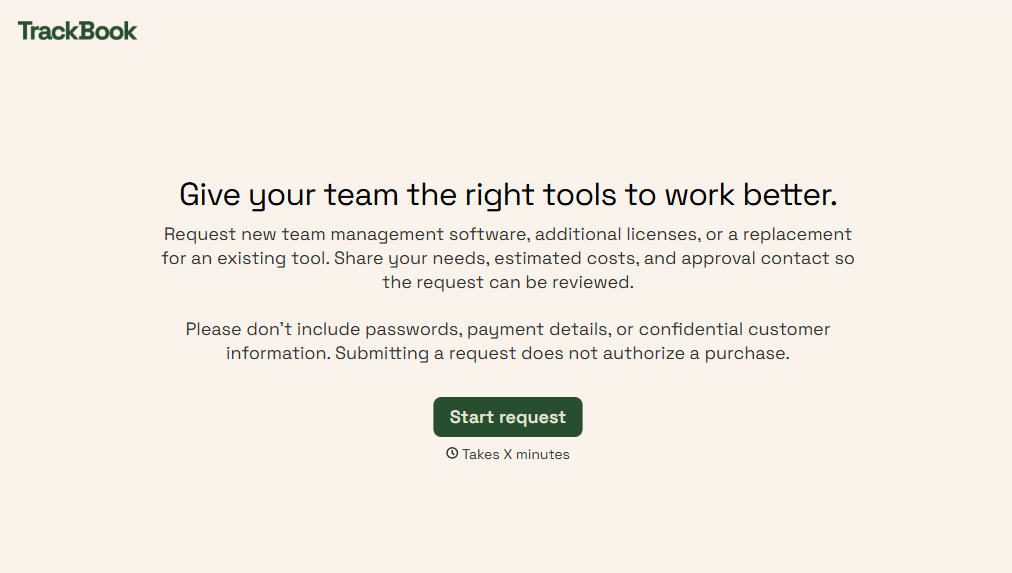
Team Management Software Requisition Form
Give employees and managers a straightforward way to request team management software with a form that collects software requirements, business needs, and budget information. Keep requests organized so IT and procurement teams can evaluate options, coordinate approvals, and provide teams with the tools they need to work efficiently.
View template
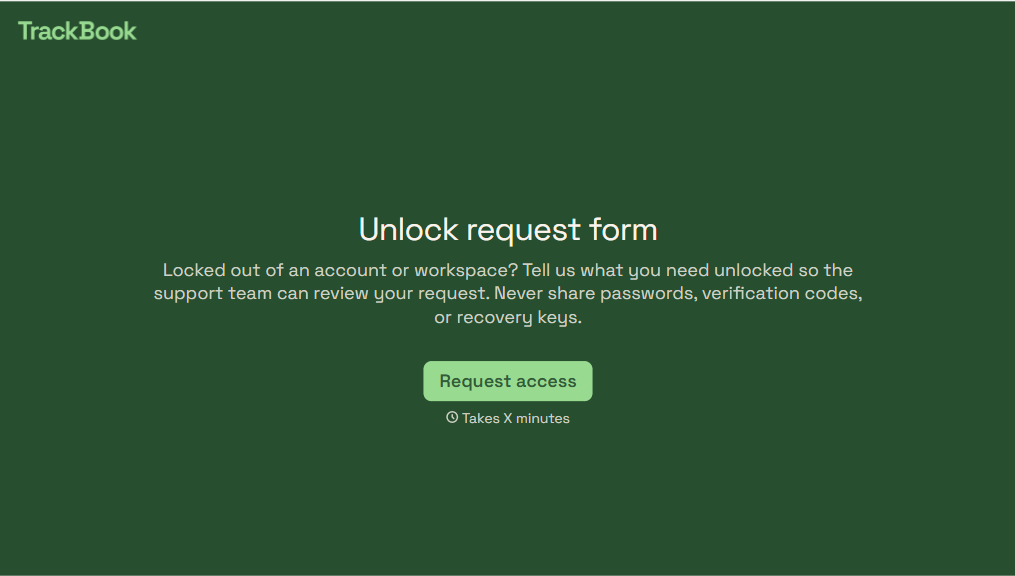
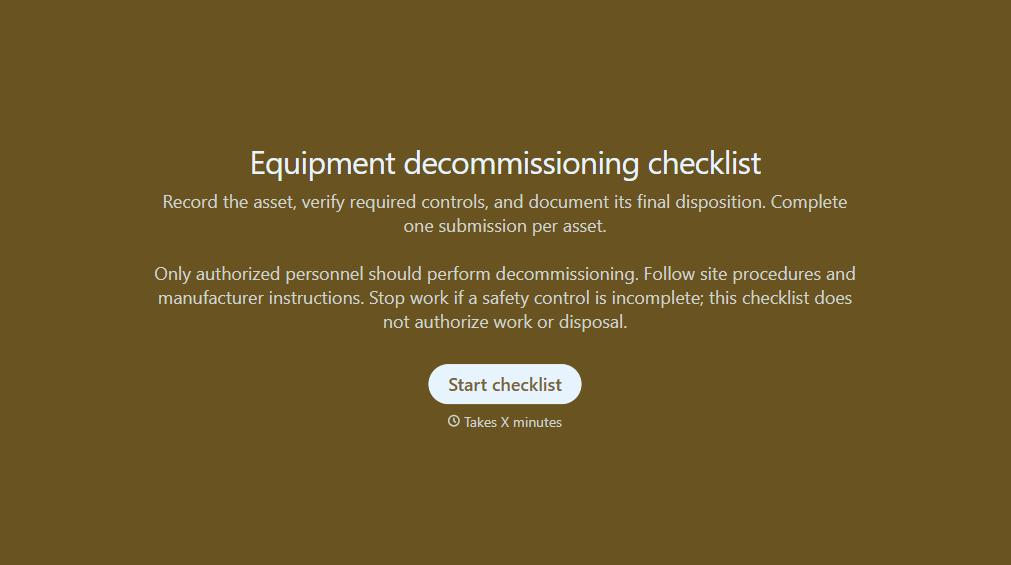
Equipment Decommissioning Checklist Form
Give teams a structured way to retire equipment with a form that collects asset details, shutdown procedures, and disposal requirements. Keep decommissioning records organized so your team can track completed tasks, document safety checks, and manage equipment removal.
View template
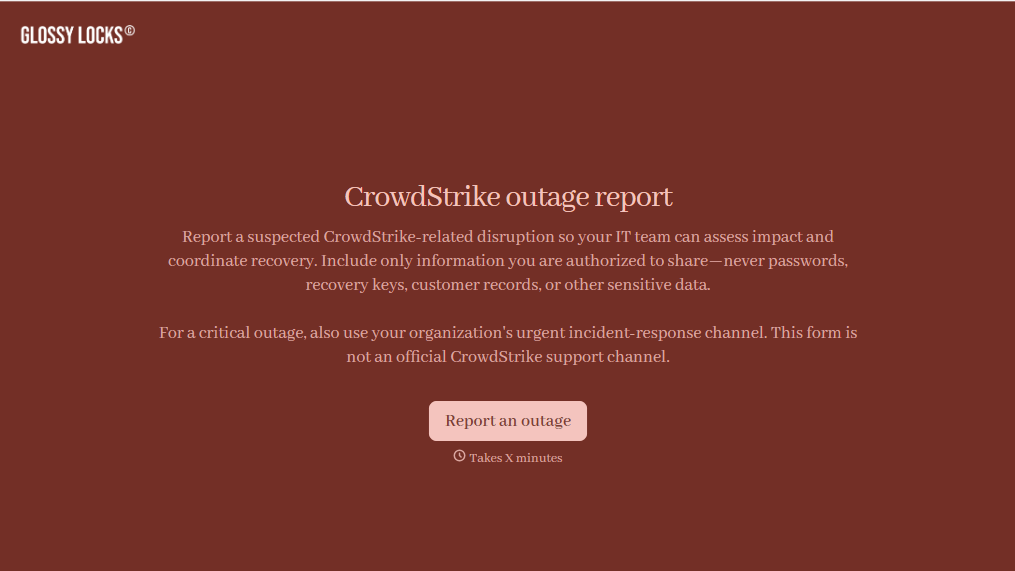
CrowdStrike Outage Report Form
Give IT teams an easy way to document CrowdStrike-related disruptions with a form that collects affected systems, error details, and business impacts. Keep incident reports organized so your team can prioritize troubleshooting, coordinate recovery efforts, and track service restoration across your organization.
View template
Helpdesk Request Form
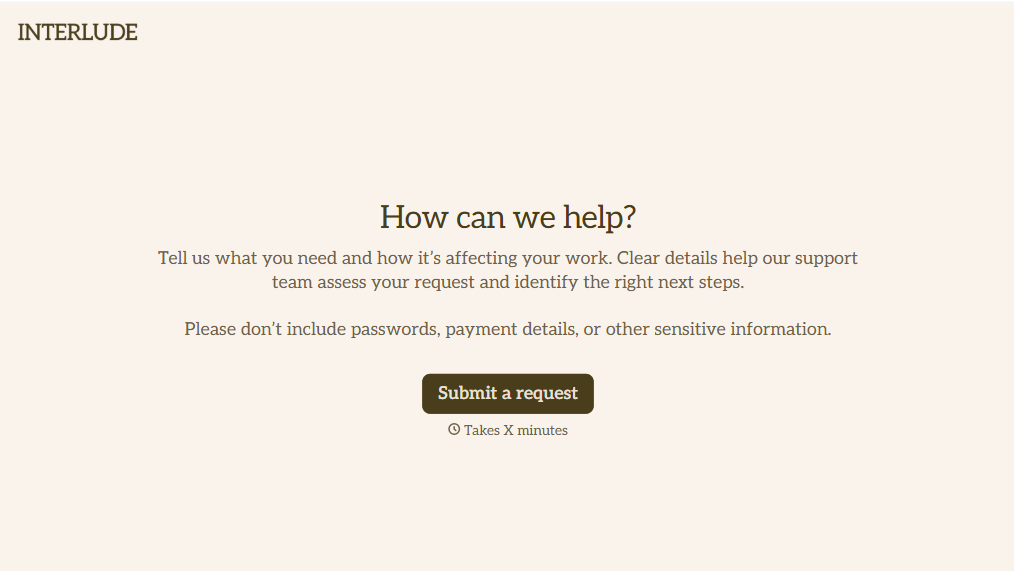
Give employees, customers, and IT teams a straightforward way to report technical issues with a form that collects problem descriptions, contact information, and support priorities. Keep helpdesk requests organized so support teams can troubleshoot problems, assign tickets, and resolve issues efficiently while minimizing disruptions to daily operations.
View template
With Typeform, you can customize everything
Change text, colors, and even logos to match the look and feel of your brand. Then embed forms smoothly onto web and email.
Make forms feel effortless to fill out. Pace questions, call people by their name, and adapt the flow based on the data they share.
Stay efficient by connecting forms to your workflow. Typeform integrates with 300+ tools including Slack, Zapier, and HubSpot.


