Equipment Decommissioning Checklist Form
Give teams a structured way to retire equipment with a form that collects asset details, shutdown procedures, and disposal requirements. Keep decommissioning records organized so your team can track completed tasks, document safety checks, and manage equipment removal.



A facility manager needs to retire an outdated manufacturing machine, and an IT department wants to remove obsolete computer equipment. Both need to decommission assets safely, but their equipment involves different shutdown procedures and disposal requirements. An equipment decommissioning checklist form helps organizations collect the information needed to manage each retirement process.
Team members record equipment details, assess asset conditions, and document shutdown activities. You can include options for disconnecting utilities, removing hazardous materials, and verifying data removal. Fields for inspection results and additional notes give employees space to explain issues that aren't covered by standard checklist items.
Your team receives organized decommissioning records without relying on scattered paperwork or spreadsheets. Managers review completed tasks, confirm safety requirements, and coordinate equipment disposal or recycling. Organizations get a structured process that supports accountability, maintains accurate asset records, and helps prevent overlooked steps during equipment retirement.
An equipment decommissioning checklist form documents the steps required to safely remove equipment from service. It typically includes asset identification, shutdown procedures, safety inspections, disposal methods, and completion approvals. Organizations use it to track decommissioning activities, maintain equipment records, and verify that required procedures are completed before assets are retired.
Retiring equipment without a standardized process can lead to missed safety checks, incomplete documentation, and improper disposal. A structured checklist helps teams follow consistent procedures and record completed tasks. It supports regulatory compliance, improves asset tracking, and reduces the risk of overlooking important steps while giving employees clear instructions for equipment retirement.
Collect the information needed to document equipment retirement and verify completed procedures, like:
- Equipment name and description
- Asset identification or serial number
- Equipment location and department
- Assigned employee or technician
- Reason for decommissioning
- Equipment condition assessment
- Scheduled decommissioning date
- Shutdown and isolation procedures
- Electrical and utility disconnection
- Hazardous material removal
- Data backup and secure deletion
- Safety inspection results
- Disposal, recycling, or transfer method
- Final inspection and approval
You can adjust the fields to match your equipment types, safety requirements, and organizational procedures.
Organize checklist items into sections covering equipment identification, shutdown procedures, safety inspections, and disposal. Use checkboxes to confirm completed tasks and dropdown menus for equipment conditions or disposal methods. Conditional logic can display additional questions based on equipment type. Include clear instructions, required approvals, and space for employees to document issues or upload supporting photos.
Yes. An equipment decommissioning checklist form helps organizations document safety procedures, equipment handling, and disposal activities. Employees can record completed inspections, verify required shutdown steps, and document approvals. Managers can review submissions to identify missing information and confirm that applicable requirements have been addressed. Maintain completed records to support internal audits, regulatory reviews, and equipment lifecycle management.
Get inspired by relevant templates and categories
3200+ Templates, 300+ Integrations
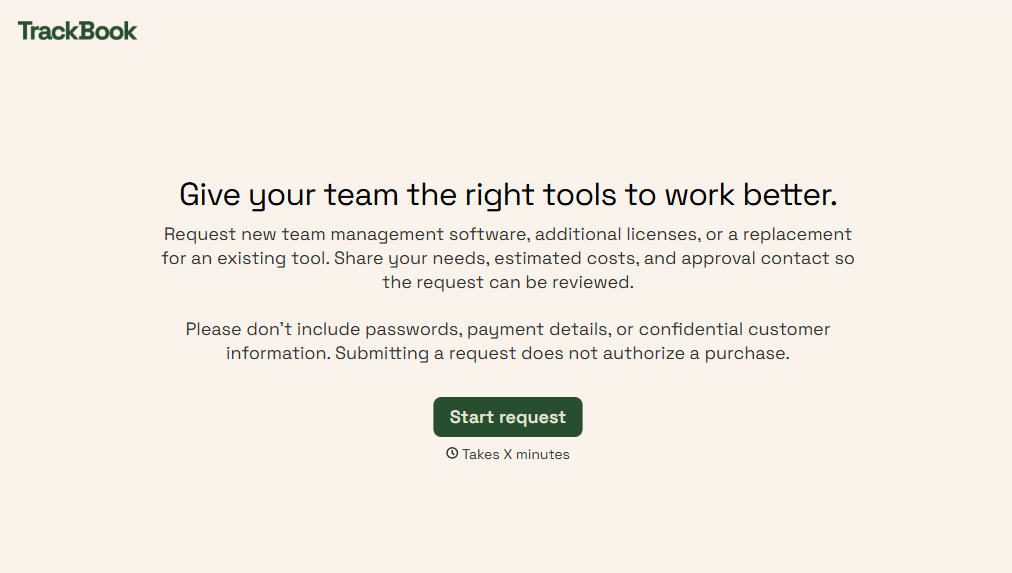
Team Management Software Requisition Form
Give employees and managers a straightforward way to request team management software with a form that collects software requirements, business needs, and budget information. Keep requests organized so IT and procurement teams can evaluate options, coordinate approvals, and provide teams with the tools they need to work efficiently.
View template
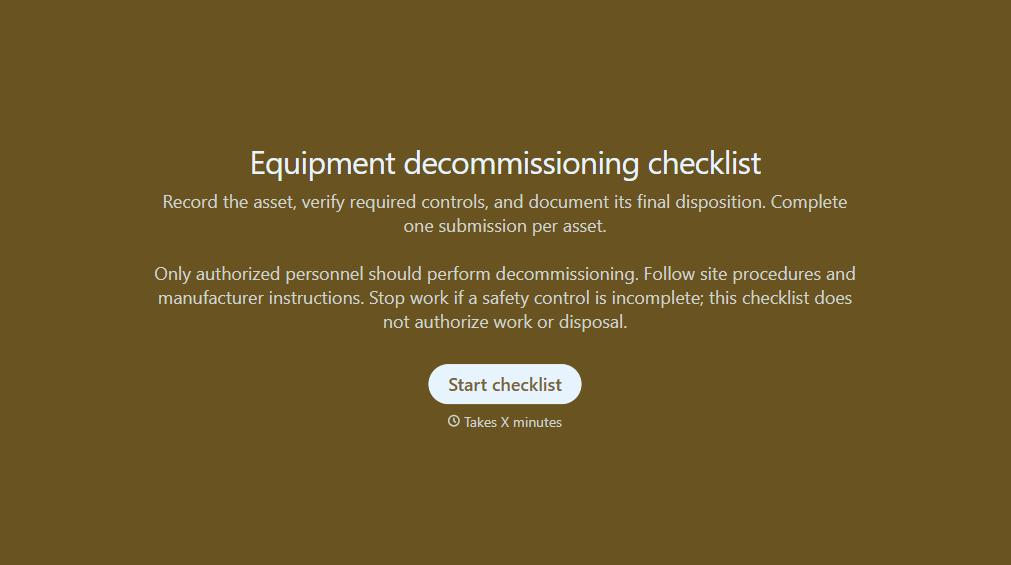
Equipment Decommissioning Checklist Form
Give teams a structured way to retire equipment with a form that collects asset details, shutdown procedures, and disposal requirements. Keep decommissioning records organized so your team can track completed tasks, document safety checks, and manage equipment removal.
View template
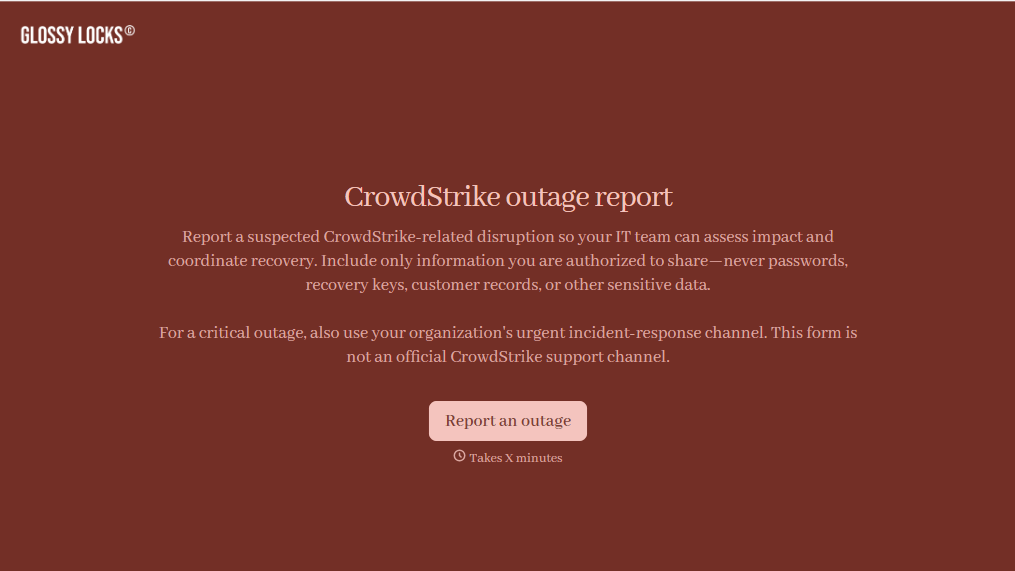
CrowdStrike Outage Report Form
Give IT teams an easy way to document CrowdStrike-related disruptions with a form that collects affected systems, error details, and business impacts. Keep incident reports organized so your team can prioritize troubleshooting, coordinate recovery efforts, and track service restoration across your organization.
View template
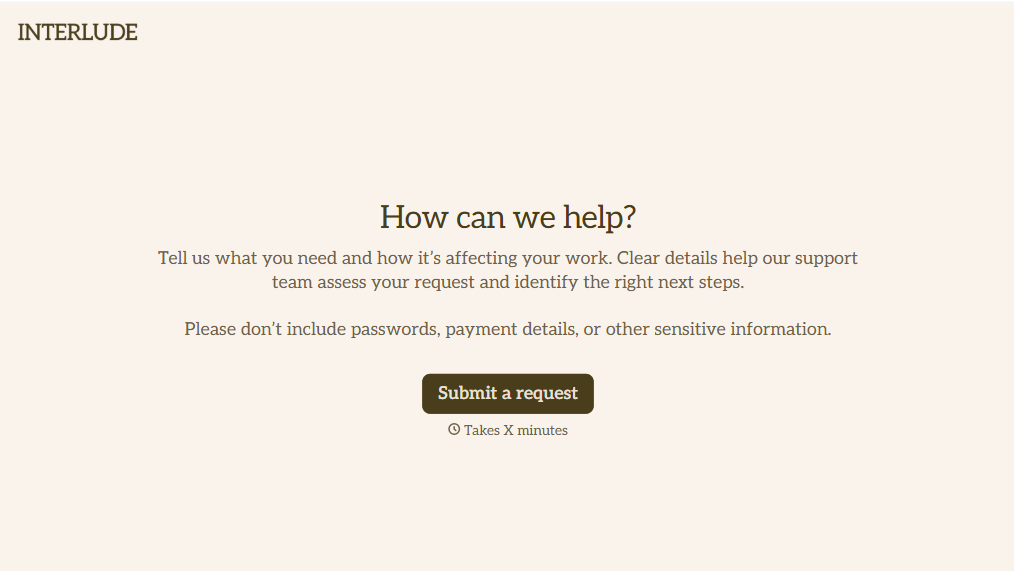
Helpdesk Request Form
Give employees, customers, and IT teams a straightforward way to report technical issues with a form that collects problem descriptions, contact information, and support priorities. Keep helpdesk requests organized so support teams can troubleshoot problems, assign tickets, and resolve issues efficiently while minimizing disruptions to daily operations.
View template
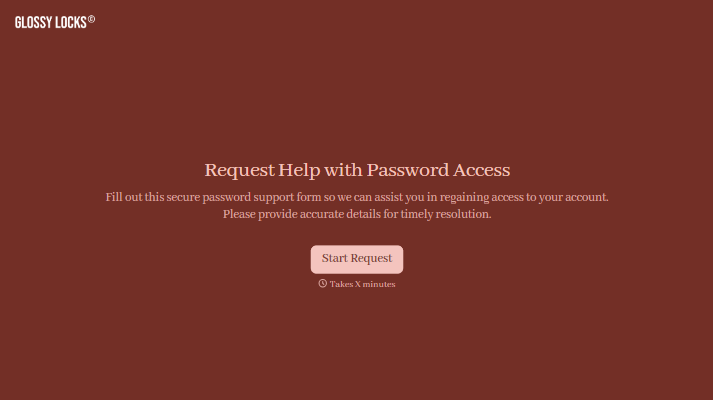
With Typeform, you can customize everything
Change text, colors, and even logos to match the look and feel of your brand. Then embed forms smoothly onto web and email.
Make forms feel effortless to fill out. Pace questions, call people by their name, and adapt the flow based on the data they share.
Stay efficient by connecting forms to your workflow. Typeform integrates with 300+ tools including Slack, Zapier, and HubSpot.


