Stop Work Authority Reporting Form
Give employees a straightforward way to report unsafe working conditions and document stop work decisions with a form that collects hazard details, incident locations, and corrective actions. Keep safety reports organized so supervisors can address workplace risks, track resolutions, and support a safer working environment.



An employee notices damaged equipment that creates a safety hazard, while another identifies unsafe conditions during a routine work assignment. Both recognize situations that require immediate attention, but the hazards and corrective actions differ. A stop work authority reporting form helps employees document safety concerns and communicate why work was stopped.
Employees provide information about the work activity, identified hazards, and circumstances surrounding the stop work decision. You can include fields for incident locations, affected personnel, supervisor notifications, and immediate safety measures. Questions about corrective actions and follow-up requirements help safety teams understand what happened and determine the steps needed before work resumes.
Your team receives organized safety reports without relying on scattered emails or paper documentation. Supervisors review submissions, investigate reported hazards, and coordinate corrective actions with safety personnel. Organizations get a structured way to document stop work events, monitor recurring safety concerns, and reinforce workplace safety procedures.
A stop work authority reporting form documents situations where employees exercise their authority to stop work because of unsafe conditions, hazardous activities, or potential safety risks. It typically includes details about the reported hazard, work location, affected personnel, immediate actions, and corrective measures. Organizations use it to investigate safety concerns, document resolutions, and support workplace safety programs.
Managing stop work incidents through verbal reports or informal communication can make it difficult to document hazards and track corrective actions. A structured reporting form collects consistent information about safety concerns and the circumstances that led employees to stop work. It helps supervisors investigate hazards, identify recurring safety issues, and verify that appropriate corrective measures are completed before work resumes.
Include questions that help employees document safety concerns and support appropriate follow-up actions, like:
- What is your full name?
- What is your job title or department?
- What is the date and time of the stop work event?
- Where did the safety concern occur?
- What work activity was being performed?
- What unsafe condition or hazard did you identify?
- What prompted the decision to stop work?
- Were any employees or contractors affected?
- Was anyone injured during the event?
- What immediate actions were taken to address the hazard?
- Was a supervisor or safety representative notified?
- Who was notified about the stop work decision?
- What corrective actions are needed?
- Has the identified hazard been resolved?
- Has an authorized person approved work to resume?
- Are any additional safety measures or follow-up actions required?
You can customize the questions to match your organization's safety policies, reporting procedures, and industry requirements.
Use dropdown menus for work locations, hazard categories, and departments. Include multiple-choice questions for immediate actions, supervisor notifications, and resolution status. Conditional logic can display additional questions when employees report injuries, equipment failures, or unresolved hazards. Allow employees to upload photos or supporting documentation when appropriate. Keep instructions clear and explain that employees should follow immediate safety and notification procedures rather than wait for form submission.
Yes. A stop work authority reporting form helps organizations document identified hazards, corrective measures, and resolution status. Supervisors can review submissions, assign follow-up responsibilities, and verify that safety concerns have been addressed before authorizing work to resume. Safety teams can also analyze reports to identify recurring hazards, evaluate existing procedures, and improve workplace safety training. The collected information supports accountability and provides a record of actions taken to address unsafe working conditions.
Get inspired by relevant templates and categories
3200+ Templates, 300+ Integrations
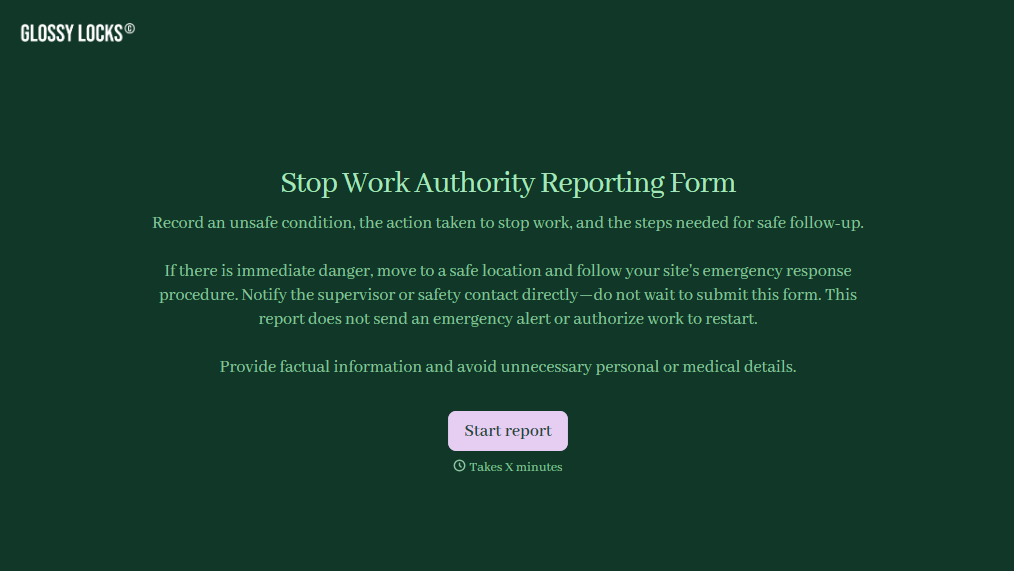
Stop Work Authority Reporting Form
Give employees a straightforward way to report unsafe working conditions and document stop work decisions with a form that collects hazard details, incident locations, and corrective actions. Keep safety reports organized so supervisors can address workplace risks, track resolutions, and support a safer working environment.
View template

Officer Daily Patrol Checklist Form
Give security teams and law enforcement agencies an easy way to document daily patrol activities with a form that collects officer information, inspection results, and incident details. Keep patrol records organized so supervisors can monitor assigned duties, identify safety concerns, and maintain accurate documentation of daily operations.
View template

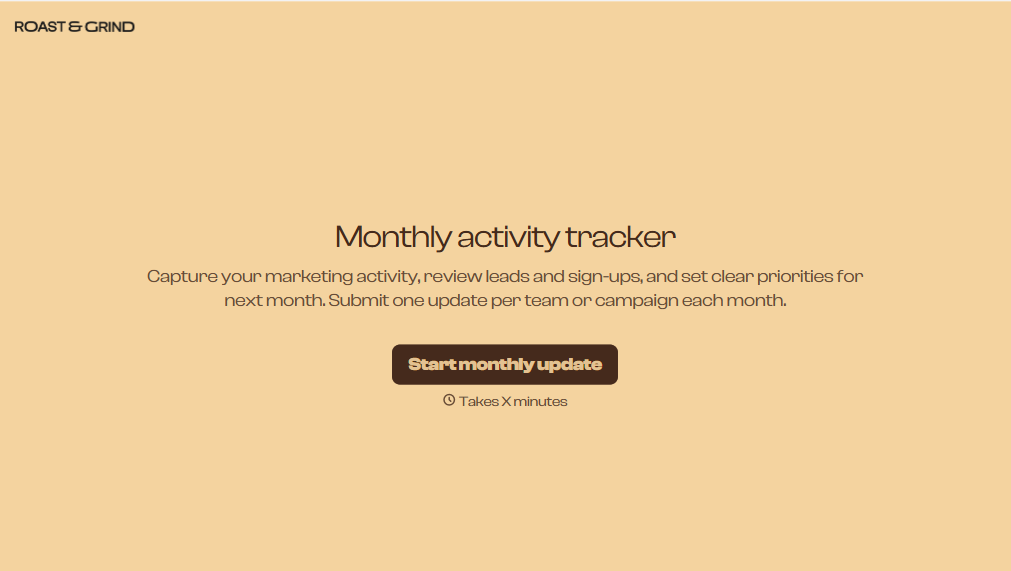
Monthly Activity Tracker Form
Give users a simple way to track monthly activities with a form that collects completed tasks, progress updates, and activity details. Keep all the records organized so individuals and teams can monitor performance, identify patterns, and stay on track with their goals.
View template
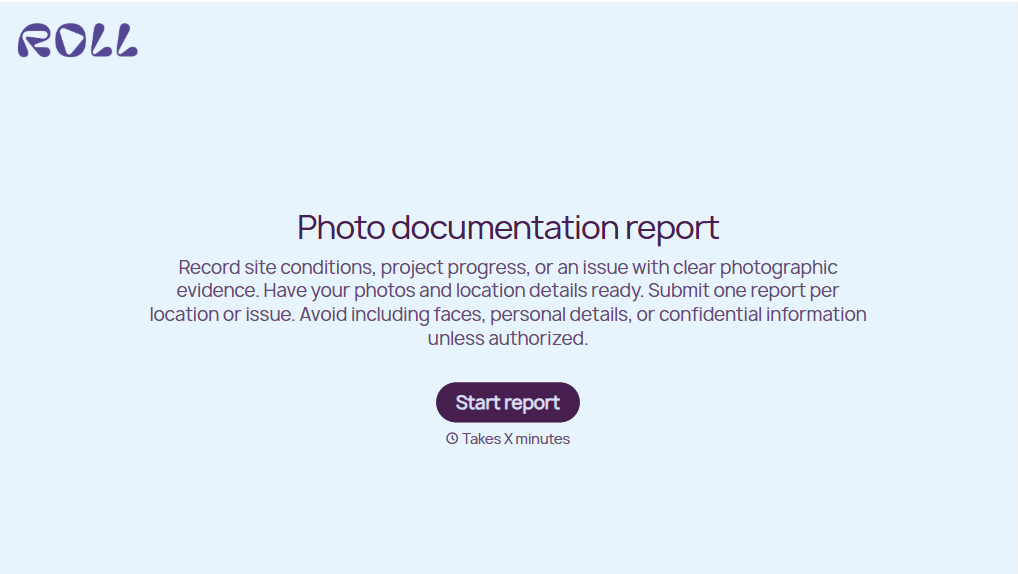
Photo Documentation Report Form
Give teams a straightforward way to document projects, inspections, and incidents with a form that collects photographs, descriptions, and location details. Keep visual records organized so your team can track conditions, verify completed work, and maintain accurate documentation for future reference.
View template
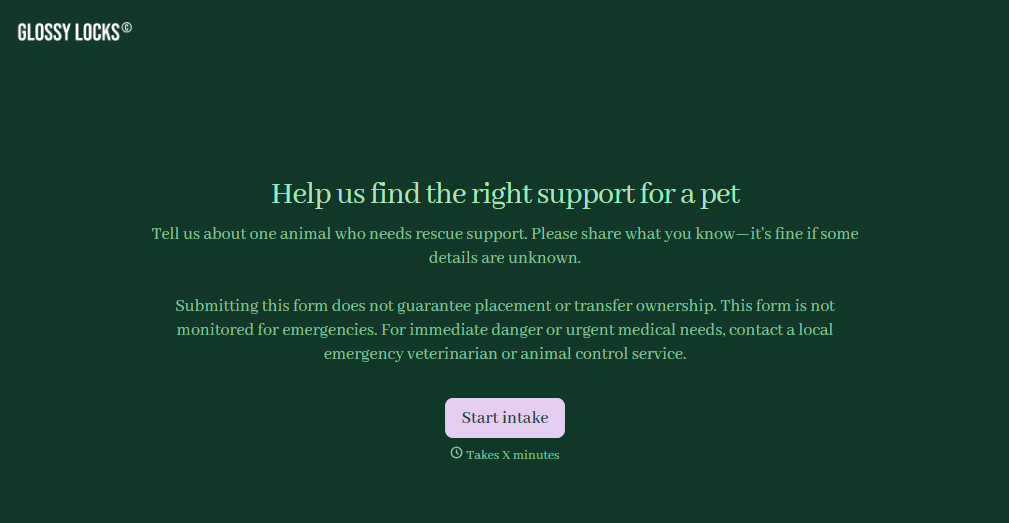
Pet Rescue Intake Form
Give animal rescue organizations a straightforward way to collect information about animals entering their care with a form that gathers pet details, medical history, and behavioral needs. Keep intake records organized so rescue teams can assess each animal's condition, coordinate veterinary care, and prepare for safe placement in foster homes or shelters.
View template
With Typeform, you can customize everything
Change text, colors, and even logos to match the look and feel of your brand. Then embed forms smoothly onto web and email.
Make forms feel effortless to fill out. Pace questions, call people by their name, and adapt the flow based on the data they share.
Stay efficient by connecting forms to your workflow. Typeform integrates with 300+ tools including Slack, Zapier, and HubSpot.


