Monthly Activity Tracker Form
Give users a simple way to track monthly activities with a form that collects completed tasks, progress updates, and activity details. Keep all the records organized so individuals and teams can monitor performance, identify patterns, and stay on track with their goals.



A manager wants to track employee activities throughout the month, and another team needs to monitor progress on recurring projects. While both want to understand how time is spent, their activities involve different tasks and responsibilities. A monthly activity tracker form helps individuals and organizations collect consistent information about completed activities and ongoing work.
Users record activity dates, task descriptions, and completion status. You can include options for activity categories, time spent, and progress toward monthly goals. Fields for challenges and additional notes give users space to explain delays, accomplishments, or changes that aren't covered by standard selections.
Your team receives organized activity records without relying on scattered spreadsheets or emails. Managers review submissions, identify productivity trends, and evaluate progress toward objectives. Individuals get a straightforward way to document accomplishments, manage responsibilities, and understand how their activities contribute to larger goals.
A monthly activity tracker form collects information about tasks, activities, and accomplishments completed during a specific month. It typically includes activity dates, descriptions, categories, completion status, and time spent. Individuals and organizations use it to monitor progress, document productivity, and evaluate performance against monthly goals.
Tracking activities through scattered notes, emails, or spreadsheets can make monitoring progress and identifying unfinished tasks difficult. A structured form collects consistent information about monthly activities in one place. It helps individuals stay organized, supports accountability, and gives managers a clearer understanding of workloads, accomplishments, and areas requiring attention.
Collect the information needed to document activities and monitor monthly progress, like:
- User name and contact information
- Month and year being tracked
- Activity date
- Activity or task description
- Activity category or type
- Assigned project or department
- Task priority level
- Time spent on each activity
- Activity completion status
- Progress toward monthly goals
- Completed tasks and accomplishments
- Challenges or obstacles encountered
- Upcoming tasks and deadlines
- Additional comments or notes
You can adjust the fields to match your activities, tracking requirements, and performance goals.
Use dropdown menus or multiple-choice questions for activity categories, priorities, and completion status. Include date fields and numerical inputs for tracking activity duration. Organize questions into clear sections so users can record information quickly. Conditional logic can display follow-up questions for incomplete activities. Keep descriptions concise and allow users to provide additional details when necessary.
Yes. A monthly activity tracker form helps individuals and teams monitor progress by recording completed tasks, ongoing activities, and time spent on different responsibilities. Managers can review submissions, compare monthly results, and identify patterns in productivity. Users can evaluate accomplishments, recognize recurring challenges, and adjust priorities to stay aligned with their goals.
Get inspired by relevant templates and categories
3200+ Templates, 300+ Integrations
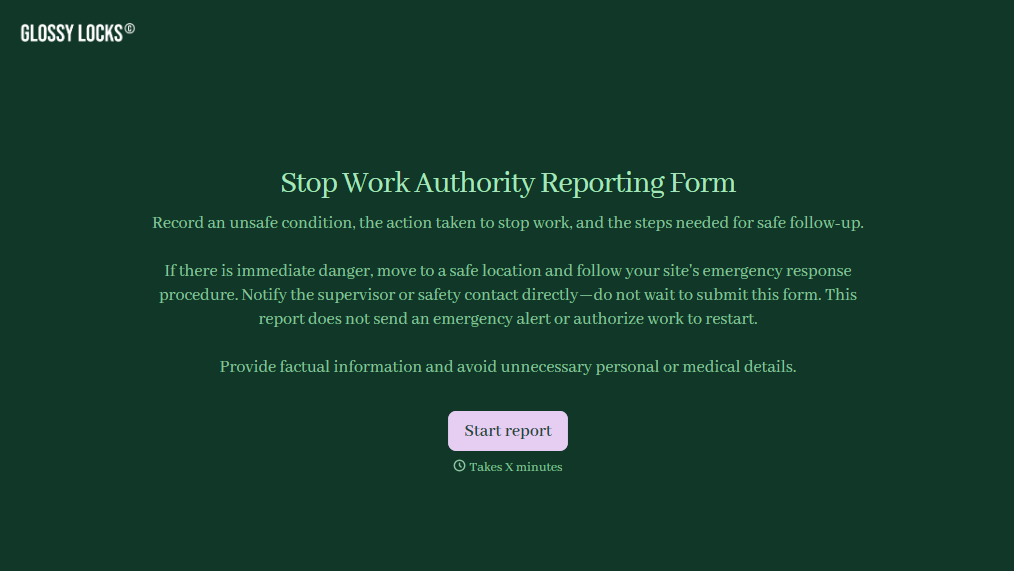
Stop Work Authority Reporting Form
Give employees a straightforward way to report unsafe working conditions and document stop work decisions with a form that collects hazard details, incident locations, and corrective actions. Keep safety reports organized so supervisors can address workplace risks, track resolutions, and support a safer working environment.
View template

Officer Daily Patrol Checklist Form
Give security teams and law enforcement agencies an easy way to document daily patrol activities with a form that collects officer information, inspection results, and incident details. Keep patrol records organized so supervisors can monitor assigned duties, identify safety concerns, and maintain accurate documentation of daily operations.
View template

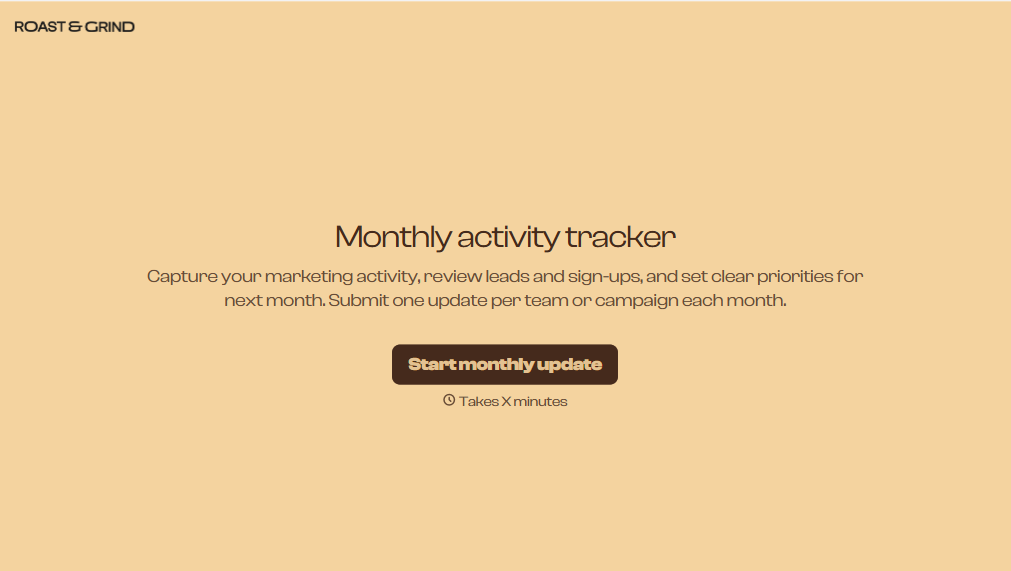
Monthly Activity Tracker Form
Give users a simple way to track monthly activities with a form that collects completed tasks, progress updates, and activity details. Keep all the records organized so individuals and teams can monitor performance, identify patterns, and stay on track with their goals.
View template
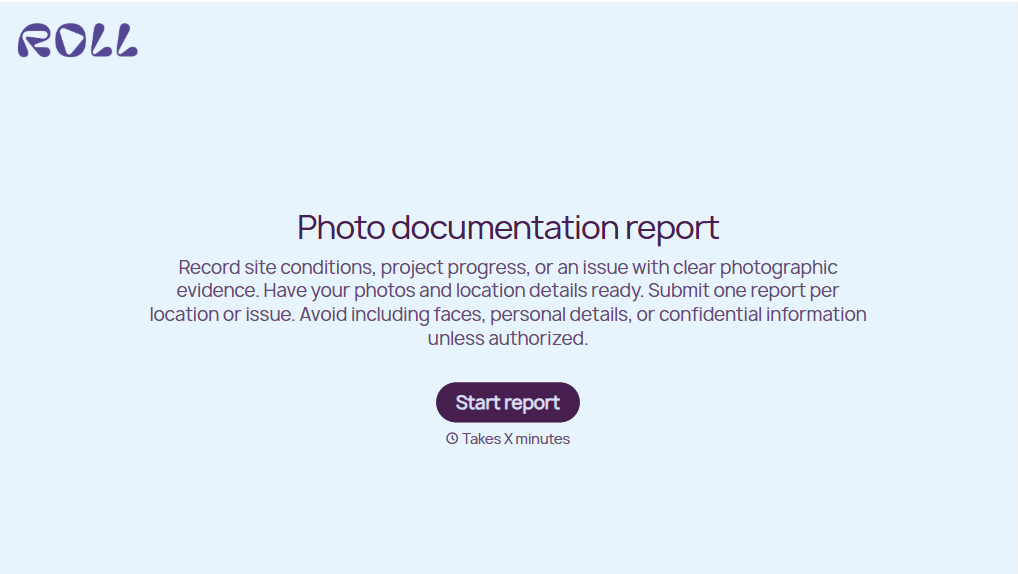
Photo Documentation Report Form
Give teams a straightforward way to document projects, inspections, and incidents with a form that collects photographs, descriptions, and location details. Keep visual records organized so your team can track conditions, verify completed work, and maintain accurate documentation for future reference.
View template
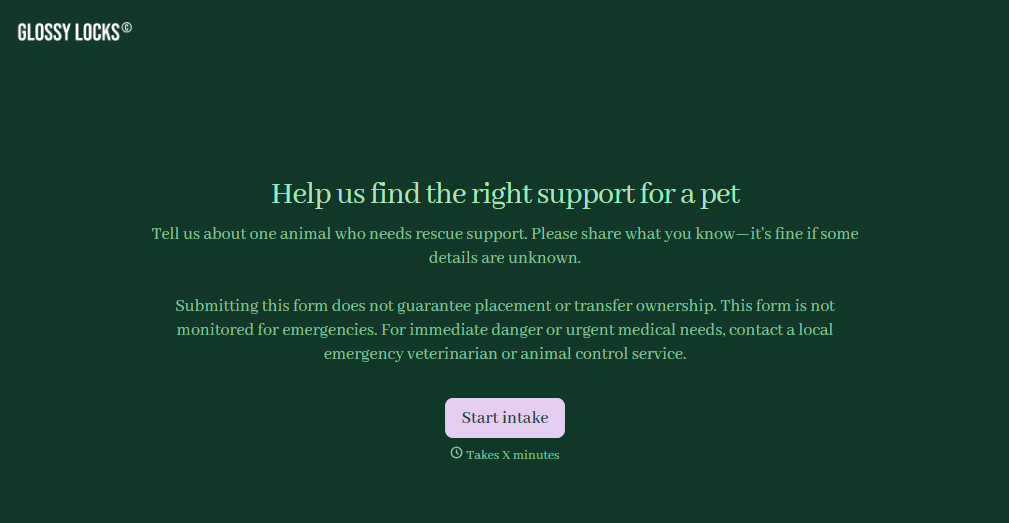
Pet Rescue Intake Form
Give animal rescue organizations a straightforward way to collect information about animals entering their care with a form that gathers pet details, medical history, and behavioral needs. Keep intake records organized so rescue teams can assess each animal's condition, coordinate veterinary care, and prepare for safe placement in foster homes or shelters.
View template
With Typeform, you can customize everything
Change text, colors, and even logos to match the look and feel of your brand. Then embed forms smoothly onto web and email.
Make forms feel effortless to fill out. Pace questions, call people by their name, and adapt the flow based on the data they share.
Stay efficient by connecting forms to your workflow. Typeform integrates with 300+ tools including Slack, Zapier, and HubSpot.


