Physics Forces Quiz Form
Give students a simple way to test their understanding of forces and motion with a quiz that covers Newton's laws, gravity, friction, and acceleration. Keep responses organized so educators can assess knowledge and identify areas for improvement.



A physics teacher wants to assess students' understanding of Newton's laws, while another educator needs to review concepts like gravity and friction before an upcoming exam. Both want to measure student knowledge, but their assessments cover different aspects of forces and motion. A physics forces quiz form helps educators create structured assessments that evaluate understanding of fundamental physics concepts.
Students answer questions about balanced and unbalanced forces, acceleration, and the relationship between mass and motion. You can include multiple-choice questions, true-or-false statements, and numerical problems that require students to apply physics formulas. Diagrams and real-world scenarios help students connect scientific principles to everyday experiences.
Your team receives organized quiz responses without manually collecting and grading paper assessments. Educators review scores, identify common misconceptions, and adjust instruction based on student performance. Students get a straightforward assessment experience that reinforces important concepts and highlights areas requiring additional practice.
A physics forces quiz form assesses students' understanding of forces, motion, and related scientific principles. It typically includes questions about Newton's laws, gravity, friction, acceleration, and force calculations. Educators use it to evaluate student knowledge, reinforce classroom lessons, and identify concepts that need further explanation or practice.
Creating and grading traditional paper quizzes takes time and makes tracking student progress more difficult. A structured digital quiz provides a consistent assessment experience for every student. It helps educators measure understanding, identify knowledge gaps, and review results efficiently while giving students a convenient way to demonstrate their physics knowledge.
Collect the information needed to assess students' understanding of forces and motion, like:
- Student name and class information
- Quiz date and assessment instructions
- Newton's three laws of motion
- Balanced and unbalanced forces
- Gravity and gravitational force
- Friction and air resistance
- Mass, weight, and acceleration
- Net force calculations
- Force diagrams and illustrations
- Real-world applications of forces
- Multiple-choice and true-or-false questions
- Numerical problems and calculations
- Short-answer explanations
- Quiz scores and feedback
You can adjust the questions to match your students' grade levels, learning objectives, and curriculum requirements.
Use multiple-choice questions and true-or-false statements to assess basic concepts. Include diagrams, images, and real-world examples to make questions easier to understand. Break complex calculations into manageable steps and provide clear instructions for numerical answers. Conditional logic can display follow-up questions based on student responses, while progress indicators help students track their completion.
Yes. A physics forces quiz form can support automatic scoring for multiple-choice and other questions with predefined correct answers. Educators can assign point values, calculate scores, and provide feedback based on student responses. Numerical and open-ended questions can be reviewed manually when necessary. Use quiz results to identify learning gaps, monitor progress, and plan additional instruction.
Get inspired by relevant templates and categories
3200+ Templates, 300+ Integrations
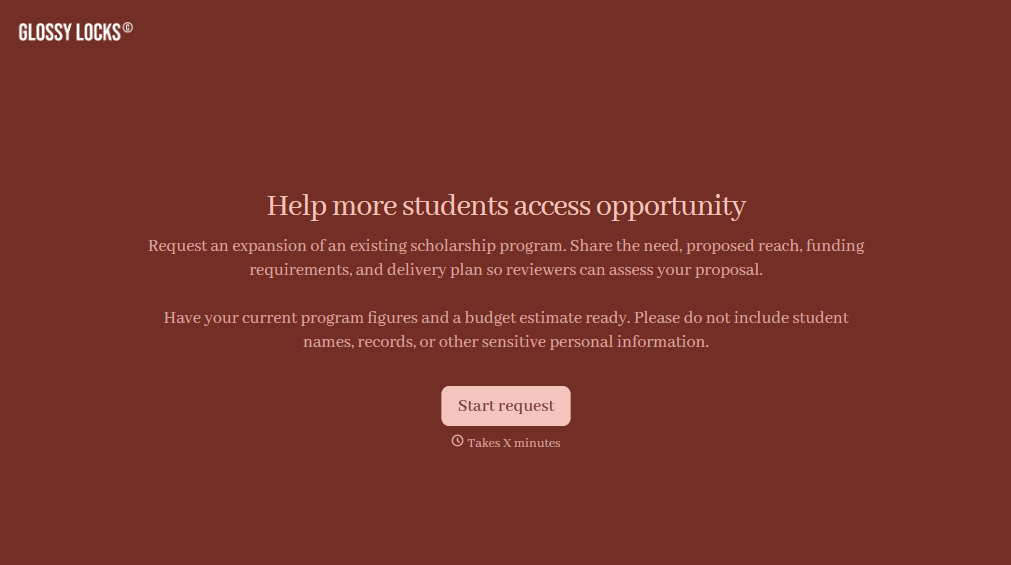
Scholarship Program Expansion Request Form
Give educational institutions and nonprofit organizations a straightforward way to request scholarship program expansions with a form that collects funding needs, proposed changes, and supporting information. Keep requests organized so program administrators can evaluate expansion opportunities, review budgets, and make informed decisions about increasing financial assistance for students.
View template
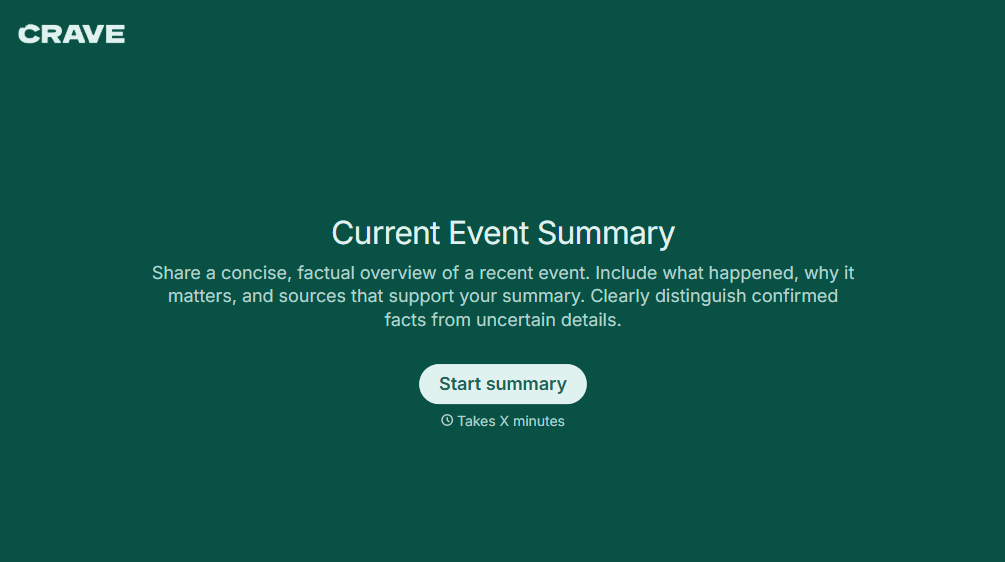
Current Event Summary Form
Give teachers, students, and educational organizations a straightforward way to document and analyze current events with a form that collects article details, key facts, and personal reflections. Keep summaries organized so educators can review student understanding, encourage critical thinking, and support meaningful discussions about local, national, and global news.
View template


With Typeform, you can customize everything
Change text, colors, and even logos to match the look and feel of your brand. Then embed forms smoothly onto web and email.
Make forms feel effortless to fill out. Pace questions, call people by their name, and adapt the flow based on the data they share.
Stay efficient by connecting forms to your workflow. Typeform integrates with 300+ tools including Slack, Zapier, and HubSpot.


