Consulting Quote Form Template
Potential clients need a quote — you need their project details. A quote request form gets both parties what they need faster.



The back-and-forth of a consulting quote process wastes time on both sides. A prospect reaches out — you schedule a call, spend 30 minutes gathering requirements you could have collected in advance, and then write a quote that may not match their budget anyway. Repeat the process with a full pipeline and you’ll find it’s a real drag on your capacity.
A quote form changes the dynamic. Typeform's consulting quote template asks prospects to describe their project, scope, timeline, and budget before you talk. The one-question-at-a-time format makes it easy to complete without feeling like an interrogation, and conditional logic adjusts based on service type — a strategy engagement prompts different questions than an implementation project. You show up to the first call already knowing whether this is a fit.
Customize the form for your service offerings, embed it on your website or share it via email, and qualify leads before you invest time in them.
A consulting quote form collects project details, scope, budget, and timeline information from a prospective client so a consultant or agency can provide an accurate price estimate. It replaces or supplements the initial discovery call by gathering key information upfront.
Discovery calls with unqualified prospects are a significant time cost. A quote form lets prospects qualify themselves by sharing what they need and what they're expecting to spend — so you only invest time in conversations that have a realistic chance of converting.
Focus on the information that most affects your scoping and pricing decisions. Consider asking about:
- Company name and contact information
- Type of consulting needed (strategy, implementation, audit, etc.)
- Description of the project or challenge
- Desired outcomes or deliverables
- Timeline and urgency
- Approximate budget range
- Current tools or systems involved
Connect Typeform to your CRM or email tool via integrations so every submission automatically creates a lead record or triggers a follow-up email. You can also use a thank-you message to set expectations about your response time, reducing the "did you get my request?" emails.
A budget range question does a lot of the work here. Prospects who select a budget well below your minimum engagement size can be routed to a different response — such as pointing them to a lower-touch offering or a resource page, rather than scheduling a call that isn't likely to convert.
Get inspired by relevant templates and categories
3200+ Templates, 300+ Integrations
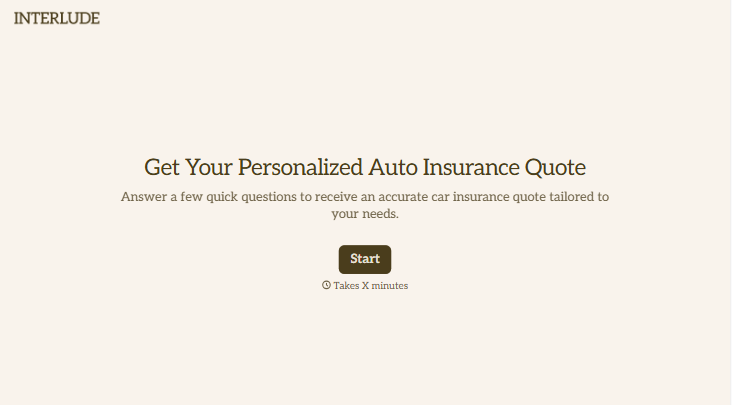
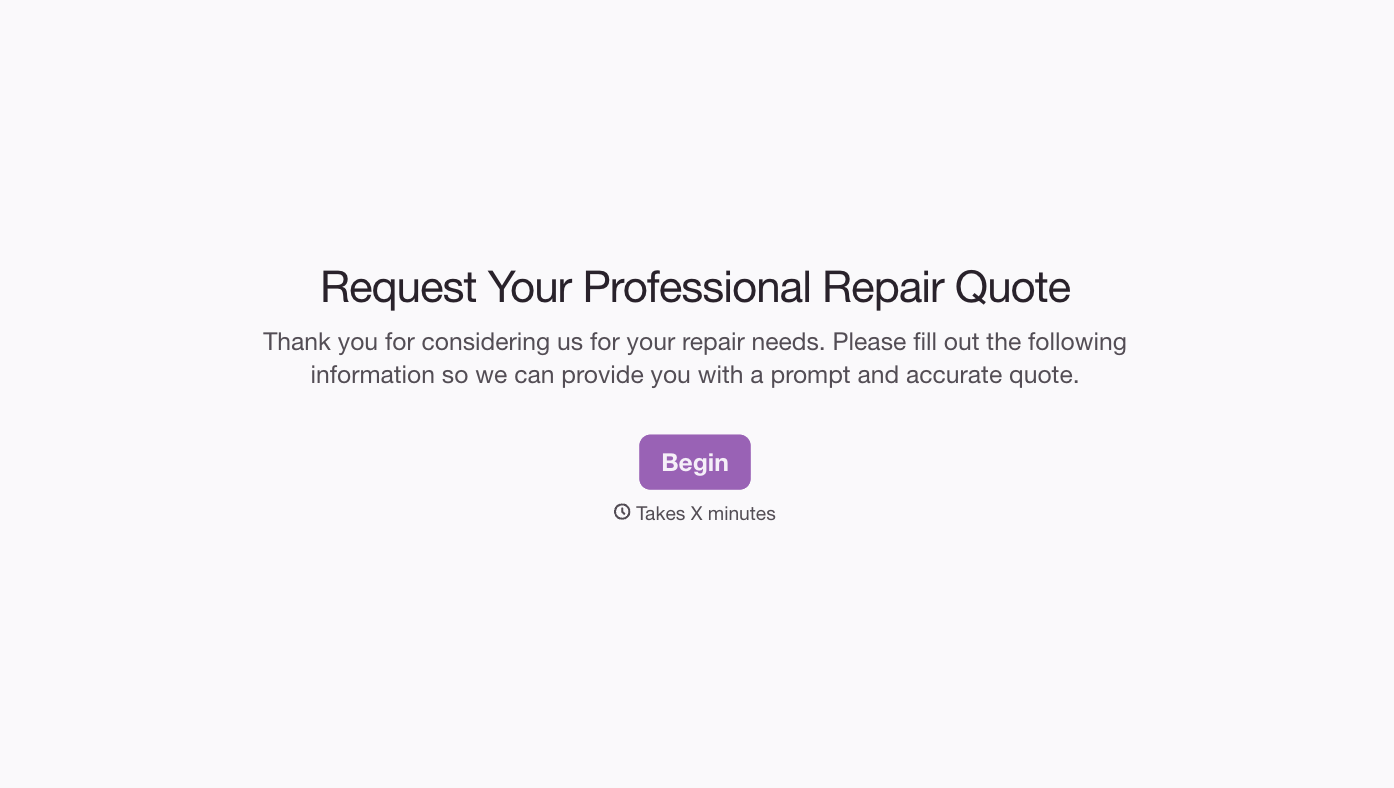
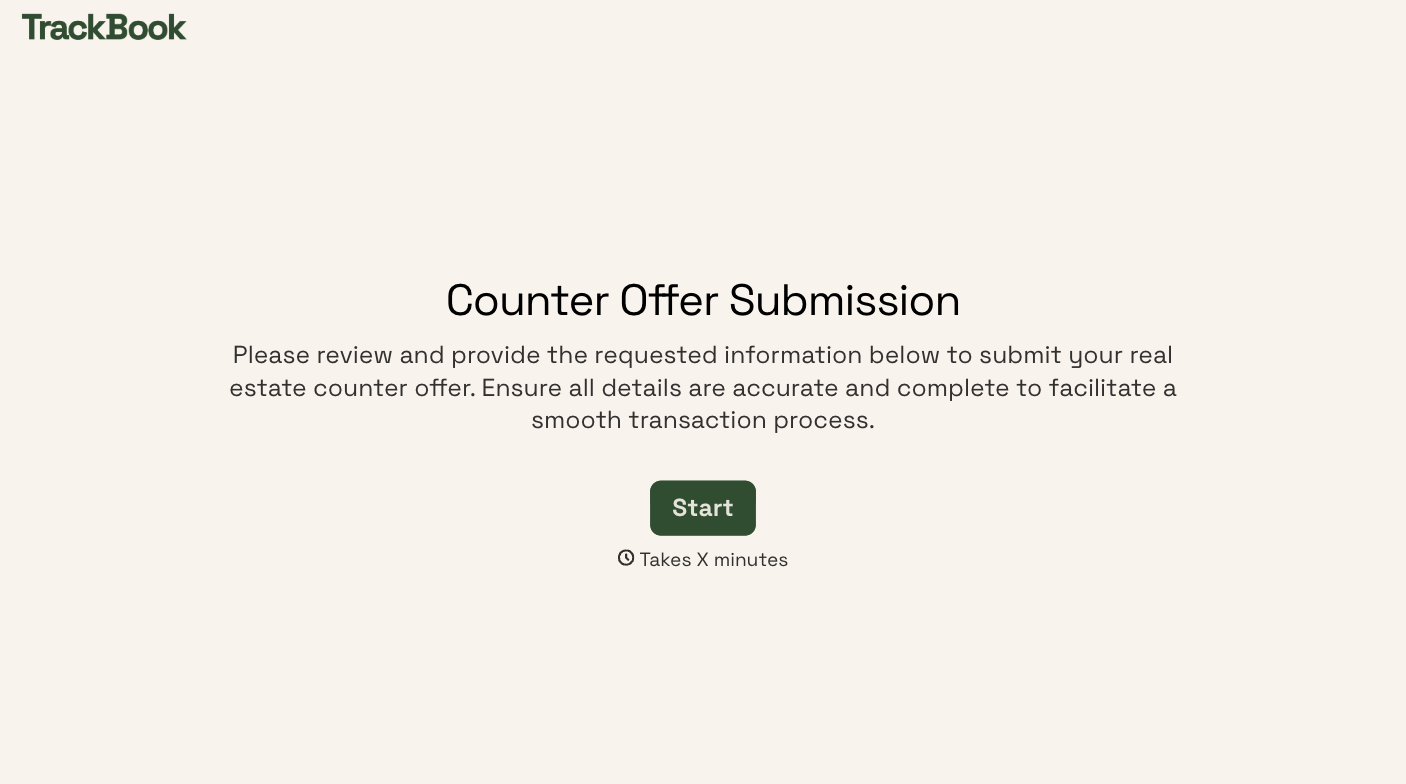
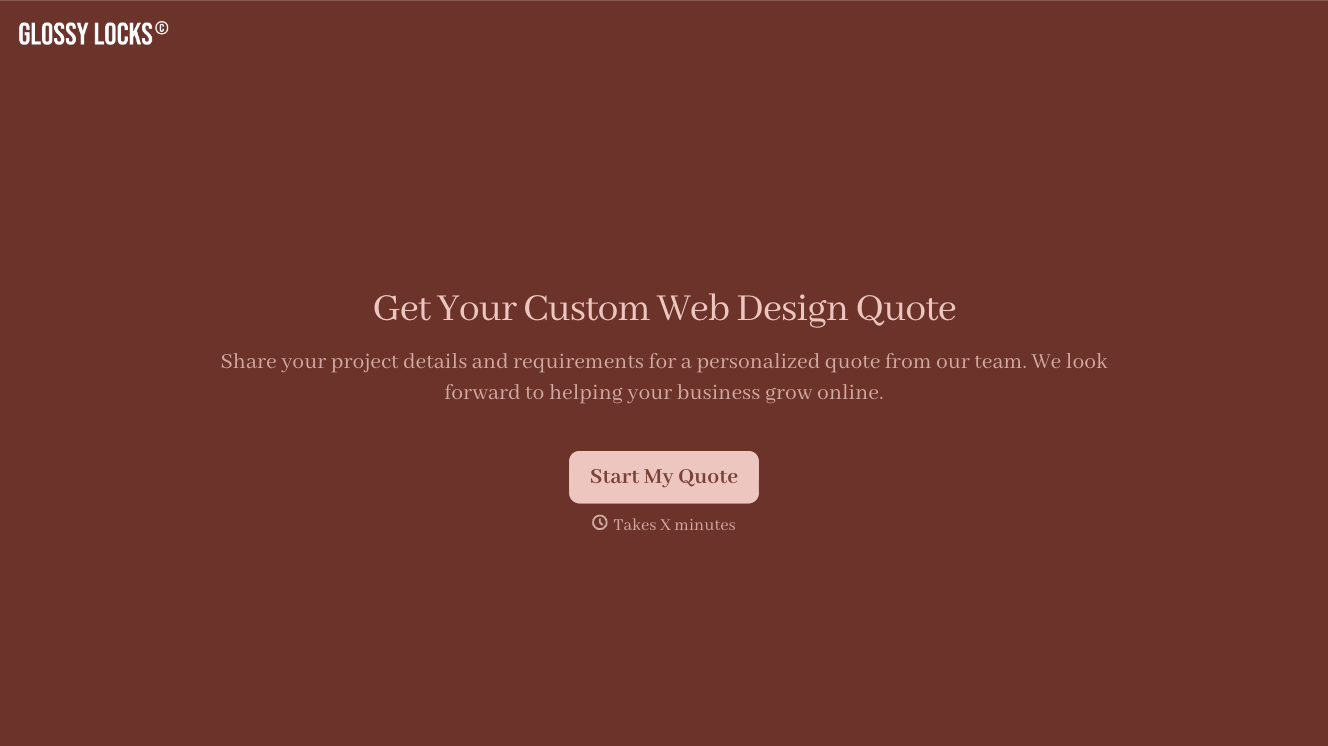
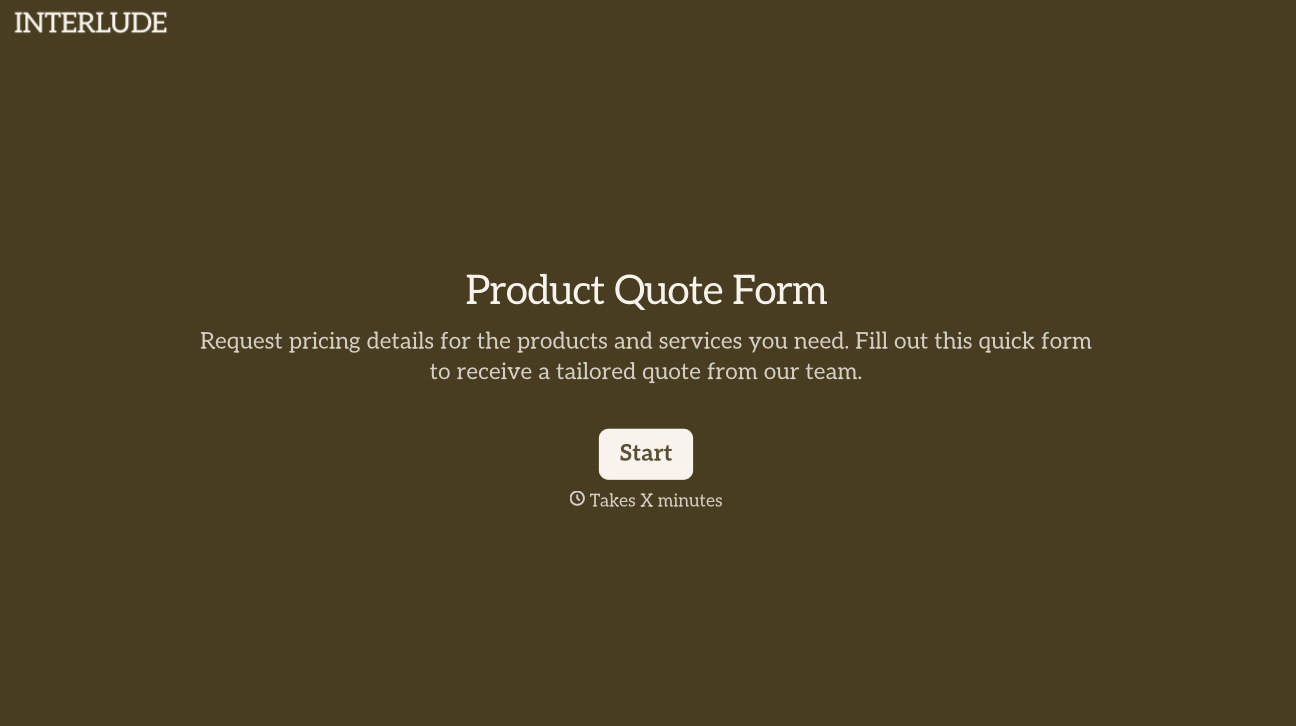
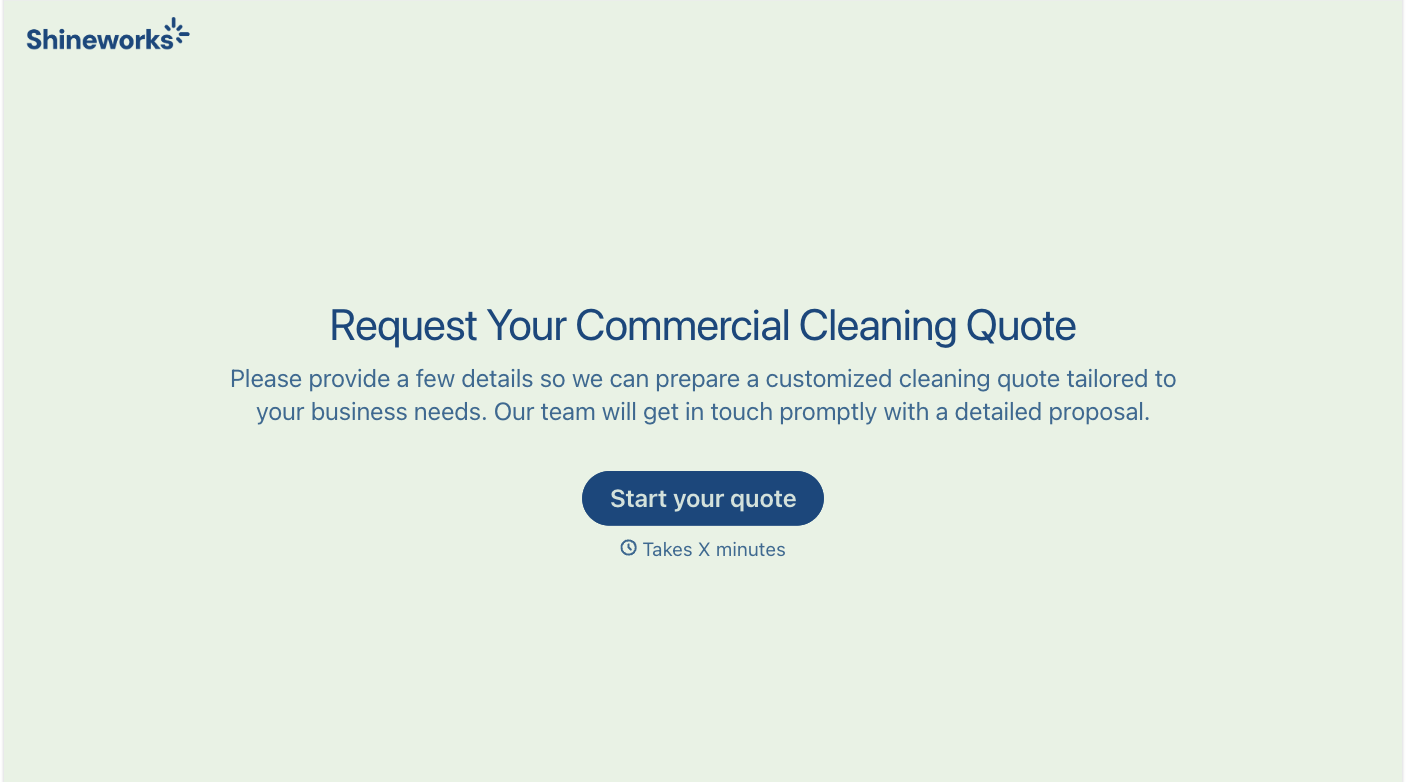
With Typeform, you can customize everything
Change text, colors, and even logos to match the look and feel of your brand. Then embed forms smoothly onto web and email.
Make forms feel effortless to fill out. Pace questions, call people by their name, and adapt the flow based on the data they share.
Stay efficient by connecting forms to your workflow. Typeform integrates with 300+ tools including Slack, Zapier, and HubSpot.


