Web design quote form
Capture project scope, design preferences, and budget before you quote — so every number you send reflects the project in front of you.



Quoting a web project without a proper brief is guesswork. A client who says "just a simple website" might mean five pages or fifty, and a misaligned quote wastes time on both sides. Typeform's web design quote form gives designers and agencies a structured way to collect what they need from a client before a quote is ever written.
The form collects business details, project type, number of pages, required features, budget range, and timeline—everything that determines what a project actually costs. Typeform walks clients through one question at a time, so completing a brief feels like a conversation rather than a form. Conditional logic branches questions based on project type—a client requesting a new build sees different questions about design direction than a client requesting a redesign of an existing site.
Customize service offerings, feature options, and budget ranges to match your studio's capabilities. Connect submissions to Google Sheets, Airtable, or your CRM via Zapier so every brief arrives organized and ready to quote. Embed the form on your website or share it directly with prospective clients. A five-minute brief upfront means better work for clients, and fewer compromises on your end.
A web design quote form is a structured document that designers and agencies use to collect project details from prospective clients before pricing a job. It captures business details, project type, number of pages, required features (e-commerce, booking, portfolio, etc.), budget range, and timeline. It's the starting point for every accurate web design quote.
Quotes built on assumptions lead to scope creep, underpricing, and client disputes before the project is even finished. A structured quote form ensures every brief arrives with the same level of detail, so designers spend less time chasing information and more time doing the work. Studios use it to qualify leads before committing to a discovery call, and freelancers use it to set clear expectations from the first interaction.
Cover every detail that affects the scope and cost of the project:
- Business name, industry, and target audience
- Project type (new build, redesign, or additional pages)
- Number of pages and site structure
- Required features (e-commerce, booking system, blog, etc.)
- Design preferences and brand assets available
- Budget range and timeline
- Existing website URL (for redesign requests)
Start with the project type and page count to establish the baseline scope, then layer in the required features and timeline to assess complexity. A five-page brochure site with no custom features is a fundamentally different job than a ten-page site with e-commerce and a booking system, even if both clients described it as "something simple." Conditional logic tailors questions to the project type, so by the time you get on a call, the brief already has what you need to price the work.
You can integrate Stripe to collect a project deposit at the time of submission. Alternatively, use the form for brief collection only and send a payment link once the quote is approved and the scope is confirmed.
Get inspired by relevant templates and categories
3200+ Templates, 300+ Integrations




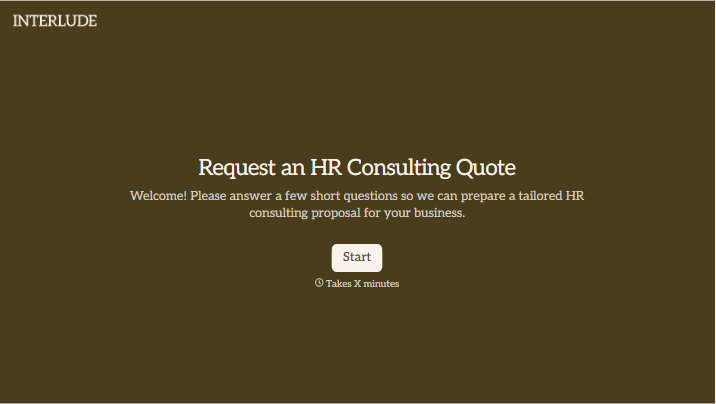

With Typeform, you can customize everything
Change text, colors, and even logos to match the look and feel of your brand. Then embed forms smoothly onto web and email.
Make forms feel effortless to fill out. Pace questions, call people by their name, and adapt the flow based on the data they share.
Stay efficient by connecting forms to your workflow. Typeform integrates with 300+ tools including Slack, Zapier, and HubSpot.


