Travel Expense Reimbursement Form
Reimburse travel without a round of emails about missing receipts. Collect each expense, its receipt, and the cost code as the trip happens.



Until a travel claim clears, the employee is the one funding the trip. They put flights and four nights of hotel on a personal card, and every incomplete field on the claim extends that loan by another week. Missing receipts stall claims the longest, because an employee can photograph a taxi receipt at the curb in a second but can't recreate it two weeks later. Typeform's travel expense reimbursement form takes each expense and its receipt as the trip happens, so nothing comes back for a second pass.
With this form, travelers can log each expense with its date, amount, category, and the project or cost code it belongs to. Conditional logic reads the expense type each traveler picks and shows only the fields that match. A mileage claim brings up the route, the distance, and the rate, while a paid expense brings up the receipt and the payment method. Each line arrives with whatever backs it up.
Finance and accounting teams get full claims where every line has a receipt, a code, and a date on it, and the approver can see what they're approving without asking for clarification. The employee gets paid on the first expense reimbursement submission, instead of going back-and-forth to resolve the travel claim.
A travel expense reimbursement form is an online form employees complete to claim back money they spent on business travel. It collects each expense with its date, amount, and category, the receipt behind it, mileage where it applies, and the cost code to charge it against. Finance teams use travel expense reimbursement forms to approve complete claims on the first pass instead of returning them for missing receipts.
Without a travel expense reimbursement form, claims arrive as a spreadsheet with a folder of photos, or a folder of photos with no spreadsheet. Finance and accounting teams pair each image to a line, spot a missing hotel folio, and send the whole claim back, so the employee who fronted three thousand dollars waits another pay cycle. A travel expense reimbursement form attaches each receipt to the line it belongs to, so finance and accounting teams review the claim swiftly.
Capture what a claim needs to clear:
- Trip purpose and dates
- Each expense with date and amount
- Receipt for every line
- Mileage, route, and rate
- Cost code or project to charge
Yes. Employees can upload a photo of each receipt with File Upload, available on paid Typeform plans. They can add images or PDFs up to 10MB each, so a receipt gets photographed at the table rather than hunted for at the end of the month. Every receipt arrives attached to the expense it covers.
Yes, within limits. State the cap in the question itself, so someone entering a hotel rate sees the nightly limit as they type it, and use conditional logic to ask for a justification when a line goes over. What the form won't do is check a figure against your policy document automatically, so treat it as a prompt at the point of entry rather than a control.
Get inspired by relevant templates and categories
3200+ Templates, 300+ Integrations
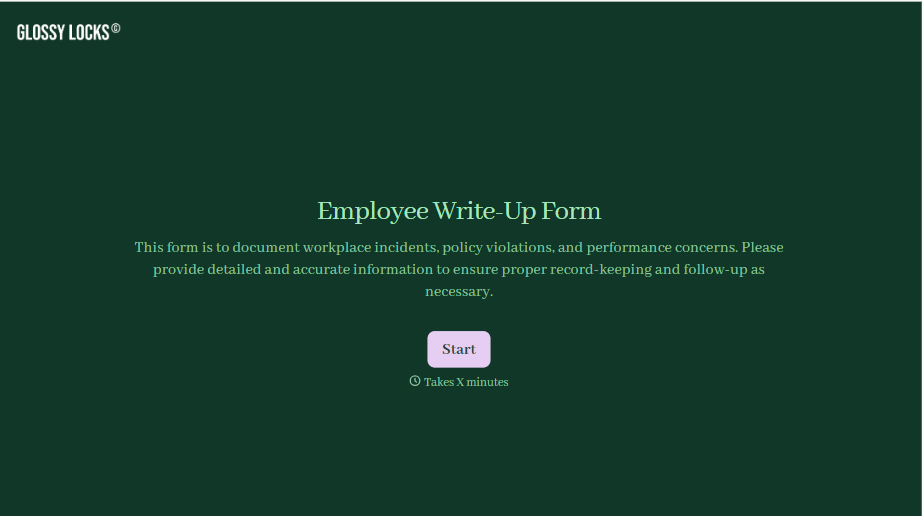
Employee Write-Up Form
A verbal warning that never makes it into a written record isn't the kind of documentation that holds up if a termination is challenged later. Collect the specific incident, policy violated, and corrective action while it's fresh, so a pattern of issues doesn't go undocumented until it's too late to matter.
View template
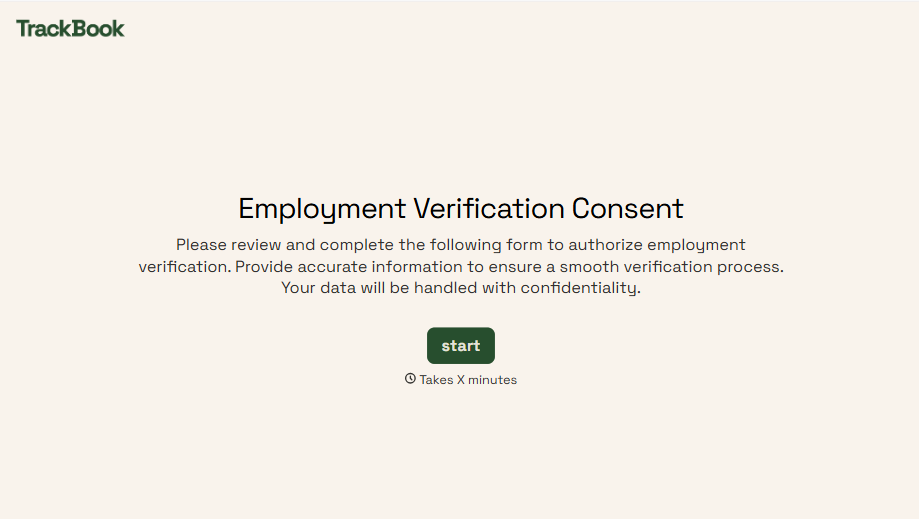
Employment Verification Release Form
A verification request that comes in as a phone call to HR doesn't tell anyone whether the employee actually agreed to have their salary shared with whoever's asking. Collect what your company actually needs, the employee's authorization, what's being released, and to whom, before HR says anything back.
View template
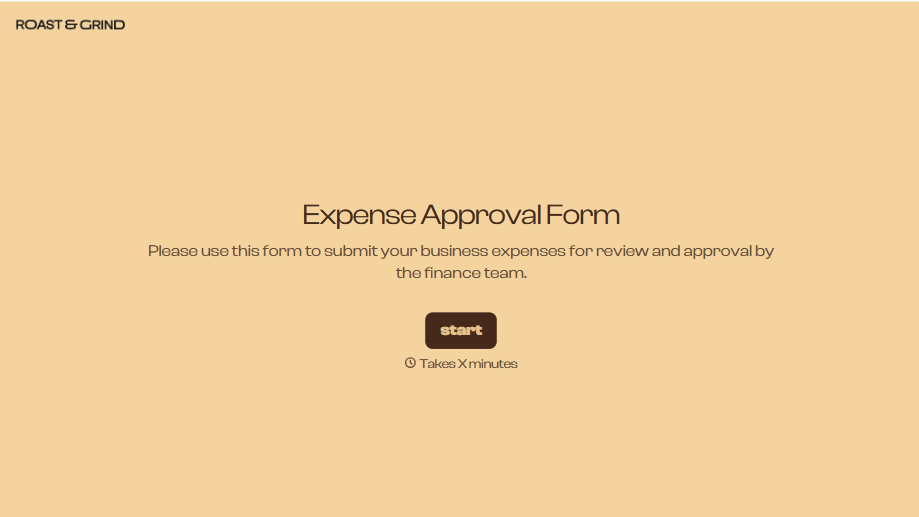
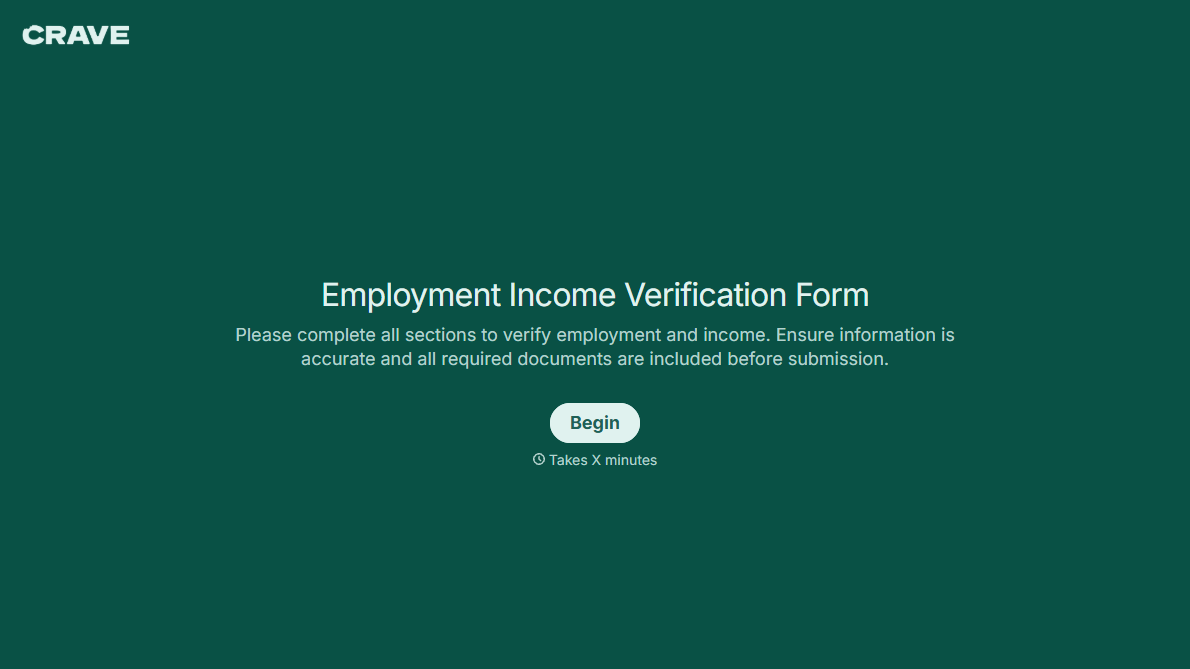
With Typeform, you can customize everything
Change text, colors, and even logos to match the look and feel of your brand. Then embed forms smoothly onto web and email.
Make forms feel effortless to fill out. Pace questions, call people by their name, and adapt the flow based on the data they share.
Stay efficient by connecting forms to your workflow. Typeform integrates with 300+ tools including Slack, Zapier, and HubSpot.


