Tournament Registration Form Template
Collect player and team registrations for your tournament in one place, so organizing the draw is straightforward.



Running a tournament means managing registrations from individuals or teams, tracking payments, assigning brackets, and communicating logistics — and when all of that filters in through email and social media, it's a coordination headache before the event even starts.
A tournament registration form organizes this from the first inquiry. Typeform collects participant details, team information, category or division selection, and payment in a single flow. Conditional logic shows team-specific questions only to team registrations, and individual questions to solo participants. Responses aggregate in a spreadsheet so you can sort by category, check payment status, and build your brackets without spending hours reformatting data.
Customize the form with your tournament's branding, rules, and division options. Share it on your event website and social channels as soon as registration opens.
A tournament registration form is an online form that collects entry information from participants or teams who want to compete in a tournament or competition. It covers personal or team details, the division or category they're entering, payment, and any other information the organizer needs to set up the draw and manage logistics.
It gives you clean, organized data from every registrant, rather than a pile of emails to manually sort through. Registrations are automatically recorded with all necessary details, which makes building brackets, confirming entries, and communicating with participants significantly faster.
Cover both participant details and tournament logistics:
- Full name and contact information
- Team name and captain details (for team events)
- Division or category entering
- Skill level or ranking (if applicable)
- Agreement to tournament rules and code of conduct
- Payment details
- Emergency contact
Set a cap in your registration workflow and redirect participants to a waitlist form once the limit is reached. Collect their details and division preference, and contact them in order if a spot opens. Letting registrants know exactly where they are on the waitlist tends to reduce the number of people who quietly drop off.
Use the email addresses collected in the form to send updates. You can connect Typeform to an email tool like Mailchimp or send directly from a spreadsheet. A separate confirmation message at the time of registration that explains what happens next (e.g., when they'll receive bracket info, where to find updates) reduces inbound questions.
Get inspired by relevant templates and categories
3200+ Templates, 300+ Integrations
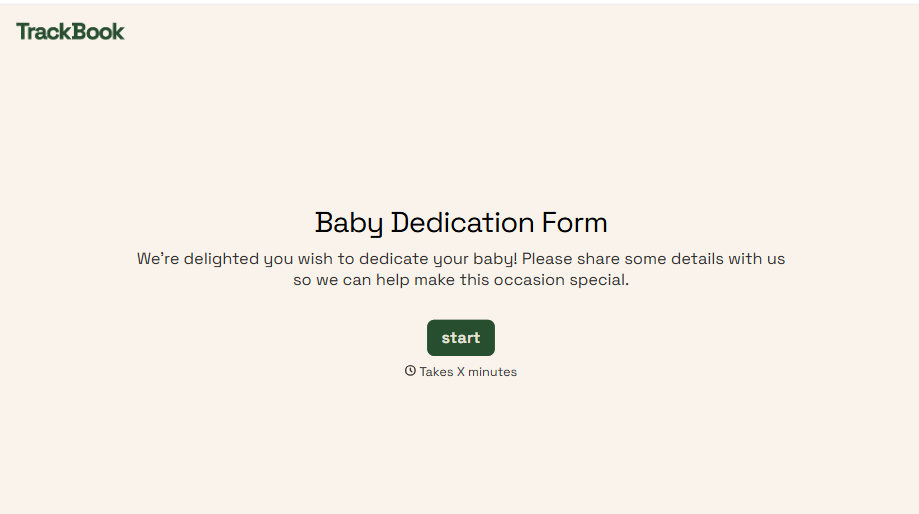
Baby Dedication Form
A sign-up sheet passed around during announcements isn't the kind of detail you want to compile into a Sunday program from memory. Collect the baby's information, requested ceremony date, and any required class attendance before the service, so your team isn't confirming a name's spelling the morning of.
View template
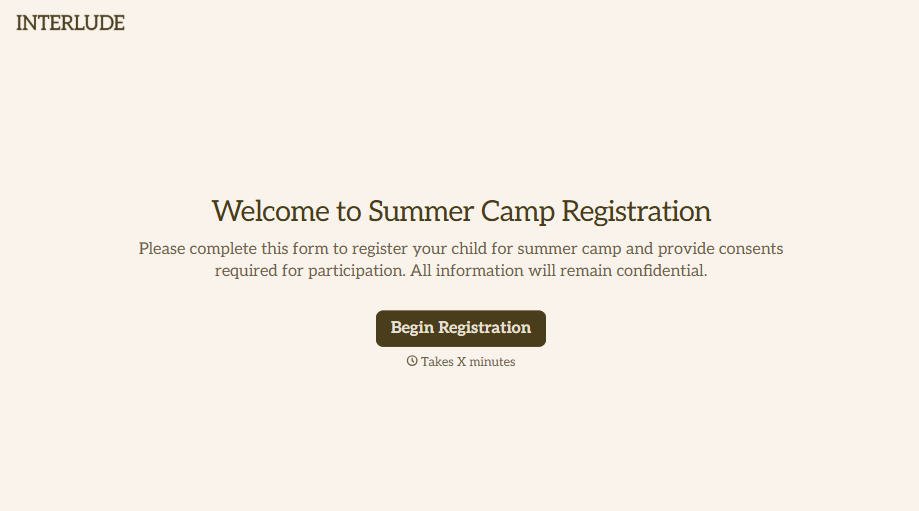
Summer Camp Consent Form
A camper with a bee sting and a counselor on the phone trying to reach a parent isn't a consent process, it's a delay. Collect guardian consent for emergency medical treatment, medication administration, and photo or media use before drop-off, so your staff can act instead of waiting for a callback.
View template
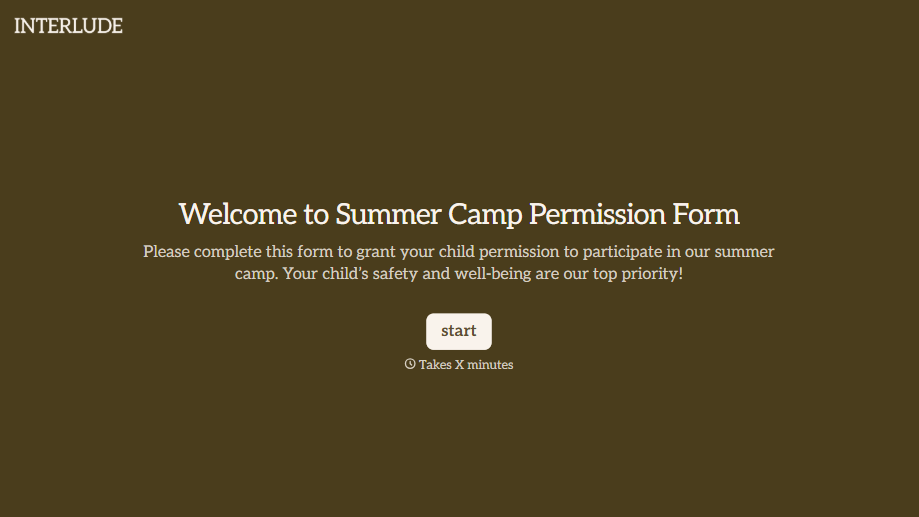
Summer Camp Permission Form
A permission packet crumpled at the bottom of a backpack for two weeks isn't a permission slip anyone can rely on. Collect camper information, medical disclosures, and a signed permission for camp activities before drop-off, so your staff aren't scrambling for an emergency contact on day one.
View template
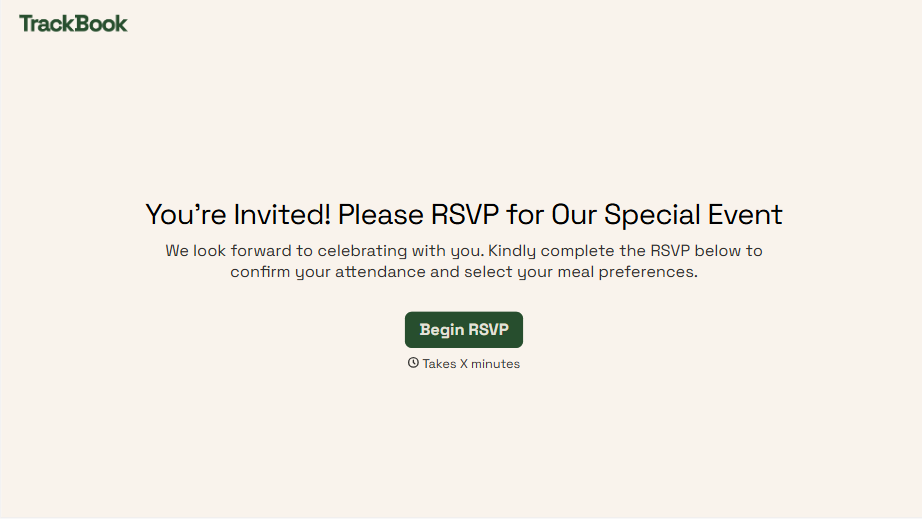
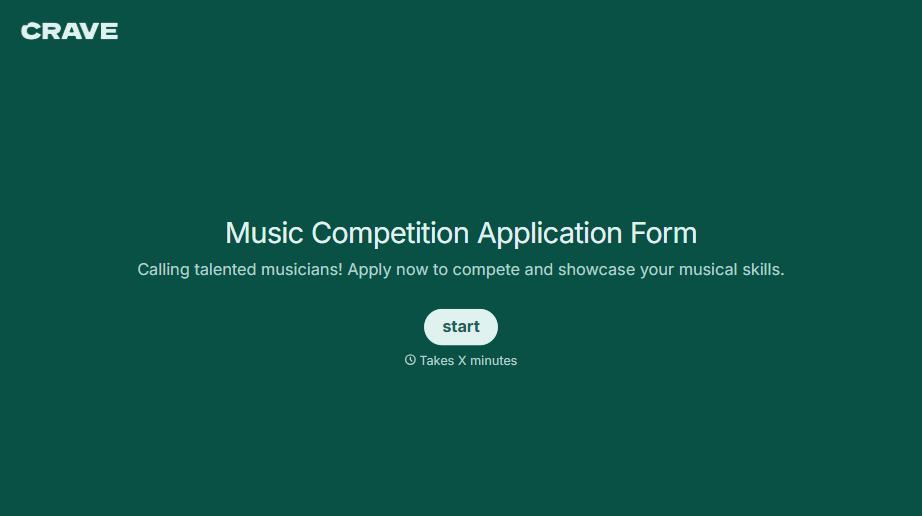
Music Competition Application Form
An application that asks for a video link and a repertoire list but never says whether the recording needs to be a single unedited take isn't a fair competition, it's whoever guessed the actual rules correctly. Set the age category, the time limit, and the recording requirements up front, so every entry gets judged against the same standard.
View template
With Typeform, you can customize everything
Change text, colors, and even logos to match the look and feel of your brand. Then embed forms smoothly onto web and email.
Make forms feel effortless to fill out. Pace questions, call people by their name, and adapt the flow based on the data they share.
Stay efficient by connecting forms to your workflow. Typeform integrates with 300+ tools including Slack, Zapier, and HubSpot.


