Table Reservation Form
Collect every reservation detail before a guest arrives, so your front-of-house team sets the right table, every time.



Restaurants that take reservations by phone spend service hours confirming details that should have been collected at booking. A party that arrives expecting a window table for an anniversary they never mentioned is a problem the host can't fix at the door. Typeform's table reservation form gives restaurants and venues a consistent way to collect complete guest details before every sitting.
The form collects guest name and contact details, reservation date and time, party size, dietary requirements, and any special requests. Guests move through one question at a time, so the booking feels quick rather than like filling out a form. Conditional logic adapts based on the occasion and party size. A group marking a birthday or anniversary sees follow-up questions about preferences, while a lunch table for two moves straight through.
Customize the form with your available sitting times, party size limits, and any seating preferences your venue offers. Embed it on your website, link it from your Google Business profile, or share it directly with guests who call to book. Connect it to Google Calendar or your reservation system via Zapier so every booking lands in your schedule automatically. Your front-of-house team walks into every service knowing exactly who's coming, how many, and what they need.
A table reservation form collects guest details before a restaurant or venue confirms a booking. It gathers the guest's name, contact details, reservation date and time, party size, and any special requests or dietary needs in one submission. Think of it as the advance record your front-of-house team uses to prepare for every sitting.
Phone reservations are easy to misrecord and hard to reference during a busy service. When details arrive informally, special requests get missed and tables get set for the wrong number of guests. A structured form ensures every guest submits the same details in advance, so your team prepares without scrambling. Use it for à la carte bookings, set menu sittings, private dining reservations, and high-demand event nights.
Collect what your team needs to prepare before the first guest walks in:
- Guest name and contact details
- Reservation date, time, and party size
- Dietary requirements and allergies
- Occasion (birthday, anniversary, business dinner, etc.)
- Special seating or accessibility requests
Set up conditional logic to branch based on the occasion selected, so guests who are celebrating see relevant follow-up questions. A guest marking a birthday sees questions about cake preferences, decoration setup, and whether a surprise is involved. A guest booking for a business dinner moves straight to seating preferences and dietary requirements instead. Your team knows exactly what each table needs before service begins.
Typeform integrates with Stripe so guests can pay a deposit or prepay for a set menu at the time of booking. This is especially useful for high-demand services, private dining rooms, or event nights where no-shows carry a real cost. Alternatively, collect the reservation details now and send a payment request once the booking is confirmed.
Get inspired by relevant templates and categories
3200+ Templates, 300+ Integrations
With Typeform, you can customize everything
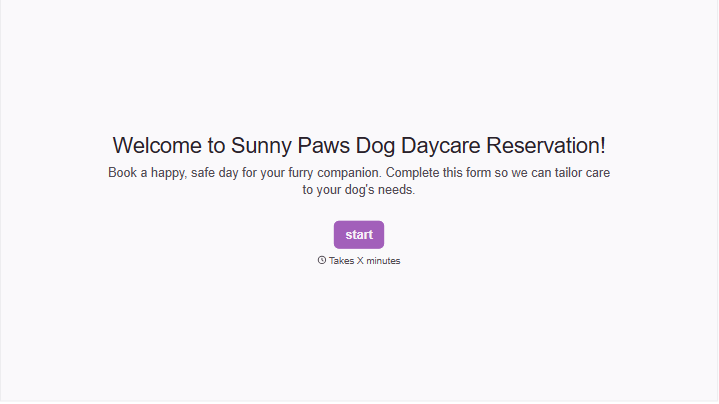
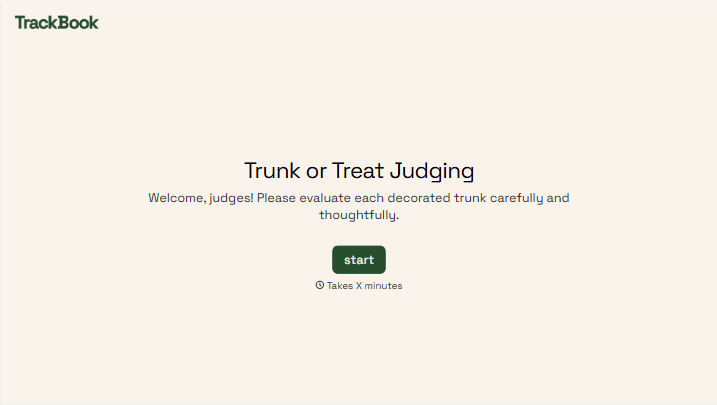
Change text, colors, and even logos to match the look and feel of your brand. Then embed forms smoothly onto web and email.
Make forms feel effortless to fill out. Pace questions, call people by their name, and adapt the flow based on the data they share.
Stay efficient by connecting forms to your workflow. Typeform integrates with 300+ tools including Slack, Zapier, and HubSpot.


