Sponsor information form template
Landing a sponsor is easy, but getting their logos and details right is what earns the renewal. Collect company info, branding assets, sponsorship tier, and booth needs in one place.



Once a company agrees to sponsor your event, the real scramble begins. Coordinators end up chasing logos, tax details, and booth preferences across a dozen email threads. Miss one asset, and a sponsor's logo shows up blurry or missing on event day. Typeform's sponsor information form gives coordinators one place to collect every detail the moment a sponsor signs on.
The form collects company and contact details, sponsorship tier, brand assets, and how each sponsor wants to be featured. Questions appear one at a time, so busy sponsor reps can finish in just a couple of minutes. Conditional logic adapts the form based on the sponsorship tier each company picks. A title sponsor answers booth and speaking questions, while a logo-only sponsor skips both.
Customize the tiers and questions to match your event—whether it's a conference, a golf tournament, or a gala. Send it to sponsors by email or link the moment a deal closes. Every submission lands in Google Sheets or Airtable via Zapier, so your sponsorship roster stays current. When event day comes, every logo and banner shows up exactly as the sponsor asked.
A sponsor information form collects everything an organizer needs to deliver on a sponsorship agreement. It captures company details, contacts, sponsorship tier, brand assets, and any booth or marketing requests. Teams that gather these details upfront start every sponsor partnership with a full picture, instead of a long follow-up list.
Sponsors renew when they feel their money was well spent, and that impression starts the moment you ask them for their information. A disorganized sponsor intake signals more chaos to come, and a sponsor burned once rarely signs again. A single, professional sponsor information form shows sponsors you take their investment as seriously as they do.
Cover what every sponsor activation needs:
- Company name and primary contact
- Sponsorship tier or package chosen
- Logo files and brand guidelines
- Booth, banner, and signage needs
- Billing and invoicing details
Yes. Sponsors can upload logo files, brand guidelines, and co-marketing assets directly in the form using the file upload field. Specify required file formats you need, so sponsors submit print-ready files, not screenshots that need re-sourcing. Typeform’s file upload allows files up to 10MB and is available on paid plans. Everything arrives alongside the sponsor's submission.
Yes. Connect the form with Stripe to collect sponsorship fees the moment a company completes the form. If your sponsorship packages are custom-priced, use the form for intake and send an invoice or payment link after.
Get inspired by relevant templates and categories
3200+ Templates, 300+ Integrations
Sponsor Donation Form
A sponsorship agreed to over a handshake at a networking event doesn't tell your team which tier it was, or which benefits got promised in the moment. Collect what your event actually needs, sponsor information, tier and donation amount, and payment details, before the invoice goes out.
View template
Stripe Donation Form
A donor who's just watched your appeal video, read the story, felt the pull to give right now, doesn't stay in that moment for long. A donation form that makes them page through fields, re-enter their card number on a slow-loading checkout, or hunt for a "give" button buried in a footer is exactly what turns that impulse into a tab they never come back to.
View template
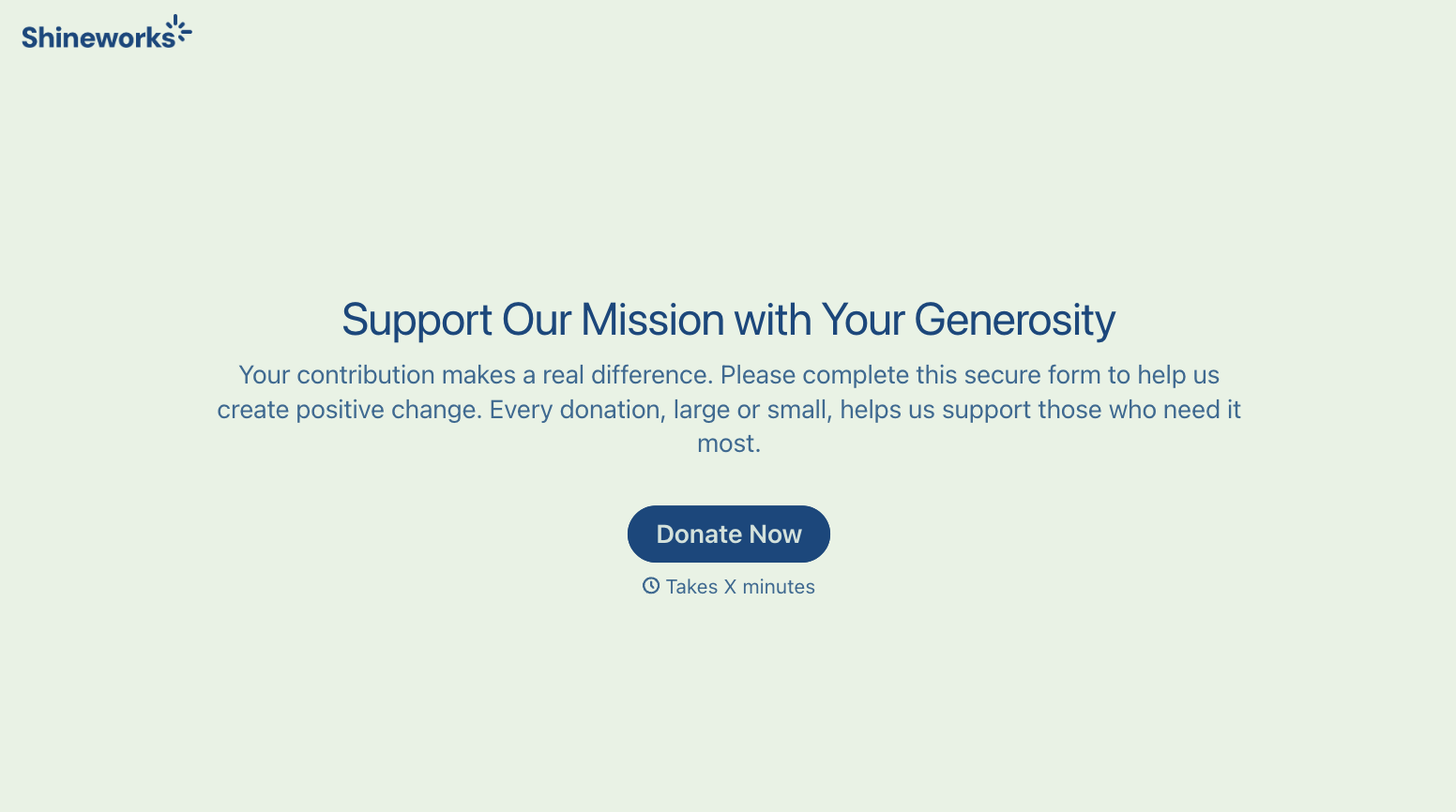
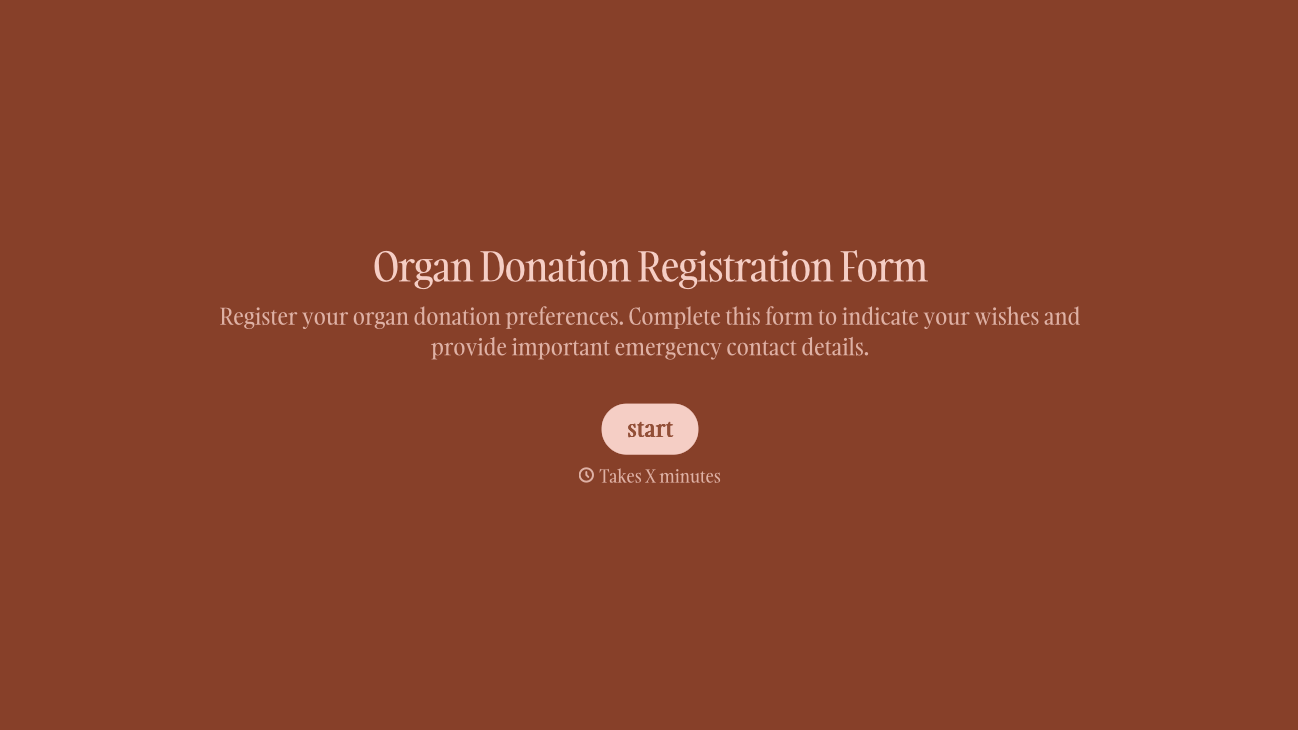
With Typeform, you can customize everything
Change text, colors, and even logos to match the look and feel of your brand. Then embed forms smoothly onto web and email.
Make forms feel effortless to fill out. Pace questions, call people by their name, and adapt the flow based on the data they share.
Stay efficient by connecting forms to your workflow. Typeform integrates with 300+ tools including Slack, Zapier, and HubSpot.


