PayPal Donation Form
Stop chasing down donors for missing details. Collect name, contact information, fund designation, and payment in one form, so every gift arrives ready to process.



Incomplete donation records create extra work and delay the acknowledgments your donors expect. A slow or confusing process can also cost you gifts from donors who give up on donating before they finish the form. Typeform's PayPal donation template gives organizations a straightforward process to collect donor information and payment in a single form.
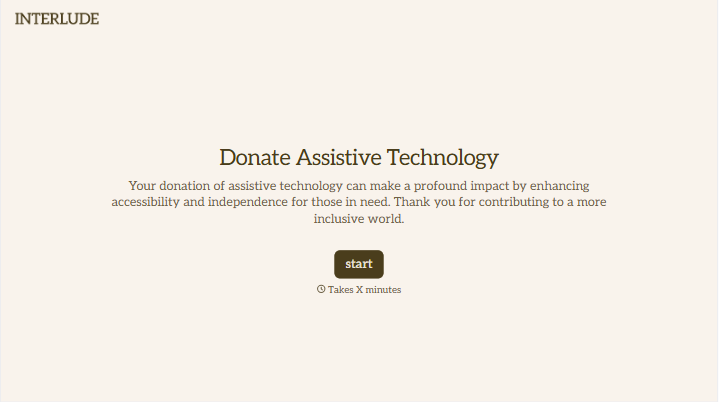
The form captures donor name, contact information, donation amount, fund or campaign designation, and a message field for personal notes. Questions appear one at a time, so donors move through the form quickly without facing a wall of fields. Conditional logic adapts the form based on the donor's giving preference. A recurring donor sees options for frequency and start date, while a one-time donor moves straight to payment.
Customize the fund designations and suggested donation amounts to match your current campaigns. Embed the form on your website, share it in fundraising emails, or post the link across social media. Submissions log automatically in Google Sheets or your CRM via Zapier, so your team tracks every gift without manual entry. Send every donor a personalized acknowledgment message the same day their gift arrives, not a week later.
A PayPal donation form collects donor details and processes payment in a single online submission. It captures donor name, contact information, donation amount, fund designation, and an optional personal message. Use it so every gift arrives with the donor details and fund information your team needs to issue a receipt.
Online donors expect a fast, frictionless giving experience. A disorganized or multi-step process leads to abandoned donations and lost revenue. A PayPal donation form captures everything in one place, so donors finish quickly and your team receives a complete record automatically. Organizations that streamline donation intake report higher completion rates and fewer donor service requests.
Cover both the giving details and the donor information you need for reporting:
- Donor full name and email address
- Donation amount (with suggested tiers or an open amount option)
- Fund or campaign designation
- Giving type (one-time or recurring)
- Optional message or dedication
Connect your form to PayPal's recurring billing options through Zapier or a direct PayPal integration to automate repeat gifts. When a donor selects recurring giving, conditional logic surfaces fields for frequency (monthly, quarterly, or annually) and a preferred start date. Confirm the recurring schedule in the donor's acknowledgment email so they know exactly what to expect. Review your active recurring donors monthly to flag lapsed or failed payments before they affect your revenue.
Send an automated acknowledgment email immediately after each submission, with the donor's name, gift amount, and fund designation included. Connect your form to your email platform via Zapier to trigger the right acknowledgment based on gift size or campaign. For tax-deductible donations, include the required receipt language and your organization's tax ID in the acknowledgment. Donors who receive immediate, personalized acknowledgments are more likely to give again.
Get inspired by relevant templates and categories
3200+ Templates, 300+ Integrations





With Typeform, you can customize everything
Change text, colors, and even logos to match the look and feel of your brand. Then embed forms smoothly onto web and email.
Make forms feel effortless to fill out. Pace questions, call people by their name, and adapt the flow based on the data they share.
Stay efficient by connecting forms to your workflow. Typeform integrates with 300+ tools including Slack, Zapier, and HubSpot.


