Raffle Entry Form Template
Collect raffle entries digitally so you can run a fair draw and stay organized without the paper trail.



Paper raffle tickets are hard to manage at scale. You're manually counting entries, dealing with illegible handwriting, and hoping nothing gets lost between collection and the draw. For online or hybrid events, paper isn't even an option.
A digital raffle entry form gives you a clean, trackable way to collect entries. Typeform's one-question-at-a-time format makes it quick for entrants to complete, and every submission is automatically logged with a timestamp. You can cap entries per person using form logic, collect contact details for prize notification, and export the full entry list when it's time to draw. Integrations with Google Sheets mean your draw list is ready without any manual work.
Customize the form with your event branding, the prize on offer, and any entry conditions. Share it via a QR code at an in-person event, a link on social media, or in an email to your audience.
A raffle entry form collects participant information for a prize drawing or giveaway. It captures the contact details needed to notify winners and may include qualifying questions, terms acceptance, or bonus entry options. It's both a participation mechanism and a lead generation tool, collecting opted-in contacts who've expressed interest in your brand, event, or cause.
It eliminates the logistical problems of paper tickets, gives you an accurate and tamper-proof entry list, and makes it easy to run the draw and contact winners. For online or hybrid events, it's the only practical option for collecting entries at scale.
- Full name and email address
- Phone number (optional, for winner notification)
- Agreement to official rules and terms
- Age verification (if required by your promotion's legal requirements)
- How they heard about the raffle (optional, for marketing attribution)
- Optional bonus entry actions (social share, referral, newsletter signup)
Export your entry list to a spreadsheet and use a random number generator or a dedicated raffle tool to select a winner. For transparency, consider recording the draw or having a witness. Make sure your process for winner selection is clearly communicated to entrants upfront.
Yes, especially if the raffle involves a prize of significant value or is run by a business. Include a checkbox that confirms entrants have read and agreed to the terms. Your terms should cover eligibility, how the winner is selected, how they'll be contacted, and any prize conditions.
Get inspired by relevant templates and categories
3200+ Templates, 300+ Integrations


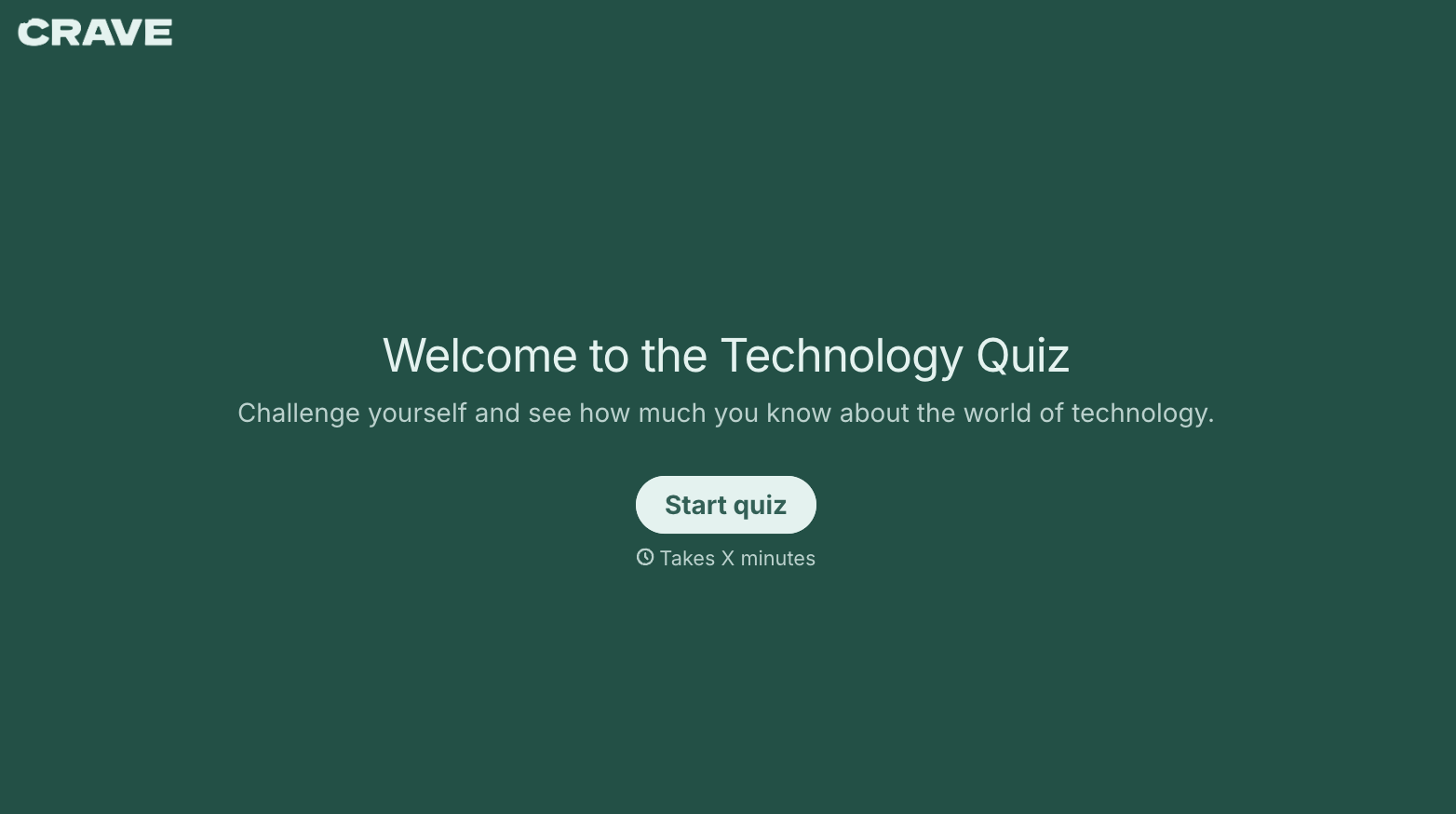
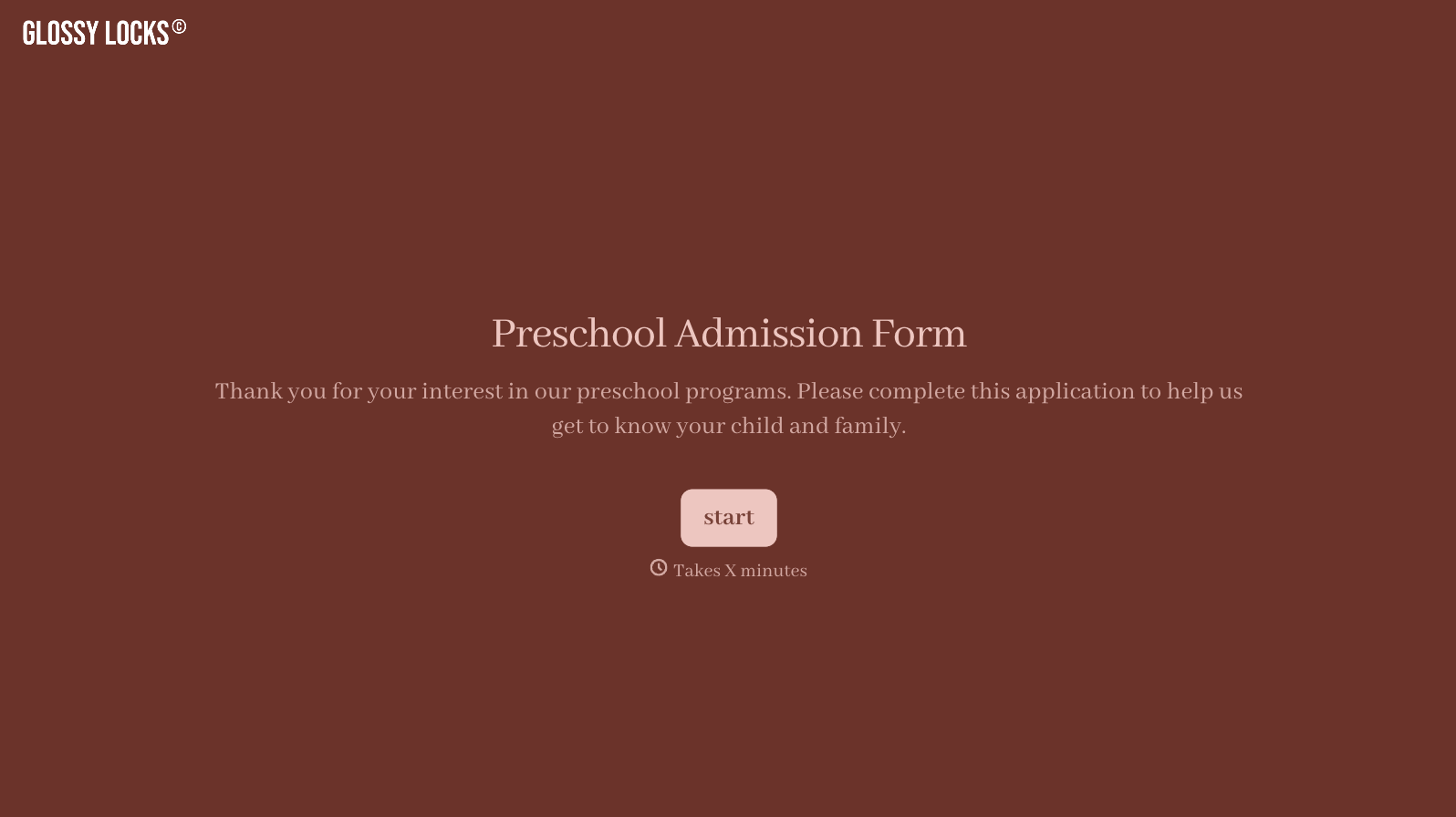
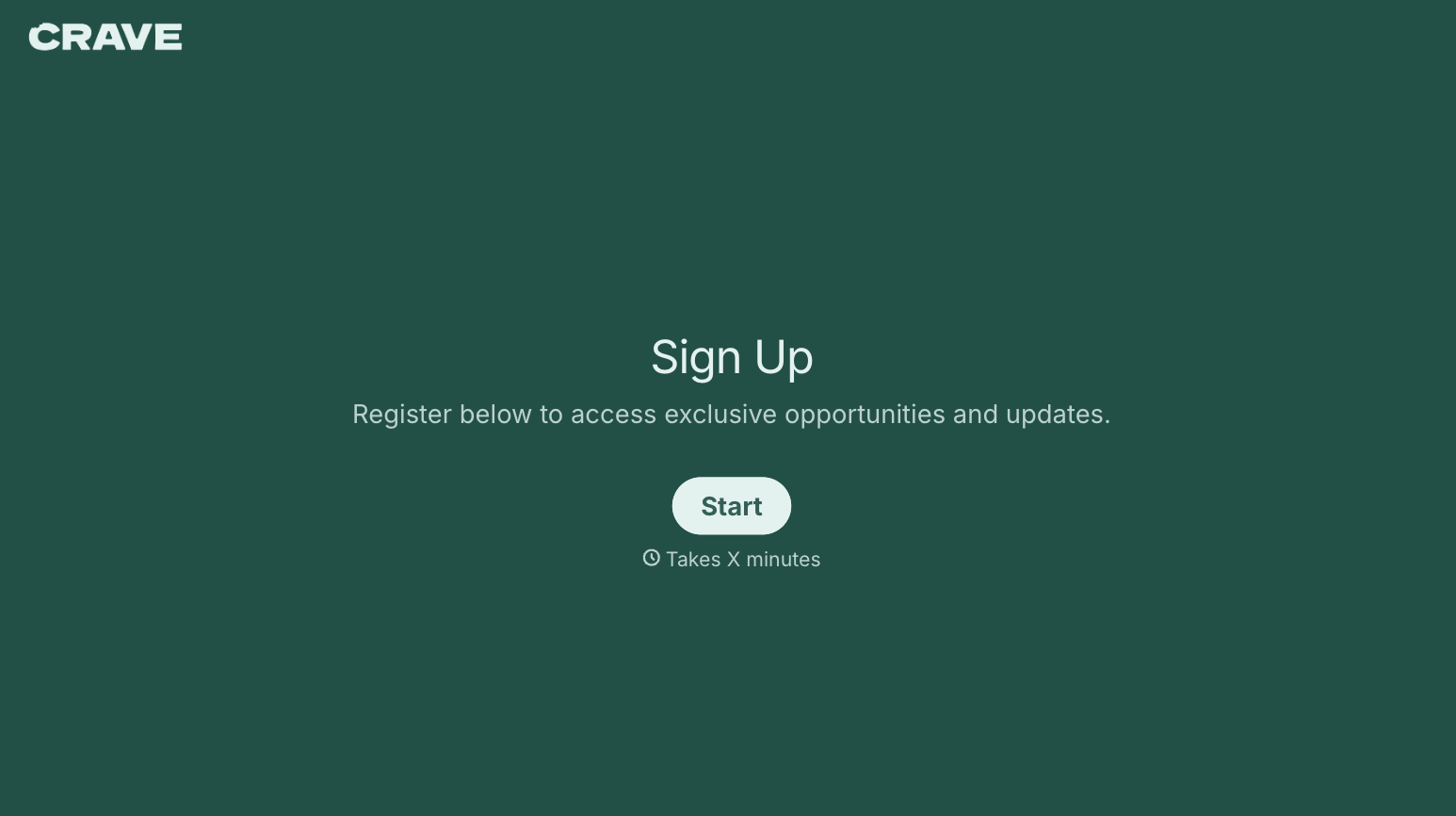
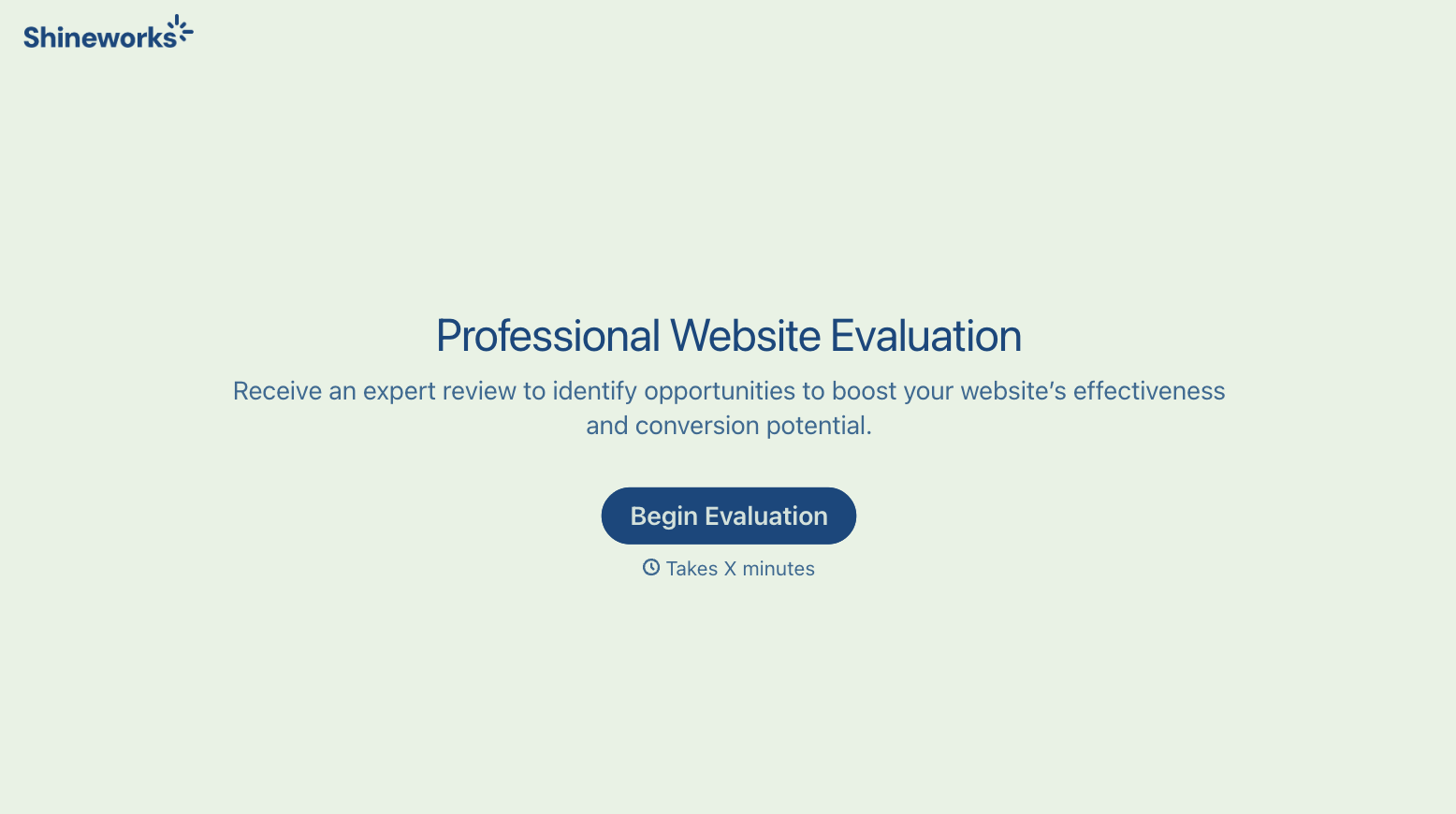
With Typeform, you can customize everything
Change text, colors, and even logos to match the look and feel of your brand. Then embed forms smoothly onto web and email.
Make forms feel effortless to fill out. Pace questions, call people by their name, and adapt the flow based on the data they share.
Stay efficient by connecting forms to your workflow. Typeform integrates with 300+ tools including Slack, Zapier, and HubSpot.


