Psychiatric Evaluation Form Template
Gather patient information before the evaluation so you can focus the session on what matters most.



Psychiatric evaluations require a lot of ground to cover — presenting concerns, psychiatric history, medications, family history, substance use, current functioning. When that information is collected on paper in the waiting room, patients rush through it, handwriting is hard to read, and clinicians spend the first part of every session on intake basics instead of clinical assessment.
An online pre-evaluation form changes that. Typeform's psychiatric evaluation template uses conditional logic to follow up on what's relevant — if a patient discloses a history of a specific condition, the form can surface additional questions about onset, treatment history, and current symptoms. You get complete, readable responses before the appointment starts. The form can connect to your EHR or practice management system so responses feed directly into the patient record.
You can adjust the clinical scope, add your practice's consent disclosures, and customize the form to align with your assessment framework.
A psychiatric evaluation form is a structured intake questionnaire used to collect clinical information before or during a psychiatric assessment. It covers areas like presenting concerns, mental health and medical history, current medications, and psychosocial background to help the clinician conduct a thorough evaluation.
It makes your evaluations more efficient and more complete. When patients provide background information in advance, clinicians can review it before the session and focus their clinical time on assessment and rapport rather than data collection. It also creates a consistent record for every patient.
A psychiatric evaluation form typically covers:
- Presenting concerns and reason for seeking evaluation
- History of mental health diagnoses and treatment
- Current medications and dosages
- Family psychiatric history
- Substance use history
- Sleep, appetite, and daily functioning
- Any recent significant life events or stressors
All form responses should be treated as confidential patient information and stored in compliance with HIPAA or applicable regulations. Flagging certain responses — such as disclosures of self-harm or suicidal ideation — for immediate clinical review before the appointment is a common best practice.
Yes. For telehealth patients especially, a well-designed pre-evaluation form is often the first touchpoint with your practice. Sending it ahead of the appointment gives patients time to reflect on their responses and arrive better prepared for the conversation.
Get inspired by relevant templates and categories
3200+ Templates, 300+ Integrations

X-Ray Release Form
A phone call asking to send X-rays to a new provider isn't an authorization your compliance file can rely on. Collect patient information, the receiving provider's details, and a signed authorization before the images go out, so your front desk isn't scrambling to prove who approved a release.
View template

Palliative Care Assessment Form
A symptom check done verbally during a rushed home visit isn't the kind of record that shows whether pain management is actually working from one visit to the next. Collect symptom severity, functional status, and psychosocial needs consistently, so a care team can see change over time instead of relying on memory of the last visit.
View template
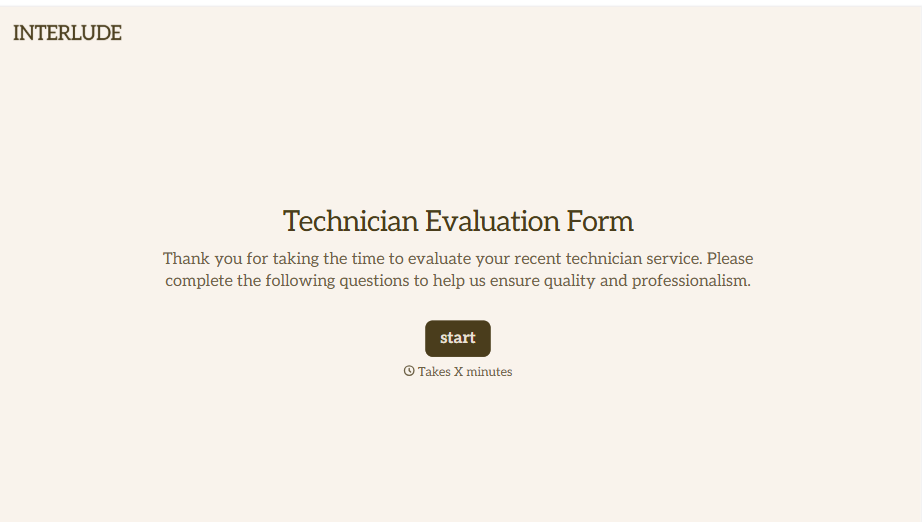
Technician Evaluation Form
A ride-along evaluation scribbled on a clipboard in the truck isn't the kind of record that holds up months later when it's time to talk about a raise or a certification renewal. Collect specific skill, safety, and customer service observations while the job's still fresh, so a technician's review is built on more than a supervisor's memory of the day.
View template
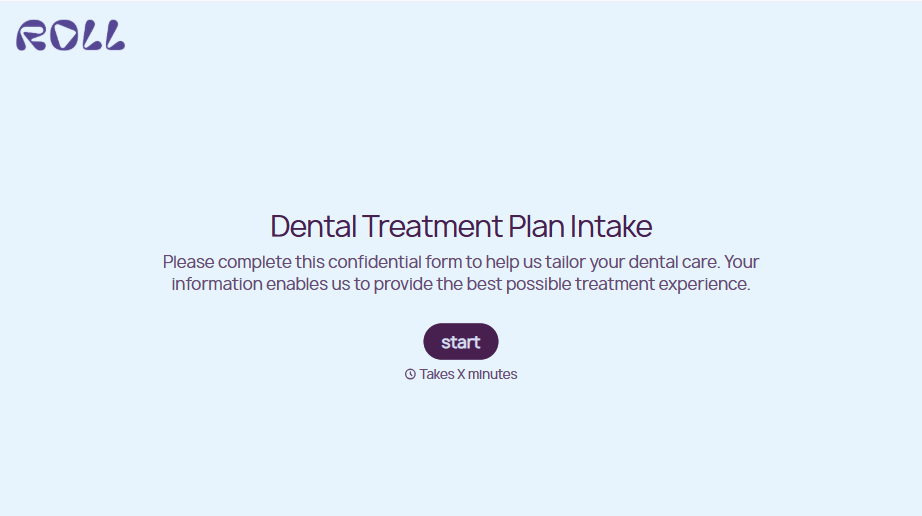
Dental Treatment Plan Form
A treatment plan explained chairside, in the few minutes right after an exam, doesn't hold up when a patient's trying to remember it at the front desk. Collect what your practice actually needs, the recommended procedures, cost estimate, and signed consent, before treatment gets scheduled.
View template
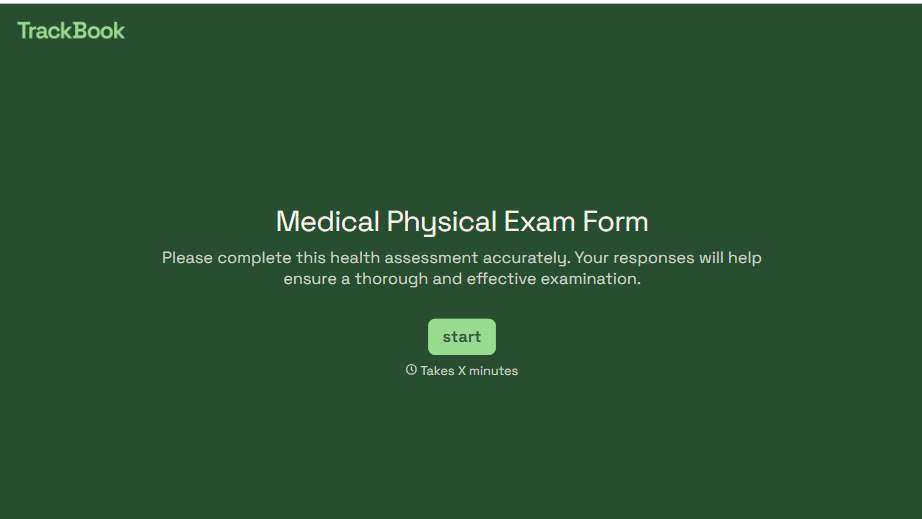
Medical Physical Exam Form
A health history filled out on a clipboard in the waiting room, minutes before being called back, isn't a history anyone fills in completely. Collect what your provider actually needs, patient information, health history, and current symptoms, before the exam starts.
View template
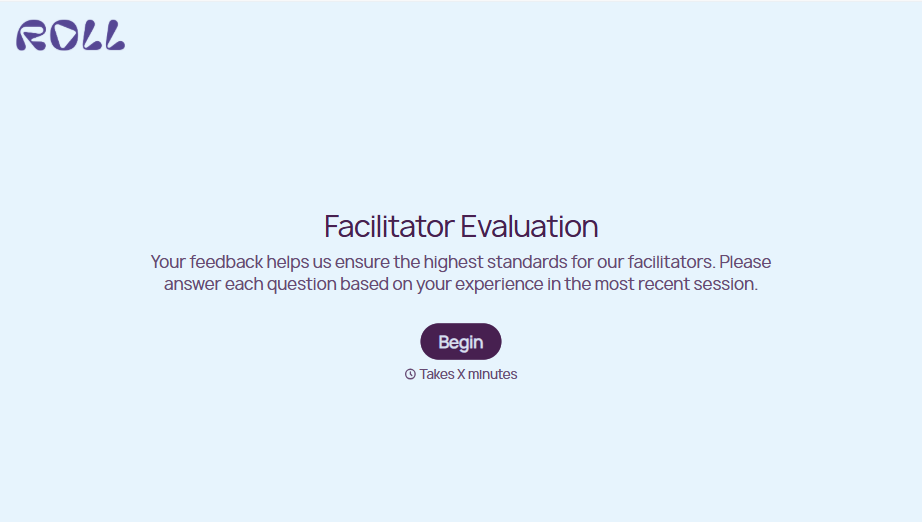
Facilitator Evaluation Form
A round of applause and a few nodding heads doesn't tell your program which facilitator's session actually clicked and which one needs coaching before the next cohort. Collect what your team actually needs, session details, ratings, and specific feedback, before everyone moves on to the next session.
View template
With Typeform, you can customize everything
Change text, colors, and even logos to match the look and feel of your brand. Then embed forms smoothly onto web and email.
Make forms feel effortless to fill out. Pace questions, call people by their name, and adapt the flow based on the data they share.
Stay efficient by connecting forms to your workflow. Typeform integrates with 300+ tools including Slack, Zapier, and HubSpot.


