Property Inquiry Form Template
Give prospective buyers and renters a structured way to ask about properties so you can follow up with real context.



Property inquiries that come in as generic messages are hard to act on. "I'm interested in the property on Maple Street" tells you almost nothing about what someone needs, whether they're ready to move, or whether the property is actually a fit. You end up having the same exploratory conversation over and over before learning what you needed to know in the first 2 minutes.
A Typeform property inquiry form collects the details that make your follow-up meaningful — property type, budget, move-in timeline, whether they're buying or renting, and any specific requirements. Conditional logic routes buyers and renters to different question paths so each inquiry is specific to their situation. When the form arrives in your inbox, you're prepared to respond with something relevant.
Embed it on individual listing pages, share it in property advertisements, and connect it to your CRM so every inquiry is tracked automatically.
A property inquiry form is an online form that allows prospective buyers or renters to express interest in a property and share key details about their requirements. It helps real estate agents and landlords understand who is inquiring and what they need.
A structured inquiry form gives you more actionable information than a generic contact message. It also helps you qualify inquiries early so you can prioritize leads who are genuinely ready to proceed.
Cover the context that determines fit and next steps:
- Name and preferred contact method
- Property of interest (address or listing ID)
- Whether they're looking to buy, rent, or inquire about something else
- Budget range
- Preferred move-in date or purchase timeline
- Number of bedrooms and key requirements
- Whether they're currently in a chain or have financing arranged (for buyers)
- Any specific questions about the property
Set up automated email notifications and connect responses to a CRM so no inquiry goes unacknowledged. You can use Typeform's confirmation message to set response time expectations and provide basic information about the viewing process while your team reviews the inquiry.
Yes. Include a field asking which listing they're inquiring about, or create the form with a dropdown of active listings. This lets you use a single form URL across multiple listings while keeping responses organized by property.
Get inspired by relevant templates and categories
3200+ Templates, 300+ Integrations


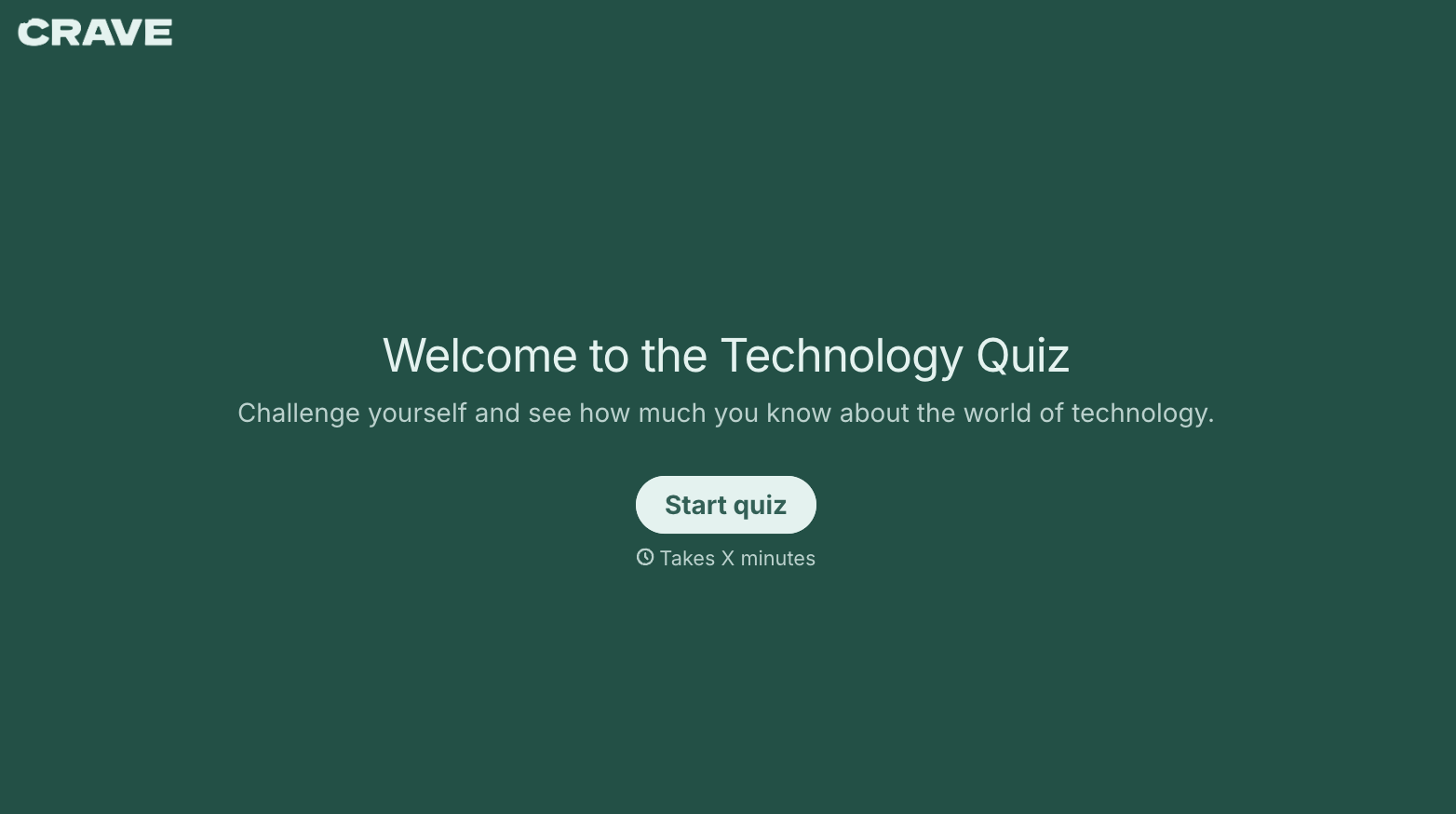
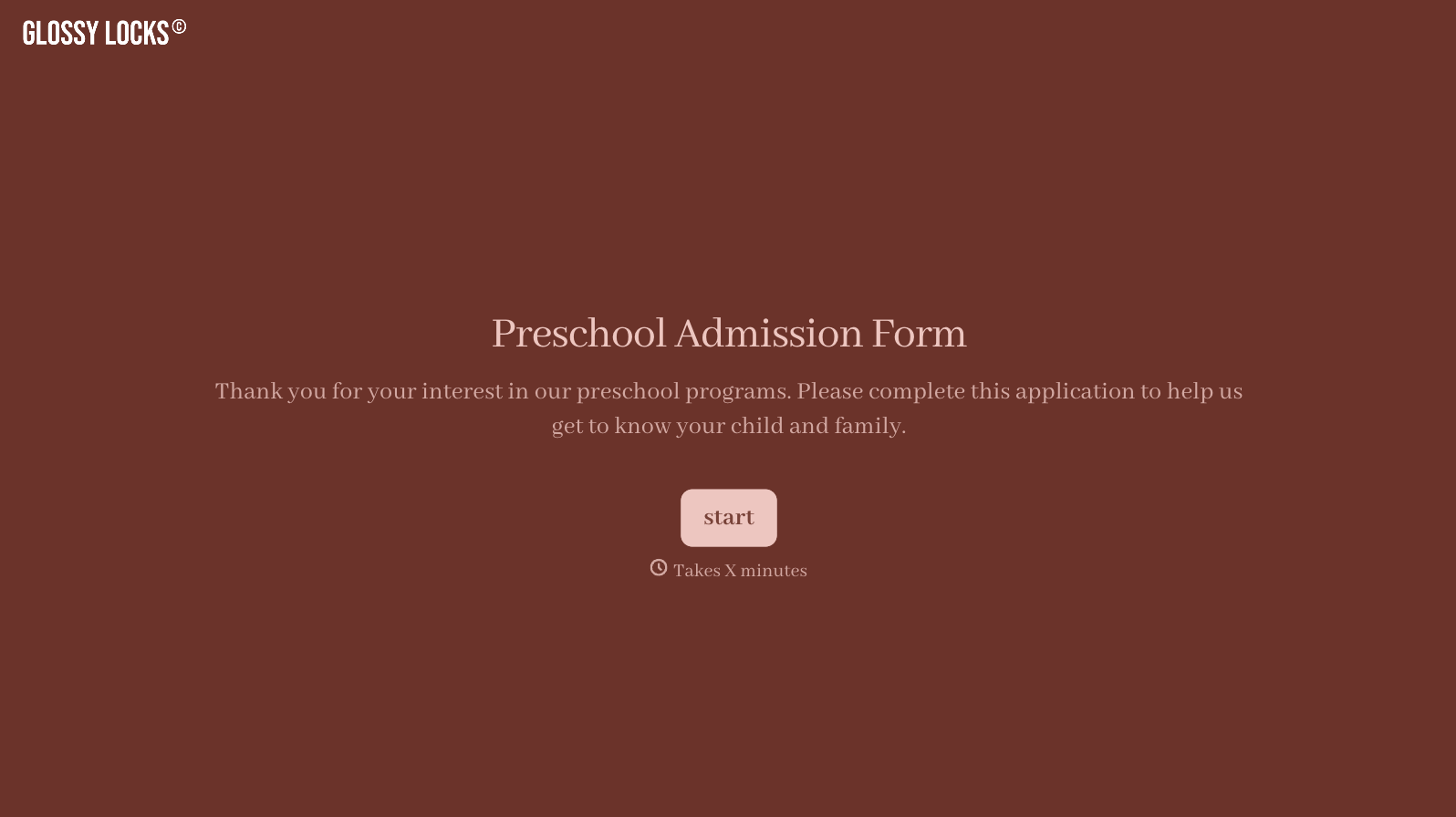
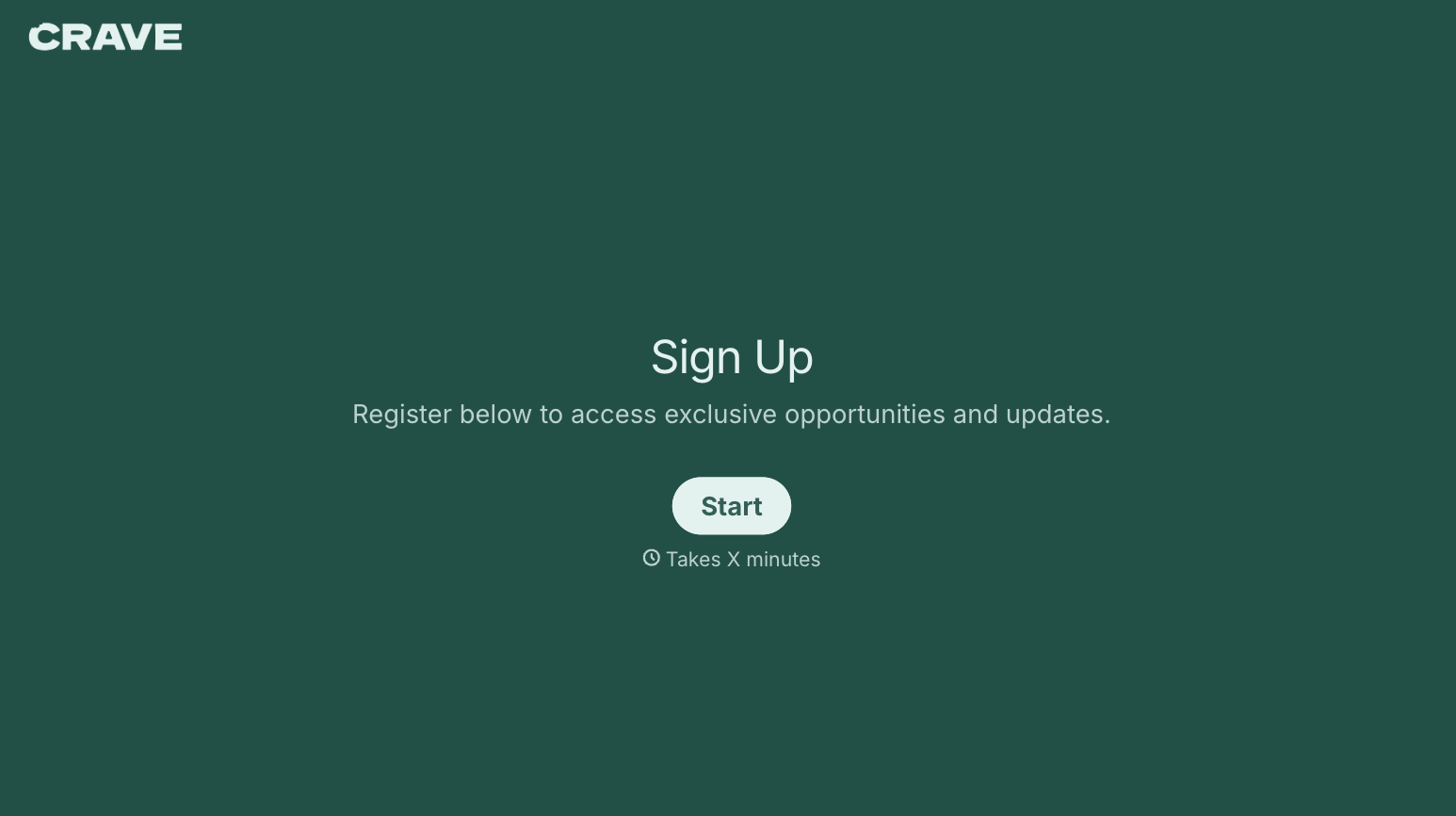
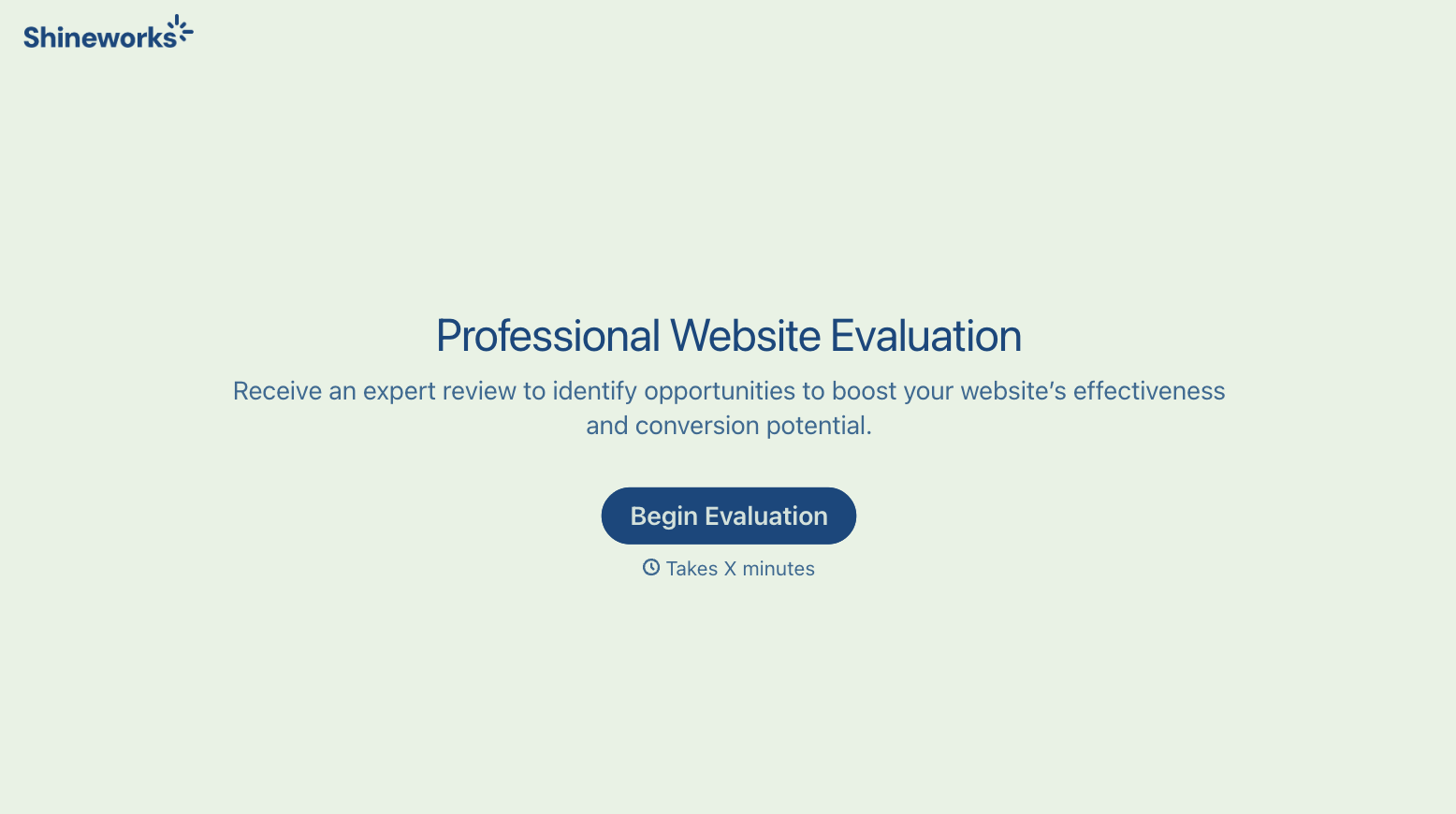
With Typeform, you can customize everything
Change text, colors, and even logos to match the look and feel of your brand. Then embed forms smoothly onto web and email.
Make forms feel effortless to fill out. Pace questions, call people by their name, and adapt the flow based on the data they share.
Stay efficient by connecting forms to your workflow. Typeform integrates with 300+ tools including Slack, Zapier, and HubSpot.


