Project Submission Form Template
Collect project submissions in a consistent format so nothing gets missed during review.



When submissions come in through email, shared drives, and Slack messages, reviewers spend more time locating and organizing work than actually evaluating it. Inconsistent formats make comparison harder, and missing information means follow-up rounds before the review can even begin.
A project submission form fixes the intake problem so reviewers can start evaluating from day one. Typeform's template gives submitters a clear structure to follow — project description, supporting materials, relevant links, team members, timeline, and any required documentation — all in one place. Conditional logic can adapt the form based on project category or submission type, so a creative submission and a technical proposal each capture what's relevant to their track. Every response lands in the same place, ready for reviewers to access without chasing anyone down.
You can customize the form for competitions, internal review cycles, grant programs, or accelerator applications. Reviewers get consistent data; submitters get a clear process.
A project submission form is an online form that collects structured information about a project from the person submitting it for review, competition, or approval. It standardizes the intake process so every submission includes the same core information in a comparable format.
The biggest advantage is consistency. When everyone submits through the same form, reviewers can evaluate submissions side by side rather than parsing different formats. It also reduces the administrative burden on both sides — submitters know exactly what to provide, and reviewers aren't hunting for missing information.
A project submission form typically includes:
- Project name and one-line description
- Project category or track
- Full project description or executive summary
- Team members and their roles
- Supporting documents or file uploads
- Relevant links (demo, prototype, portfolio, etc.)
- Timeline and current stage of development
Connect the form to a spreadsheet or project management tool so every submission is automatically logged. You can also use Typeform's response notifications to alert reviewers the moment a new submission arrives, and set up tagging or scoring rubrics in your review tool to make the evaluation process faster.
You can set a reasonable time limit on the form session and let submitters know to complete it in one sitting if your use case requires it. For longer, more detailed submissions, embedding the form on a page where submitters have access to their materials in advance helps them move through it efficiently.
Get inspired by relevant templates and categories
3200+ Templates, 300+ Integrations

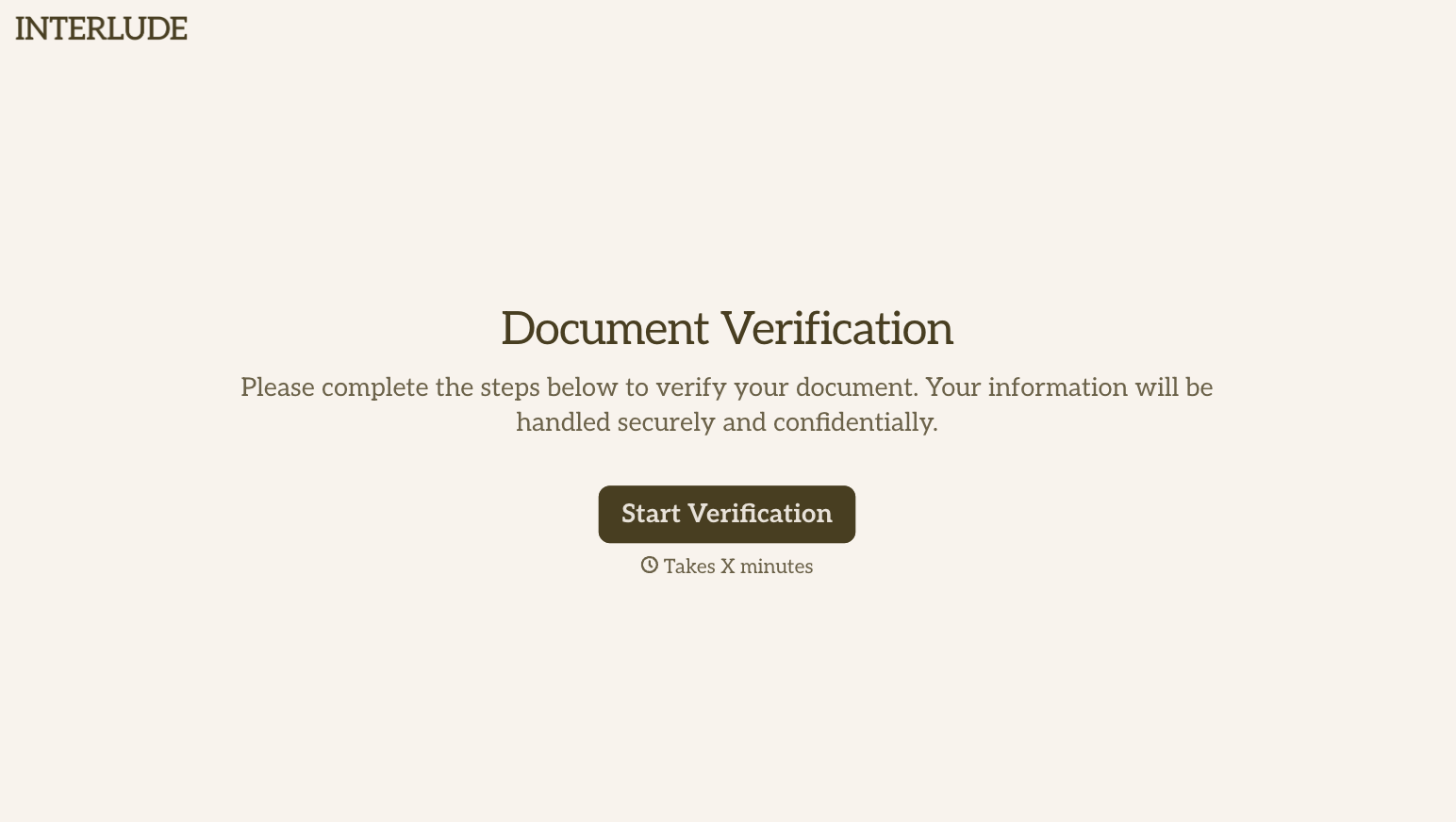
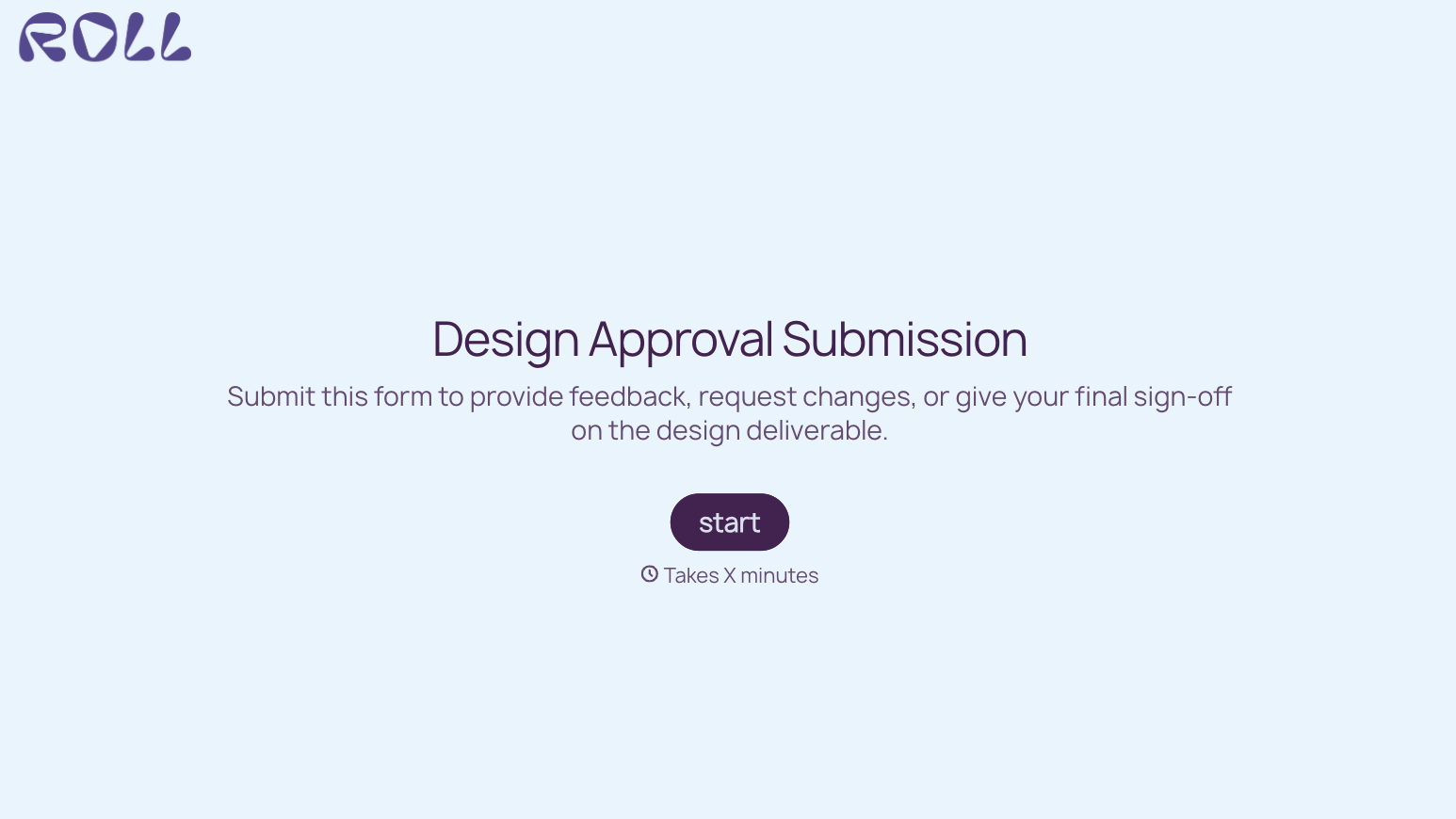
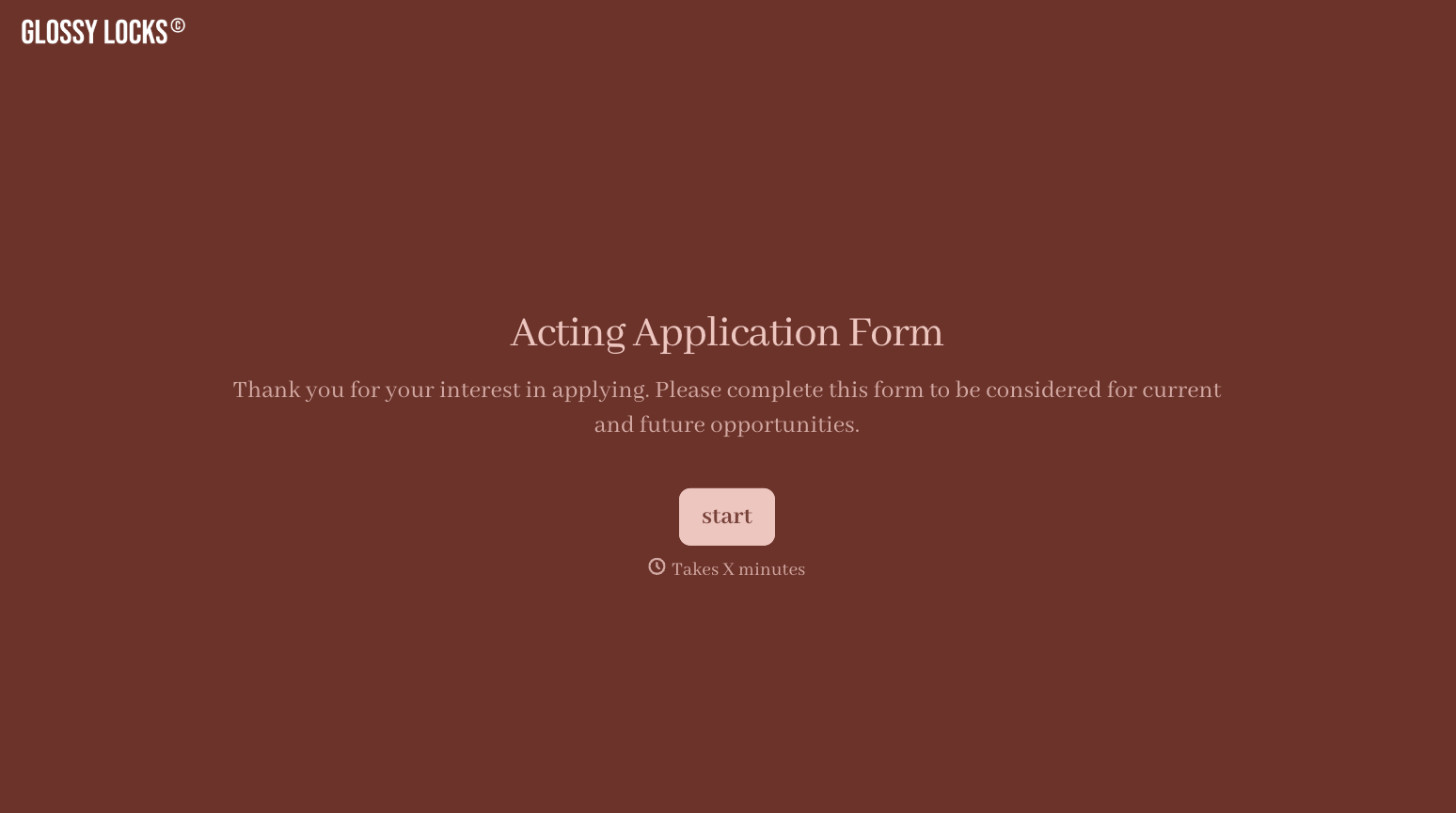
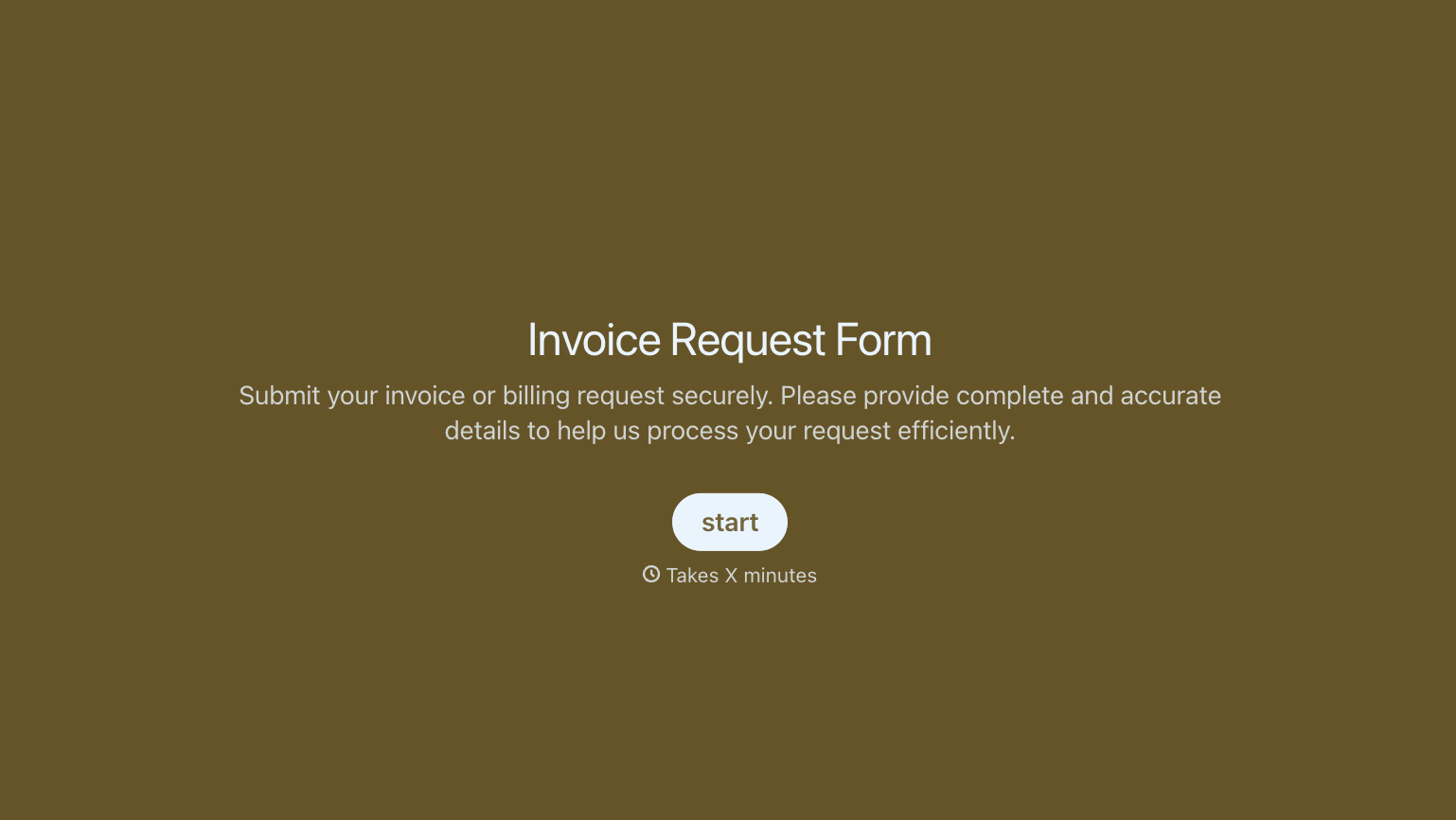

With Typeform, you can customize everything
Change text, colors, and even logos to match the look and feel of your brand. Then embed forms smoothly onto web and email.
Make forms feel effortless to fill out. Pace questions, call people by their name, and adapt the flow based on the data they share.
Stay efficient by connecting forms to your workflow. Typeform integrates with 300+ tools including Slack, Zapier, and HubSpot.


