Nonprofit Donation Form Template
Make giving easy, and turn one-time donors into lasting supporters.



Every friction point in your donation process costs you money. A confusing form, too many fields, or a broken mobile experience doesn't just cost you donations; it can cost you donors. People who want to support your mission shouldn't have to fight your form to do it.
This nonprofit donation form template removes the barriers between intention and action. Donors select an amount — or enter their own, choose one-time or recurring giving, and complete their information in a warm, guided flow. Conditional logic personalizes the experience. A first-time donor sees a welcome message, while a returning supporter gets an option to update their giving level.
Add your organization's story, impact stats, and branding to make the form feel like an extension of your mission. Integrate with your payment processor, CRM, and email platform so every donation is recorded, acknowledged with a receipt, and followed up with a thank-you automatically.
A nonprofit donation form is an online tool that allows supporters to contribute funds to your organization. It captures the donation amount, payment information, donor details, and giving preferences: one-time or recurring. It's the digital equivalent of the collection plate, but with tracking, receipt generation, and automated follow-up built in.
Because conversion rates on donation forms are directly tied to form design. Studies consistently show that shorter forms, mobile-friendly layouts, and suggested giving amounts increase donation completion rates. Every unnecessary field, every confusing step, every moment of doubt is a potential drop-off point. The form isn't just a tool; it's part of your fundraising strategy.
- Donation amount (with suggested tiers and a custom option)
- One-time or recurring donation preference
- Donor name and email address
- Payment information (credit card, bank transfer, etc.)
- Option to dedicate the donation (in memory/honor of someone)
- Agreement to receive updates about your organization's impact
Make recurring giving the default or most prominent option — not a hidden checkbox or something donors have to hunt for. Show the impact of recurring gifts — for example, "$25 per month provides clean water for one family all year." Offer flexible giving frequencies (monthly, quarterly, annually), as well as a slight incentive for recurring donors, like exclusive updates or event invitations. Finally, make it easy to manage — donors who can adjust or pause their giving without hassle are more likely to commit in the first place.
Absolutely. Transparency builds trust and motivates generosity. Include brief impact statements next to suggested amounts — for example, "$50 provides school supplies for five children.” After each donation, send a follow-up that shows how their ongoing support makes a difference, reinforcing the connection between their gift and your work. Donors who understand their impact are more likely to give again.
Get inspired by relevant templates and categories
3200+ Templates, 300+ Integrations
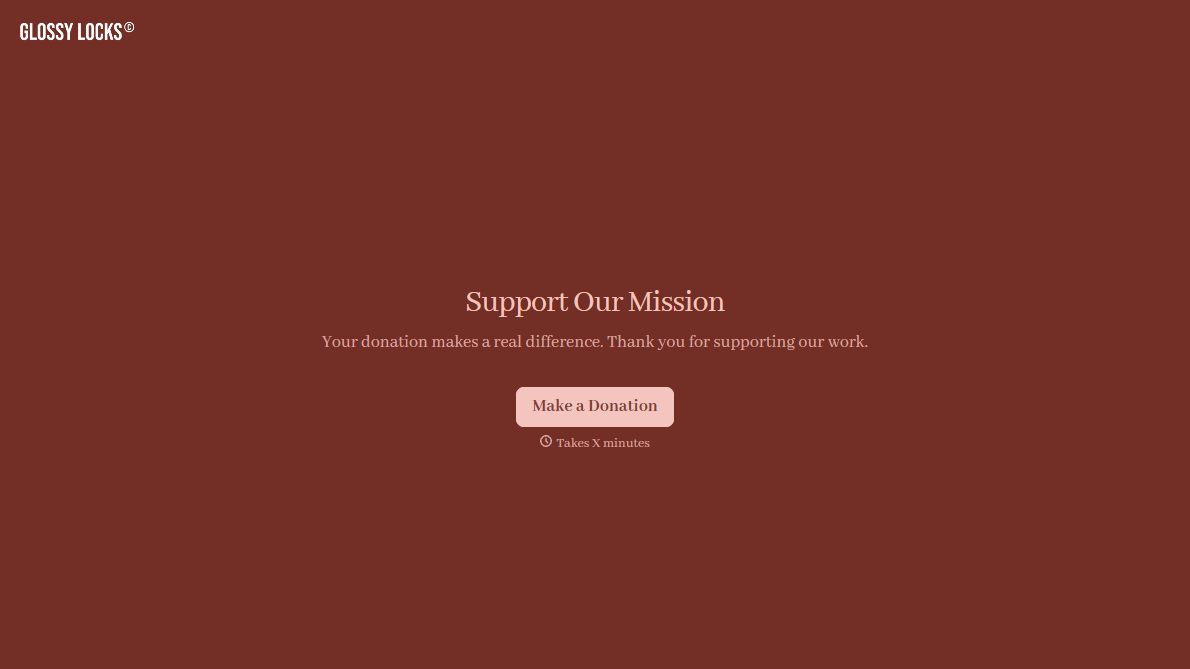
Stripe Donation Form
A donor who's just watched your appeal video, read the story, felt the pull to give right now, doesn't stay in that moment for long. A donation form that makes them page through fields, re-enter their card number on a slow-loading checkout, or hunt for a "give" button buried in a footer is exactly what turns that impulse into a tab they never come back to.
View template
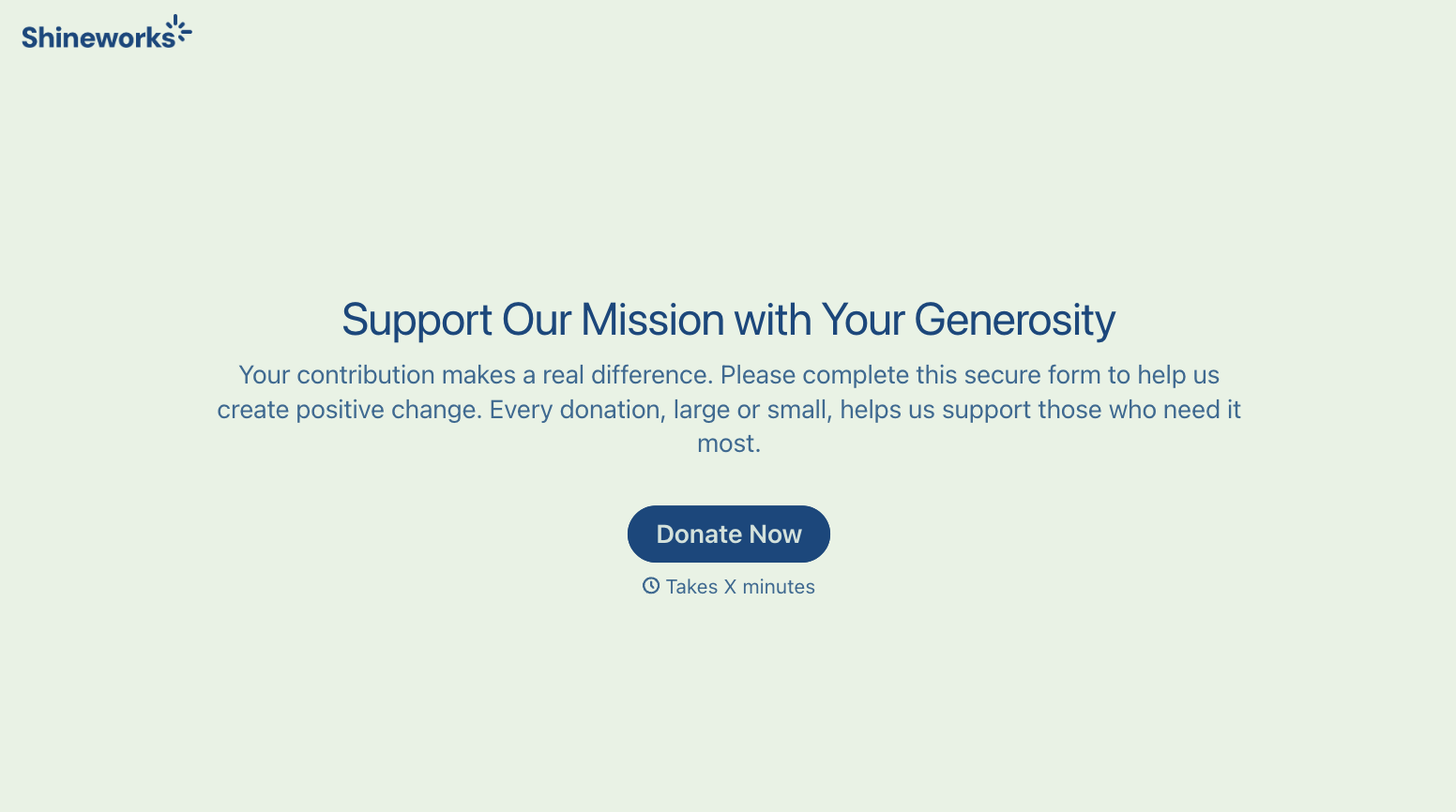
With Typeform, you can customize everything
Change text, colors, and even logos to match the look and feel of your brand. Then embed forms smoothly onto web and email.
Make forms feel effortless to fill out. Pace questions, call people by their name, and adapt the flow based on the data they share.
Stay efficient by connecting forms to your workflow. Typeform integrates with 300+ tools including Slack, Zapier, and HubSpot.


