Get in Touch Form Template
Make it effortless for people to reach you, and impossible for their message to get lost.



"Get in touch" — it's on every website, usually next to a generic email address that goes to a shared inbox where messages compete with vendor pitches and spam. Or worse, there's no form at all — just a phone number nobody answers and an email address nobody monitors.
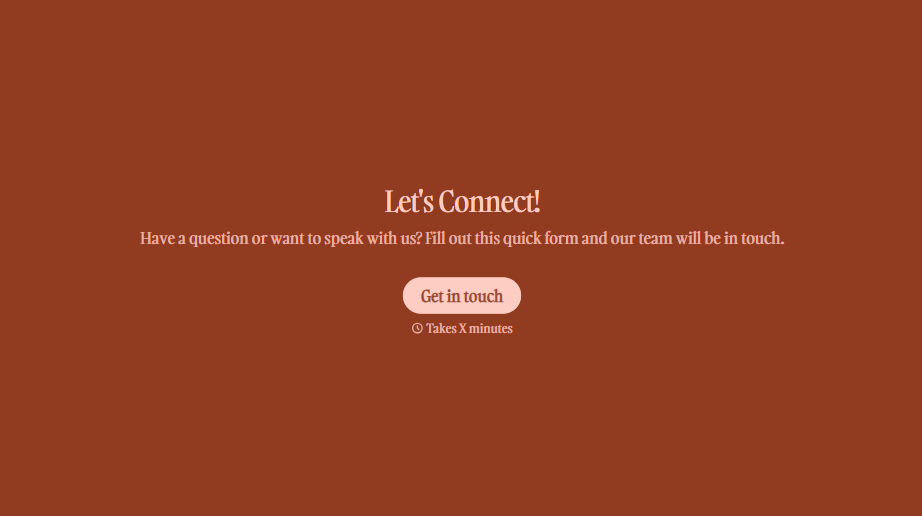
This get-in-touch form template gives visitors a clear, inviting path to reach you. They provide their name, contact details, the reason for reaching out, and their message, all through a conversational, one-question-at-a-time flow that feels like starting a dialogue, not filling out paperwork. Conditional logic routes messages to the right team based on the inquiry type — sales questions go to sales, support issues go to support, partnerships go to business development.
Embed it on your contact page, share it in email signatures, or link it from your social profiles. Every message lands in the right hands, with the right context, and triggers the right follow-up.
A get-in-touch form is a general-purpose contact form that allows website visitors, prospects, partners, or anyone else to reach out to your organization. It captures the sender's identity, their reason for contact, and their message — routing it to the appropriate team for response. It's often the primary communication gateway on a company's website.
Email addresses attract spam, can be scraped by bots, and give you no control over how messages are structured. A form lets you collect consistent, organized submissions with the context you need to respond effectively. It also lets you route different types of inquiries to different teams automatically, which means faster, more relevant responses, and a better impression on whoever's reaching out.
- Full name and email address
- Phone number (optional, for those who prefer a call)
- Reason for contact (general inquiry, sales, support, partnership, media)
- Message or description of what they need
- How they found you (for attribution tracking)
- Preferred response method (email or phone)
Route different inquiry types to different teams using conditional logic. Sales inquiries ping your sales team while support issues go to your help desk. Set up notifications through integrations, so the right person sees the message immediately, not when they check a shared inbox. Establish a response time SLA internally (e.g., four business hours) and track it. Speed of response is one of the easiest ways to stand out.
Use built-in spam protection like CAPTCHA or honeypot fields. Require a minimum character count on the message field to filter out bot submissions. Validate email format in real time so fake addresses are caught before submission. These measures block the vast majority of spam without adding friction for legitimate visitors.
Get inspired by relevant templates and categories
3200+ Templates, 300+ Integrations



With Typeform, you can customize everything
Change text, colors, and even logos to match the look and feel of your brand. Then embed forms smoothly onto web and email.
Make forms feel effortless to fill out. Pace questions, call people by their name, and adapt the flow based on the data they share.
Stay efficient by connecting forms to your workflow. Typeform integrates with 300+ tools including Slack, Zapier, and HubSpot.


