Expense Approval Form
Move past a spreadsheet of expenses waiting for someone to eyeball and approve over email. Capture the receipt, the amount, and the business reason up front, and route each request to the right approver the moment it lands.



An expense submitted through email or a shared spreadsheet usually shows up without a receipt, a real business reason, or a clear approver, so someone has to chase down what's missing before they can sign off. The request sits in an inbox until a manager gets to it, and if the paper trail is thin, the reimbursement isn't just slow, it can lose its tax-free status.
Typeform's expense approval form uses conditional logic to ask for the details that match the expense type, travel, meals, mileage, software, so a $12 lunch and a $900 flight don't get the same three questions. It requires the amount, date, business purpose, and a receipt upload before the request can even be submitted, so an approver has everything they need to make a decision without a follow-up email.
Connect it to Slack and the request reaches the right approver the moment it's submitted instead of waiting for someone to check their inbox. Route approved requests into Zapier and they can land straight in QuickBooks or wherever finance tracks spend. Expenses that get accounted for quickly and with the right details are also easier to keep inside the IRS's rules for tax-free reimbursement.
An expense approval form is where an employee submits a work expense for review, along with the amount, the date, the business reason, and a receipt, so a manager or finance team can approve or deny the reimbursement with everything they need in front of them.
A spreadsheet or email doesn't force anyone to attach a receipt or explain why an expense was necessary, so approvers end up asking for the same three things over and over before they can sign off. A dedicated form makes that information required at submission, which means fewer back-and-forth emails and a request that's actually ready to approve the first time an approver sees it.
Capture what an approver needs to make a decision and what your books need to stay accurate:
- Employee name and department
- Date the expense was incurred
- Amount and currency
- Business purpose or description of the expense
- Expense category, like travel, meals, or software
- Receipt or invoice upload
- Approver's decision and signature
Not automatically. To keep reimbursements tax-free for employees under the IRS's accountable plan rules, you need "adequate accounting," meaning the amount, time, place, and business purpose of each expense, generally submitted within 60 days of when it happened. This form helps you capture that information consistently, but whether your overall reimbursement plan qualifies as accountable depends on how it's set up and administered. Check the specifics with your accountant or tax advisor.
Yes. Typeform connects natively to Slack, so a submitted request can notify the right approver right away. Connect it to Zapier and approved requests can flow into QuickBooks or whatever tool your finance team already uses to track spend.
Get inspired by relevant templates and categories
3200+ Templates, 300+ Integrations
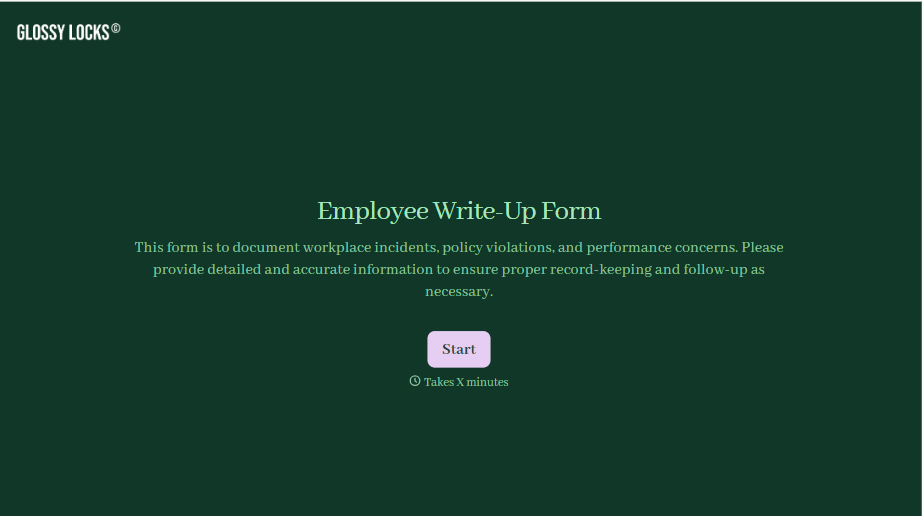
Employee Write-Up Form
A verbal warning that never makes it into a written record isn't the kind of documentation that holds up if a termination is challenged later. Collect the specific incident, policy violated, and corrective action while it's fresh, so a pattern of issues doesn't go undocumented until it's too late to matter.
View template
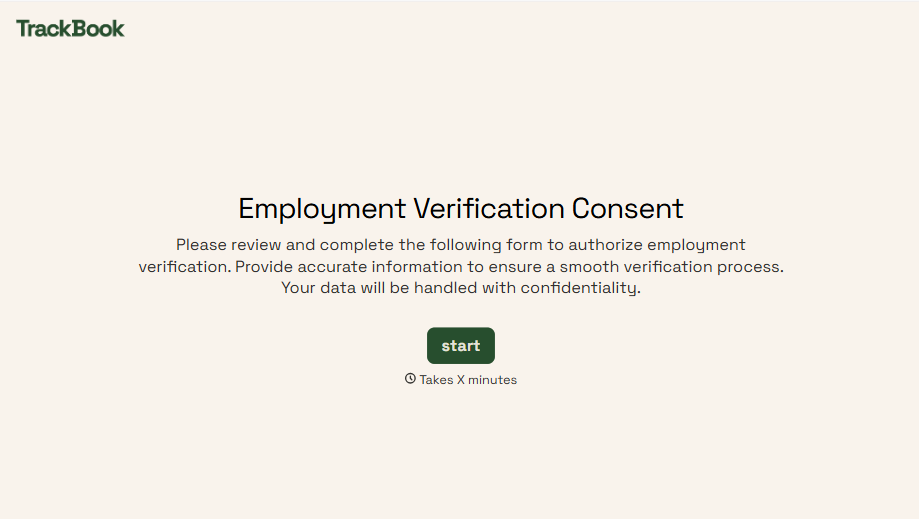
Employment Verification Release Form
A verification request that comes in as a phone call to HR doesn't tell anyone whether the employee actually agreed to have their salary shared with whoever's asking. Collect what your company actually needs, the employee's authorization, what's being released, and to whom, before HR says anything back.
View template
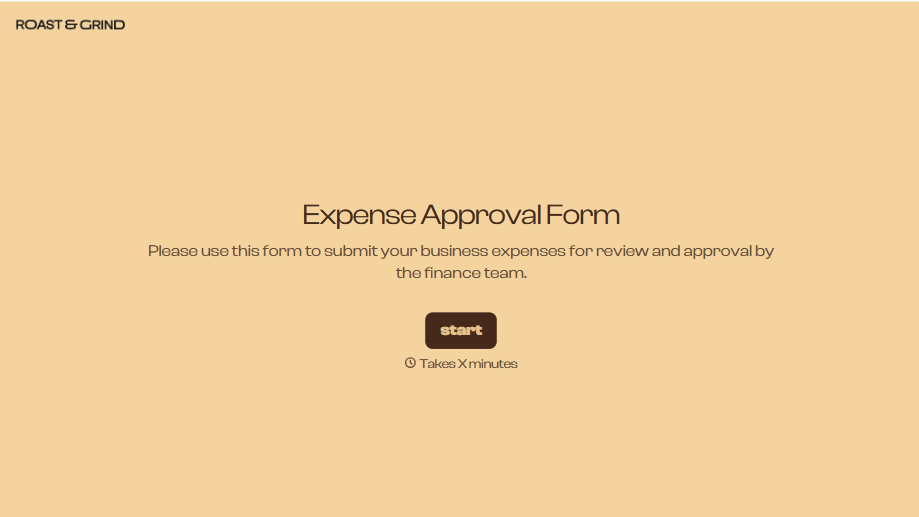
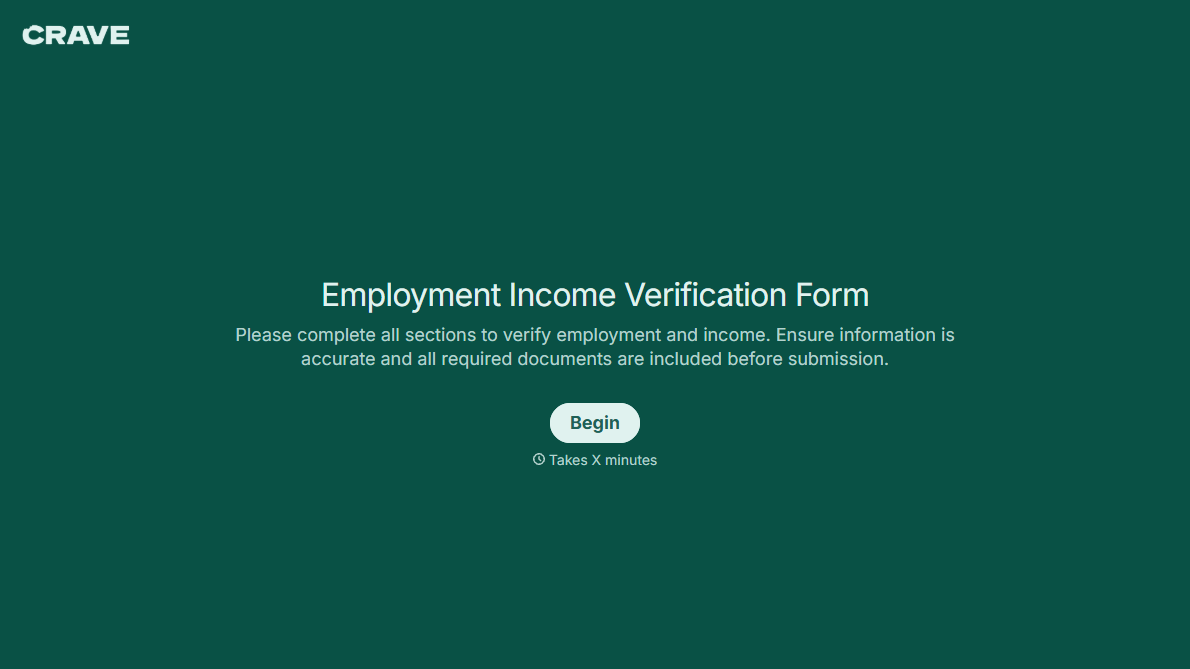
With Typeform, you can customize everything
Change text, colors, and even logos to match the look and feel of your brand. Then embed forms smoothly onto web and email.
Make forms feel effortless to fill out. Pace questions, call people by their name, and adapt the flow based on the data they share.
Stay efficient by connecting forms to your workflow. Typeform integrates with 300+ tools including Slack, Zapier, and HubSpot.


