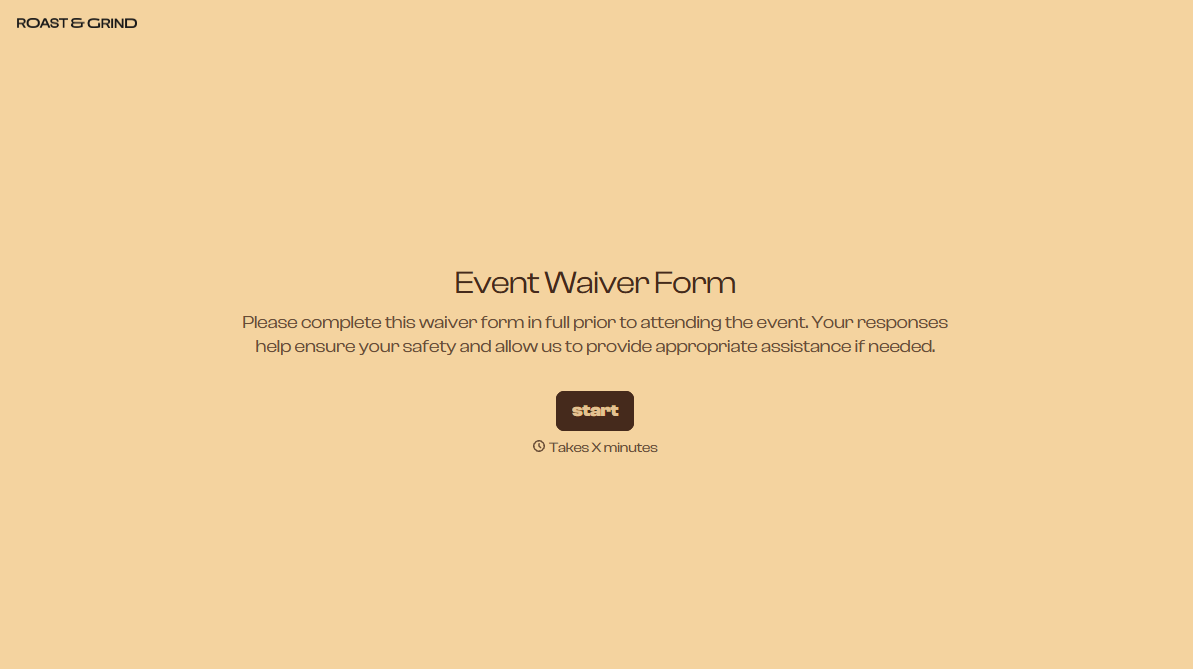
Event Waiver Form
Collect every waiver before people arrive, so you’re not chasing signatures at the gate. Capture the acknowledgment, emergency contact, and guardian consent in advance.



Waivers don't get skipped because of policy. They get skipped because it's 8 am, 300 people are waiting, and the start time isn’t moving. Someone waves a group through, and those are exactly the waivers you’ll wish you had collected. Typeform's event waiver form gets them signed in the days before the event, so check-in becomes a name check against a list instead of a clipboard and a pen.
Participants accept your waiver text, provide an emergency contact, and add anything organizers should know. Adults sign for themselves; for a minor, the form asks for the guardian’s details and their acceptance instead, which is important since the guardian may not be there on the day.
At check-in, staff search for a name rather than hunting for a signature. The link keeps moving, nobody gets waved through without signing, and anyone who did sign can be found by name instead of buried in a stack of paper.
It’s an online form participants fill out before an event to acknowledge the risks involved and releases the organizer from liability. It captures their agreement to your waiver text, emergency contact info, any notes organizers should know about, and a parent or guardian's signature of the participant is a minor. Organizers use these forms to get waivers ahead of time, so nobody’s stuck filling out paperwork at the check-in table.
Without one, waivers happen at the gate—the worst possible place for them. A line forms, the start time creeps closer, and someone makes the reasonable-in-the-moment call to wave people through unsigned. An event waiver form takes that decision out of the equation entirely; participants sign before they arrive, so check-in becomes just confirming who showed up.
Collect what has to be on record:
- Participant name and contact
- Acceptance of your waiver wording
- Emergency contact
- Medical or accessibility notes
- Guardian acceptance for minors
You'll always have a few, so build a fast path rather than a paper one. Put a QR code at the gate that opens the same form on their phone. This only takes a minute and keeps the exception from turning into a second line. It also means the walk-up waiver ends up stored in the same place as everyone else’s, instead of on a clipboard nobody ever files.
Collect the guardian's acceptance in advance—the exact reason why you don’t want to leave waivers until the gate. A teenager arriving alone for a 5K can't sign for themselves, and a parent you reach by phone at check-in isn’t a real record of consent. So get the guardian's details and acceptance during registration, before anyone’s even traveling to the event.
Get inspired by relevant templates and categories
3200+ Templates, 300+ Integrations





With Typeform, you can customize everything
Change text, colors, and even logos to match the look and feel of your brand. Then embed forms smoothly onto web and email.
Make forms feel effortless to fill out. Pace questions, call people by their name, and adapt the flow based on the data they share.
Stay efficient by connecting forms to your workflow. Typeform integrates with 300+ tools including Slack, Zapier, and HubSpot.


