Event signup form template
Make signing up so easy that people do it on the spot, because interest fades fast when forms feel like work.



There's a difference between someone being interested in your event and someone actually signing up. The gap between those two things is often a friction-filled form. Long pages of required fields, confusing layouts, and forms that don’t work on mobile — all of these turn “I’m in” into “I’ll do it later,” which usually means never.
This event signup form template keeps it lean and engaging. Collect names, contact info, and any preferences you need in a fast, conversational flow. Conditional logic lets you customize the path. Show volunteer-specific questions only to those who opt in, or display session choices based on the event type they select. Connect responses to Google Sheets, Slack, or your email marketing tool through Zapier for instant follow-up.
Swap in your event details, adjust the questions to fit, add your branding, and share. The form loads fast, works on any device, and takes most people under a minute to complete. Less friction, more signups.
An event signup form is a lightweight registration tool for collecting attendee names and basic information for an event — think meetups, volunteer days, webinars, and community events. It’s typically simpler than a full event registration form, focused on capturing interest and contact details — nothing more complex than that.
Email RSVPs scatter your data across your inbox, require manual tracking, and make it impossible to get an accurate headcount at a glance. A signup form centralizes everything, gives you structured data, and lets you automate confirmations and reminders. It's also much easier to share. One link works everywhere.
Less is more for signups. Focus on:
- Full name
- Email address
- Phone number (optional)
- Which event or session they're signing up for
- Any special requirements (dietary, accessibility)
- How they heard about the event
Share the link everywhere your audience already is — social media, email newsletters, your website, community forums, and messaging groups. Embed it directly on your event page so visitors don't have to navigate away. You can also generate a QR code for physical materials like flyers, posters, or event banners.
Signup forms are typically shorter and used for free or informal events where you mainly need a headcount and contact info. Registration forms are more detailed — they might include ticket selection, payment processing, session preferences, and logistical questions. Use whichever matches the complexity of your event.
Get inspired by relevant templates and categories
3200+ Templates, 300+ Integrations
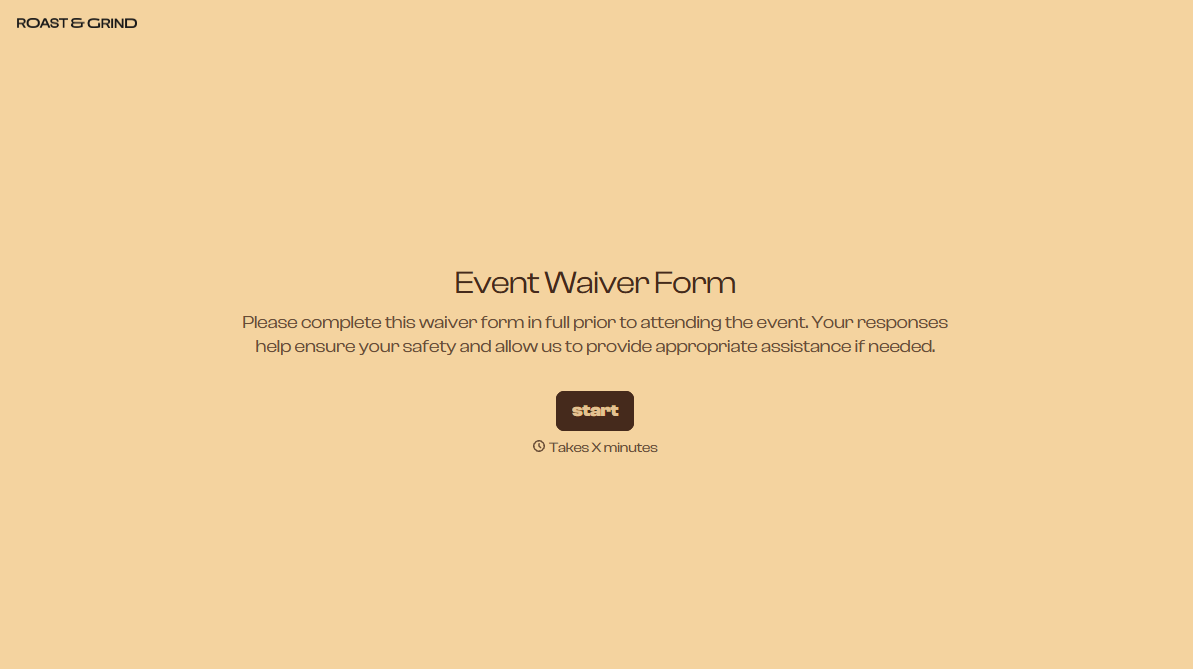
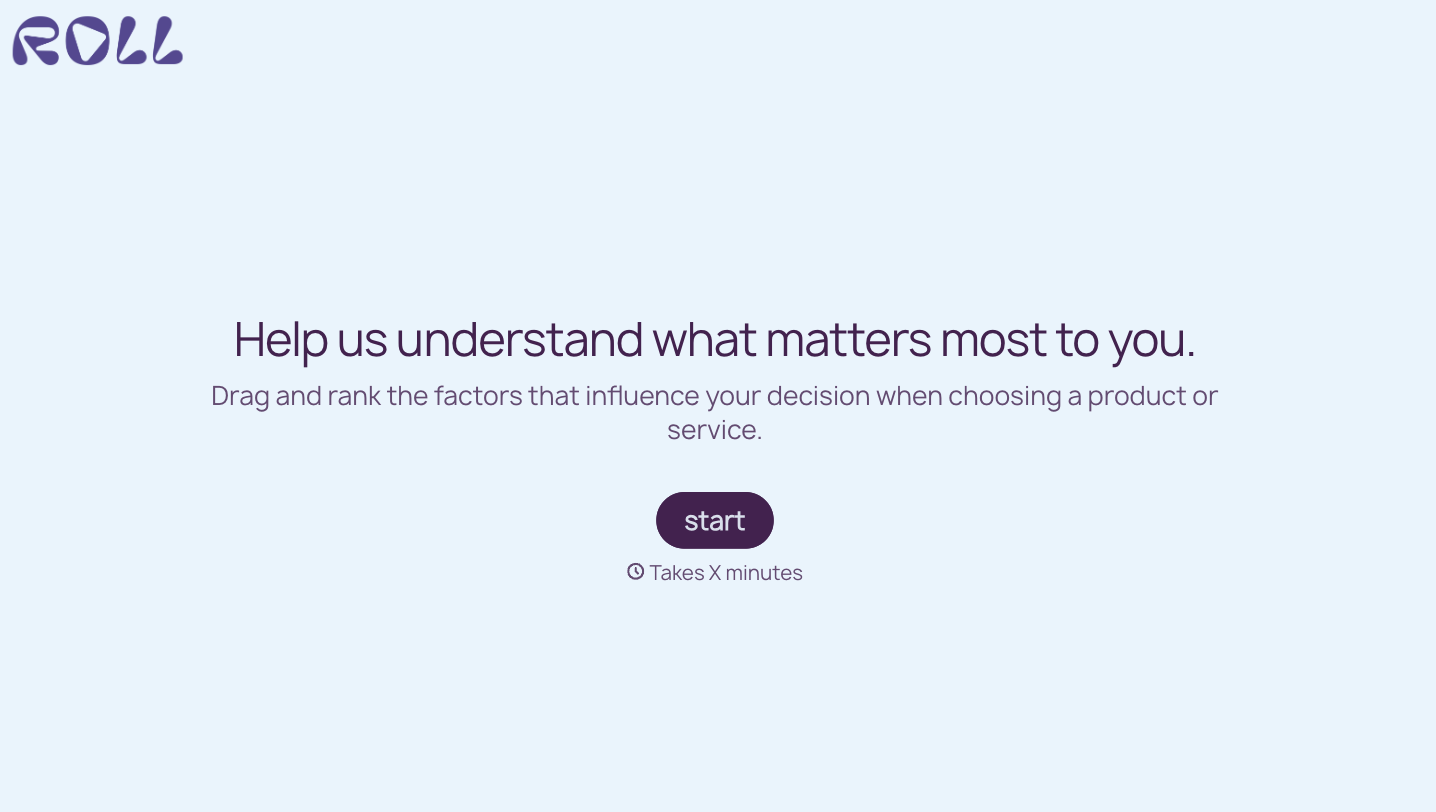
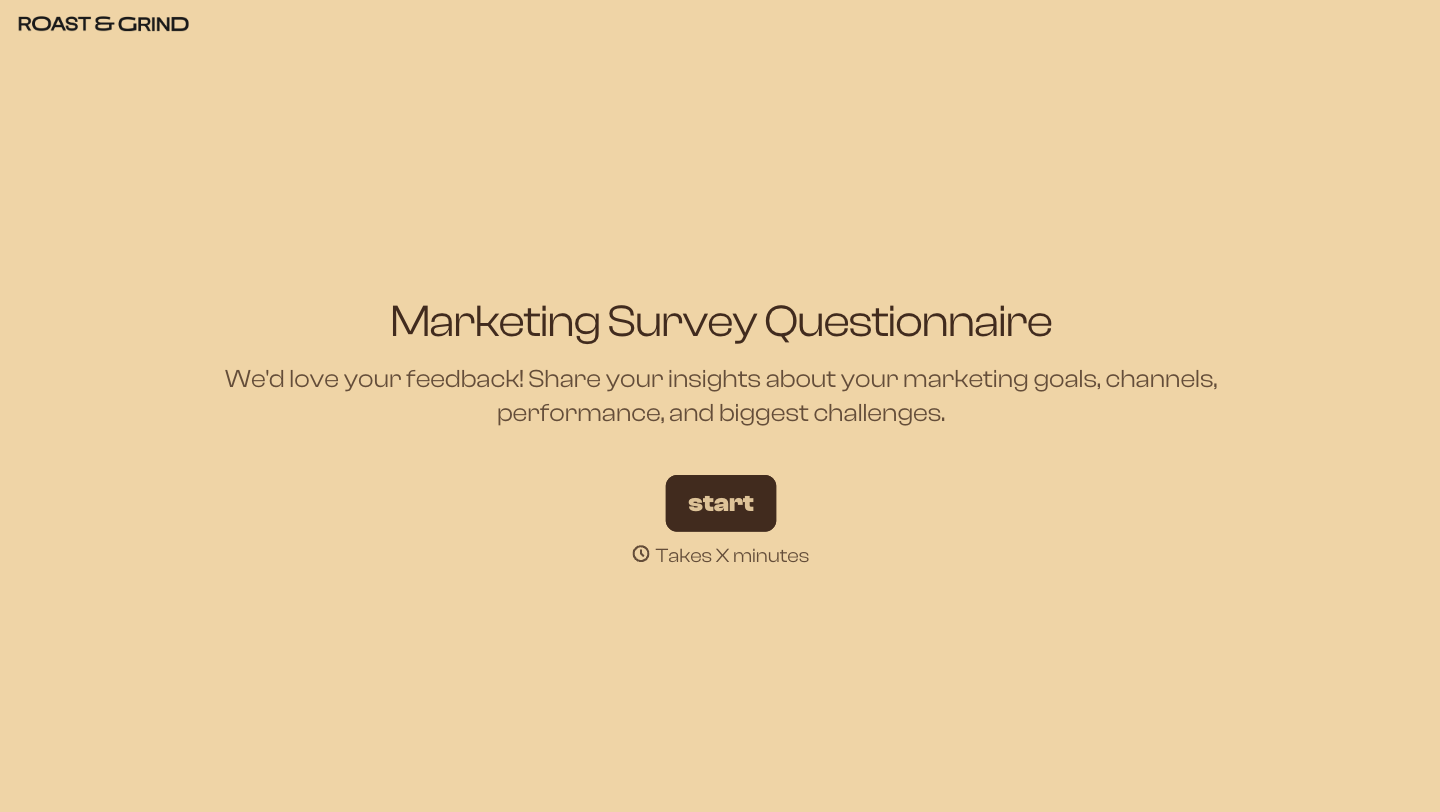


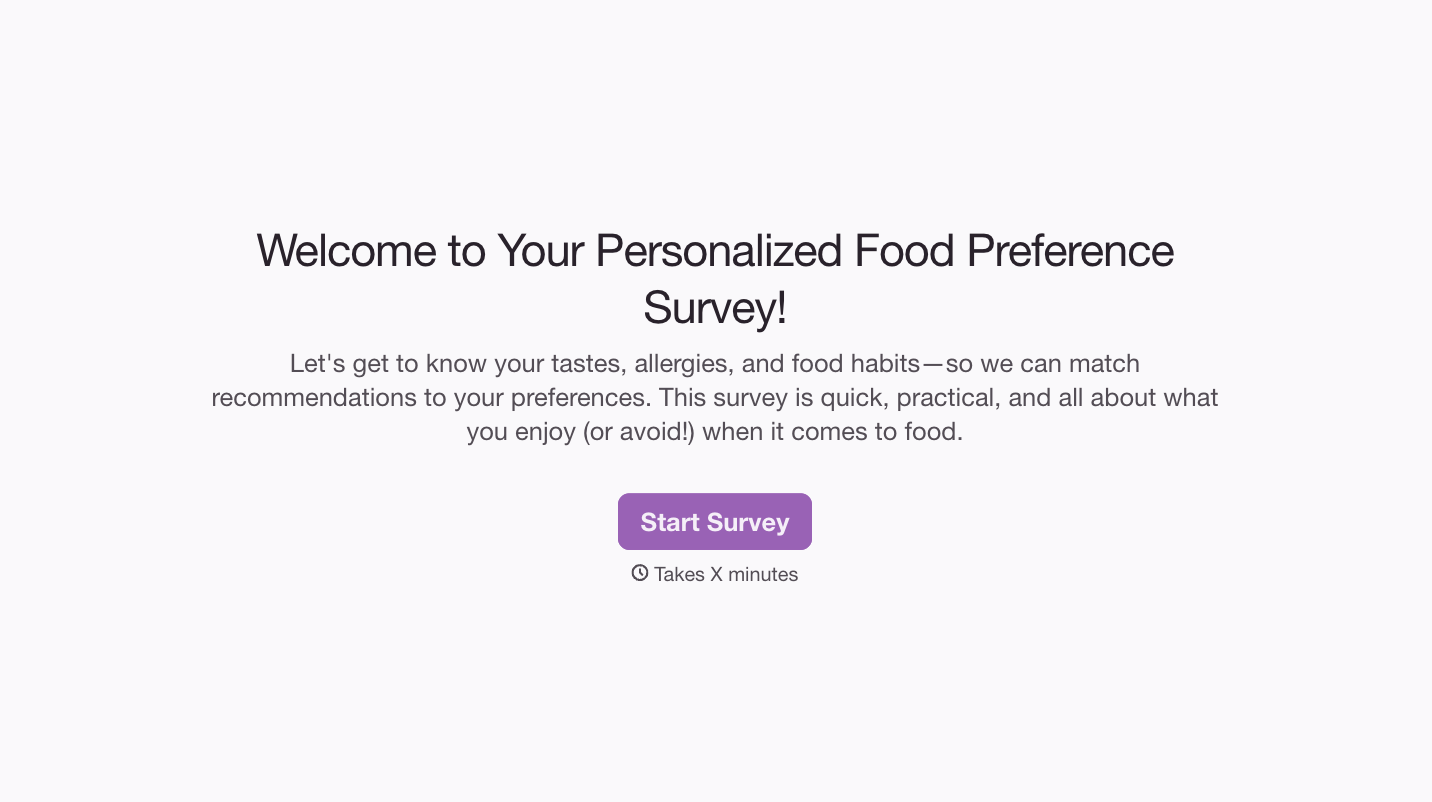
With Typeform, you can customize everything
Change text, colors, and even logos to match the look and feel of your brand. Then embed forms smoothly onto web and email.
Make forms feel effortless to fill out. Pace questions, call people by their name, and adapt the flow based on the data they share.
Stay efficient by connecting forms to your workflow. Typeform integrates with 300+ tools including Slack, Zapier, and HubSpot.


