Course Evaluation Form Template
Collect honest feedback from students at the end of every course. Capture what worked, what didn't, and what to improve, before the next cohort begins.



End-of-course feedback is only useful when students actually complete it — and students complete it when the form is short, clear, and accessible on any device. A well-designed evaluation captures the insights instructors and curriculum designers need without making students feel like they're taking another exam.
This template covers overall course rating, content quality, instructor effectiveness, pacing and structure, learning materials, the most valuable aspect of the course, suggestions for improvement, and likelihood to recommend. Rating scales make responses easy to aggregate, while open text fields capture the specific feedback that drives meaningful changes.
Universities, online learning platforms, corporate training teams, and professional education providers use course evaluation forms at the end of every cohort. Share via your LMS or send by email on the final day of class. Aggregate ratings across multiple cohorts to track quality improvements over time and identify which instructors and materials consistently get high marks.
Anonymous evaluations typically generate more honest feedback. Make all identifying fields optional and let students know their responses won't affect their grades.
Send it on the last day of the course or immediately after the final assessment — response rates drop sharply when evaluations are delayed.
Add an instructor name field. Filter and compare responses by instructor in your connected spreadsheet or analytics tool.
Keep the form under 10 questions, make it mobile-friendly, and send it at a time when students are still engaged with the course.
Yes — share individual instructor results privately with each instructor and their manager. Use trend data across cohorts to identify development priorities.
Get inspired by relevant templates and categories
3200+ Templates, 300+ Integrations
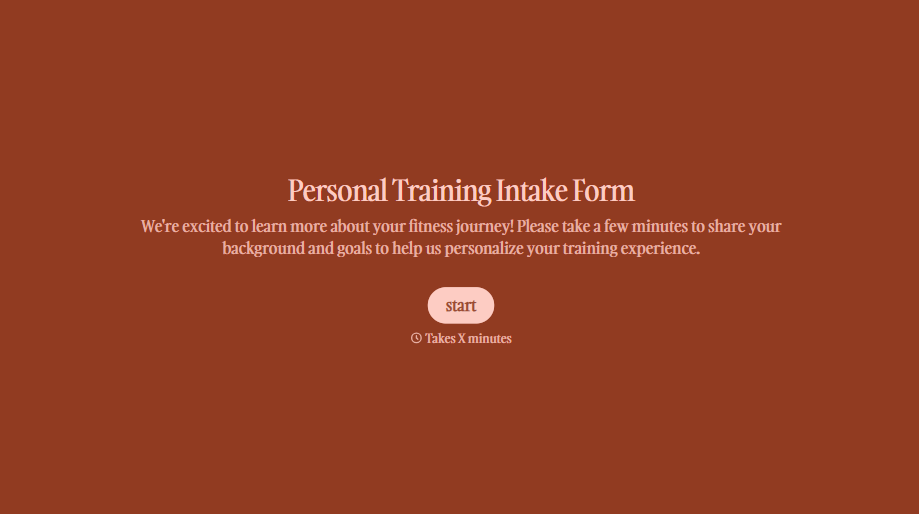
Personal Trainer Intake Form
A PAR-Q filled out in the lobby five minutes before a first session isn't intake, it's a formality nobody has time to read closely. Collect health history, injury information, and fitness goals before the first session, so your trainer isn't building a program blind.
View template
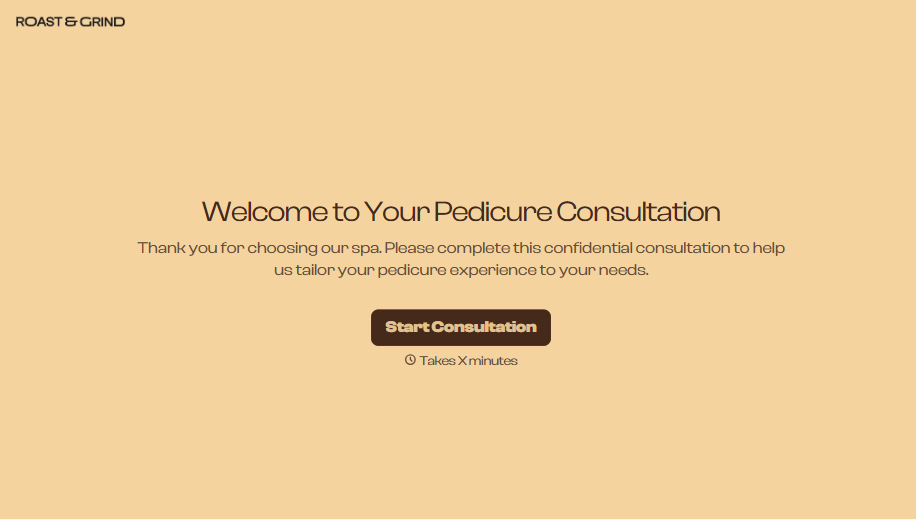
Pedicure Consultation Form
An intake card filled out on a clipboard while a client's feet are already in the soak isn't a consultation, it's a formality nobody reads closely. Collect foot health disclosures, allergy information, and service preferences before the technician picks up a tool, so nobody discovers a health condition mid-service.
View template
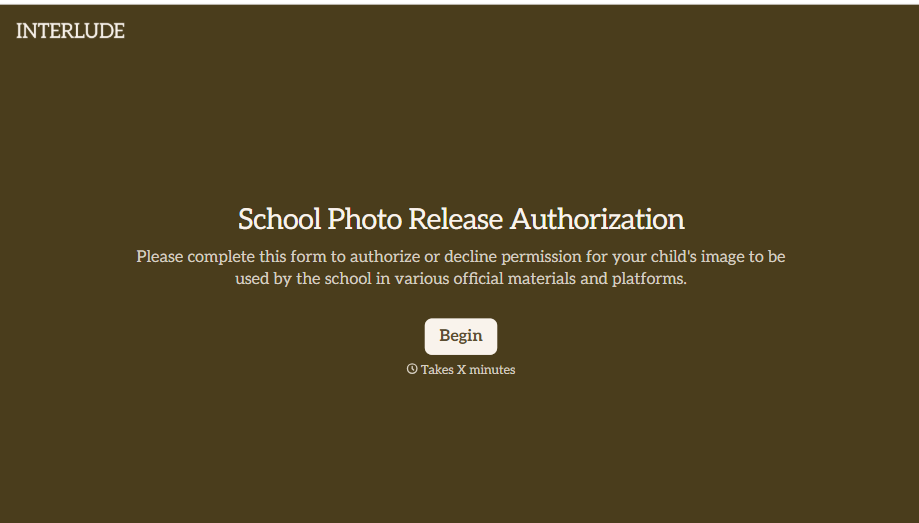
School Photo Release Form
A photo consent checkbox buried on page 12 of an enrollment packet doesn't tell a teacher who's actually opted out before they post a class photo. Collect what your school actually needs, guardian consent, and exactly where a photo can be used, before the camera comes out.
View template
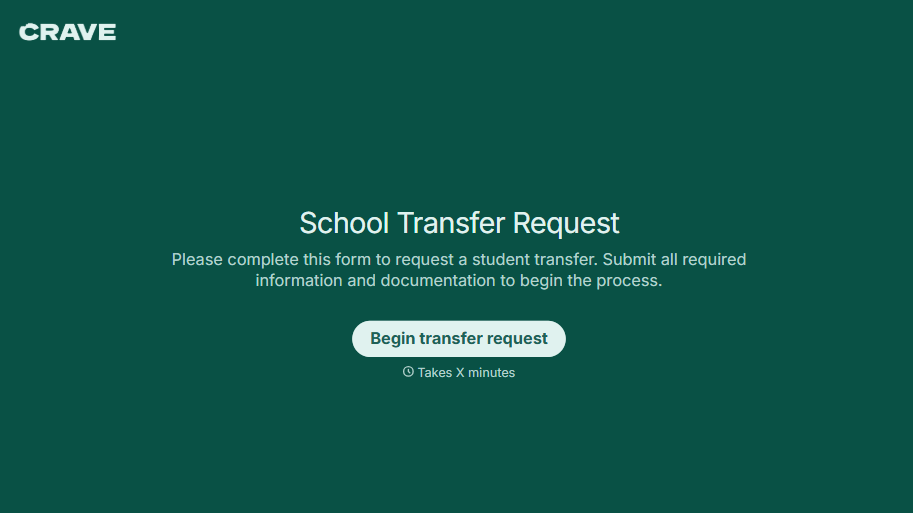
School Transfer Request Form
A transfer request dropped off at the district office isn't the kind of paperwork that gets processed before the semester it's meant for already started. Collect the student's information, reason for transfer, and supporting documentation upfront, so a request doesn't stall while the district follows up for a missing form.
View template
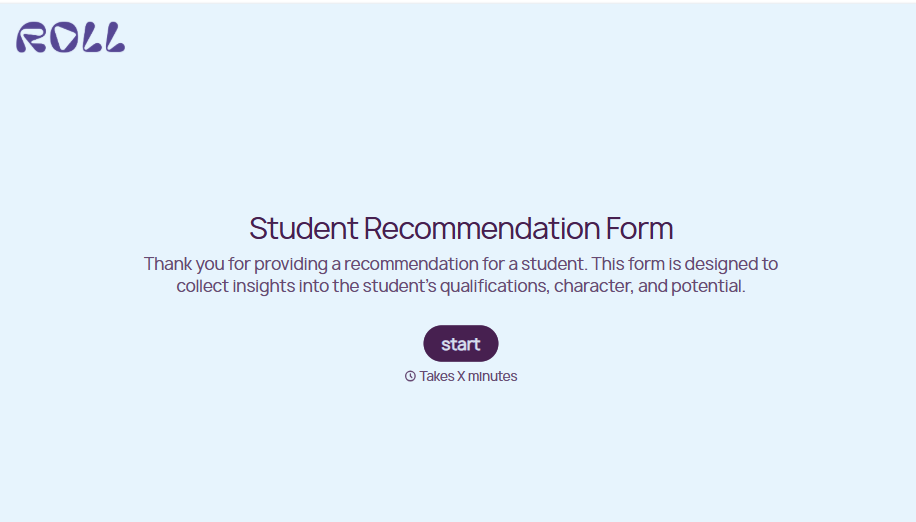
Student Recommendation Form
An email asking "can you write me a letter of recommendation" with no deadline attached isn't enough for a teacher to actually sit down and write one. Collect the program details, deadline, and what the student wants highlighted before the request lands in an inbox, so a letter doesn't get written in a rush the night it's due.
View template
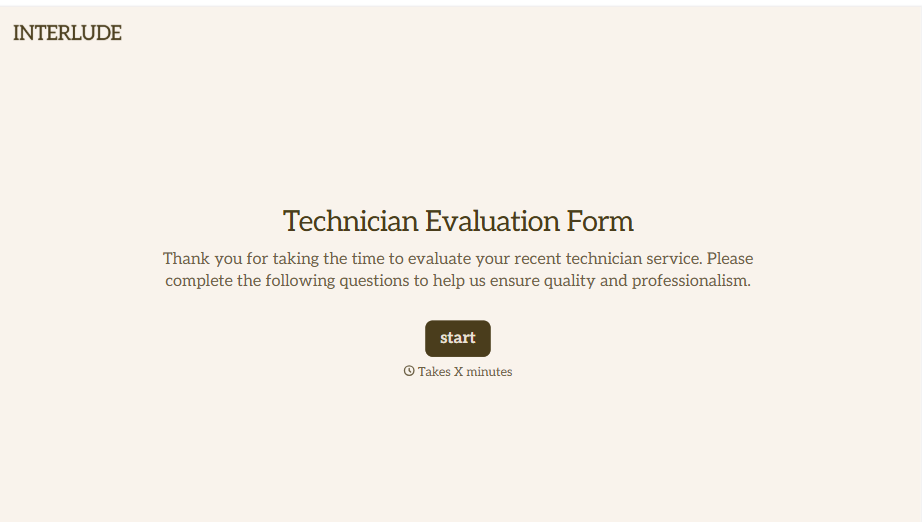
Technician Evaluation Form
A ride-along evaluation scribbled on a clipboard in the truck isn't the kind of record that holds up months later when it's time to talk about a raise or a certification renewal. Collect specific skill, safety, and customer service observations while the job's still fresh, so a technician's review is built on more than a supervisor's memory of the day.
View template
With Typeform, you can customize everything
Change text, colors, and even logos to match the look and feel of your brand. Then embed forms smoothly onto web and email.
Make forms feel effortless to fill out. Pace questions, call people by their name, and adapt the flow based on the data they share.
Stay efficient by connecting forms to your workflow. Typeform integrates with 300+ tools including Slack, Zapier, and HubSpot.


