Contingency Removal Form
Document exactly which contingency a buyer is removing from a contract—when, and that they understand the impact of removal. Collect the property and contract details, the removal date, and the buyer's written acknowledgment in one place.



When a buyer removes a contingency, their deposit stops being refundable. If they walk away after that, the earnest money generally goes to the seller, so "the buyer told me they were fine with the inspection" is thin protection if the deposit turns into a dispute. Typeform's contingency removal form records which contingency is coming off, the date, and the buyer's acknowledgment of what removal costs them, so nobody reconstructs the conversation months later.
Buyers confirm the property, the contract, and which contingency they're removing. Select the appraisal contingency, and the form asks the buyer to acknowledge they'll cover any gap between the appraised value and the purchase price; select the loan contingency, and it asks them to acknowledge their deposit is at risk if financing falls through. The buyer sees only the consequence that applies to the removal in front of them.
You come away with a dated record of which contingency came off, what the buyer acknowledged, and what stays in place. Send it for signature through your e-signature tool or on the form your contract requires. The file then shows what the buyer acknowledged and when.
A contingency removal form is an online form that records a buyer removing a contingency from their purchase contract. It collects the property and contract details, which contingency the buyer is removing, the date, and their acknowledgment of what removal means for the deposit. Agents and brokerages use contingency removal forms to document a removal precisely before it goes for signature.
Without a contingency removal form, removals tend to happen in a phone call or over a text thread, and the only record of the contingency removal is whatever the two parties remembered about changing the contract. If the deal collapses later, the buyer's side says they only mentioned the inspection report looked fine, whereas you claim that they removed the contingency from the document. Yet, neither version exists in writing. A contingency removal form puts the contingency removal in writing in real time: the buyer names the contingency, acknowledges that they understand what removing it from the contract costs them, and submits a dated record you can send for signature.
Capture what the removal has to establish:
- Property and contract identification
- Which contingency is coming off
- Date of removal
- What the buyer acknowledges it means
- Any contingencies still in place
No. It collects the details and records what a buyer acknowledged, but removing a contingency is a contractual act, and most contracts specify the form and signature it requires. California's standard contract, for one, requires buyers to remove contingencies actively and in writing. Use this to capture the removal details accurately, then execute it through the process your contract and state call for.
Before the contingency period in the contract expires—and not on its last afternoon. Whether a contingency lapses on its own or has to be actively removed depends on your contract and your state, which is exactly why you want the removal properly documented, rather than assumed. If a seller has issued a notice to perform, the window narrows sharply, often to a couple of days.
Get inspired by relevant templates and categories
3200+ Templates, 300+ Integrations

Bank Reference Form
A reference request faxed to a bank branch and left sitting in a queue for weeks isn't the kind of turnaround a landlord or business can wait on. Collect the applicant's signed authorization and the specific details you need confirmed before the request even reaches the bank, so a decision isn't stuck behind a letter that hasn't come back yet.
View template

Bar Inventory Form
A bottle count eyeballed at the end of a shift and scrawled on a paper sheet doesn't hold up against a pour cost report that says something doesn't add up. Collect what your bar actually needs, item, count, and variance, on a schedule you can actually compare week to week.
View template

Equipment Inventory Form
Equipment that leaves a storage room in someone's arms, with no note about where it went, doesn't show up again until someone needs it and can't find it. Collect what your team actually needs, item details, condition, and who's got it, every time something moves.
View template
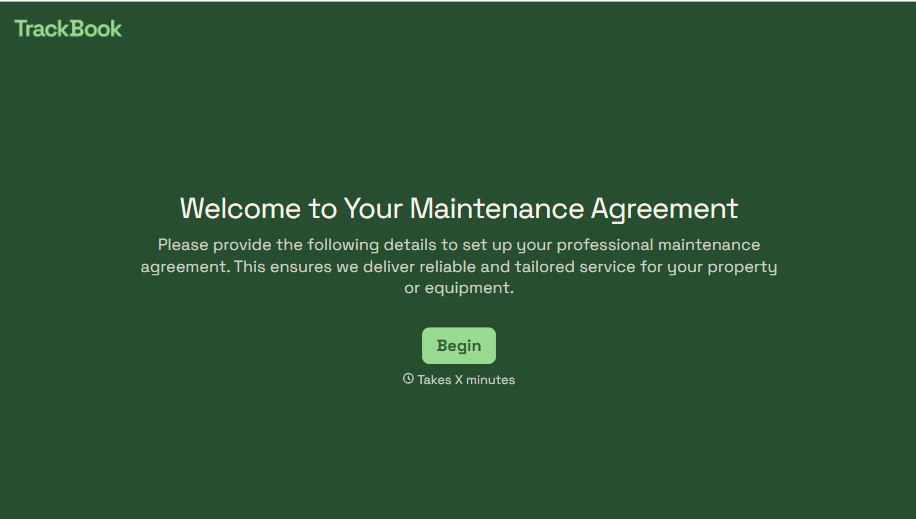
Maintenance Agreement Form
A maintenance plan agreed to over the phone isn't a contract your service team can actually work from, especially when nobody's sure whether the twice-a-year tune-up was part of the deal. Collect the equipment covered, service frequency, and a signed agreement before the first visit, so your team isn't guessing at scope once they're on-site.
View template
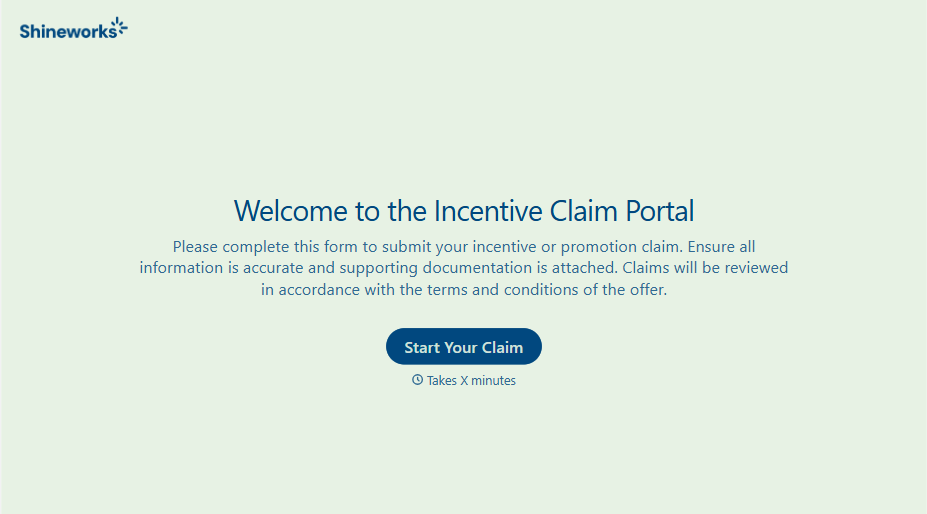
Incentive Claim Form
A rebate claim mailed in with a stapled stack of receipts isn't the kind of paperwork that gets processed quickly, especially when a required serial number turns out to be missing from page three. Collect proof of purchase, product details, and participant information upfront, so a claim doesn't bounce back for a missing document weeks later.
View template
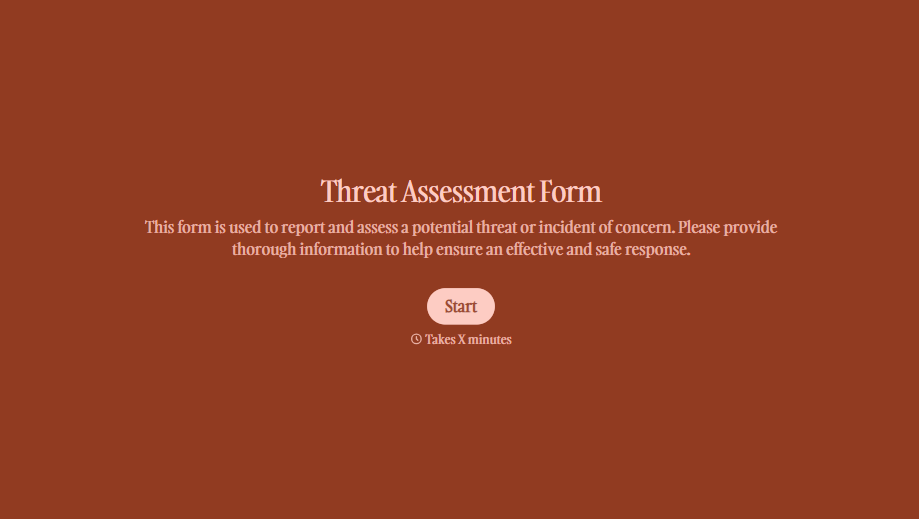
Threat Assessment Form
A concerning comment that gets passed from a teacher to a counselor to whoever's free that period loses detail with every retelling. Collect what your team actually needs, what was observed or reported, who was involved, and when, before an important detail gets dropped along the way.
View template
With Typeform, you can customize everything
Change text, colors, and even logos to match the look and feel of your brand. Then embed forms smoothly onto web and email.
Make forms feel effortless to fill out. Pace questions, call people by their name, and adapt the flow based on the data they share.
Stay efficient by connecting forms to your workflow. Typeform integrates with 300+ tools including Slack, Zapier, and HubSpot.


