Car Service Form Template
Capture everything you need from a customer before a service appointment so your team is ready to work, not stuck waiting for details.



When customers drop off their car and your service team doesn't have complete information, jobs take longer and communication gets messy. You're calling back for details you should already have, or discovering preferences and concerns mid-job that change the scope.
A pre-service intake form solves this. Typeform’s car service form template walks customers through their vehicle details, the issue they're experiencing, and any specific concerns one question at a time, so you get complete answers rather than rushed verbal summaries at drop-off. Conditional logic can surface follow-up questions based on the type of service selected Responses connect to your shop management software or a shared inbox so your team is briefed before the customer arrives.
Set up the form to match your service menu, add your shop's branding, and share it via a booking confirmation email or your website. Update it whenever your service offerings change.
A car service form is a pre-appointment intake form that collects information about a customer's vehicle and the service they need. It typically captures vehicle details, the problem or service requested, preferred contact method, and any relevant history, giving your service team everything they need to prepare.
It reduces the back-and-forth between your front desk and customers, speeds up the intake process on the day of the appointment, and helps your technicians understand what they're dealing with before the car is on the lift. Customers also appreciate being able to describe their issue in their own time, without rushing through it at the counter.
Cover the key details your service team needs:
- Vehicle make, model, year, and mileage
- License plate number or VIN
- Type of service requested
- Description of the issue or symptoms
- When the problem started
- Preferred contact method for updates
- Any previous work done on this issue
Add a question asking whether the customer has any open recalls or warranty claims related to the service they're requesting. This flags the conversation early and helps your service advisor look up the relevant documentation before the appointment.
The intake form itself is for pre-service information. For in-service communication, you can use the contact details collected in the form to send updates by text or email via your shop management system. Some integrations allow you to automate these updates based on job status.
Get inspired by relevant templates and categories
3200+ Templates, 300+ Integrations

Library Book Request Form
A book request scrawled on a sticky note at the front desk doesn't make it into any queue, and it definitely doesn't get anyone a call when the book actually arrives. Collect what your library actually needs, the title, patron information, and how they'd like to be notified, before the note gets buried under the next stack of returns.
View template

Tenant Repair Request Form
A text message about a leaky faucet sent at 11pm isn't a work order your maintenance team can act on efficiently, especially without a photo or a unit number attached. Collect the property, the issue, and how urgent it is before the request lands in someone's texts, so a repair doesn't wait on a landlord scrolling back through old messages.
View template

Video Request Form
A Slack message asking for "a quick video for the launch" isn't a creative brief your video team can actually start from. Collect the project purpose, deadline, and deliverable specs before the request lands in a queue, so your team isn't reworking a video built on assumptions the requester never actually stated.
View template
Product Enquiry Form
A generic "I'm interested in your product, can you tell me more?" email doesn't tell your sales team which product, what quantity, or what the customer's actually trying to do with it. Collect what your team actually needs, product interest, quantity, and use case, before you reply.
View template
With Typeform, you can customize everything
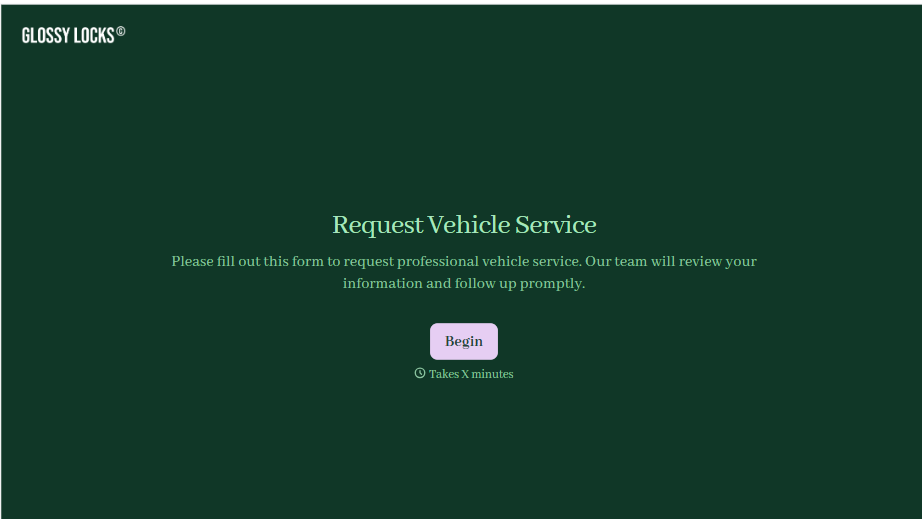
Change text, colors, and even logos to match the look and feel of your brand. Then embed forms smoothly onto web and email.
Make forms feel effortless to fill out. Pace questions, call people by their name, and adapt the flow based on the data they share.
Stay efficient by connecting forms to your workflow. Typeform integrates with 300+ tools including Slack, Zapier, and HubSpot.


