Free Workshop Registration Form Template
Collect registrations for your workshop and arrive prepared to deliver a great session.



A good workshop starts with knowing your audience. Beginners need a different approach than experienced practitioners — and when you don’t know who’s coming, you risk pitching the content too broadly, or at the wrong level for half the room.
A Typeform workshop registration form collects experience level, goals, and any prior knowledge alongside the standard registration details. That means you can tailor your content before walking in the room. Conditional logic can show different questions based on workshop type or track, so in-person and online attendees see the relevant logistics for their format.
The template is free. Add your workshop title and branding, customize the questions for your content area, and share the link in your promotional materials. Registrations come in organized and ready to review.
A workshop registration form collects enrollment information from people signing up for a workshop or training session. It gathers contact details, experience level, specific goals, and any logistical information needed to prepare the session and communicate with participants.
Knowing who's registered before the workshop lets you prepare content that fits the group's actual needs. A structured form also handles logistics automatically, confirming spots, managing capacity, and giving you a contact list for reminders and follow-up.
Cover registration basics and the information that would help you prepare:
- Full name and email address for confirmation
- Job title or background relevant to the workshop topic
- Current experience level with the subject matter
- What they hope to get out of the session
- Any specific questions or topics they want covered
- In-person logistics if applicable (dietary needs, accessibility requirements)
- How they heard about the workshop
- Agreement to any participation terms or recording policies
Set a response limit in Typeform so the form stops accepting new submissions when capacity is reached. You can direct overflow registrants to a waitlist form and notify them when a new session opens or a spot becomes available.
Typeform connects with payment platforms so you can include a payment step as part of the registration flow. This ensures attendees complete payment at the time of registration rather than separately, reducing the risk of no-shows or unpaid registrations.
Get inspired by relevant templates and categories
3200+ Templates, 300+ Integrations

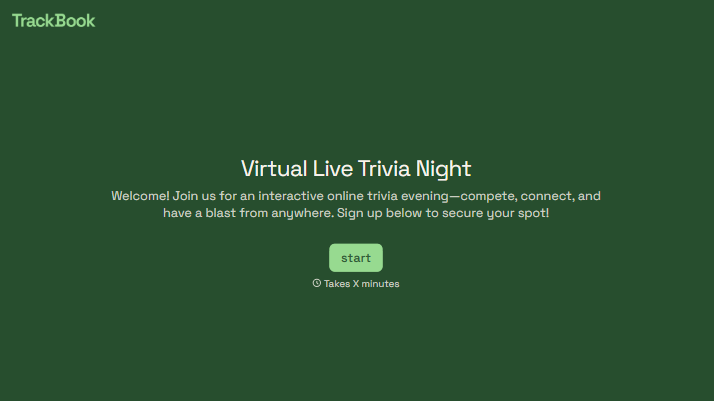
With Typeform, you can customize everything
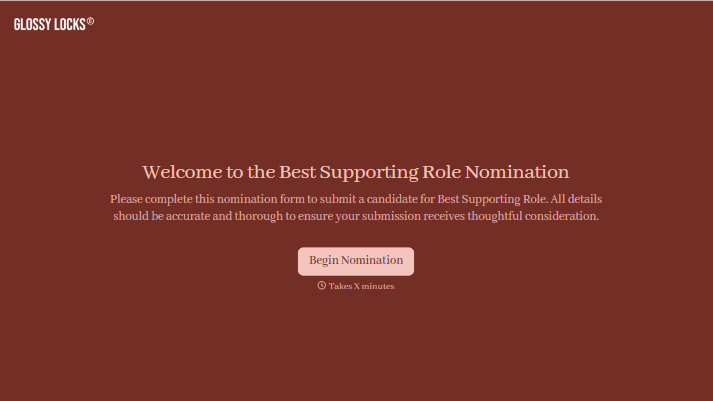
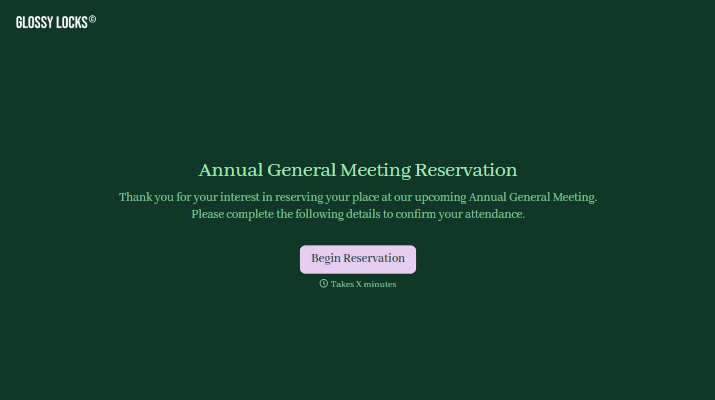
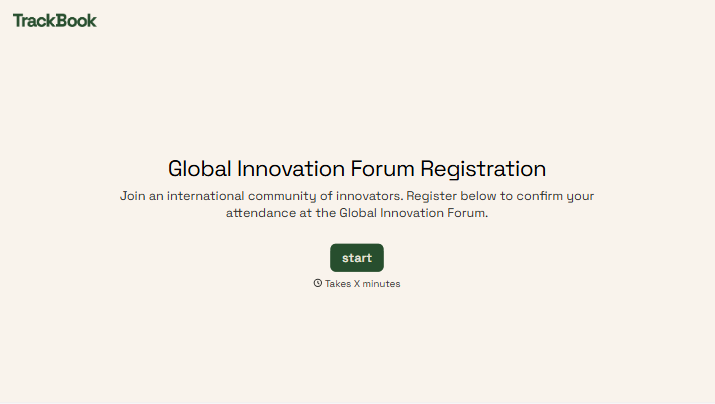
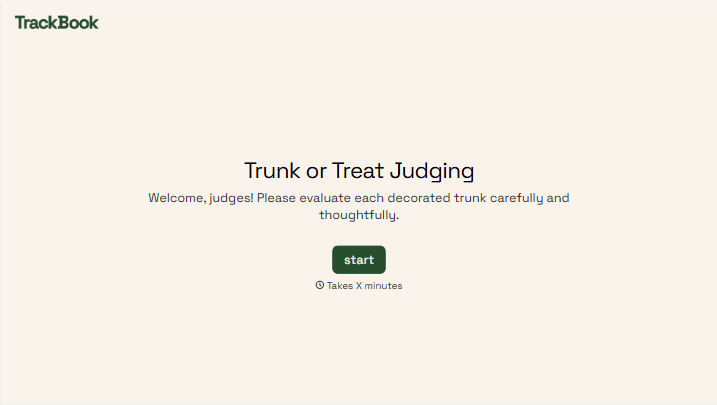
Change text, colors, and even logos to match the look and feel of your brand. Then embed forms smoothly onto web and email.
Make forms feel effortless to fill out. Pace questions, call people by their name, and adapt the flow based on the data they share.
Stay efficient by connecting forms to your workflow. Typeform integrates with 300+ tools including Slack, Zapier, and HubSpot.


