Work Quote Form Template
Capture every project detail upfront so you can quote accurately, instead of calling the client back 4 times.



Quoting a job without clear requirements is a recipe for scope creep, underpricing, and frustrated clients. But getting those requirements means phone tag, vague emails, and conversations where critical details fall through the cracks. By the time you've pieced together enough information to quote, you've already spent an hour you can't bill for.
This work quote form template front-loads the information gathering. Clients describe their project, timeline, budget range, and specific requirements through a guided, conversational flow. Conditional logic asks targeted follow-ups based on the type of work. A renovation project surfaces different questions than a consulting engagement. File uploads let clients attach reference materials, blueprints, or inspiration photos.
Responses arrive in your inbox or Slack with everything organized and ready to quote. Connect the form to your CRM or project management tool via Zapier to automatically create records and start your estimation process. No more "I forgot to ask about..." moments after the call ends.
A work quote form is a structured questionnaire that collects project details from potential clients so you can prepare an accurate estimate. It captures scope, specifications, timeline, budget expectations, and any special requirements. Think of it as a pre-consultation form that ensures both parties are aligned before the first real conversation happens.
It filters and qualifies leads before you invest time in them. You immediately see whether a project fits your capacity, pricing, and expertise. It also reduces quoting errors. When you have detailed requirements documented upfront, your estimates are more accurate, which means fewer awkward "the price went up" conversations later.
- Type of work or service needed
- Detailed project description and scope
- Desired timeline or deadline
- Budget range or spending expectations
- Site address or project location (if applicable)
- Preferred method and time for follow-up contact
Use question branching. When a client selects their service category (say, residential vs. commercial, or design vs. development), conditional logic serves up the right follow-up questions for that specific service. You maintain one form that adapts to every service you offer, keeping the experience focused and relevant for each client.
Generally, no. The form is for gathering information, not delivering estimates. However, you can include a budget range question to qualify leads and set expectations. If you have standardized pricing for certain services, consider adding a note that final pricing depends on project specifics. The form's job is to collect what you need to quote accurately, not to replace the quote itself.
Get inspired by relevant templates and categories
3200+ Templates, 300+ Integrations
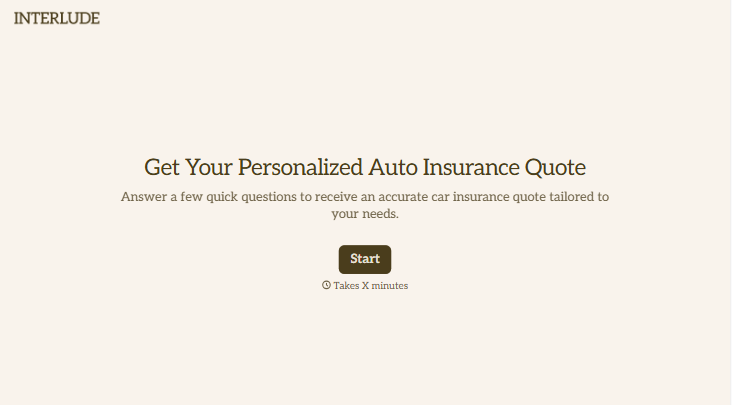



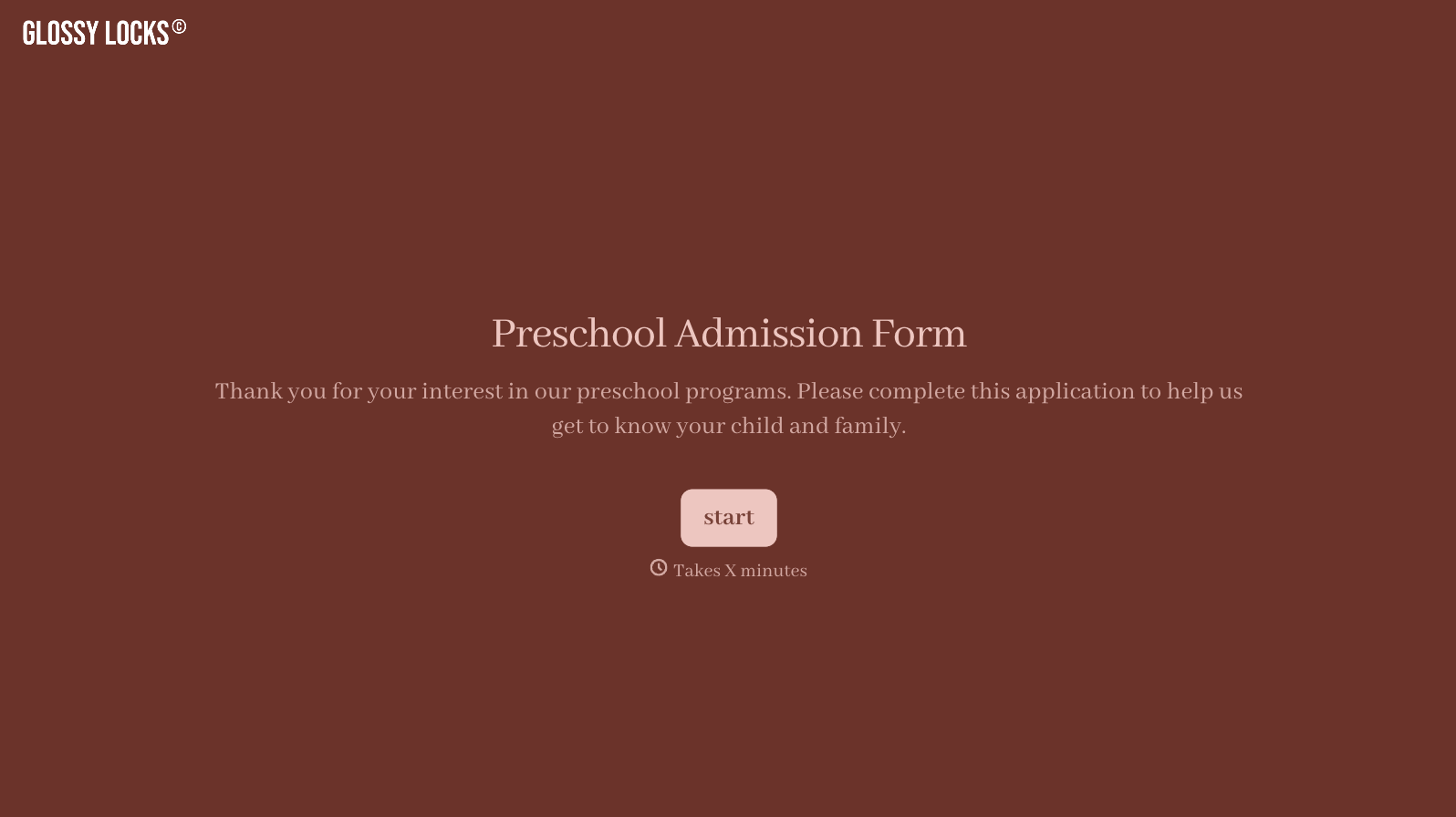
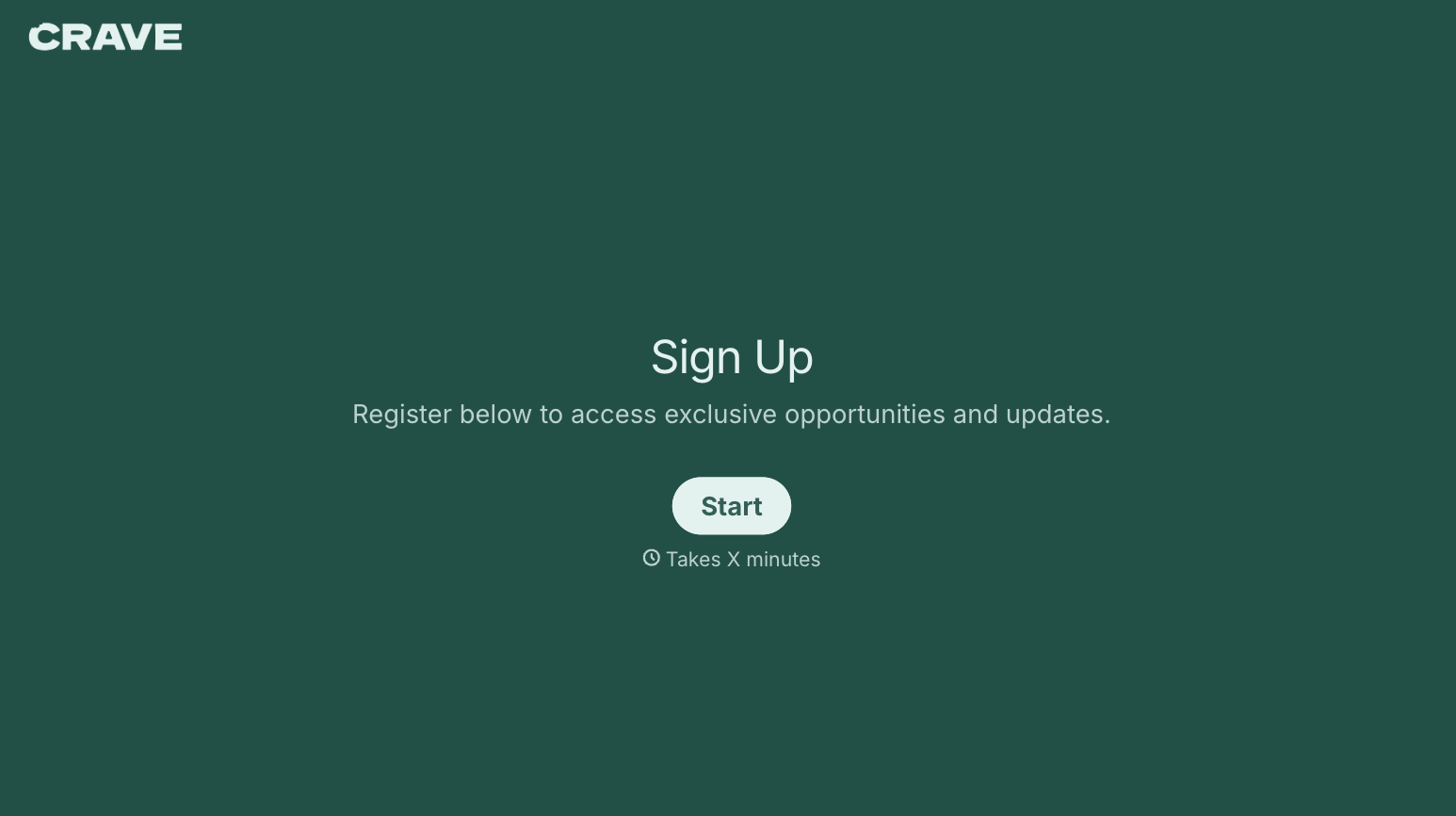
With Typeform, you can customize everything
Change text, colors, and even logos to match the look and feel of your brand. Then embed forms smoothly onto web and email.
Make forms feel effortless to fill out. Pace questions, call people by their name, and adapt the flow based on the data they share.
Stay efficient by connecting forms to your workflow. Typeform integrates with 300+ tools including Slack, Zapier, and HubSpot.


