Volleyball Registration Form Template
Register players for your volleyball league or tournament with a clear, complete process.



Whether you're running a recreational league, a competitive tournament, or a club tryout, collecting player registrations by hand or via email threads creates confusion. Incomplete forms, missing emergency contacts, and unclear skill-level declarations make it harder to seed brackets, form teams, and communicate with participants.
A Typeform volleyball registration form collects everything you need in a structured flow. Conditional logic can display different questions for individual versus team registration or for different age divisions, so each registrant sees only what's relevant to their situation. Responses come in organized and ready to use for scheduling and communication.
Customize the form with your event details, registration categories, and any waiver language. Share the link on social media, your website, or in community group messages and track registrations as they come in.
A volleyball registration form collects the information needed to enroll players or teams in a volleyball league, tournament, or clinic. It gathers personal details, skill level, team affiliation, emergency contacts, and any required waivers.
A consistent registration process means every participant submits the same information, which makes bracket seeding, team formation, and communication much easier to manage. It also gives you a complete record of who's registered and all their relevant details in one place.
Collect what you need to organize teams and communicate effectively:
- Full name, date of birth, and contact information
- Division or skill level (recreational, competitive, elite)
- Team name or free agent status
- Position preference (setter, outside hitter, libero, etc.)
- Availability for game days or tournament dates
- Emergency contact name and phone number
- Agreement to liability waiver and code of conduct
- Payment confirmation for registration fees
Include a question at the start asking whether the person is registering as an individual or as part of a team. Conditional logic then shows team-specific fields like team name, captain details, and roster size for team registrants, while individuals move through a simpler flow.
Yes. Use a question to distinguish between registration types, and conditional logic can show the event-specific details relevant to each. A tournament registration might ask about bracket preferences and availability on specific dates, while a league signup focuses on weekly schedule fit.
Get inspired by relevant templates and categories
3200+ Templates, 300+ Integrations
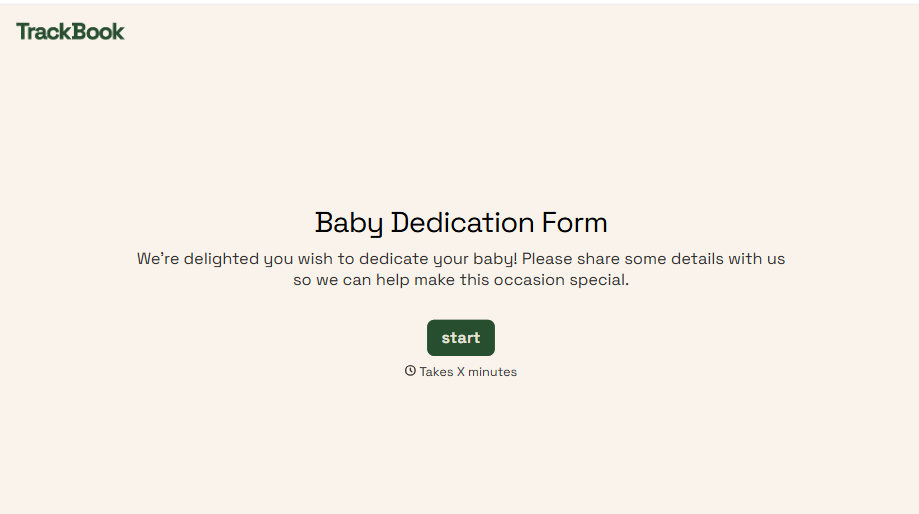
Baby Dedication Form
A sign-up sheet passed around during announcements isn't the kind of detail you want to compile into a Sunday program from memory. Collect the baby's information, requested ceremony date, and any required class attendance before the service, so your team isn't confirming a name's spelling the morning of.
View template
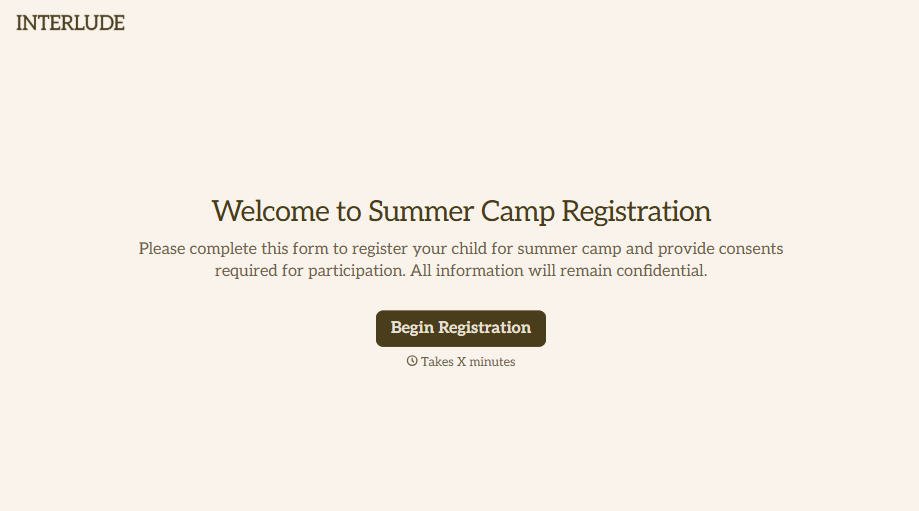
Summer Camp Consent Form
A camper with a bee sting and a counselor on the phone trying to reach a parent isn't a consent process, it's a delay. Collect guardian consent for emergency medical treatment, medication administration, and photo or media use before drop-off, so your staff can act instead of waiting for a callback.
View template
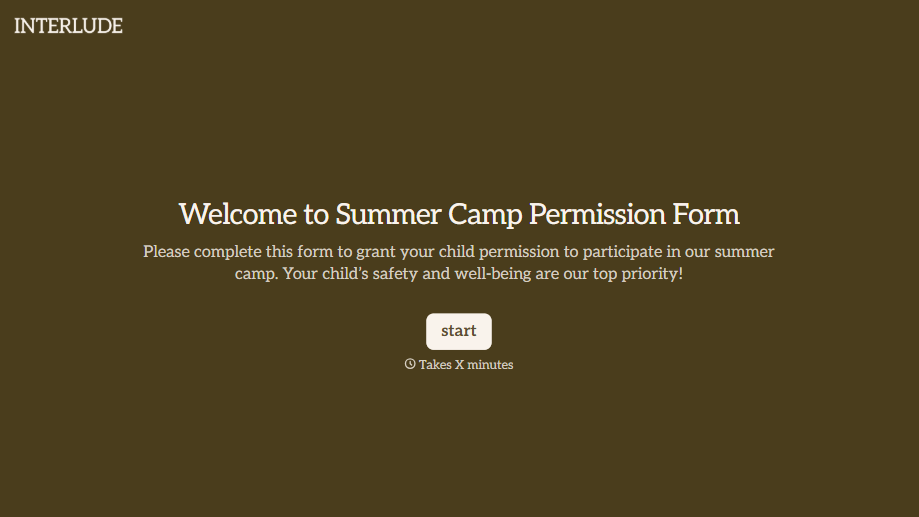
Summer Camp Permission Form
A permission packet crumpled at the bottom of a backpack for two weeks isn't a permission slip anyone can rely on. Collect camper information, medical disclosures, and a signed permission for camp activities before drop-off, so your staff aren't scrambling for an emergency contact on day one.
View template

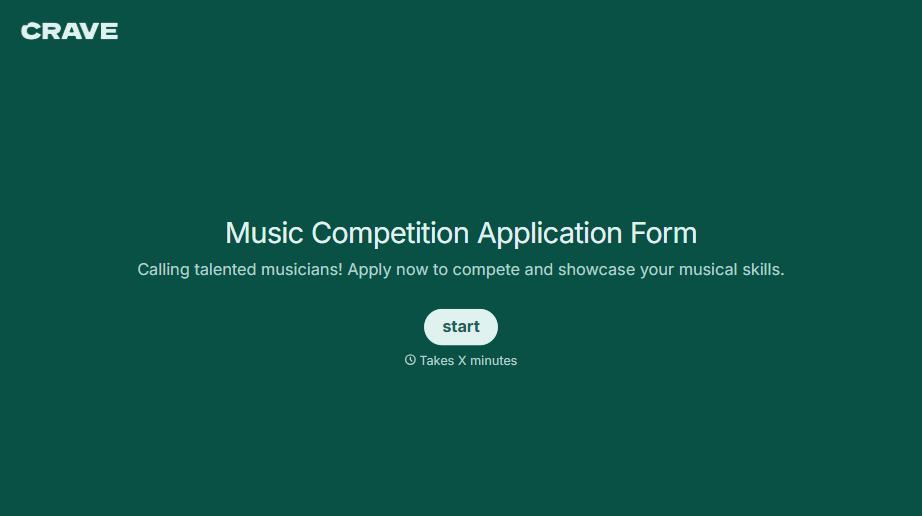
Music Competition Application Form
An application that asks for a video link and a repertoire list but never says whether the recording needs to be a single unedited take isn't a fair competition, it's whoever guessed the actual rules correctly. Set the age category, the time limit, and the recording requirements up front, so every entry gets judged against the same standard.
View template
With Typeform, you can customize everything
Change text, colors, and even logos to match the look and feel of your brand. Then embed forms smoothly onto web and email.
Make forms feel effortless to fill out. Pace questions, call people by their name, and adapt the flow based on the data they share.
Stay efficient by connecting forms to your workflow. Typeform integrates with 300+ tools including Slack, Zapier, and HubSpot.


