Video Quiz Form
Turn any YouTube video into a graded classroom quiz, and collect student responses on any device.



Teachers share videos for students to watch on their own, but there’s no easy way to know who actually watched the content, what they understood, or who needs help before the next lesson. And, figuring that out only costs teachers more time than they can spare. Typeform's video quiz form template gives teachers, educators, and course creators a clear process for turning any video lesson into a graded comprehension check.
Embed a YouTube video, then add multiple choice questions, short answer fields, or file uploads for essays and photos. Typeform shows one question at a time, so students stay focused without feeling overwhelmed. Conditional logic scores each answer and routes students to a personalized ending screen, so every student sees their result without any manual grading on your end.
Share the quiz via a link or email, or embed it on your school website or LMS. Students can complete it on any device, and responses store securely in your account—even offline with Typeform's mobile app. Customize question groups, scoring thresholds, and branding to match your course and grading criteria. Every quiz becomes a data point on where your class stands and where to focus next.
A video quiz form embeds a video directly into a quiz and follows it with questions to test viewer comprehension. It captures student responses in structured fields, such as multiple choice answers, short text, or file uploads (essays, images, etc.), and scores them automatically. Think of it as a lesson and assessment rolled into one shareable form.
A video quiz form turns passive viewing into an active learning check with automatic scoring. It gives teachers structured data on comprehension, not just a gut feeling about who was paying attention. Use it for lesson reviews, unit assessments, or flipped classroom activities across any grade level or subject.
A complete video quiz covers:
- The embedded YouTube video for the lesson
- Multiple choice questions tied to key concepts in the video
- At least one short answer question for deeper reflection
- A file upload field if students need to submit essays or photos
Typeform's scoring automatically assigns a point value to each correct answer. Organize questions into groups by topic or difficulty, with score thresholds controlling whether a student advances to the next section. Conditional logic then routes students to different ending screens based on their final score.
Embed the quiz directly on your course page or LMS so students can access it where the rest of their coursework lives. You can also share it via a direct link or email, which is useful for remote students or one-off assignments. Either way, responses collect in your account automatically and are ready to review as soon as students submit.
Get inspired by relevant templates and categories
3200+ Templates, 300+ Integrations



Nationality Verification Form
A self-certification buried in a stack of new account paperwork isn't the kind of record a compliance team can rely on for a regulatory filing. Collect nationality, tax residency, and a signed declaration before an account opens, so compliance isn't chasing down a customer's citizenship status after the fact.
View template
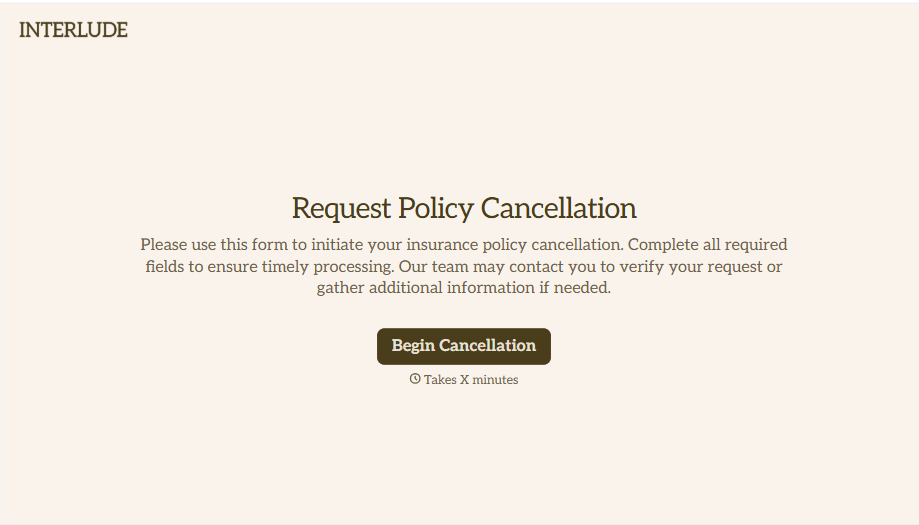
Policy Cancellation Form
A cancellation requested over the phone doesn't leave a clear record of exactly what date the policyholder actually asked for, and that date matters more than it sounds like it should. Collect what your agency actually needs, policy details, identity verification, and the requested effective date, before coverage actually ends.
View template
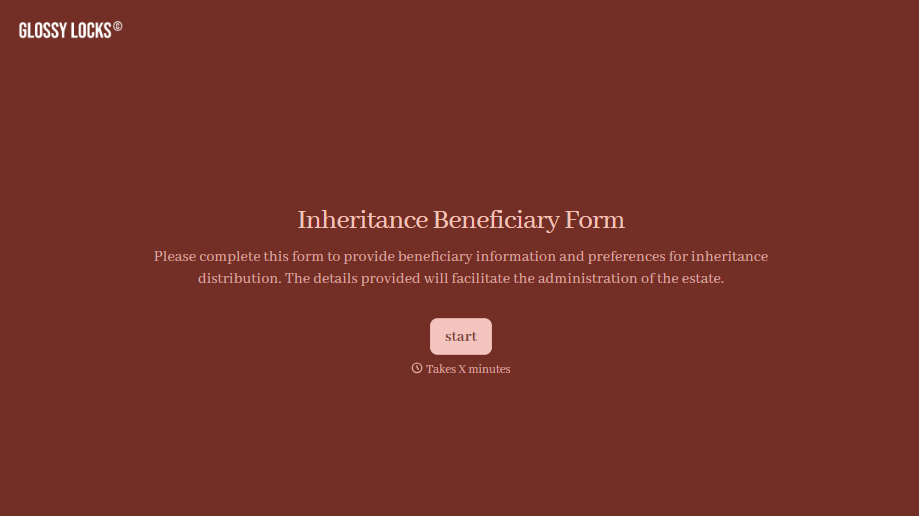
Inheritance Beneficiary Form
Asking a grieving family member for the same banking details across three different phone calls doesn't make settling an estate go any faster. Collect what your firm actually needs, beneficiary information, identification, and distribution details, in one submission instead of three calls.
View template
With Typeform, you can customize everything
Change text, colors, and even logos to match the look and feel of your brand. Then embed forms smoothly onto web and email.
Make forms feel effortless to fill out. Pace questions, call people by their name, and adapt the flow based on the data they share.
Stay efficient by connecting forms to your workflow. Typeform integrates with 300+ tools including Slack, Zapier, and HubSpot.


