Video Consent Form Template
Get clear permission to record and use video of individuals — before the camera starts rolling.



Recording someone on video without their knowledge or consent creates legal and ethical problems. Whether it's for a training video, a customer testimonial, or an event recap, this form gives organizations a professional way to obtain and document that consent.
The template covers the participant's name and contact information, the purpose of the video, how it will be used and distributed, whether the participant can request removal, any compensation terms, the recording date and context, and a dated signature. Minor participant fields include parent or guardian consent.
Asking for video consent in advance — not as a rushed signature at the camera — gives participants time to consider and creates a record they agreed freely, not under pressure.
For individuals who are identifiable and featured — speaking roles, named participants, interview subjects — yes. For incidental appearances in crowd or background footage in public settings, requirements vary by jurisdiction.
If the original consent didn't cover the new use, you may need new consent. Use broad language in your initial consent form that covers 'current and future platforms and uses' to reduce the need for re-consent.
Once published, withdrawal is complicated. The consent form should specify what happens if a participant requests removal post-publication. Include a contact address for removal requests and explain the process.
Yes, as specifically as you know. Name the platforms, event types, and geographic scope. Ambiguity tends to get resolved in the participant's favor if a dispute arises.
The principles are the same but the form should specify 'video, audio, and moving image recordings' explicitly. A photo release may not automatically cover video footage.
Get inspired by relevant templates and categories
3200+ Templates, 300+ Integrations

Bank Reference Form
A reference request faxed to a bank branch and left sitting in a queue for weeks isn't the kind of turnaround a landlord or business can wait on. Collect the applicant's signed authorization and the specific details you need confirmed before the request even reaches the bank, so a decision isn't stuck behind a letter that hasn't come back yet.
View template
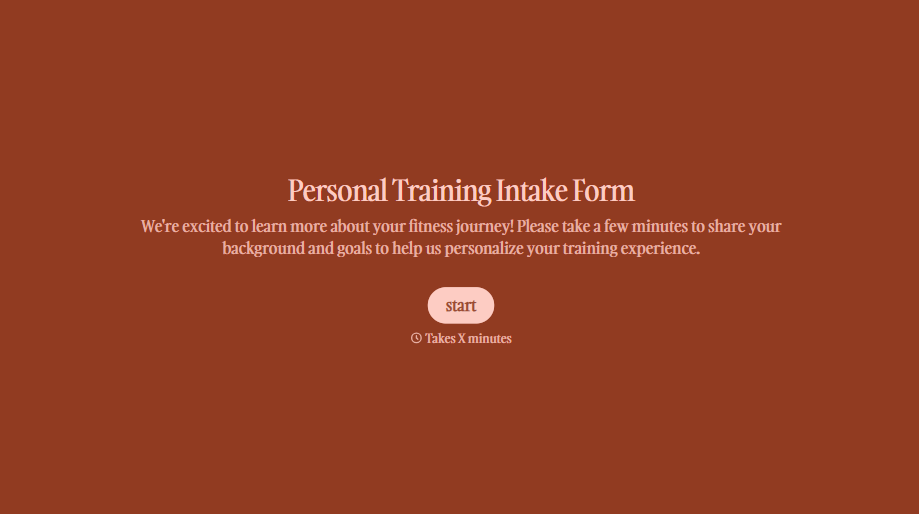
Personal Trainer Intake Form
A PAR-Q filled out in the lobby five minutes before a first session isn't intake, it's a formality nobody has time to read closely. Collect health history, injury information, and fitness goals before the first session, so your trainer isn't building a program blind.
View template
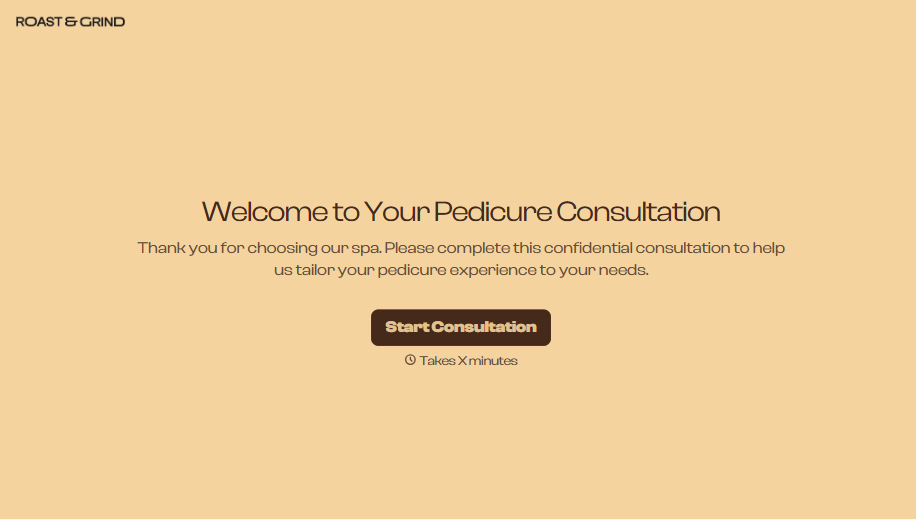
Pedicure Consultation Form
An intake card filled out on a clipboard while a client's feet are already in the soak isn't a consultation, it's a formality nobody reads closely. Collect foot health disclosures, allergy information, and service preferences before the technician picks up a tool, so nobody discovers a health condition mid-service.
View template

Bar Inventory Form
A bottle count eyeballed at the end of a shift and scrawled on a paper sheet doesn't hold up against a pour cost report that says something doesn't add up. Collect what your bar actually needs, item, count, and variance, on a schedule you can actually compare week to week.
View template


Equipment Inventory Form
Equipment that leaves a storage room in someone's arms, with no note about where it went, doesn't show up again until someone needs it and can't find it. Collect what your team actually needs, item details, condition, and who's got it, every time something moves.
View template
With Typeform, you can customize everything
Change text, colors, and even logos to match the look and feel of your brand. Then embed forms smoothly onto web and email.
Make forms feel effortless to fill out. Pace questions, call people by their name, and adapt the flow based on the data they share.
Stay efficient by connecting forms to your workflow. Typeform integrates with 300+ tools including Slack, Zapier, and HubSpot.


