University Application Form Template
Collect complete, well-organized applications from prospective students so your admissions process runs without gaps.



University applications involve a lot of moving parts — personal details, academic history, program preferences, supporting documents, and more. When that information arrives through email threads, PDFs, and paper forms, your admissions team spends more time chasing missing details than actually evaluating candidates.
A Typeform university application form walks applicants through each section in a clear, one-question-at-a-time format that feels less intimidating than staring at a long document. Conditional logic routes applicants to the right questions based on their chosen program, level of study, or background. You can include file upload fields for transcripts and supporting materials, and connect responses directly to your CRM or a Google Sheet.
The form is fully customizable — adjust sections to match your institution's requirements, add your branding, and embed it on your admissions page or share it as a direct link.
A university application form is a structured document prospective students complete to apply for admission. It collects personal, academic, and program-specific information that the admissions team uses to evaluate candidates.
A consistent, digital form means every applicant provides the same core information in the same format. That makes evaluation faster, reduces incomplete submissions, and gives your team a clean data set to work from.
Cover all the essentials for a thorough application:
- Full name, contact details, and date of birth
- Program and level of study being applied for
- Academic history and qualifications
- Personal statement or motivation
- Referee or recommendation details
- Uploaded supporting documents (transcripts, certificates)
- Disability or special requirements disclosure (optional)
Typeform's file upload field lets applicants attach transcripts, certificates, or other required materials directly. Set file type and size restrictions to keep submissions manageable and ensure you receive the formats your team needs.
Typeform doesn't have a native save-and-return feature, but you can structure the form so it's completable in one sitting by keeping it focused and clearly scoped. For longer applications, breaking the form into stages with separate links is an option.
Get inspired by relevant templates and categories
3200+ Templates, 300+ Integrations
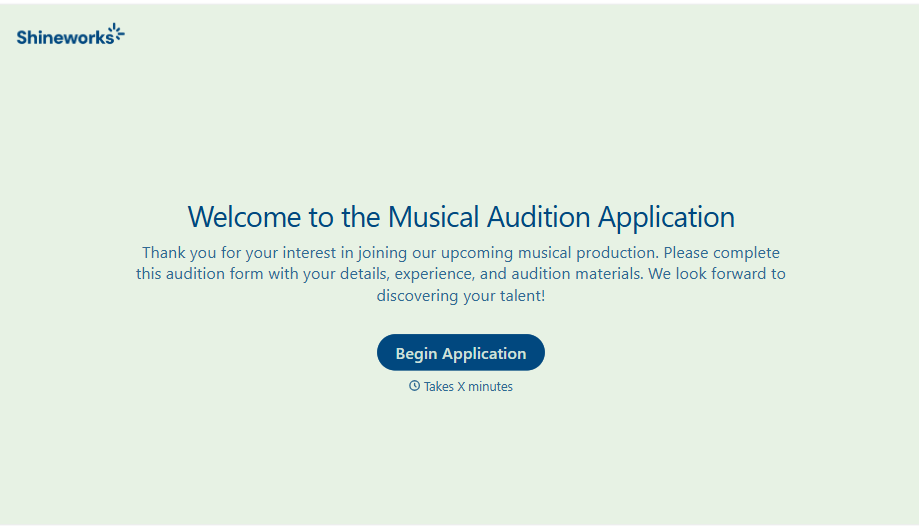
Musical Audition Form
A name scrawled on a sign-up sheet taped near the rehearsal room doesn't tell a director what role someone's after, or whether they can actually make callbacks next Tuesday. Collect what your production actually needs, contact information, role interest, and availability, before audition day arrives.
View template
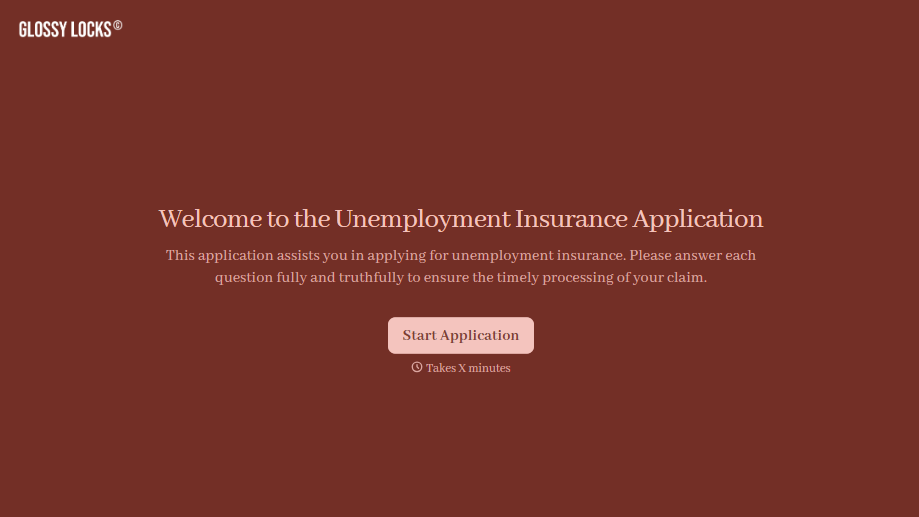
Unemployment Insurance Application Form
A stack of pay stubs gathered the morning of a filing deadline isn't the kind of preparation that gets a claim processed without delay. Collect employment history, separation details, and supporting documents before you sit down at your state's unemployment portal, so a claim doesn't stall over a missing detail.
View template
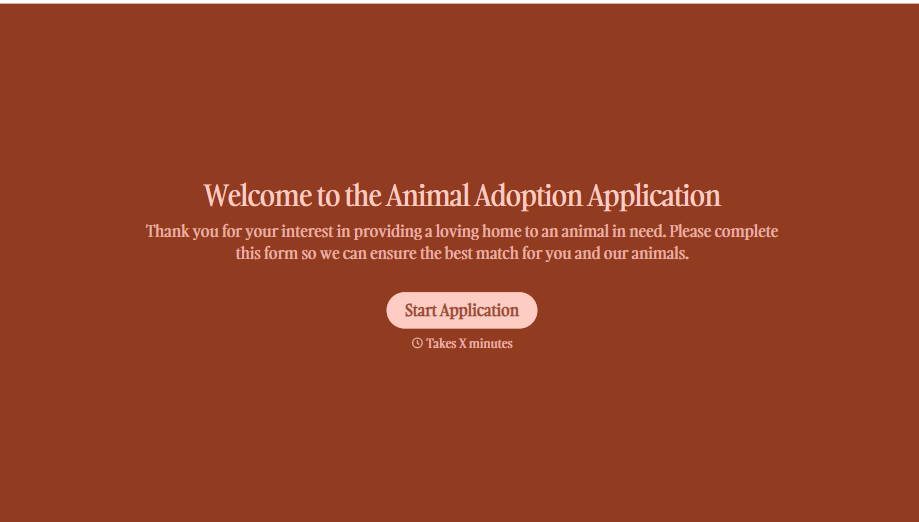
Animal Adoption Application Form
A paper application filled out at the counter while a dog's watching through the window isn't enough information to place an animal in a home that'll actually work. Collect household information, pet experience, and references before adoption day, so your staff aren't approving a placement on a rushed form.
View template
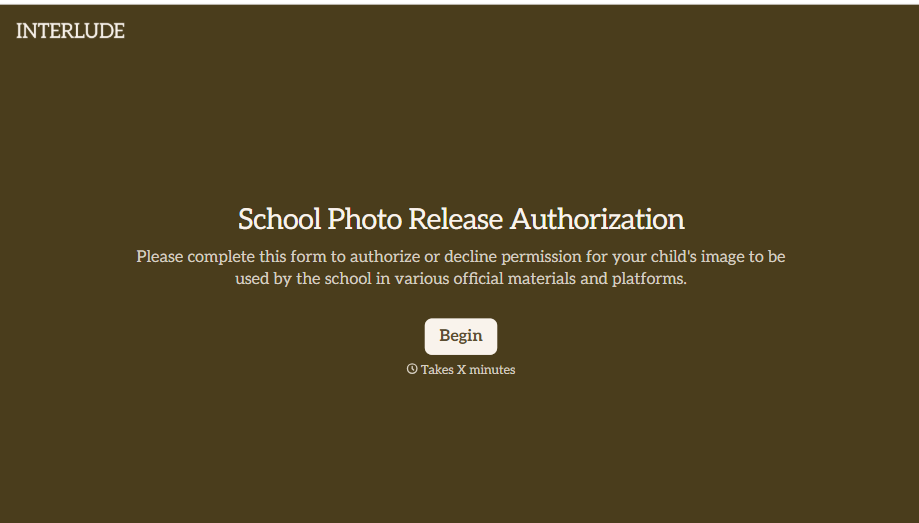
School Photo Release Form
A photo consent checkbox buried on page 12 of an enrollment packet doesn't tell a teacher who's actually opted out before they post a class photo. Collect what your school actually needs, guardian consent, and exactly where a photo can be used, before the camera comes out.
View template
School Transfer Request Form
A transfer request dropped off at the district office isn't the kind of paperwork that gets processed before the semester it's meant for already started. Collect the student's information, reason for transfer, and supporting documentation upfront, so a request doesn't stall while the district follows up for a missing form.
View template
Survey Application Form
A screener that makes someone answer 20 questions before finding out they don't qualify isn't good research design, it's a wasted respondent and a wasted budget. Collect qualifying details upfront, route ineligible applicants out quickly, and send the full survey only to people who actually fit, so your research budget isn't spent on data you can't use.
View template
With Typeform, you can customize everything
Change text, colors, and even logos to match the look and feel of your brand. Then embed forms smoothly onto web and email.
Make forms feel effortless to fill out. Pace questions, call people by their name, and adapt the flow based on the data they share.
Stay efficient by connecting forms to your workflow. Typeform integrates with 300+ tools including Slack, Zapier, and HubSpot.


