Training Satisfaction Survey Template
Find out whether your training programs are actually working, from the people who attended them.



Running a training session without measuring its impact is guesswork. You invest time and money in content and delivery, but without feedback, you don't know whether participants found it useful, whether it changed how they work, or what to improve next time.
A training satisfaction survey collects that feedback immediately after the session, while the experience is fresh. Typeform's conversational format tends to get higher completion rates than static feedback forms, and rating scale questions alongside open-ended questions give you both quantitative data and the context behind the scores. Responses aggregate automatically, so you can spot patterns across sessions, trainers, and topics. Integrations with tools like Slack or Google Sheets notify your L&D team as responses come in.
Customize the survey to match your training program, add your company branding, and send it via a link in the session follow-up email. You can use the same form across multiple sessions and filter results by date or program.
A training satisfaction survey is a feedback form completed by participants after a training session or program. It measures how useful, relevant, and well-delivered the training was, and collects suggestions for improvement. It's a core tool for evaluating the effectiveness of L&D investments.
It gives you direct evidence of what's working and what isn't, based on the perspectives of the people the training was designed to serve. Over time, satisfaction data helps you improve content, identify which trainers or formats are most effective, and make the case for continued investment in learning programs.
Useful feedback helps you identify problems and find ways to improve. You could use a number rating and compare it against your average, or ask for written feedback to pinpoint issues.
Using a range of question types is the best way to get feedback that will help you improve your training. Use a mix of drop-down menus, star ratings, and open text boxes to understand your trainee’s experience. Ask them about all elements of the training, from the structure and length to the content, and even the instructor.
Send it within 24 hours of the training session, while the experience is still clear in participants' minds. For multi-day programs, send a shorter check-in at the end of each day and a comprehensive survey at the program's close. Immediate feedback tends to be more specific and actionable.
Review aggregate scores after each session and look for consistent low-scoring areas. Open-ended responses often contain the most useful insight, so read them carefully rather than relying on scores alone. Present findings to trainers and content owners with specific examples, not just averages.
Get inspired by relevant templates and categories
3200+ Templates, 300+ Integrations
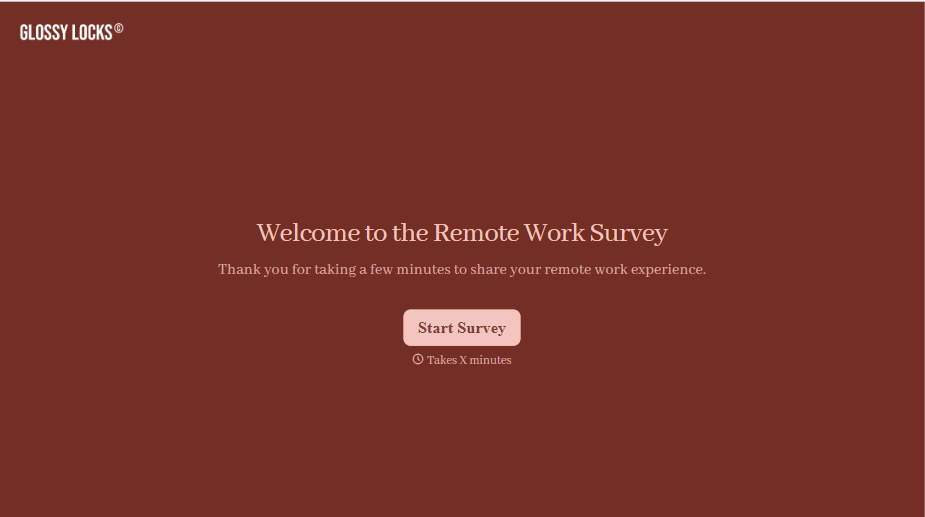
Remote Work Survey Form
A remote work survey that asks "How satisfied are you, 1 to 10?" once a year and getting the same safe "8" from everyone isn't measuring how remote work is actually going, it's measuring how safe people feel giving an honest answer. Ask about the actual friction, equipment, communication, isolation, and make it genuinely anonymous.
View template
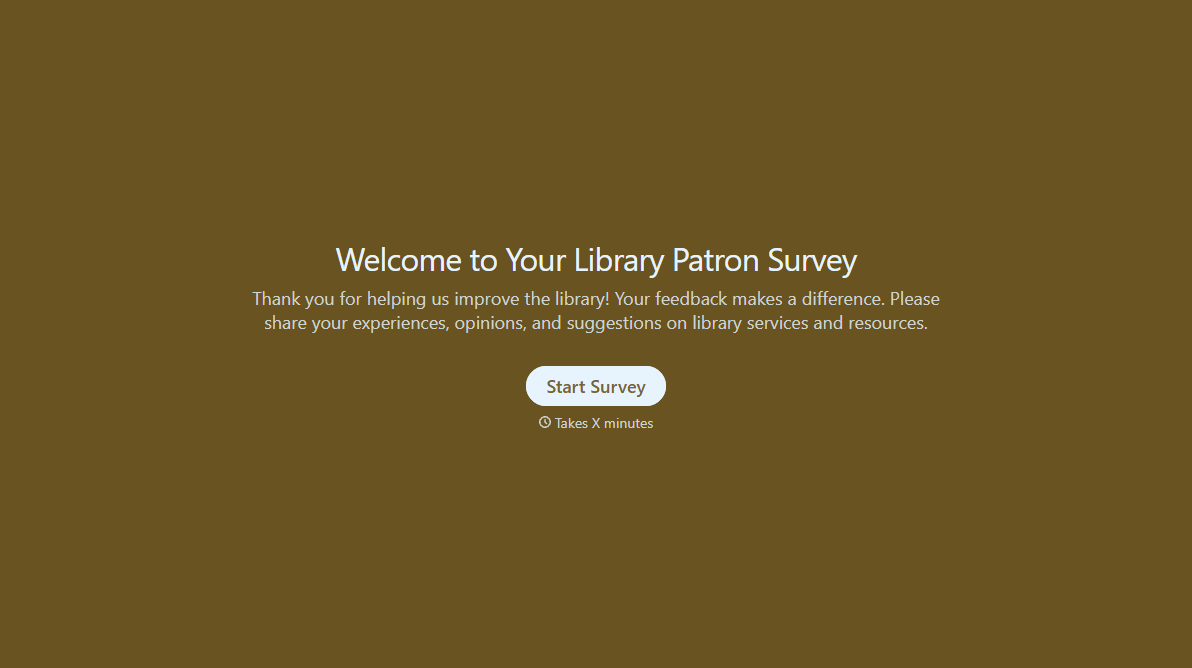
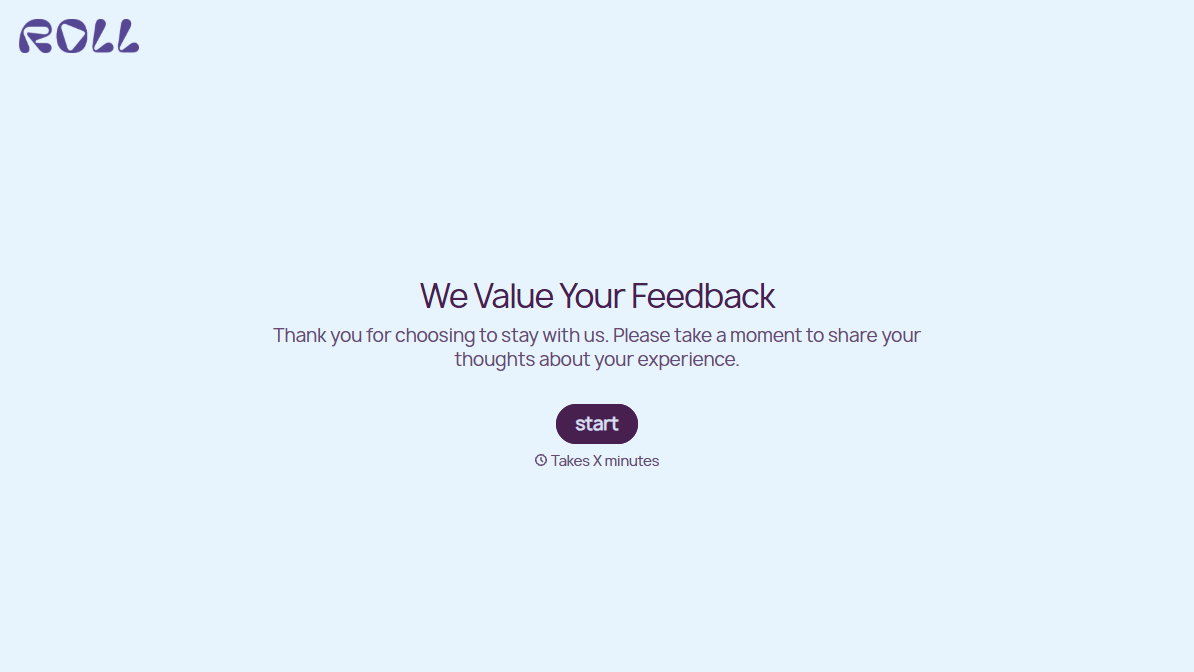
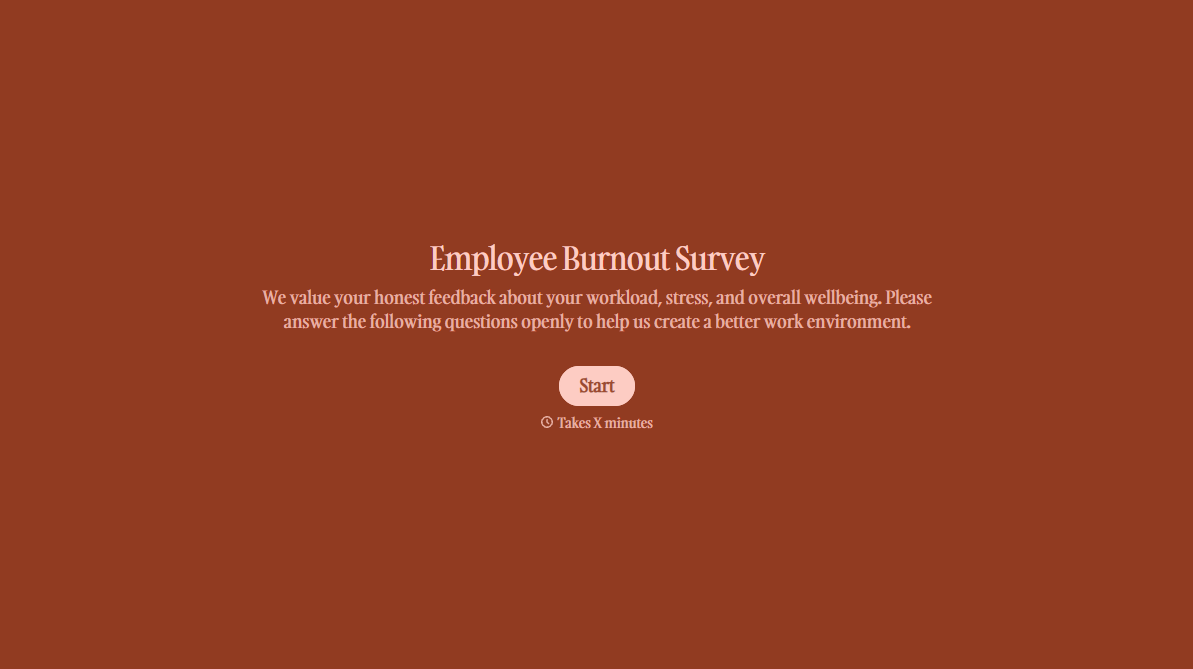
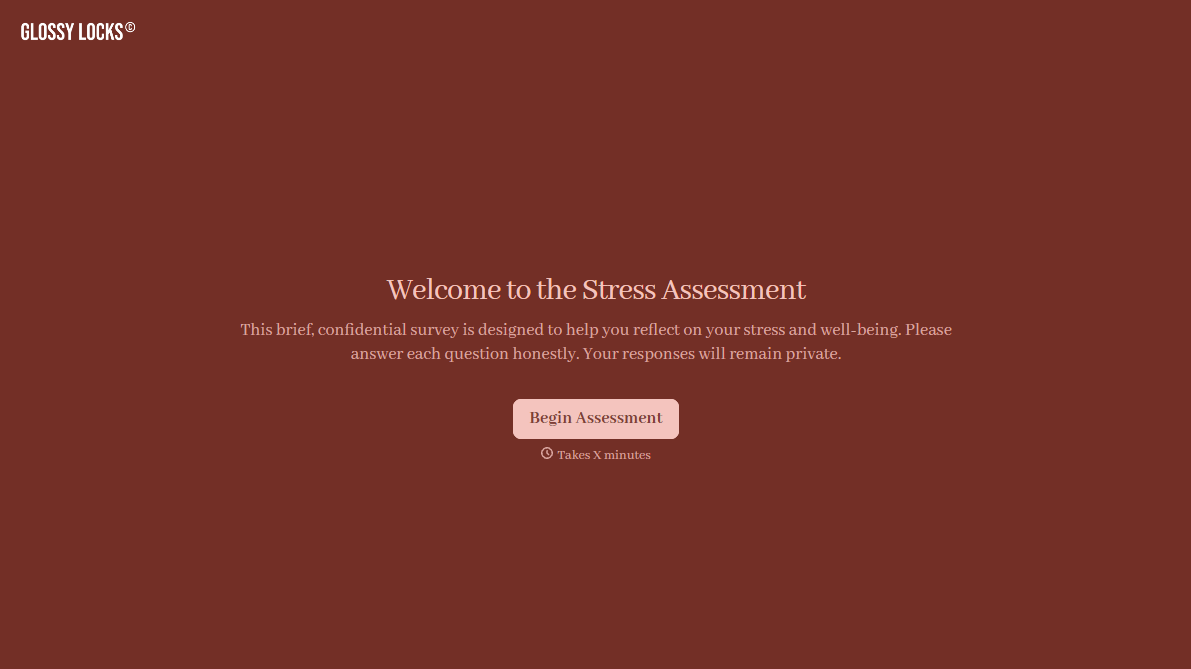
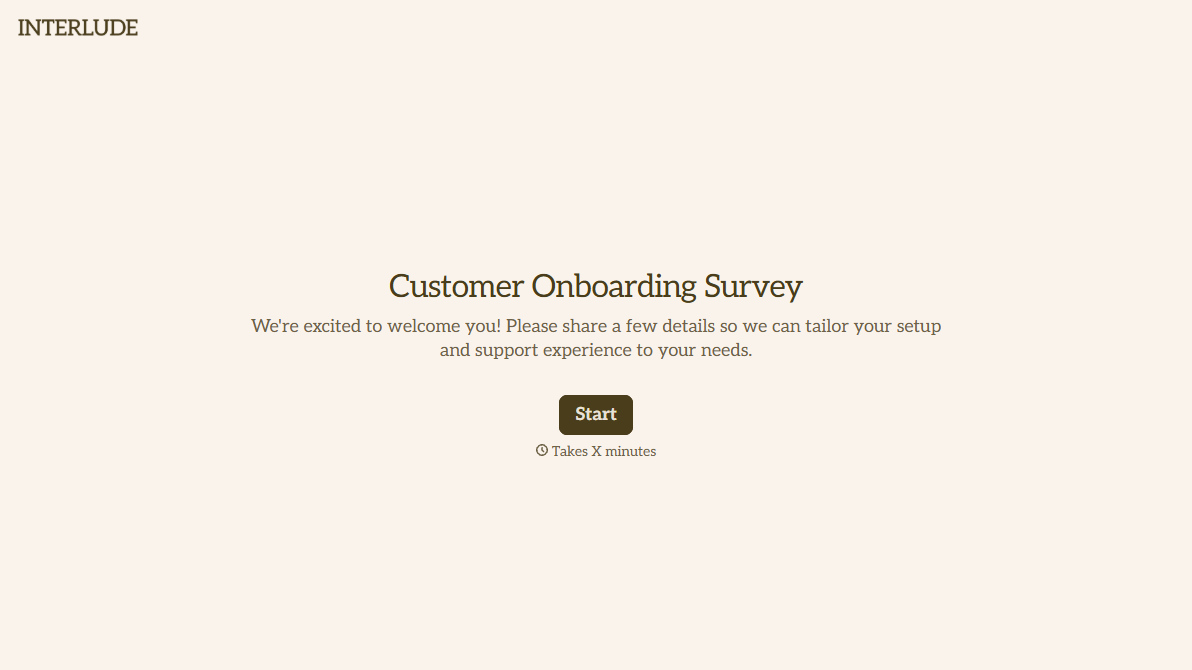
With Typeform, you can customize everything
Change text, colors, and even logos to match the look and feel of your brand. Then embed forms smoothly onto web and email.
Make forms feel effortless to fill out. Pace questions, call people by their name, and adapt the flow based on the data they share.
Stay efficient by connecting forms to your workflow. Typeform integrates with 300+ tools including Slack, Zapier, and HubSpot.


