Training Registration Form Template
Streamline enrollment for workshops, courses, and professional development sessions.



Organizing a training session means collecting more than just names. You need to know attendees' roles, experience levels, dietary restrictions for in-person events, accessibility needs, and sometimes whether they have prerequisites. When all of that comes in through email or a generic sign-up sheet, you spend more time sorting information than preparing for the training itself.
A Typeform training registration form collects everything in one structured flow. Conditional logic can ask different questions based on the training track selected or the attendee's experience level, so a beginner sees different follow-ups than an advanced registrant. Responses come in organized so you can plan sessions, prepare materials, and communicate with participants effectively.
Customize the form with your training catalog, add your organization's branding, and share the link with employees, clients, or the public depending on who the training is for.
A training registration form collects enrollment information from individuals signing up for a course, workshop, or professional development program. It gathers participant details, session preferences, relevant background information, and any logistical needs.
A structured registration process ensures you have the information you need to run the session effectively. It tells you who's coming, what their background is, and whether any special accommodations are needed, so you can prepare without chasing down details the week before.
Gather what's needed to plan the session and confirm enrollment:
- Participant name, job title, and organization
- Contact email for confirmation and reminders
- Training track or session selected
- Current experience or skill level in the subject area
- Dietary restrictions or accessibility needs (for in-person events)
- Prerequisite completion confirmation (if required)
- How they heard about the training
- Manager or supervisor approval (if required by organization policy)
Set a response limit on the form so it stops accepting new registrations when capacity is reached. You can create a separate waitlist form for overflow registrants and notify them automatically if a spot opens. Typeform integrations make it possible to trigger these notifications through your email platform.
Yes. Create a version of the form for each training cycle or use a single form with a session date selector. Connecting responses to a spreadsheet lets you track enrollment across multiple dates or cohorts and see at a glance how each session is filling up.
Get inspired by relevant templates and categories
3200+ Templates, 300+ Integrations

Distributor Registration Form
A distributor application that arrives as a scanned resale certificate attached to an email doesn't tell your sales team what territory they're actually asking for. Collect what your company actually needs, business information, tax documentation, and territory, before you set up an account.
View template
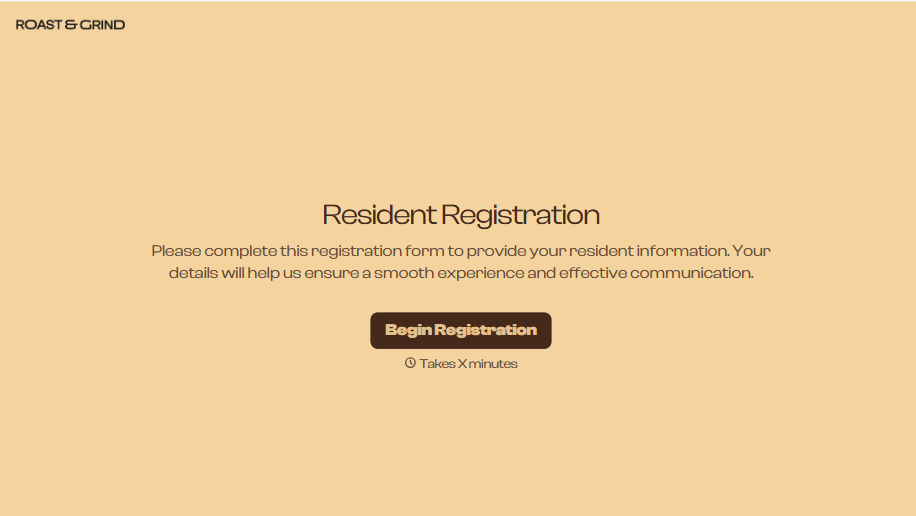
Resident Registration Form
A move-in packet signed at the leasing office and filed in a drawer isn't the kind of record your front desk can pull up when a resident's guest needs access or a car needs to be identified in the lot. Collect household members, vehicles, and emergency contacts before move-in day, so your community has an accurate record from the start.
View template
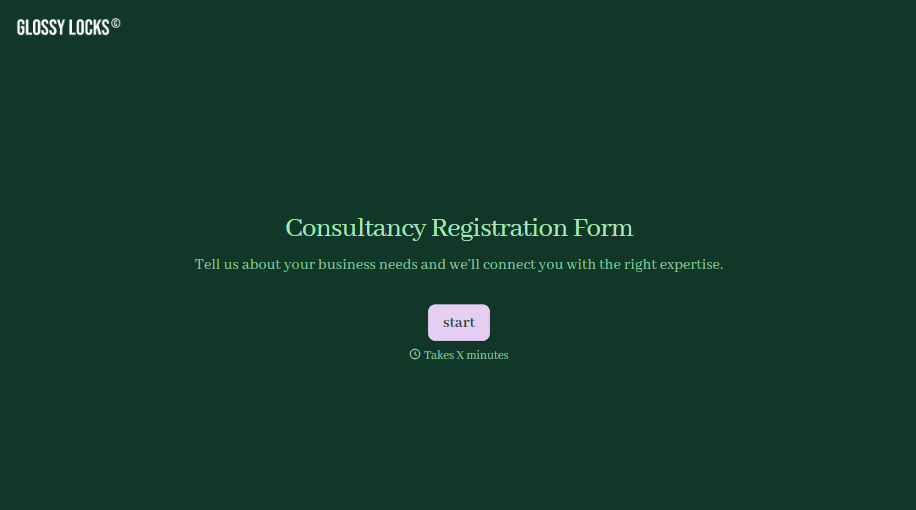
Consultancy Registration Form
Move past a registration form that only grabs a name and a phone number. Confirm the client understands who they're signing up with, screen for what a consultancy is legally allowed to charge and promise, and keep a record of exactly what was disclosed and agreed to.
View template

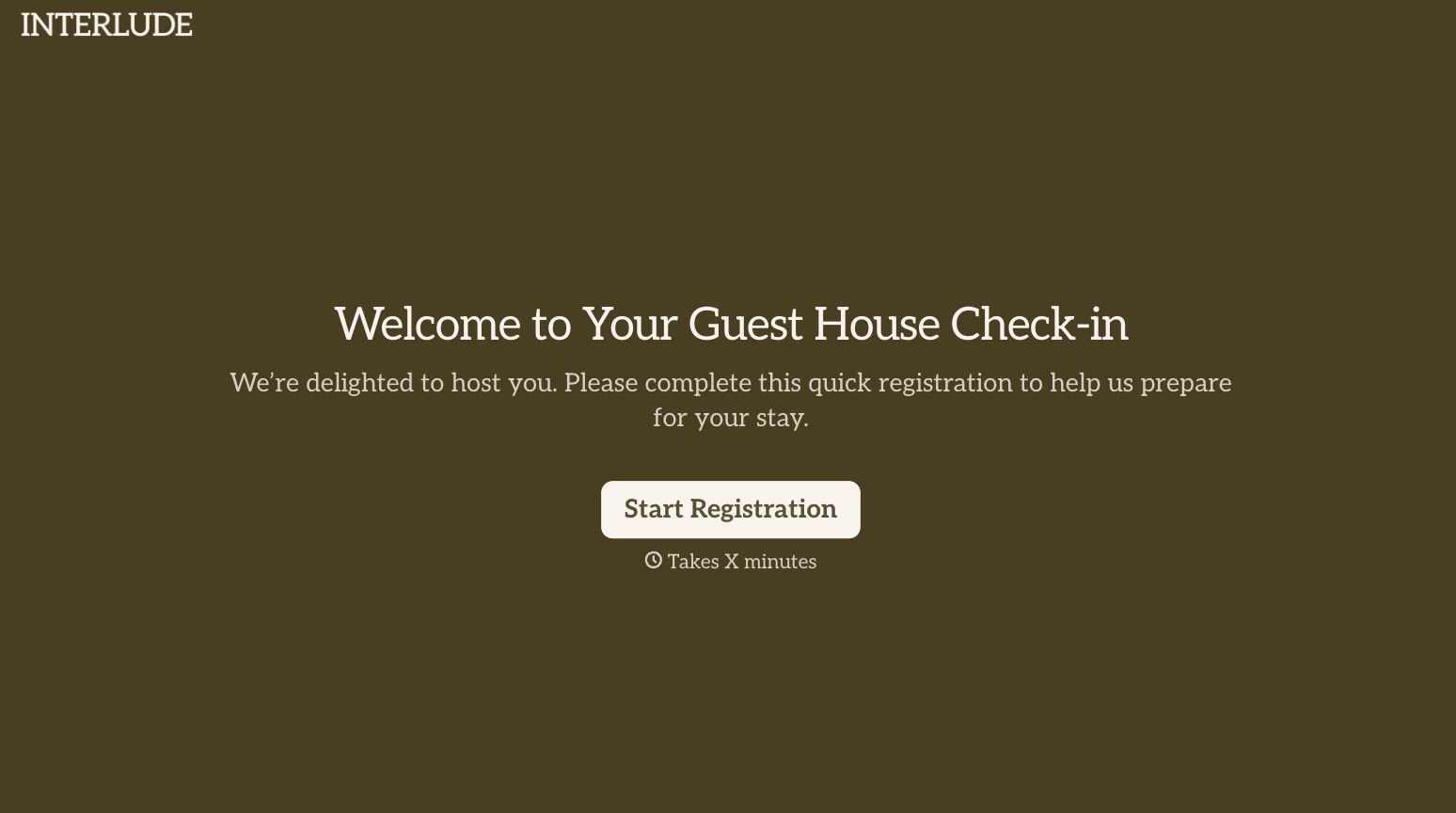
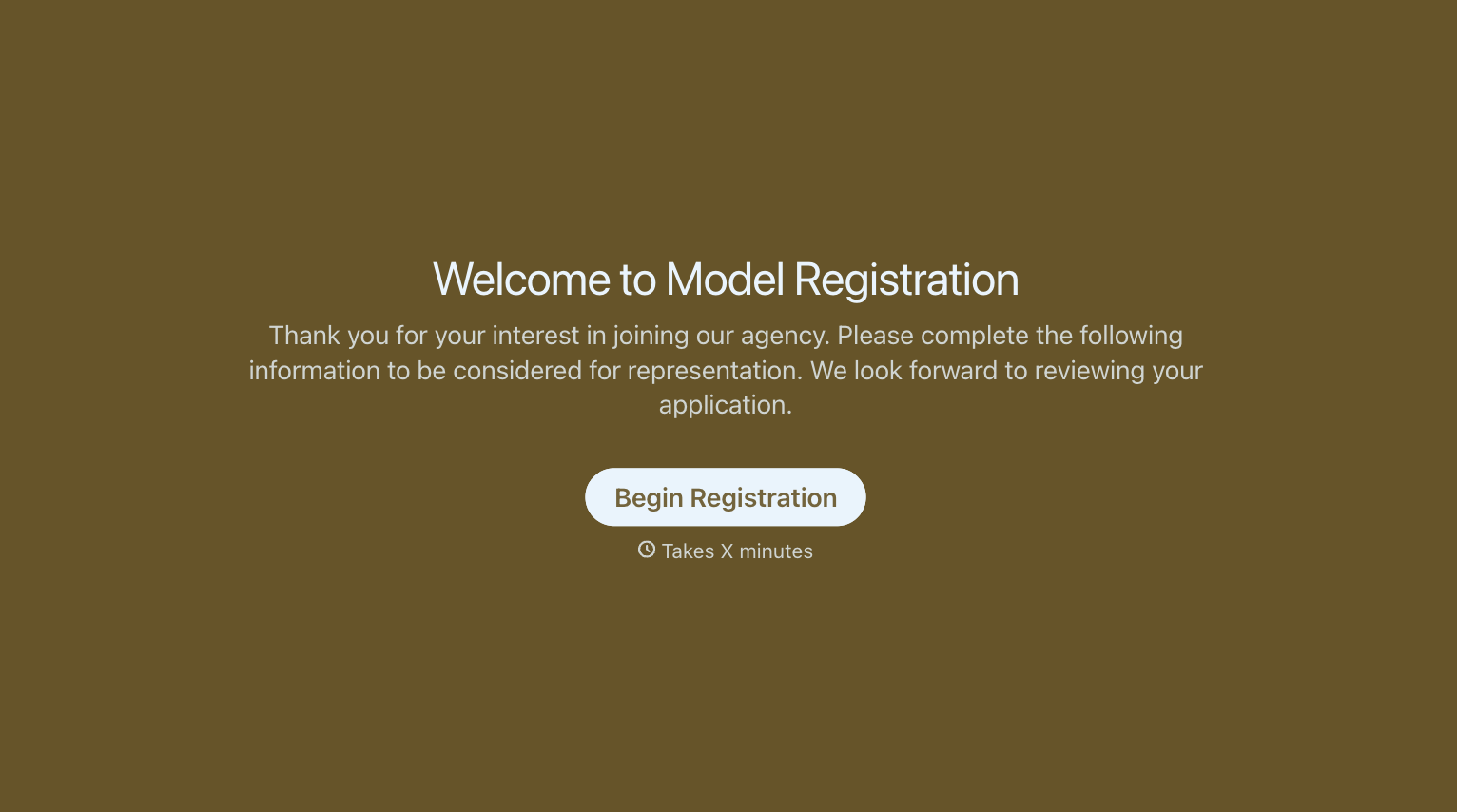
With Typeform, you can customize everything
Change text, colors, and even logos to match the look and feel of your brand. Then embed forms smoothly onto web and email.
Make forms feel effortless to fill out. Pace questions, call people by their name, and adapt the flow based on the data they share.
Stay efficient by connecting forms to your workflow. Typeform integrates with 300+ tools including Slack, Zapier, and HubSpot.


