Training Feedback Form Template
Find out whether your training actually landed before you run the same session 50 more times.



You invested time and budget into a training session. The facilitator felt good about it. But did participants actually learn something? Did the content match their needs? Without structured feedback, you're guessing. And guessing leads to repeating the same mistakes or cutting programs that were quietly doing great work.
This training feedback form template captures participant reactions while the experience is still fresh. The one-question-at-a-time format keeps people engaged instead of rushing through a wall of checkboxes. Rating scales measure satisfaction across key dimensions (content relevance, instructor effectiveness, materials quality), while open-ended questions surface the specific insights you can't get from a 1-5 scale.
Share the form link right after the session ends, or embed it in your follow-up email. Responses flow into Google Sheets or your LMS via integrations, giving you a dashboard of feedback you can act on. Customize questions for different training types, add your branding, and start collecting responses that actually improve your next session.
A training feedback form is a post-session survey that captures participants' assessments of a training program. It typically measures content quality, instructor performance, relevance to job responsibilities, and overall satisfaction. The data helps L&D teams iterate on training design and justify program investments to leadership.
Feedback reveals the gap between what you designed and what participants experienced. Maybe the content was too basic for senior team members. Maybe the pacing was too fast. Maybe the case studies felt irrelevant. Without this data, you're planning your next session in the dark. With it, you can make targeted adjustments that measurably improve outcomes.
- Child's full name, date of birth, and gender
- Parent or guardian contact information (phone, email, address)
- Emergency contacts (at least 2 beyond the primary guardian)
- Medical conditions, allergies, and current medications
- Authorized pickup persons with photo ID requirements
- Immunization records and pediatrician contact details
Keep it short: 5 to 8 minutes maximum. The one-question-at-a-time format already helps by reducing the visual overwhelm of traditional surveys. Set expectations upfront ("this takes 3 minutes"), and explain how feedback directly shapes future sessions. If appropriate, build 5 minutes of form-completion time into the end of the training itself.
Get inspired by relevant templates and categories
3200+ Templates, 300+ Integrations

Work From Home Request Form
A Slack message asking to work from home on Thursday isn't a request anyone can track, especially once the same employee has asked five different ways over a month. Collect the request type, dates or schedule, and manager approval in one place, so HR isn't reconstructing who's working where from a scattered inbox.
View template

Return of Property Form
A property checklist stapled to an exit interview packet isn't a record anyone can rely on when a laptop turns up missing three weeks later. Collect itemized equipment details, condition at return, and a signed acknowledgment before an employee's last day, so IT isn't chasing down a laptop that already walked out the door.
View template
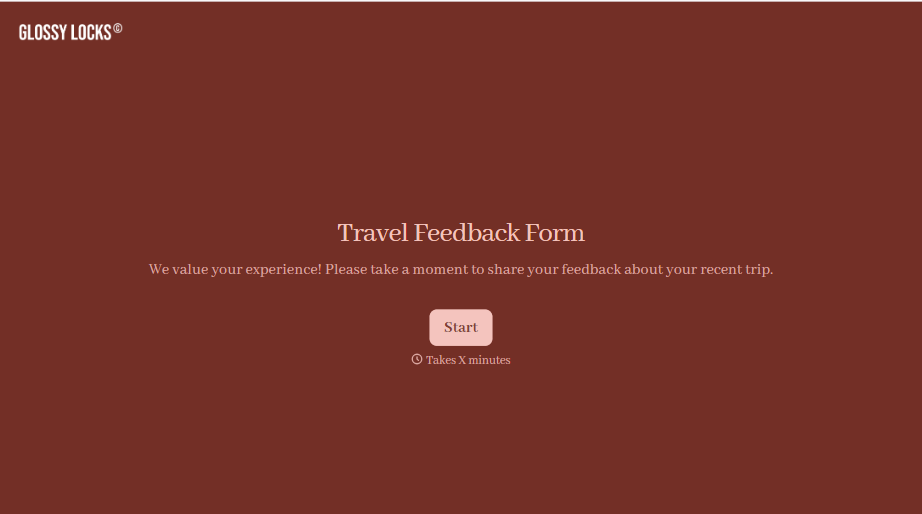
Travel Feedback Form
A quick "so, how was the trip?" when someone's back in the office doesn't tell your travel team which hotel to stop booking or which flight change actually caused the headache. Collect what your team actually needs, trip details, what worked, and what didn't, once the traveler's had a minute to think about it.
View template

Early Retirement Form
A retirement mentioned to a manager in conversation doesn't give HR anything to actually process, and if there's an incentive deadline attached, the date that conversation happened can matter more than anyone realized at the time. Collect what your HR team actually needs, employee information, requested date, and benefit elections, before a window closes.
View template
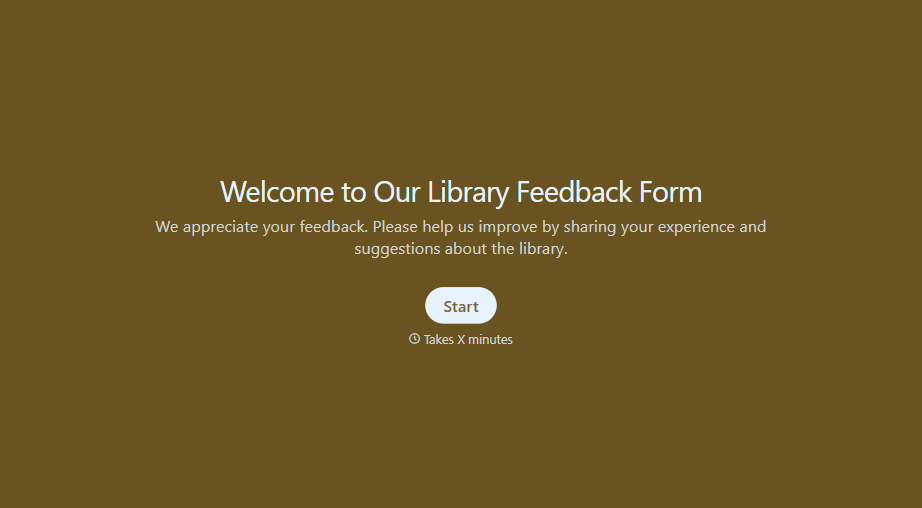
Library Feedback Form
A comment card dropped in a suggestion box isn't a channel your staff can act on quickly, especially when nobody can tell if it's about a broken chair or a request for more audiobooks. Collect the specific feedback, which branch and department it concerns, and a way to follow up before the card gets buried under next week's stack.
View template
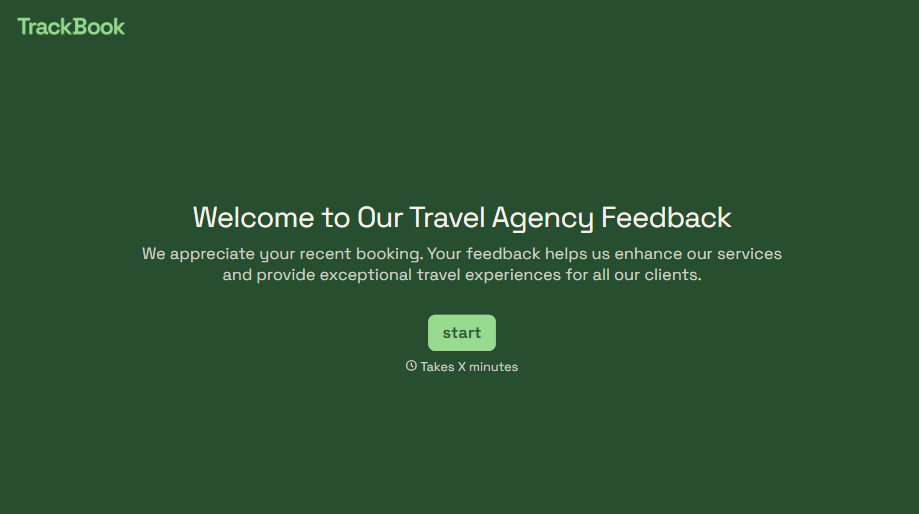
Travel Agency Feedback Form
A generic satisfaction survey emailed three weeks after a trip isn't the kind of feedback an agency can act on, especially once the specifics of a rough hotel transfer have faded. Collect feedback on the specific parts of a trip while it's still fresh, so a complaint that needs immediate follow-up doesn't sit behind a stack of routine responses.
View template
With Typeform, you can customize everything
Change text, colors, and even logos to match the look and feel of your brand. Then embed forms smoothly onto web and email.
Make forms feel effortless to fill out. Pace questions, call people by their name, and adapt the flow based on the data they share.
Stay efficient by connecting forms to your workflow. Typeform integrates with 300+ tools including Slack, Zapier, and HubSpot.


