Training Assessment Form
Measure what your training actually taught, from knowledge gained to confidence built, so you invest in sessions that work.



Companies spend heavily on training and rarely know if it landed. Without assessment, you repeat sessions that don't work and cut ones that do. Typeform's training assessment template gives L&D teams a clear way to measure impact and improve every program.
The form captures knowledge checks, confidence ratings, relevance, and open feedback. Typeform walks participants through one question at a time, so the assessment never feels like a wall of fields. Conditional logic adapts questions based on a participant's role—a manager sees questions about applying skills to their team, while an individual contributor answers about their own work.
Customize the questions to match each course, and use rating scales for consistent scoring. Share it through your LMS, by email, or as a post-session link. Every response logs to Google Sheets via Zapier, ready to compare across cohorts. Prove training ROI with data, not assumptions.
A training assessment form is a tool for measuring what participants learned and how useful they found a training session. It captures knowledge gained, confidence, relevance, and feedback. It functions as both a learning check and a program improvement tool.
Training without assessment is spending without proof. A structured assessment shows what participants retained and where the session fell short. You get the data to refine content, justify budget, and prove impact. That insight turns training from a cost into a measurable investment.
Cover both learning and experience:
- Knowledge-check questions on key concepts
- Confidence rating before and after
- Relevance of content to the participant's role
- Quality of the trainer and materials
- What participants will apply
- Suggestions for improvement
Use Typeform's rating and opinion scale questions to score knowledge and confidence on a consistent scale across every participant. Conditional logic then adapts follow-up questions by role, so a manager and an individual contributor each answer about how they'll apply the training. You compare results across cohorts and pinpoint exactly where a session works or fails.
Yes—Typeform can tag and route responses based on a participant's score, so you separate those who mastered the material from those who need follow-up. You can trigger an automatic email offering extra resources to anyone scoring below a threshold. That turns assessment into targeted support.
Get inspired by relevant templates and categories
3200+ Templates, 300+ Integrations
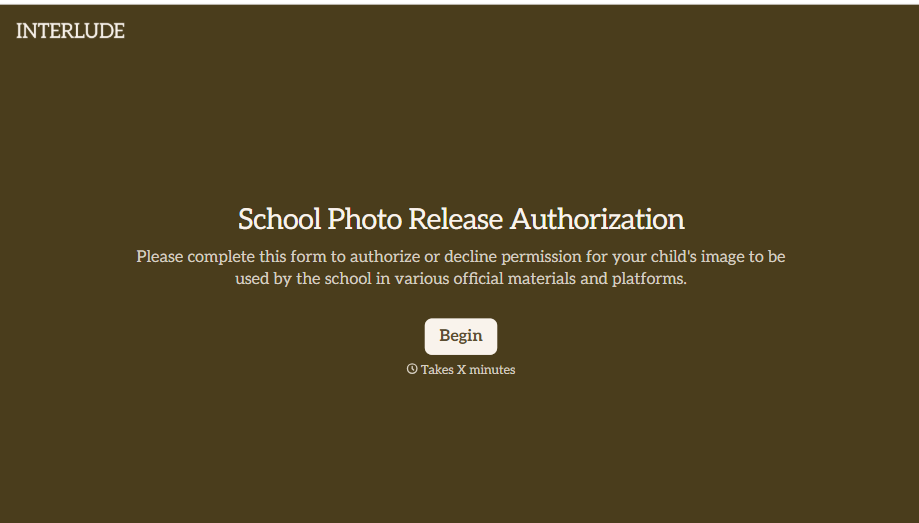
School Photo Release Form
A photo consent checkbox buried on page 12 of an enrollment packet doesn't tell a teacher who's actually opted out before they post a class photo. Collect what your school actually needs, guardian consent, and exactly where a photo can be used, before the camera comes out.
View template
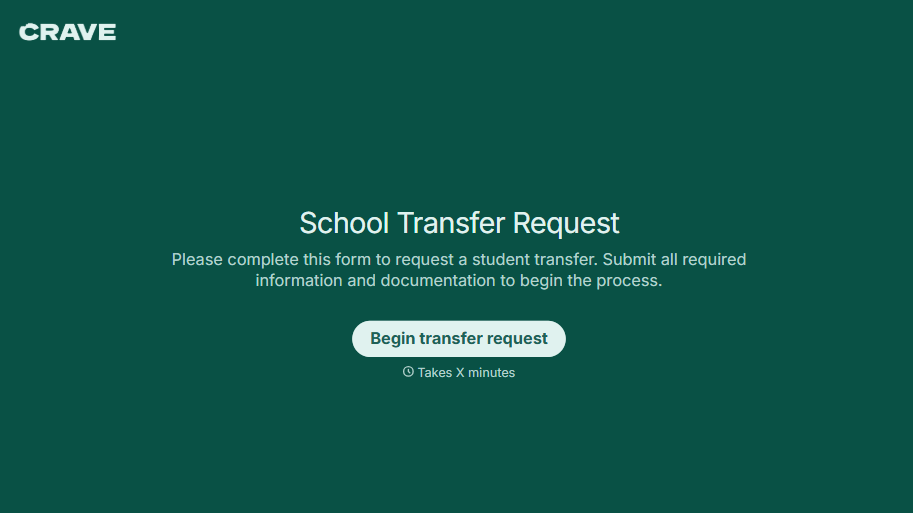
School Transfer Request Form
A transfer request dropped off at the district office isn't the kind of paperwork that gets processed before the semester it's meant for already started. Collect the student's information, reason for transfer, and supporting documentation upfront, so a request doesn't stall while the district follows up for a missing form.
View template
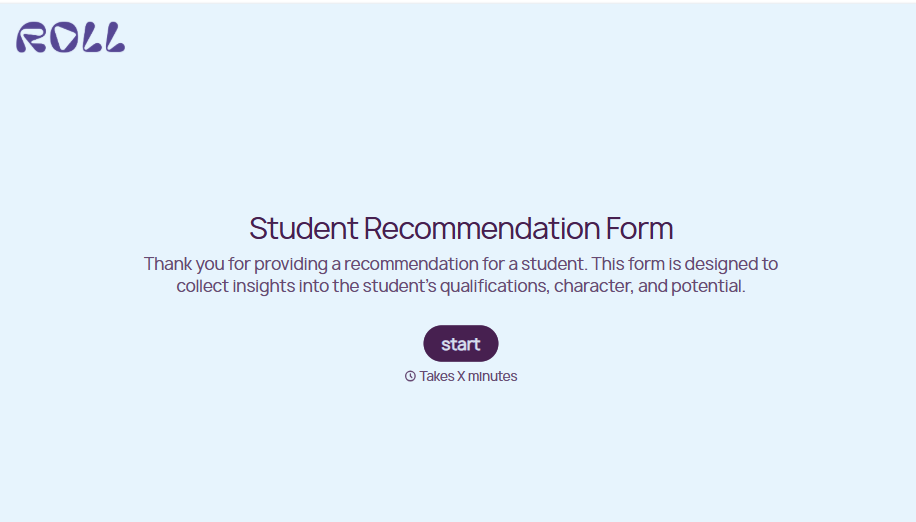
Student Recommendation Form
An email asking "can you write me a letter of recommendation" with no deadline attached isn't enough for a teacher to actually sit down and write one. Collect the program details, deadline, and what the student wants highlighted before the request lands in an inbox, so a letter doesn't get written in a rush the night it's due.
View template
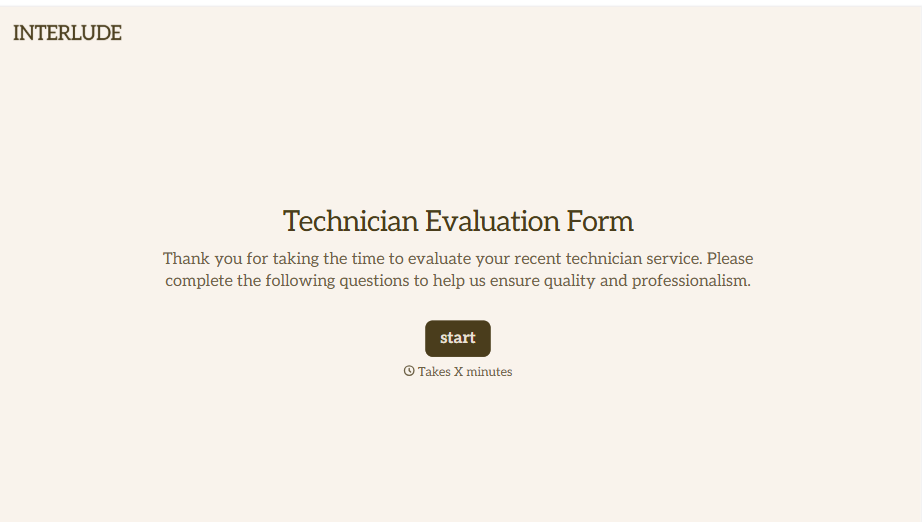
Technician Evaluation Form
A ride-along evaluation scribbled on a clipboard in the truck isn't the kind of record that holds up months later when it's time to talk about a raise or a certification renewal. Collect specific skill, safety, and customer service observations while the job's still fresh, so a technician's review is built on more than a supervisor's memory of the day.
View template
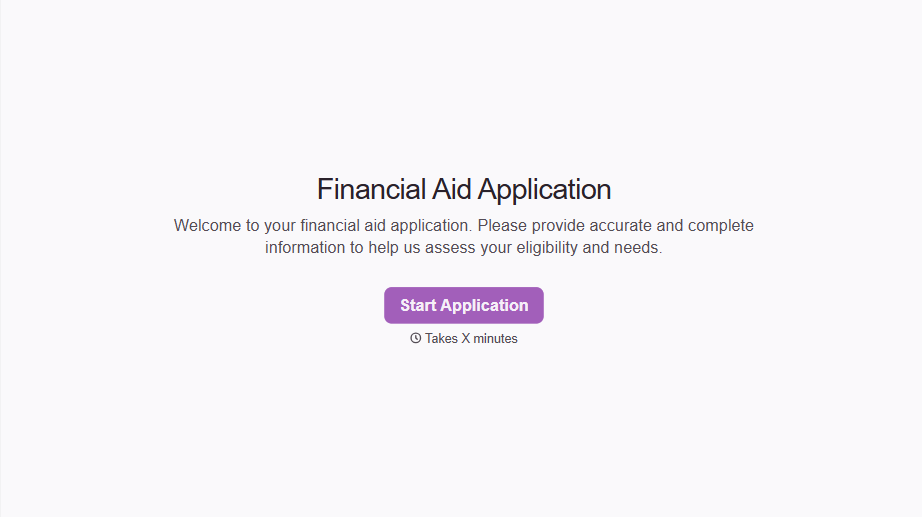
Financial Aid Application Form
A request for help with tuition mentioned to the front office in passing doesn't give your financial aid team anything to actually evaluate. Collect what your school actually needs, household information, income documentation, and need, before the deadline passes.
View template
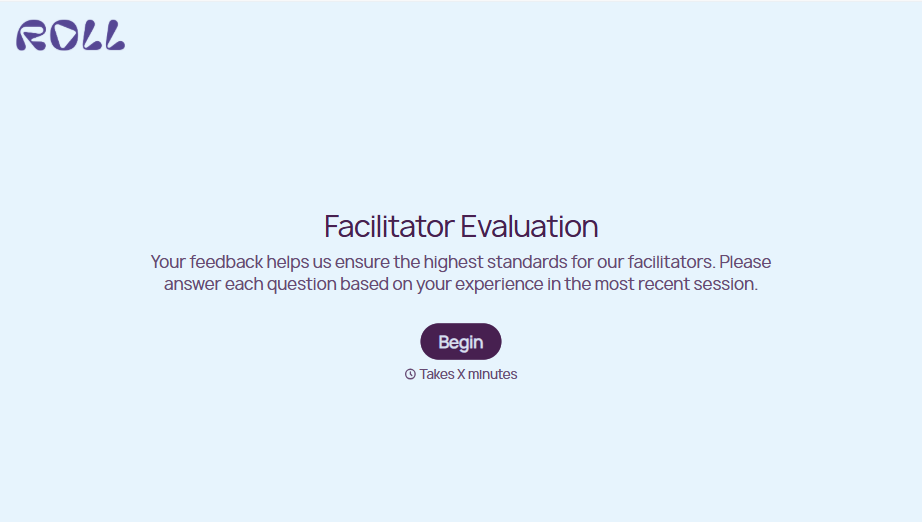
Facilitator Evaluation Form
A round of applause and a few nodding heads doesn't tell your program which facilitator's session actually clicked and which one needs coaching before the next cohort. Collect what your team actually needs, session details, ratings, and specific feedback, before everyone moves on to the next session.
View template
With Typeform, you can customize everything
Change text, colors, and even logos to match the look and feel of your brand. Then embed forms smoothly onto web and email.
Make forms feel effortless to fill out. Pace questions, call people by their name, and adapt the flow based on the data they share.
Stay efficient by connecting forms to your workflow. Typeform integrates with 300+ tools including Slack, Zapier, and HubSpot.


