Top 25 College Football Poll Form Template
Running a college football poll is only fun if the voting process is fast, fair, and easy to share. A clean poll form makes the whole thing more credible.



College football ranking debates are heated for good reason. Everyone has an opinion, and getting those opinions collected and tallied in a way that feels organized and legitimate matters — whether you're running a media poll, a fan vote, or an internal ranking among friends and colleagues.
Email threads and spreadsheets don't do this well. They get messy, responses come in out of order, and collating the results takes longer than the actual discussion. A structured poll form handles all of that automatically.
This top 25 college football poll form template collects respondents' rankings in a clean, structured format. Each voter submits their ballot, responses are captured in one place, and tallying becomes straightforward. Customize the team list for the current season, add your branding, and share the link wherever your audience is most active.
A top 25 college football poll form is a structured voting tool that collects individual rankings from voters and aggregates the results into a consolidated poll. It replaces manual ballot collection and makes it easier to tally results and identify consensus rankings.
Manual ballot collection via email or spreadsheet is slow and error-prone. A form collects every vote in a consistent format, timestamps submissions, and makes the tallying process straightforward — so you can focus on the rankings debate, not the logistics.
A clean college football poll keeps the focus on the rankings. Consider including:
- Voter name and affiliation (if a credentialed poll)
- Ranking fields for positions 1 through 25
- An optional comments field for notable omissions or notable inclusions
- Confirmation that the ballot reflects the voter's genuine assessment
- Date of submission
Typeform allows you to restrict responses to one per email address when using email-based distribution. For credentialed polls, you can send individual links to each voter and disable multiple submissions per link.
Yes. Export the aggregated results from your connected spreadsheet or analytics tool, calculate weighted totals based on ranking position, and publish the final standings wherever your audience follows the poll. You can also share a Typeform results summary if you want a quick visual overview.
Get inspired by relevant templates and categories
3200+ Templates, 300+ Integrations



Nationality Verification Form
A self-certification buried in a stack of new account paperwork isn't the kind of record a compliance team can rely on for a regulatory filing. Collect nationality, tax residency, and a signed declaration before an account opens, so compliance isn't chasing down a customer's citizenship status after the fact.
View template
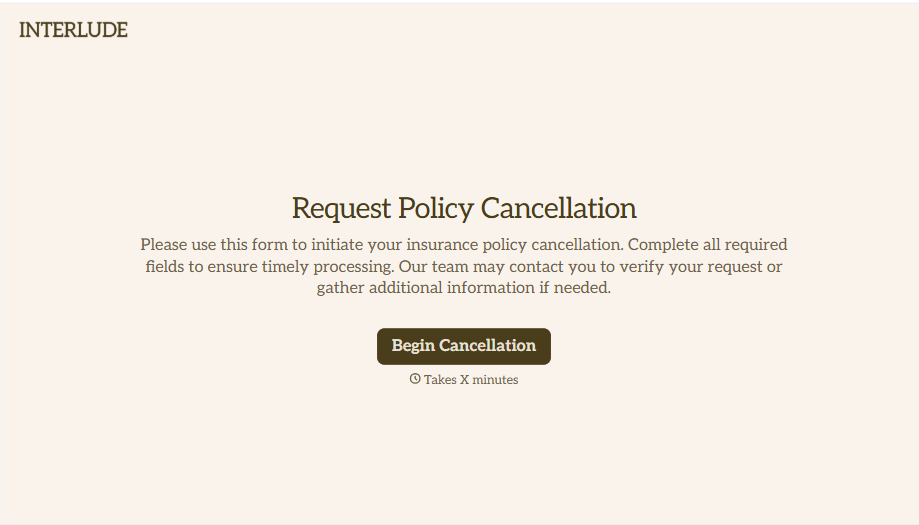
Policy Cancellation Form
A cancellation requested over the phone doesn't leave a clear record of exactly what date the policyholder actually asked for, and that date matters more than it sounds like it should. Collect what your agency actually needs, policy details, identity verification, and the requested effective date, before coverage actually ends.
View template
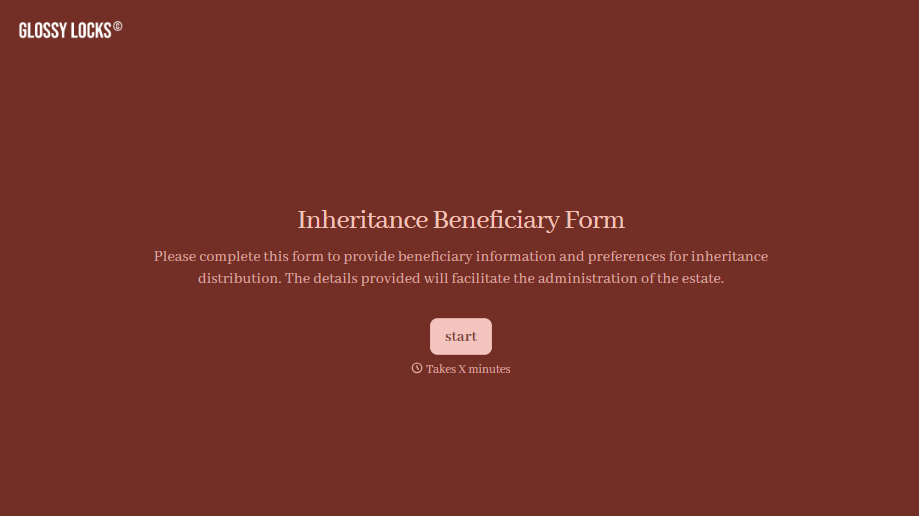
Inheritance Beneficiary Form
Asking a grieving family member for the same banking details across three different phone calls doesn't make settling an estate go any faster. Collect what your firm actually needs, beneficiary information, identification, and distribution details, in one submission instead of three calls.
View template
With Typeform, you can customize everything
Change text, colors, and even logos to match the look and feel of your brand. Then embed forms smoothly onto web and email.
Make forms feel effortless to fill out. Pace questions, call people by their name, and adapt the flow based on the data they share.
Stay efficient by connecting forms to your workflow. Typeform integrates with 300+ tools including Slack, Zapier, and HubSpot.


