Toolbox Talks Sign In Form Template
Track attendance at safety toolbox talks with a digital sign-in that creates an accurate, timestamped record.



Paper sign-in sheets for toolbox talks get coffee spilled on them, go missing, or sit in a folder that nobody can find during an audit. When a safety incident occurs, an incomplete or unverifiable attendance record creates real liability.
A digital sign-in form solves that. Workers sign in on a phone or tablet, their information is captured with a timestamp, and the record is stored and searchable in your Typeform account. Conditional logic can capture additional information for new workers or those attending a specific topic for the first time.
Connect responses to a Google Sheet for automatic running logs by date and topic, or export records for compliance reporting.
A toolbox talks sign-in form is an attendance record for brief safety meetings conducted on a job site. It captures which workers attended a specific safety talk, on which date, and often includes the topic covered and the presenter's name.
Paper attendance lists are easy to fake, lose, and misread. A digital form creates a reliable, searchable, and exportable attendance record that's far easier to use for compliance reporting or incident investigation.
A thorough sign-in form for toolbox talks should capture:
- Worker's full name
- Employee ID or badge number
- Trade or role on site
- Date of the talk
- Topic of the safety talk
- Presenter's name
- Acknowledgment that the worker attended and understood the content
- Any questions or concerns raised (optional field)
The form can be displayed on a shared tablet at a check-in station. Workers tap through the sign-in on the tablet rather than needing their own device. This approach is common on sites where personal phone use is restricted during work hours.
Yes. Export responses to Google Sheets via the integration, and you'll have a running log organized by date and worker. From there, you can filter and summarize attendance records by topic, date range, or individual to generate the reports your safety team needs.
Get inspired by relevant templates and categories
3200+ Templates, 300+ Integrations



Nationality Verification Form
A self-certification buried in a stack of new account paperwork isn't the kind of record a compliance team can rely on for a regulatory filing. Collect nationality, tax residency, and a signed declaration before an account opens, so compliance isn't chasing down a customer's citizenship status after the fact.
View template
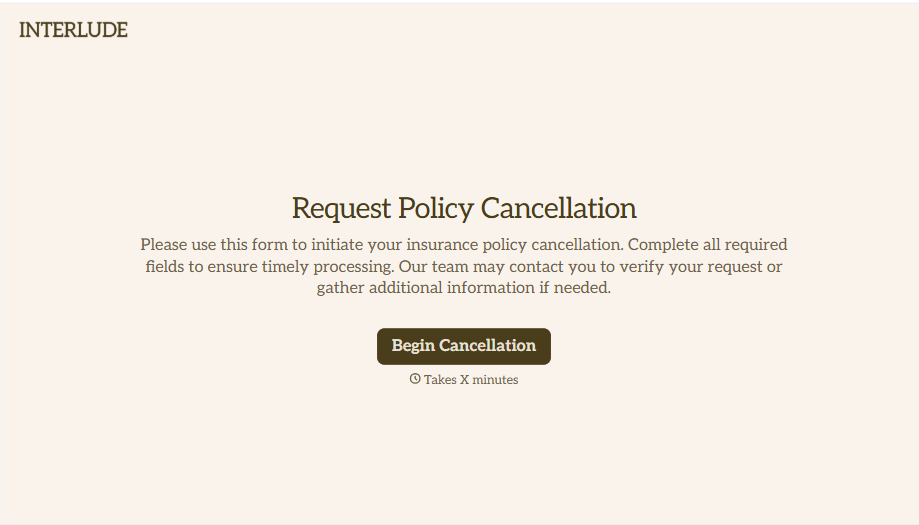
Policy Cancellation Form
A cancellation requested over the phone doesn't leave a clear record of exactly what date the policyholder actually asked for, and that date matters more than it sounds like it should. Collect what your agency actually needs, policy details, identity verification, and the requested effective date, before coverage actually ends.
View template
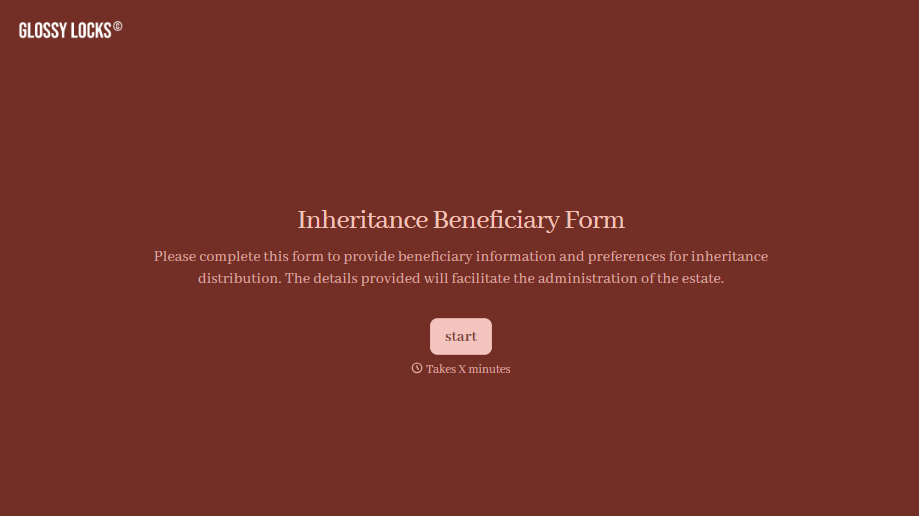
Inheritance Beneficiary Form
Asking a grieving family member for the same banking details across three different phone calls doesn't make settling an estate go any faster. Collect what your firm actually needs, beneficiary information, identification, and distribution details, in one submission instead of three calls.
View template
With Typeform, you can customize everything
Change text, colors, and even logos to match the look and feel of your brand. Then embed forms smoothly onto web and email.
Make forms feel effortless to fill out. Pace questions, call people by their name, and adapt the flow based on the data they share.
Stay efficient by connecting forms to your workflow. Typeform integrates with 300+ tools including Slack, Zapier, and HubSpot.


