Terms and Conditions Form Template
Get clear, documented agreement to your terms without burying people in a wall of legalese they'll never read.



You need people to acknowledge your terms and conditions (for a service, event, membership, or product), but the typical approach (a PDF attachment and a "reply confirming you agree") is easy to ignore and hard to track. You're left wondering who actually read and accepted, and who just forgot.
This terms and conditions form template presents your terms in a structured, readable flow and captures explicit agreement at the end. You can break long documents into digestible sections, add checkboxes for specific clauses that matter most, and use conditional logic to show different terms based on the respondent's role, location, or service tier.
Drop in your terms, customize the branding to match your organization, and share the link. Every acceptance is timestamped and stored, giving you an auditable trail without managing a single spreadsheet manually, especially when you connect it to your document management system through integrations.
A terms and conditions form is a digital document that presents your organization's legal terms, policies, or agreements and collects explicit acknowledgment or acceptance from the reader. Unlike a static PDF, it guides the reader through the content and records their agreement with a timestamp, creating a verifiable record that they reviewed and accepted your terms.
Email-based agreements are unreliable. People lose attachments, forget to reply, or send ambiguous confirmations. A form gives you a definitive yes-or-no response tied to a specific person and timestamp. It also lets you present terms in a more engaging, one-section-at-a-time format that people are more likely to actually read. That's better for everyone.
- Full legal name and email address of the person agreeing
- Company or organization name (if applicable)
- Checkbox acknowledgment for each key section or clause
- A final explicit "I agree to these terms and conditions" confirmation
- Date of agreement (can be auto-captured)
- Digital signature field (if required by your legal team)
Yes. With question branching, a single form can serve multiple agreement types. For example, if you need different terms for customers vs. vendors, the form can ask the respondent's role first and then display the appropriate set of clauses. This saves you from maintaining and distributing multiple separate documents.
In most jurisdictions, electronic agreements are legally enforceable. Laws like the U.S. ESIGN Act and the EU's eIDAS regulation support this. The key is demonstrating that the person had access to the terms and took a clear action to agree. Typeform's timestamped submissions and stored responses help you build that record. That said, consult your legal team for your specific situation.
Get inspired by relevant templates and categories
3200+ Templates, 300+ Integrations




With Typeform, you can customize everything
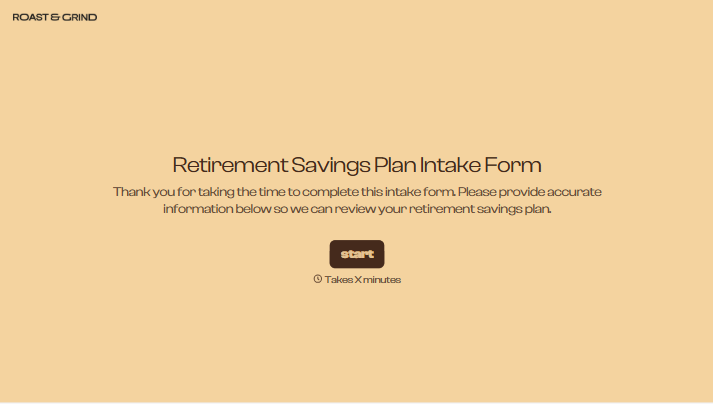
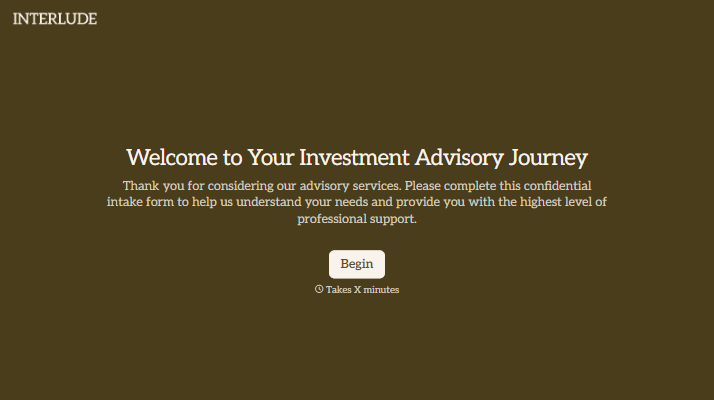
Change text, colors, and even logos to match the look and feel of your brand. Then embed forms smoothly onto web and email.
Make forms feel effortless to fill out. Pace questions, call people by their name, and adapt the flow based on the data they share.
Stay efficient by connecting forms to your workflow. Typeform integrates with 300+ tools including Slack, Zapier, and HubSpot.


