Teacher & Course Evaluation Form Template
Give students a voice in their education, and give educators the feedback they need to grow.



Course evaluations matter, but the standard approach — a generic form handed out in the last 5 minutes of class — doesn't exactly inspire thoughtful responses. Students rush through bubble sheets, leave comment fields blank, and the resulting data is too thin to drive meaningful improvement. The problem isn't that students don't have opinions. It's that the format doesn't encourage them to share.
This teacher and course evaluation form template uses a conversational, one-question-at-a-time approach that prompts more thoughtful, specific responses. Conditional logic adapts questions based on the course type (lecture vs. lab vs. seminar) and allows students to expand on low ratings. Responses flow into Google Sheets for department-level analysis or can route to administrators via email or Slack through Zapier.
Customize the evaluation criteria to match your institution's framework, add your school's branding, and distribute via email, LMS, or QR code. It's mobile-friendly, takes 5-10 minutes to complete, and produces feedback worth reading.
A course evaluation form is a feedback questionnaire that students complete to assess the quality of a course and its instructor. It typically covers teaching effectiveness, course content, workload, materials, and overall learning experience. Institutions use this data for faculty development, curriculum planning, and accreditation.
Evaluations create a feedback loop that benefits everyone. Instructors learn what resonates and what doesn't. Departments identify trends across courses. Administrators make informed decisions about curriculum and staffing. And students feel their perspective matters, which contributes to a more engaged learning community.
- Overall satisfaction with the course (rating scale)
- Quality and relevance of course content
- Effectiveness of the instructor's teaching style
- Adequacy of course materials and resources
- Course pacing (too fast, too slow, or right)
- Open-ended: what would you change about this course?
Make it easy and worth their time. The conversational format helps. It feels less like a bureaucratic exercise. Use open-ended questions with prompts like "What's one specific thing the instructor could do differently?" rather than a blank "Comments" field. Also, explicitly share how previous feedback led to changes. Students respond more when they see impact.
In most cases, yes. Anonymity leads to more honest feedback, especially when students are evaluating the person who determines their grade. Some institutions offer a semi-anonymous option where responses are shared with instructors only after grades are submitted. Whatever you choose, clearly communicate the policy so students feel safe being candid.
Get inspired by relevant templates and categories
3200+ Templates, 300+ Integrations



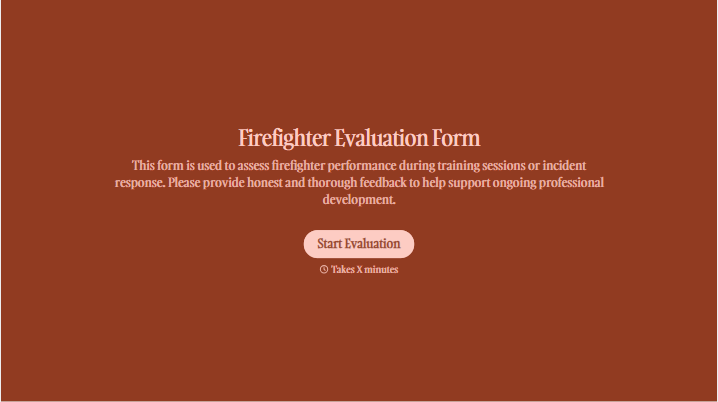
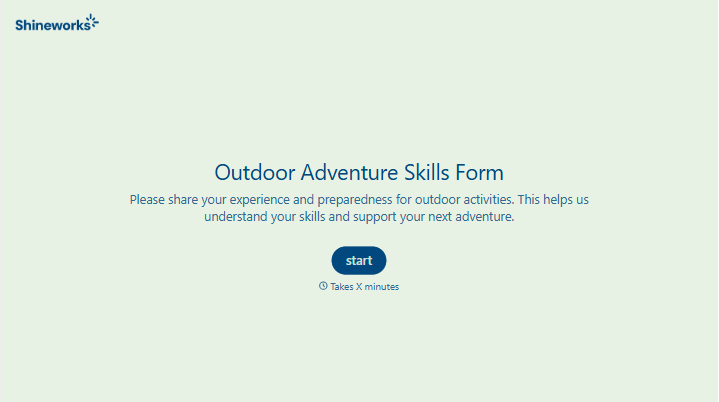
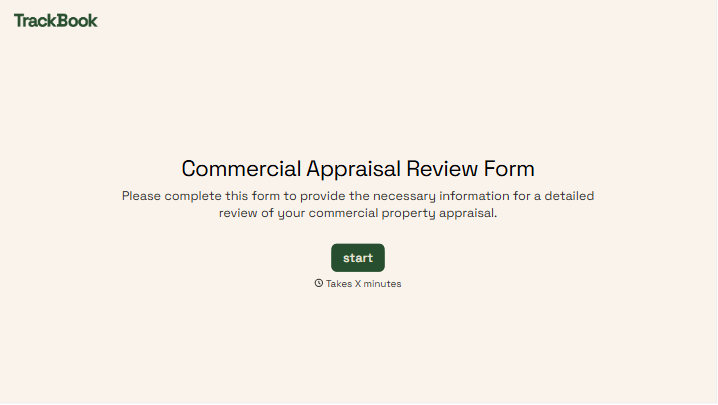
With Typeform, you can customize everything
Change text, colors, and even logos to match the look and feel of your brand. Then embed forms smoothly onto web and email.
Make forms feel effortless to fill out. Pace questions, call people by their name, and adapt the flow based on the data they share.
Stay efficient by connecting forms to your workflow. Typeform integrates with 300+ tools including Slack, Zapier, and HubSpot.


