Tattoo Booking Form
Capture every design detail before the client appointment, so your tattoo artist arrives at the session ready to create.



Tattoo artists who manage bookings informally often start sessions with an incomplete picture of what the client actually wants. A missing detail about size, placement, or style can leave a client with a permanent tattoo they might regret. Typeform's tattoo booking form gives studios and artists a structured way to collect every design detail before the appointment.
The form captures client details, tattoo style and placement, size, color preferences, skin considerations, reference images, and preferred session date. Clients move through one question at a time, so design details and session preferences are captured before confirmation. Conditional logic adapts the booking questions based on the type of tattoo and the artist selected. A client booking a custom piece sees different questions than one requesting a flash or cover-up.
Customize it with your studio name, artist options, style specialties, and deposit or cancellation policy. Link it from your studio website and social profiles so clients can submit a booking request without a DM chain. Every booking request routes to your studio via Zapier, so requests are organized without managing them across multiple platforms. Your artist arrives at every tattoo session with a clear brief—no last-minute design changes and no wasted consultation time.
A tattoo booking form collects the design, placement, and session details a tattoo artist needs before a client appointment. It captures client details, tattoo style and placement, size, color or black-and-grey preference, reference images, and preferred session date. Think of it as the pre-consultation brief that gives your artist a clear picture before the appointment begins.
A complete brief before the session means less time in consultation and more time on the work itself. It reduces misaligned expectations, which matters most for custom pieces where design decisions happen before the first line is drawn. A booking form also lets studios collect deposits at the time of inquiry, reducing no-shows and last-minute cancellations. Use it for custom tattoo consultations, flash day bookings, touch-ups, cover-ups, and studio walk-in appointments.
Cover both the design and the appointment details:
- Client full name, age confirmation (18+), and contact details
- Tattoo style (traditional, realism, geometric, blackwork, watercolor, etc.)
- Placement on the body
- Approximate size
- Color or black-and-grey preference
- Skin type or any known conditions affecting healing
- Cover-up or addition to existing tattoo (if applicable)
- Reference images or inspiration
- Preferred artist (if the studio has multiple)
- Preferred session date and availability
- Deposit acknowledgment and cancellation policy agreement
- Medical history relevant to tattooing (e.g., blood thinners, skin conditions)
Use Typeform's File Upload feature to let clients attach reference images, inspiration photos, or placement sketches directly in the form. Accepted file types include JPG, PNG, and PDF, with a 10MB limit per file. Visual references arrive with the booking, so your artist reviews design direction and inspiration before the consultation begins. File Upload is available on paid Typeform plans.
Add a consent section so clients disclose any conditions that could affect the tattooing process or healing. Conditions like blood thinners, skin disorders, or pregnancy are important for your artist to know before the session begins. A liability acknowledgment field confirms the client understands the aftercare process and accepts responsibility for how the tattoo heals.
Get inspired by relevant templates and categories
3200+ Templates, 300+ Integrations

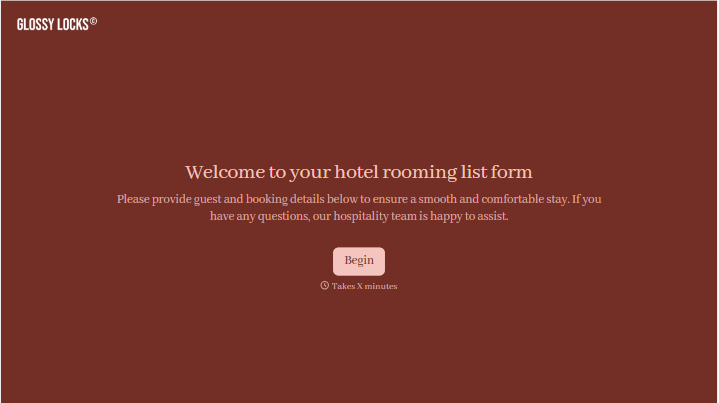



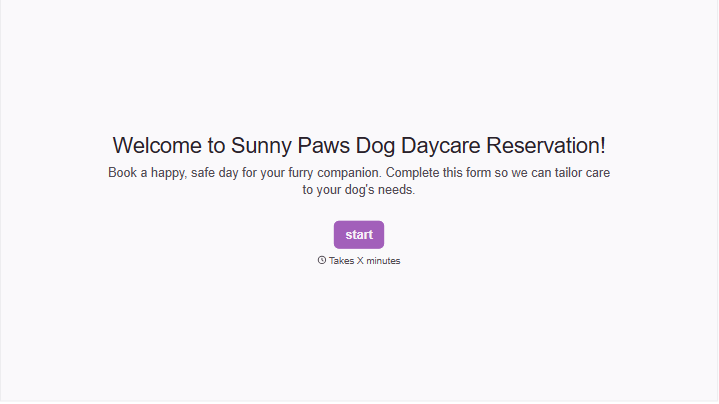
With Typeform, you can customize everything
Change text, colors, and even logos to match the look and feel of your brand. Then embed forms smoothly onto web and email.
Make forms feel effortless to fill out. Pace questions, call people by their name, and adapt the flow based on the data they share.
Stay efficient by connecting forms to your workflow. Typeform integrates with 300+ tools including Slack, Zapier, and HubSpot.


