Support Ticket Form Template
Give customers a clear way to report issues so your support team can respond faster and resolve more.



When customers have a problem, a confusing or hard-to-find reporting process makes their frustration worse. If they resort to emailing a general inbox or posting on social media, your team ends up with incomplete information and no structured way to prioritize.
A support ticket form gives customers a direct, easy path to report issues with the detail your team actually needs. Conditional logic adapts the questions based on the issue type — a billing problem requires different information than a technical bug. That means fewer follow-up questions before resolution can begin.
Connect to your helpdesk tool (Zendesk, Freshdesk, Intercom) to automatically create tickets from every submission. Your team sees every request in one place, with all the context attached.
A support ticket form is an online form that customers or users complete to report an issue, ask a question, or request help. It creates a structured record of the request that support teams can track and manage.
A form ensures every request comes in with the information your team needs to start working on it. It also creates a consistent channel for support requests, making it easier to track volume, response times, and resolution rates.
A well-designed support ticket form typically covers:
- Customer name and contact information
- Account or order number (if applicable)
- Issue category (billing, technical, general inquiry, etc.)
- Description of the problem
- Steps already taken to resolve it
- Urgency level or impact on their work
Include an urgency or impact field in the form. You can then set up routing rules so high-priority tickets trigger an immediate notification, while standard requests flow into the regular queue.
Absolutely. With minor adjustments to the language and fields (replacing "account number" with "employee ID" or "device type," for example), the same template works well for internal helpdesk operations.
Get inspired by relevant templates and categories
3200+ Templates, 300+ Integrations
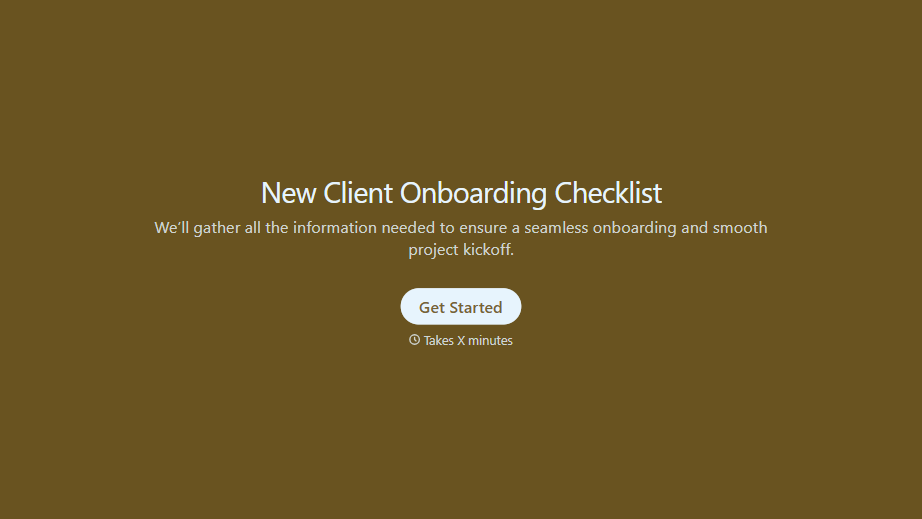
New Client Onboarding Checklist Form
A new client who's signed the engagement letter but never confirmed their billing entity, who's actually authorized to approve work, or where the invoice should go isn't onboarded, they've just signed something. Collect what your firm actually needs, contact and billing details, scope confirmation, a signed agreement, before the first invoice goes out.
View template

With Typeform, you can customize everything
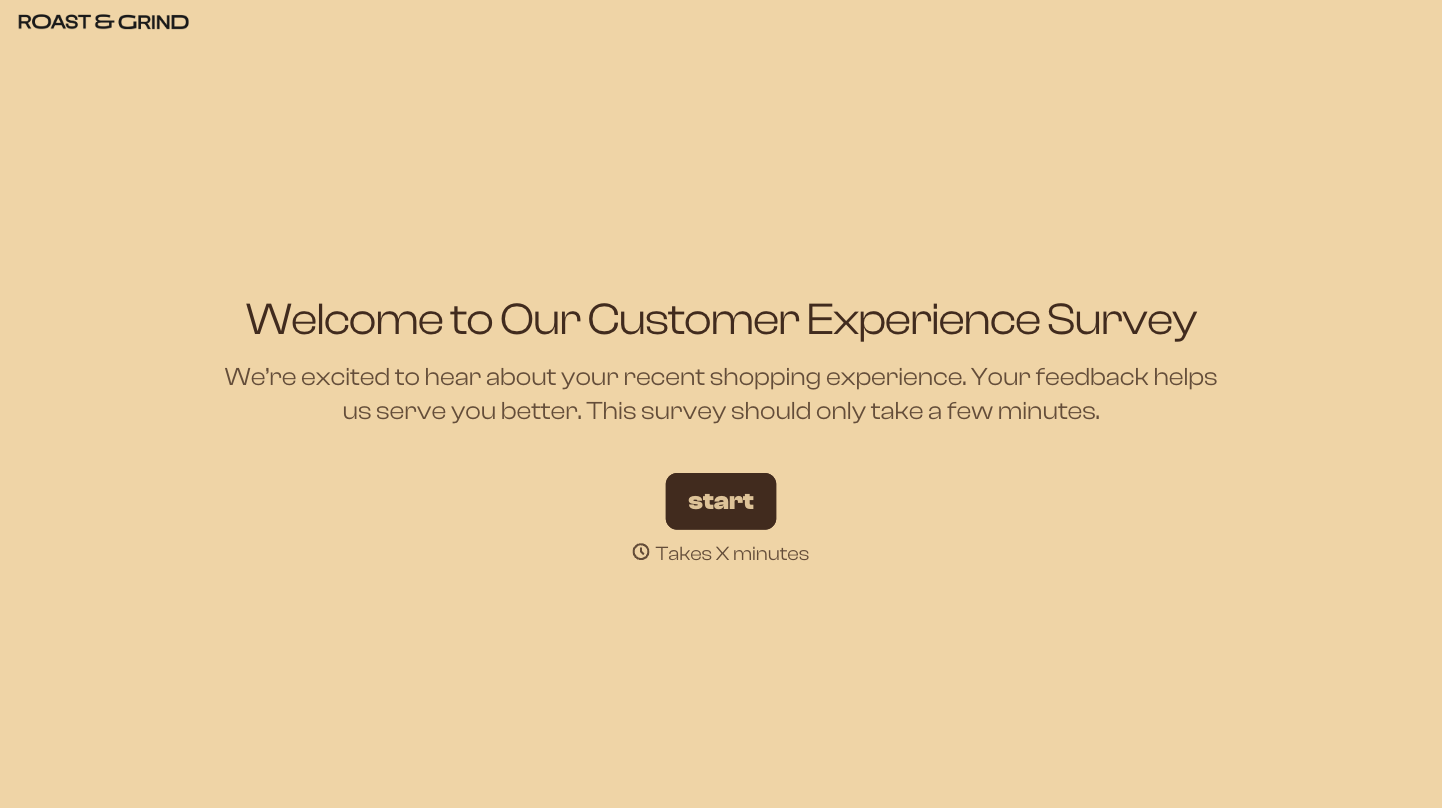
Change text, colors, and even logos to match the look and feel of your brand. Then embed forms smoothly onto web and email.
Make forms feel effortless to fill out. Pace questions, call people by their name, and adapt the flow based on the data they share.
Stay efficient by connecting forms to your workflow. Typeform integrates with 300+ tools including Slack, Zapier, and HubSpot.


