Student Profile Form Template
Build complete student profiles from day 1, so teachers and staff have the context they need before classes begin.



A name on a roster tells you almost nothing. Teachers need to know about learning preferences, extracurricular interests, medical considerations, and family dynamics to create an effective educational environment. But that information usually lives in scattered paper files, legacy databases, and the institutional memory of staff who may have moved on.
This student profile form template consolidates everything into 1 structured intake. Students (or their parents, for younger children) provide academic background, interests, health information, and emergency contacts through a guided, one-question-at-a-time flow. Conditional logic adjusts based on grade level and any special considerations flagged.
Distribute it during enrollment, collect responses before the school year starts, and give every teacher access to the profiles that matter to their classroom. It's the difference between guessing and knowing.
A student profile form is a comprehensive intake document that captures a student's personal details, academic background, health information, learning preferences, and extracurricular interests. It gives educators and administrators a complete picture of each student beyond their grades and test scores.
They reduce the ramp-up time at the start of each year. Instead of spending weeks discovering that a student has an IEP, a peanut allergy, or a passion for robotics, teachers have that information before the first day. It enables earlier differentiation, faster relationship-building, and better-informed decision-making.
- Student's full name, date of birth, and grade level
- Parent/guardian contact information and preferred communication method
- Previous school and academic strengths/challenges
- Learning style or preferences (visual, auditory, hands-on)
- Extracurricular interests and hobbies
- Medical conditions, medications, allergies, and emergency contacts
It depends on age. For elementary students, parents should complete the form. For middle school, consider a collaborative approach where parents handle medical and emergency sections while students share their own interests and learning preferences. High school students can complete most of it independently, with parents confirming critical details.
Restrict access to form responses so only authorized staff can view them. Share individual profiles with relevant teachers rather than granting blanket access. Follow your institution's data privacy policies (FERPA, GDPR, or local equivalents) for both storage and sharing.
Get inspired by relevant templates and categories
3200+ Templates, 300+ Integrations


Nationality Verification Form
A self-certification buried in a stack of new account paperwork isn't the kind of record a compliance team can rely on for a regulatory filing. Collect nationality, tax residency, and a signed declaration before an account opens, so compliance isn't chasing down a customer's citizenship status after the fact.
View template

Policy Cancellation Form
A cancellation requested over the phone doesn't leave a clear record of exactly what date the policyholder actually asked for, and that date matters more than it sounds like it should. Collect what your agency actually needs, policy details, identity verification, and the requested effective date, before coverage actually ends.
View template
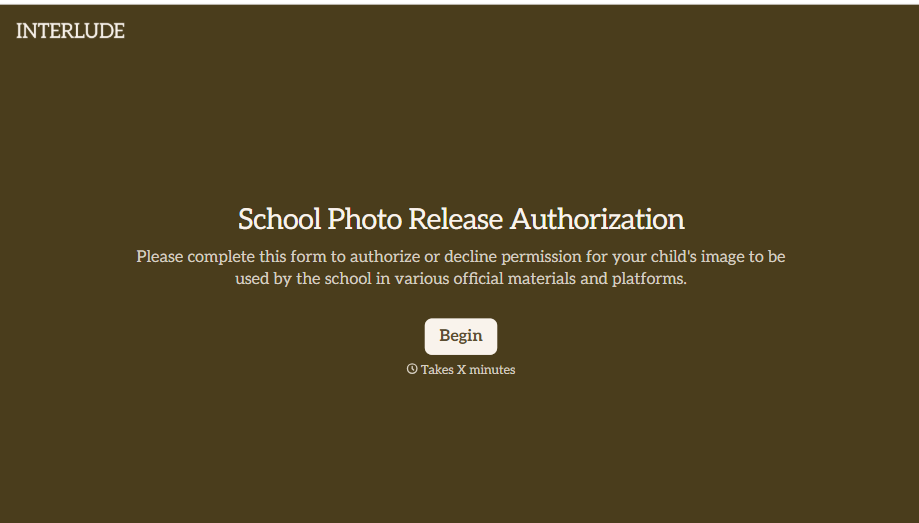
School Photo Release Form
A photo consent checkbox buried on page 12 of an enrollment packet doesn't tell a teacher who's actually opted out before they post a class photo. Collect what your school actually needs, guardian consent, and exactly where a photo can be used, before the camera comes out.
View template

Inheritance Beneficiary Form
Asking a grieving family member for the same banking details across three different phone calls doesn't make settling an estate go any faster. Collect what your firm actually needs, beneficiary information, identification, and distribution details, in one submission instead of three calls.
View template
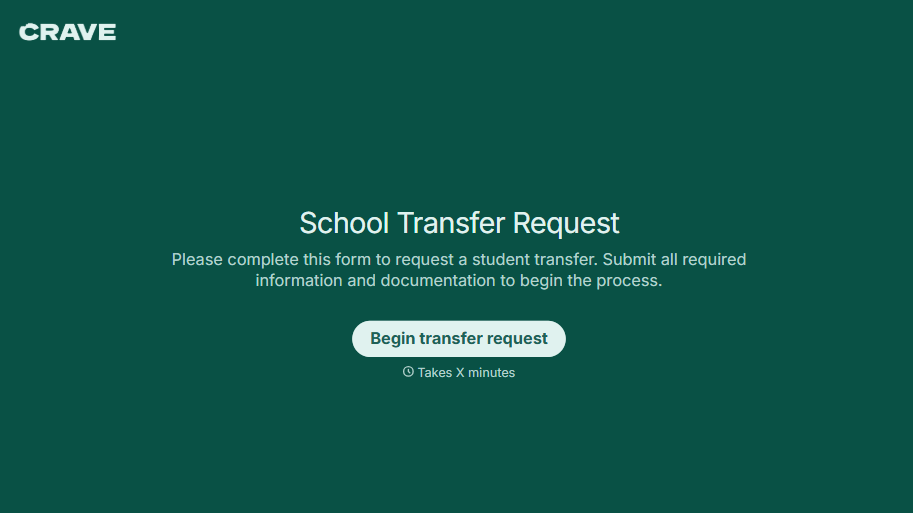
School Transfer Request Form
A transfer request dropped off at the district office isn't the kind of paperwork that gets processed before the semester it's meant for already started. Collect the student's information, reason for transfer, and supporting documentation upfront, so a request doesn't stall while the district follows up for a missing form.
View template
With Typeform, you can customize everything
Change text, colors, and even logos to match the look and feel of your brand. Then embed forms smoothly onto web and email.
Make forms feel effortless to fill out. Pace questions, call people by their name, and adapt the flow based on the data they share.
Stay efficient by connecting forms to your workflow. Typeform integrates with 300+ tools including Slack, Zapier, and HubSpot.


