Student Form Template
Collect student information for registration, surveys, applications, or feedback in a format that's easy to complete.



Student-facing forms tend to look the same: long tables of fields, small text, and a submit button at the bottom. Students rush through them or abandon them partway through, and the data you get back is incomplete.
Typeform's student form template changes the experience. One question at a time keeps students focused, and the format works on any device — which matters when a large portion of students complete forms on their phones. Conditional logic adapts the form based on year, program, or prior answers, so no one is answering questions that don't apply to them.
Customize it for registration, enrollment verification, academic surveys, or any other student data collection need, and connect it to your student information system or a Google Sheet.
A student form is a digital form used by educational institutions to collect information from students. It can serve a range of purposes: enrollment registration, course selection, feedback surveys, event sign-ups, scholarship applications, or contact information updates.
Paper forms require manual data entry and are easy to lose. A digital form collects accurate data in a structured format, reduces administrative work, and gives students a faster, more accessible way to submit information from any device.
The right questions depend on your purpose, but common fields include:
- Full name and student ID number
- Program or major
- Year of study
- Contact email and phone number
- Academic advisor or department
- Specific questions related to the form's purpose (survey responses, course preferences, etc.)
- Consent or acknowledgment statement if required
Yes. Conditional logic lets you branch the form based on year of study, program, or campus so different student groups see tailored questions. Alternatively, you can create separate forms for each cohort and share the relevant link with each group.
Typeform's interface is designed to be keyboard-navigable and compatible with screen readers. If your institution has specific accessibility requirements, review Typeform's accessibility documentation to confirm compatibility with your needs.
Get inspired by relevant templates and categories
3200+ Templates, 300+ Integrations


Distributor Registration Form
A distributor application that arrives as a scanned resale certificate attached to an email doesn't tell your sales team what territory they're actually asking for. Collect what your company actually needs, business information, tax documentation, and territory, before you set up an account.
View template

Nationality Verification Form
A self-certification buried in a stack of new account paperwork isn't the kind of record a compliance team can rely on for a regulatory filing. Collect nationality, tax residency, and a signed declaration before an account opens, so compliance isn't chasing down a customer's citizenship status after the fact.
View template

Policy Cancellation Form
A cancellation requested over the phone doesn't leave a clear record of exactly what date the policyholder actually asked for, and that date matters more than it sounds like it should. Collect what your agency actually needs, policy details, identity verification, and the requested effective date, before coverage actually ends.
View template
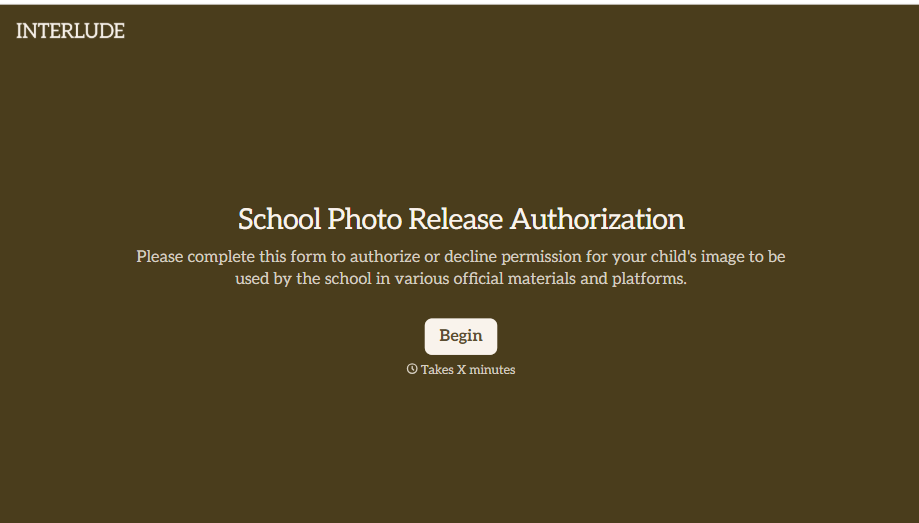
School Photo Release Form
A photo consent checkbox buried on page 12 of an enrollment packet doesn't tell a teacher who's actually opted out before they post a class photo. Collect what your school actually needs, guardian consent, and exactly where a photo can be used, before the camera comes out.
View template

Inheritance Beneficiary Form
Asking a grieving family member for the same banking details across three different phone calls doesn't make settling an estate go any faster. Collect what your firm actually needs, beneficiary information, identification, and distribution details, in one submission instead of three calls.
View template
With Typeform, you can customize everything
Change text, colors, and even logos to match the look and feel of your brand. Then embed forms smoothly onto web and email.
Make forms feel effortless to fill out. Pace questions, call people by their name, and adapt the flow based on the data they share.
Stay efficient by connecting forms to your workflow. Typeform integrates with 300+ tools including Slack, Zapier, and HubSpot.


