Student Data Form
Keep every student's details accurate and in one place, from contacts and emergency info to medical needs, so staff have what they need when it counts.



Schools scatter student information across spreadsheets, paper files, and memory—until an emergency reveals the gaps. An outdated contact or a missed medical note becomes a real problem at the worst moment. Typeform's student data template gives schools a dependable way to collect and maintain accurate records.
The form captures student details, guardian contacts, emergency information, and medical needs. Each question appears on its own, keeping parents focused on one detail at a time. Conditional logic surfaces follow-up questions when a parent indicates a medical condition or special requirement—a noted allergy prompts questions about severity and medication.
Customize the fields to match your school's needs and keep sensitive data secure. Share it by email, through your parent portal, or as a start-of-year link. Every submission logs to your student information system or Google Sheets via Zapier. Give staff accurate records they can trust, not a patchwork of outdated files.
A student data form is a tool for collecting and maintaining a student's personal, contact, and medical information. It captures guardian details, emergency contacts, and health needs. Think of it as the record staff rely on every day and in an emergency.
Student details change, and paper records go stale fast. An online form keeps every student's information current and searchable. Staff find emergency contacts and medical notes in seconds, not minutes of digging. That access protects students when timing matters most.
Gather everything staff need to support and protect each student:
- Student name, date of birth, and year group
- Guardian names and contact details
- Emergency contacts
- Medical conditions, allergies, and medication
- Dietary requirements
- Consent for photos and trips
Conditional logic branches the form when a parent reports a medical condition or special need. A noted allergy surfaces questions about severity, triggers, and medication, while a student with no conditions skips them. You capture the detail that matters for each student without making every parent answer the same long list.
Typeform encrypts responses in transit and lets you control which staff can access submissions. Add a note in the form's intro explaining that information is used only to support the student's care and safety. Restrict access to relevant staff and store data in a system that meets your region's privacy requirements.
Get inspired by relevant templates and categories
3200+ Templates, 300+ Integrations
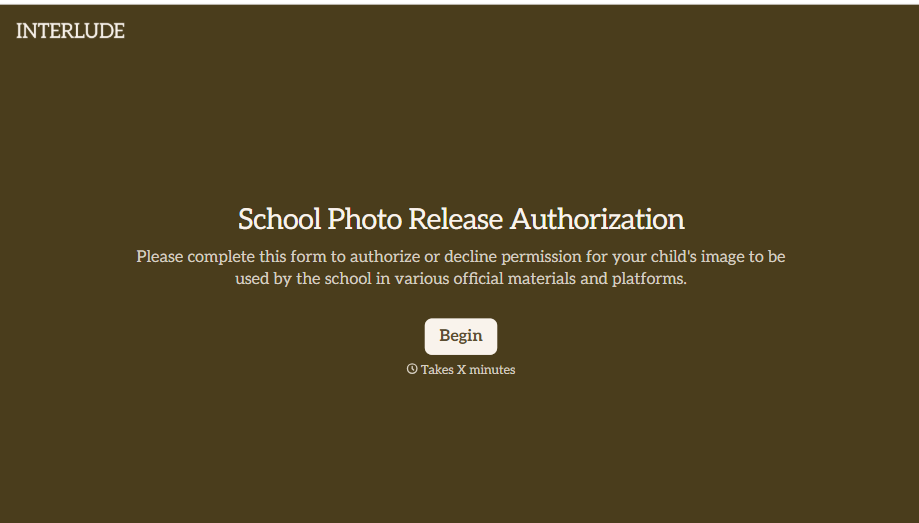
School Photo Release Form
A photo consent checkbox buried on page 12 of an enrollment packet doesn't tell a teacher who's actually opted out before they post a class photo. Collect what your school actually needs, guardian consent, and exactly where a photo can be used, before the camera comes out.
View template
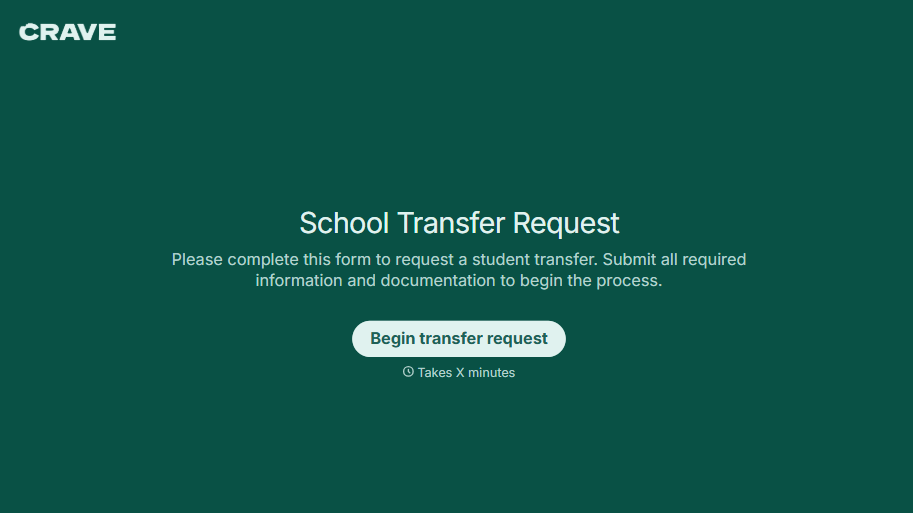
School Transfer Request Form
A transfer request dropped off at the district office isn't the kind of paperwork that gets processed before the semester it's meant for already started. Collect the student's information, reason for transfer, and supporting documentation upfront, so a request doesn't stall while the district follows up for a missing form.
View template
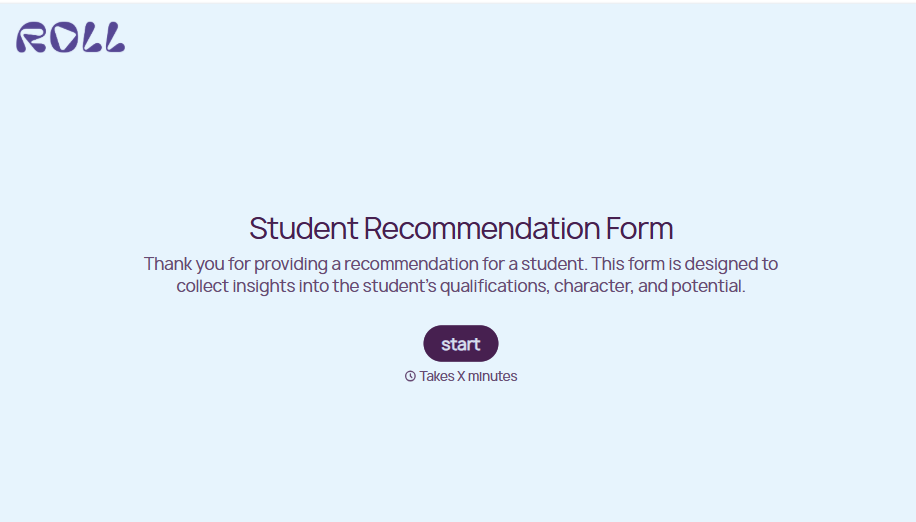
Student Recommendation Form
An email asking "can you write me a letter of recommendation" with no deadline attached isn't enough for a teacher to actually sit down and write one. Collect the program details, deadline, and what the student wants highlighted before the request lands in an inbox, so a letter doesn't get written in a rush the night it's due.
View template
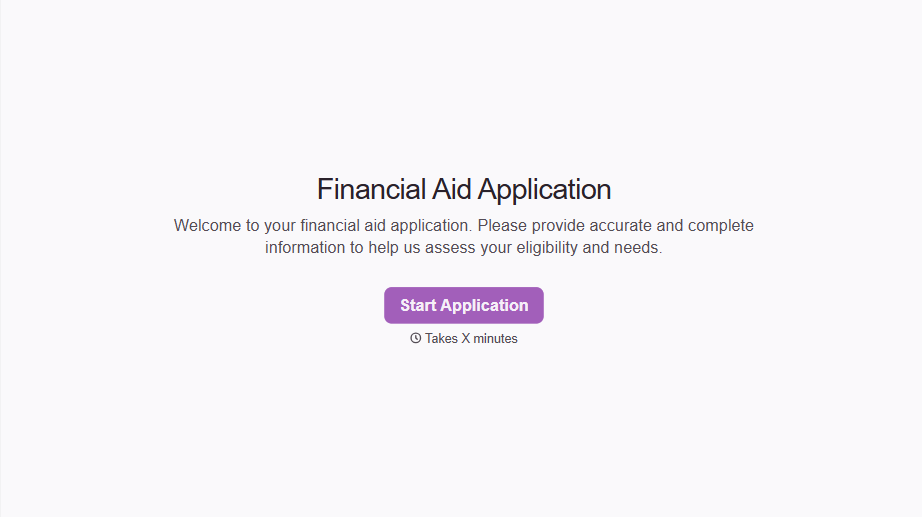
Financial Aid Application Form
A request for help with tuition mentioned to the front office in passing doesn't give your financial aid team anything to actually evaluate. Collect what your school actually needs, household information, income documentation, and need, before the deadline passes.
View template

Girl Scout Product Permission Form
A permission slip signed at a troop meeting while five other things are happening, snack time, a badge ceremony, a parent already halfway out the door, isn't informed consent, it's a signature. Get the money-handling responsibility, the supervision rules, and the online sales guidelines actually read and agreed to before a single box leaves the garage.
View template
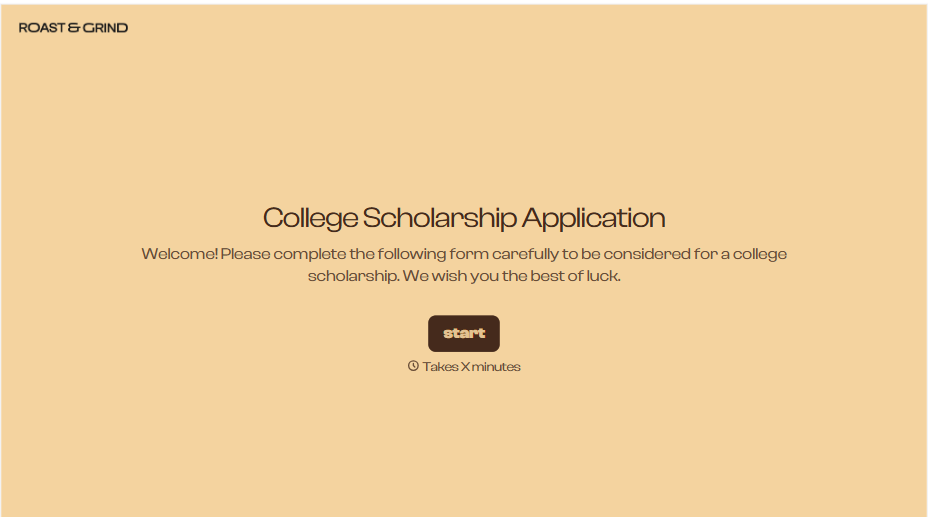
College Scholarship Application Form
An application submitted as a PDF from one student and a Google Doc link from another isn't a fair comparison, it's whichever format the committee finds easiest to skim that week. Put every applicant through the same form, and the decision comes down to what they actually wrote, not how they happened to turn it in.
View template
With Typeform, you can customize everything
Change text, colors, and even logos to match the look and feel of your brand. Then embed forms smoothly onto web and email.
Make forms feel effortless to fill out. Pace questions, call people by their name, and adapt the flow based on the data they share.
Stay efficient by connecting forms to your workflow. Typeform integrates with 300+ tools including Slack, Zapier, and HubSpot.


