Staff Feedback Form Template
Create a channel for honest feedback, and actually use it.



Open-door policies sound great in theory. In practice, most employees aren't going to walk into a manager's office and share candid feedback about processes, leadership, or workplace culture. The power dynamic is real, and so is the fear of being labeled a complainer. You need a structured, confidential alternative.
This staff feedback form template gives employees a clear way to share observations, suggestions, and concerns. The form covers workplace environment, management effectiveness, team dynamics, and professional development. One question at a time so responses feel more like a conversation than an interrogation. Conditional logic tailors follow-ups based on the type of feedback being shared.
Deploy it on a regular schedule (monthly or quarterly) or keep it available as an always-on feedback channel. Responses route to HR or leadership with optional anonymity, and integrations push data into your people analytics or reporting tools.
A staff feedback form is a structured tool that gives employees a way to share their opinions about the workplace. Management, culture, processes, resources, and growth opportunities. It collects both quantitative ratings and qualitative comments, providing leadership with actionable data about employee experience and engagement.
When employees see that their feedback leads to change, trust increases. They feel heard, which directly correlates with engagement and retention. Structured feedback also surfaces problems that leadership might not see. A bottleneck in a process, a gap in communication, a training need. Consistent collection turns anecdotal complaints into data you can act on.
- Overall satisfaction with your role (rating scale)
- How well does your manager support your work?
- Do you have the tools and resources you need?
- How would you rate team communication and collaboration?
- What 1 thing would you change about the workplace?
- Do you feel your contributions are recognized?
Offering anonymity significantly increases honest participation, especially for sensitive topics like management effectiveness. Include an option that lets employees choose whether to identify themselves. Some feedback. Praise, process suggestions — people are happy to put their name to. Other feedback requires the safety of anonymity to surface at all.
Share themes, not individual responses. Present aggregate data to leadership — "35% of staff rated communication as poor" carries weight without pointing fingers. When following up on specific concerns, frame it as organizational learning: "We've heard feedback about X and here's what we're doing." This demonstrates that the feedback loop works without compromising confidentiality.
Get inspired by relevant templates and categories
3200+ Templates, 300+ Integrations

Work From Home Request Form
A Slack message asking to work from home on Thursday isn't a request anyone can track, especially once the same employee has asked five different ways over a month. Collect the request type, dates or schedule, and manager approval in one place, so HR isn't reconstructing who's working where from a scattered inbox.
View template

Return of Property Form
A property checklist stapled to an exit interview packet isn't a record anyone can rely on when a laptop turns up missing three weeks later. Collect itemized equipment details, condition at return, and a signed acknowledgment before an employee's last day, so IT isn't chasing down a laptop that already walked out the door.
View template
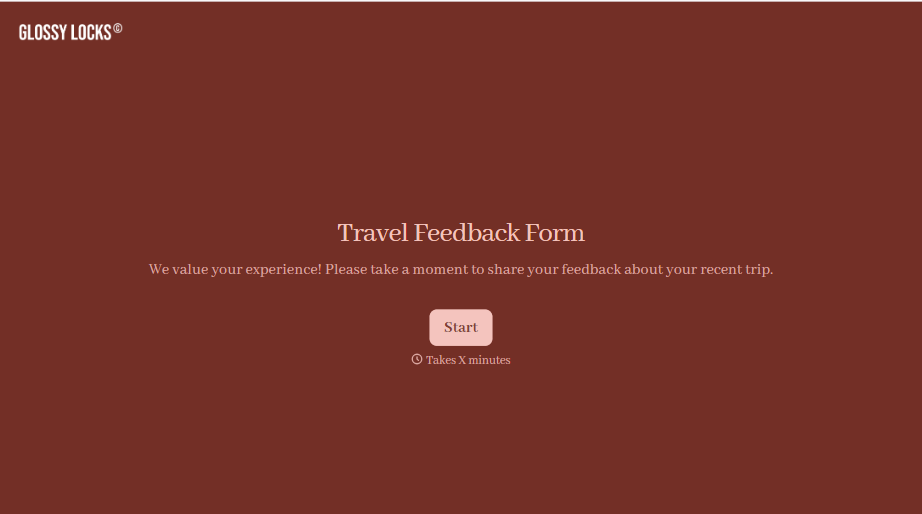
Travel Feedback Form
A quick "so, how was the trip?" when someone's back in the office doesn't tell your travel team which hotel to stop booking or which flight change actually caused the headache. Collect what your team actually needs, trip details, what worked, and what didn't, once the traveler's had a minute to think about it.
View template

Early Retirement Form
A retirement mentioned to a manager in conversation doesn't give HR anything to actually process, and if there's an incentive deadline attached, the date that conversation happened can matter more than anyone realized at the time. Collect what your HR team actually needs, employee information, requested date, and benefit elections, before a window closes.
View template
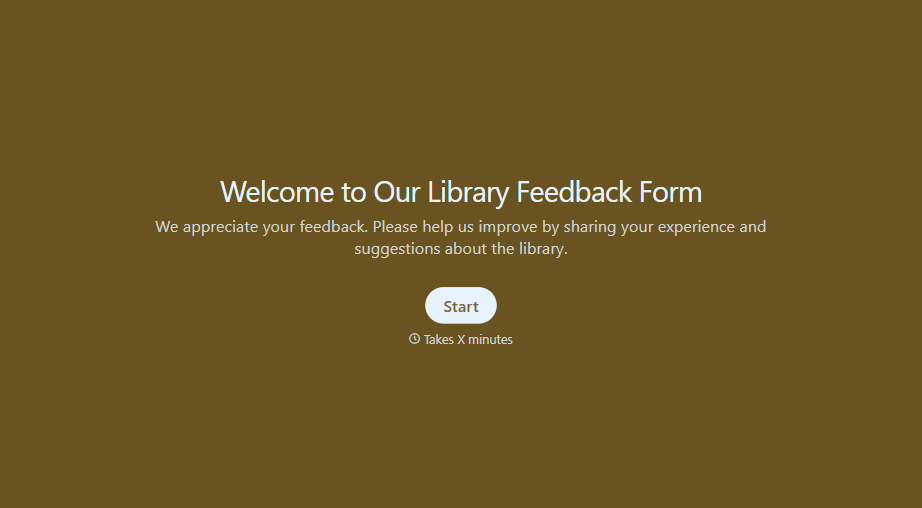
Library Feedback Form
A comment card dropped in a suggestion box isn't a channel your staff can act on quickly, especially when nobody can tell if it's about a broken chair or a request for more audiobooks. Collect the specific feedback, which branch and department it concerns, and a way to follow up before the card gets buried under next week's stack.
View template
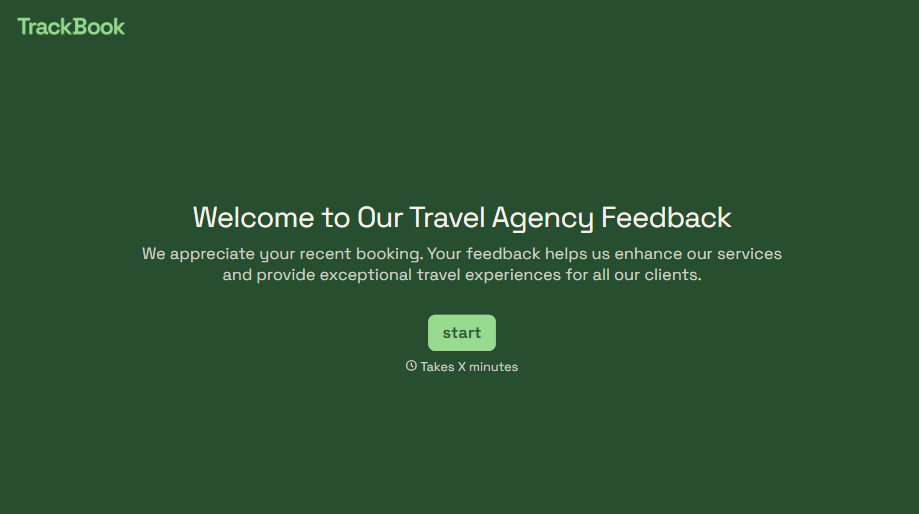
Travel Agency Feedback Form
A generic satisfaction survey emailed three weeks after a trip isn't the kind of feedback an agency can act on, especially once the specifics of a rough hotel transfer have faded. Collect feedback on the specific parts of a trip while it's still fresh, so a complaint that needs immediate follow-up doesn't sit behind a stack of routine responses.
View template
With Typeform, you can customize everything
Change text, colors, and even logos to match the look and feel of your brand. Then embed forms smoothly onto web and email.
Make forms feel effortless to fill out. Pace questions, call people by their name, and adapt the flow based on the data they share.
Stay efficient by connecting forms to your workflow. Typeform integrates with 300+ tools including Slack, Zapier, and HubSpot.


