Sports Registration Form Template
Get athletes registered and on the field, without the paperwork slowing everything down.



Registration season for sports leagues, clubs, and recreational programs is always the same story: a flood of sign-ups, a mountain of paper, and a mad scramble to sort everyone into teams, divisions, and schedules. Medical forms get separated from registration forms. Payment checks arrive without player names. Parent contact info is illegible.
This sports registration form template puts everything in one clean, digital flow. Collect athlete details, emergency contacts, medical information, skill level, team preferences, and payment. All at once, from any device. Conditional logic adjusts the experience by sport, age group, or league. A youth soccer registration collects parental consent, while an adult basketball league asks about competitive experience.
Share the link on your website, in community emails, or via social media. Every registration feeds directly into your roster management spreadsheet or sports management platform, ready for team assignments.
A sports registration form is a sign-up tool used by athletic leagues, clubs, recreational programs, and sports organizations to enroll athletes in their programs. It captures player information, emergency contacts, medical disclosures, skill level, team preferences, and payment. Everything an organizer needs to manage enrollment and ensure participant safety.
Paper registration creates data silos, loses critical medical information, and requires manual data entry that's both slow and error-prone. An online form collects everything in one submission, validates entries in real time, processes payments digitally, and stores all participant data in a searchable, organized format. It also lets athletes register from anywhere, at any time, which is exactly what busy families need.
- Athlete's full name, date of birth, and gender
- Parent or guardian name and contact info (for minors)
- Emergency contact name and phone number
- Medical conditions, allergies, and medications
- Previous experience and skill level
- T-shirt or jersey size and team or division preference
Add a "registering additional athletes?" option at the end of the form that loops back to the player details section for each additional family member. This lets a parent register 3 kids in one session without re-entering their own contact information each time. It reduces friction for families and keeps all registrations linked to a single household record.
Yes. Include a section with your liability waiver and medical release text, followed by a required digital signature or acknowledgment checkbox. For minors, require the parent or guardian's signature. File uploads can also capture physician clearance forms or insurance cards. All of this is stored with the registration record, giving you a complete participant file from day one.
Get inspired by relevant templates and categories
3200+ Templates, 300+ Integrations

Distributor Registration Form
A distributor application that arrives as a scanned resale certificate attached to an email doesn't tell your sales team what territory they're actually asking for. Collect what your company actually needs, business information, tax documentation, and territory, before you set up an account.
View template
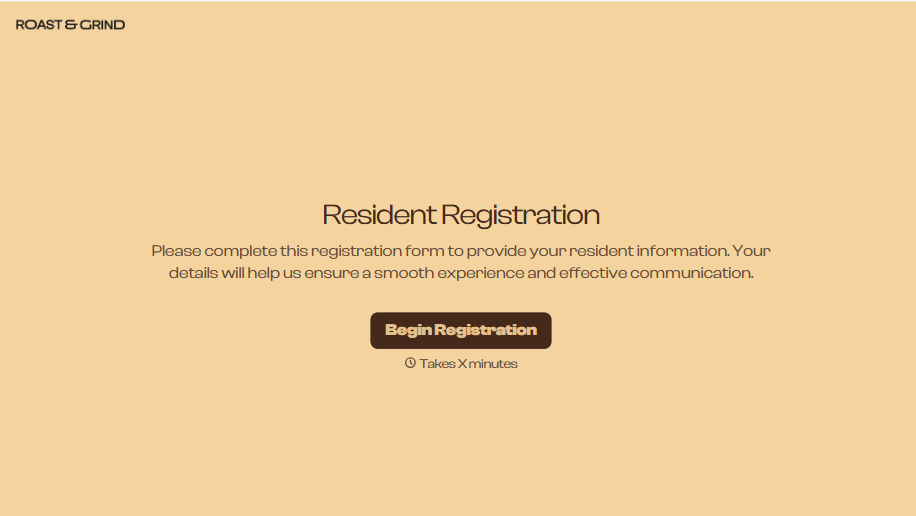
Resident Registration Form
A move-in packet signed at the leasing office and filed in a drawer isn't the kind of record your front desk can pull up when a resident's guest needs access or a car needs to be identified in the lot. Collect household members, vehicles, and emergency contacts before move-in day, so your community has an accurate record from the start.
View template

Consultancy Registration Form
Move past a registration form that only grabs a name and a phone number. Confirm the client understands who they're signing up with, screen for what a consultancy is legally allowed to charge and promise, and keep a record of exactly what was disclosed and agreed to.
View template

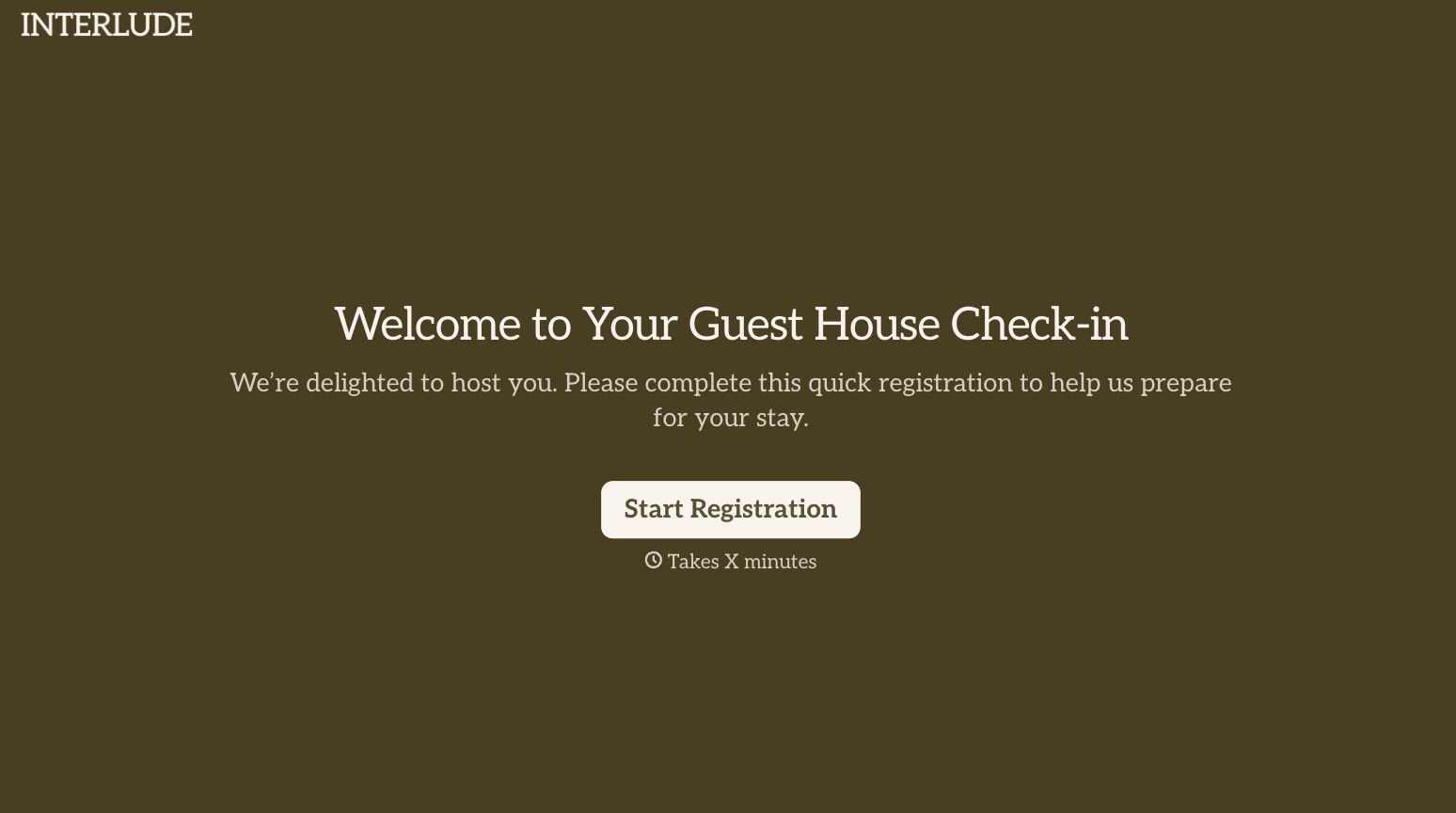
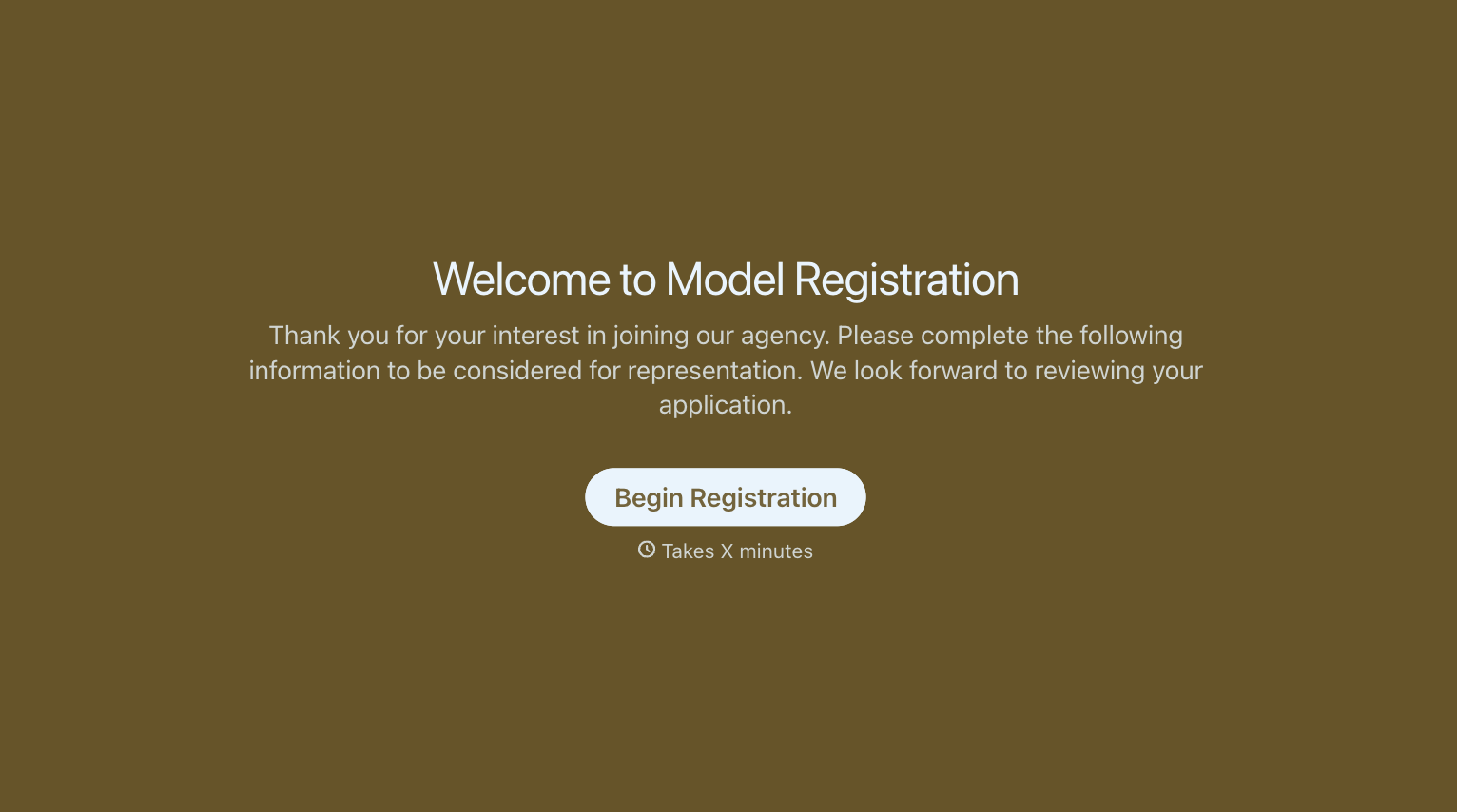
With Typeform, you can customize everything
Change text, colors, and even logos to match the look and feel of your brand. Then embed forms smoothly onto web and email.
Make forms feel effortless to fill out. Pace questions, call people by their name, and adapt the flow based on the data they share.
Stay efficient by connecting forms to your workflow. Typeform integrates with 300+ tools including Slack, Zapier, and HubSpot.


