Sponsorship Request Form Template
Give sponsors a clear, complete picture of what you're offering and make it easy for them to say yes.



Reaching out for sponsorship through one-off emails is time-consuming and produces inconsistent results. When every request looks different, it's hard for potential sponsors to quickly understand the opportunity, and it's hard for you to track which conversations are in progress. You spend more time managing outreach than building relationships.
A Typeform sponsorship request form lets you present your opportunity in a structured, professional format. Conditional logic can adjust the questions based on the type of event or organization seeking sponsorship, showing relevant details about audience size, media exposure, or naming rights without overwhelming prospects with options that don't apply to their interests.
Customize the form with your event or organization's information, add your branding, and share it with prospective sponsors as a starting point for the conversation. Responses come in organized so you can follow up efficiently.
A sponsorship request form is a structured document used to present a sponsorship opportunity to potential supporters or partners. It outlines the nature of the event or organization, the audience reached, the sponsorship tiers or packages available, and what the sponsor receives in return.
A consistent, professional form makes your sponsorship opportunity easier to evaluate and compare. It signals that you're organized, reduces the back-and-forth of clarifying questions, and creates a record of who's been approached and at what level.
Give sponsors the information they need to make a decision:
- Organization or event name and description
- Mission, audience demographics, and expected reach
- Available sponsorship tiers and associated benefits
- Specific exposure opportunities (logo placement, mentions, naming rights, etc.)
- Dates and location for event-based sponsorships
- Contact name and preferred follow-up method
- Deadline for sponsorship commitments
Include a question asking the prospect which tier they're interested in, or show all tiers in a summary before they select. Conditional logic can then show the specific benefits and commitments associated with the tier they choose, making the decision process clear without cluttering the form.
Connect Typeform to your email platform or CRM so you can send an automatic acknowledgment when a form is submitted and track the status of each prospect. Follow up personally once you've reviewed their submission, referencing the specific details they provided to make the conversation relevant.
Get inspired by relevant templates and categories
3200+ Templates, 300+ Integrations

Library Book Request Form
A book request scrawled on a sticky note at the front desk doesn't make it into any queue, and it definitely doesn't get anyone a call when the book actually arrives. Collect what your library actually needs, the title, patron information, and how they'd like to be notified, before the note gets buried under the next stack of returns.
View template

Tenant Repair Request Form
A text message about a leaky faucet sent at 11pm isn't a work order your maintenance team can act on efficiently, especially without a photo or a unit number attached. Collect the property, the issue, and how urgent it is before the request lands in someone's texts, so a repair doesn't wait on a landlord scrolling back through old messages.
View template

Video Request Form
A Slack message asking for "a quick video for the launch" isn't a creative brief your video team can actually start from. Collect the project purpose, deadline, and deliverable specs before the request lands in a queue, so your team isn't reworking a video built on assumptions the requester never actually stated.
View template
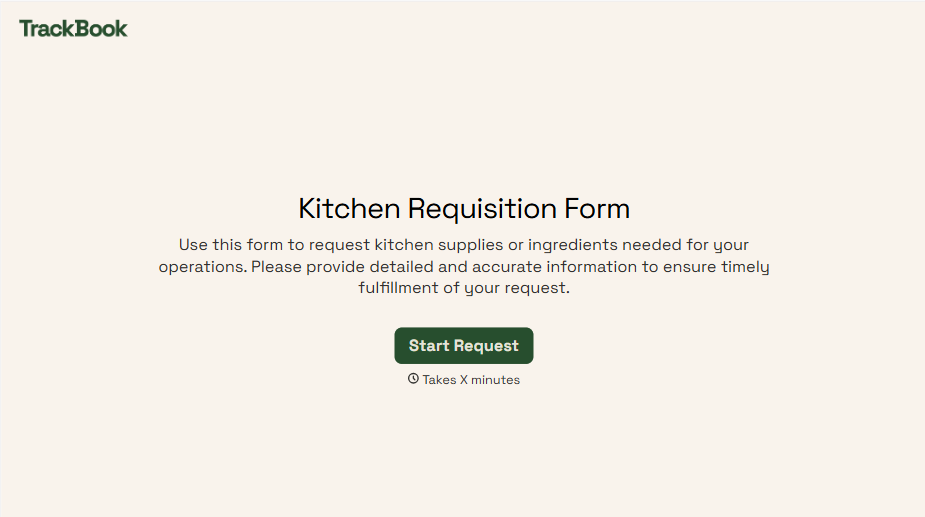
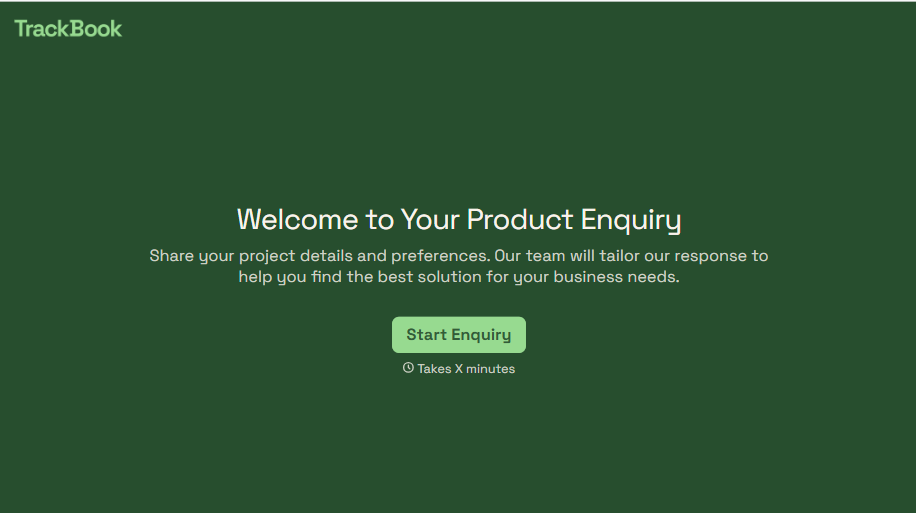
Product Enquiry Form
A generic "I'm interested in your product, can you tell me more?" email doesn't tell your sales team which product, what quantity, or what the customer's actually trying to do with it. Collect what your team actually needs, product interest, quantity, and use case, before you reply.
View template
With Typeform, you can customize everything
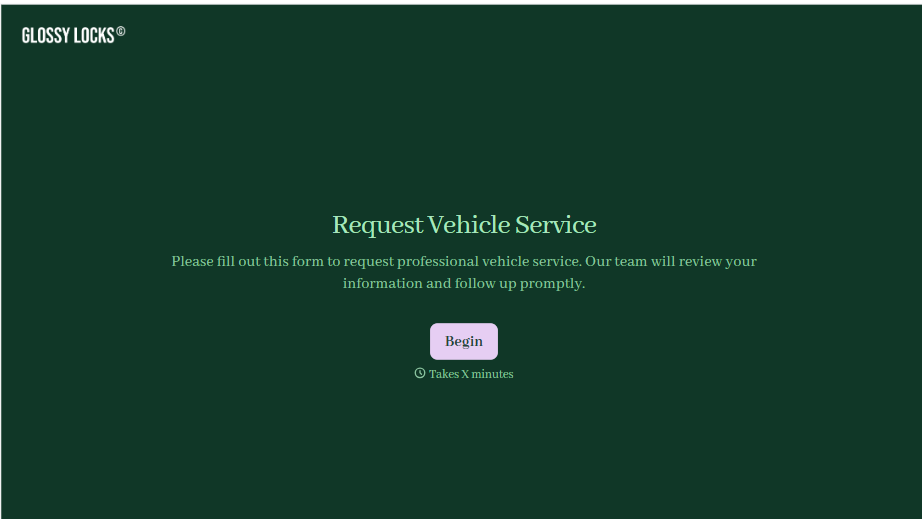
Change text, colors, and even logos to match the look and feel of your brand. Then embed forms smoothly onto web and email.
Make forms feel effortless to fill out. Pace questions, call people by their name, and adapt the flow based on the data they share.
Stay efficient by connecting forms to your workflow. Typeform integrates with 300+ tools including Slack, Zapier, and HubSpot.


