Software update feedback form template
Find out what your users think of your latest release



Use a software update feedback form to gauge how happy your users are with your latest release. Ask them what they thought of the updates, if it’s still meeting their needs, and what could be better. You could even use the opportunity to ask for suggestions on what to do next.
You can completely customize our feedback form template. Collect the responses you need to reflect on the success of your latest software updates.
Getting feedback from users is essential to ensure your software stays useful and fit for purpose. The input you get can help you shape future releases and fine tune your existing product.
Quickly share results with product or marketing teams with our downloadable reports. For a more detailed review, you can export your responses into a spreadsheet in a matter of clicks.
Get inspired by relevant templates and categories
3200+ Templates, 300+ Integrations
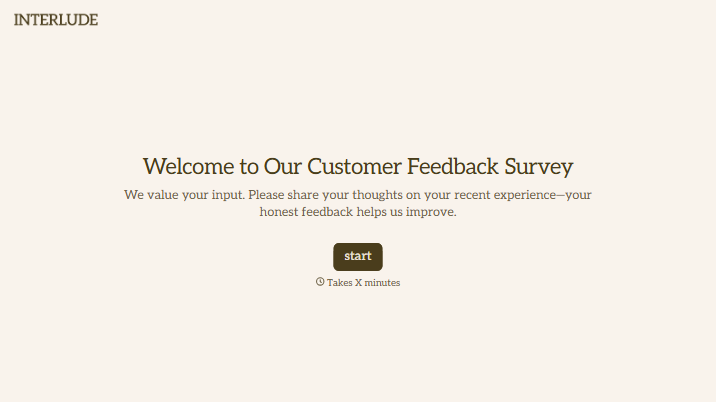
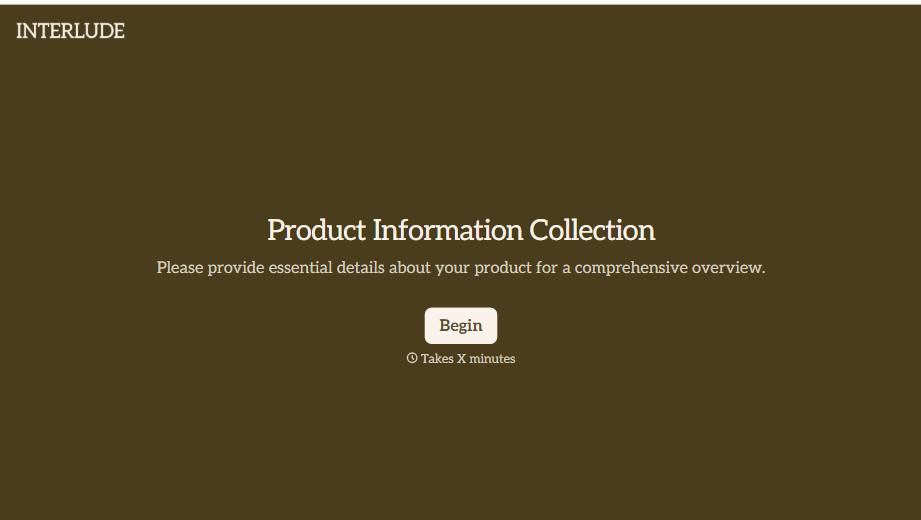
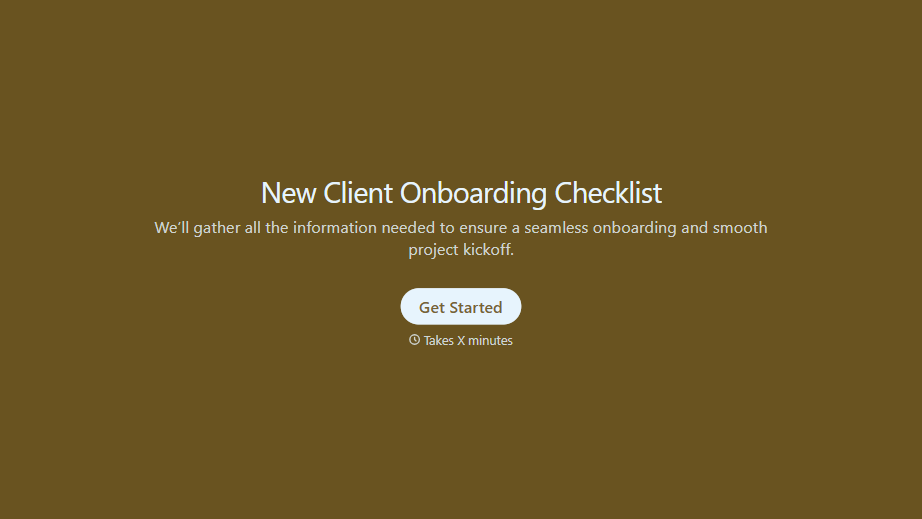
New Client Onboarding Checklist Form
A new client who's signed the engagement letter but never confirmed their billing entity, who's actually authorized to approve work, or where the invoice should go isn't onboarded, they've just signed something. Collect what your firm actually needs, contact and billing details, scope confirmation, a signed agreement, before the first invoice goes out.
View template

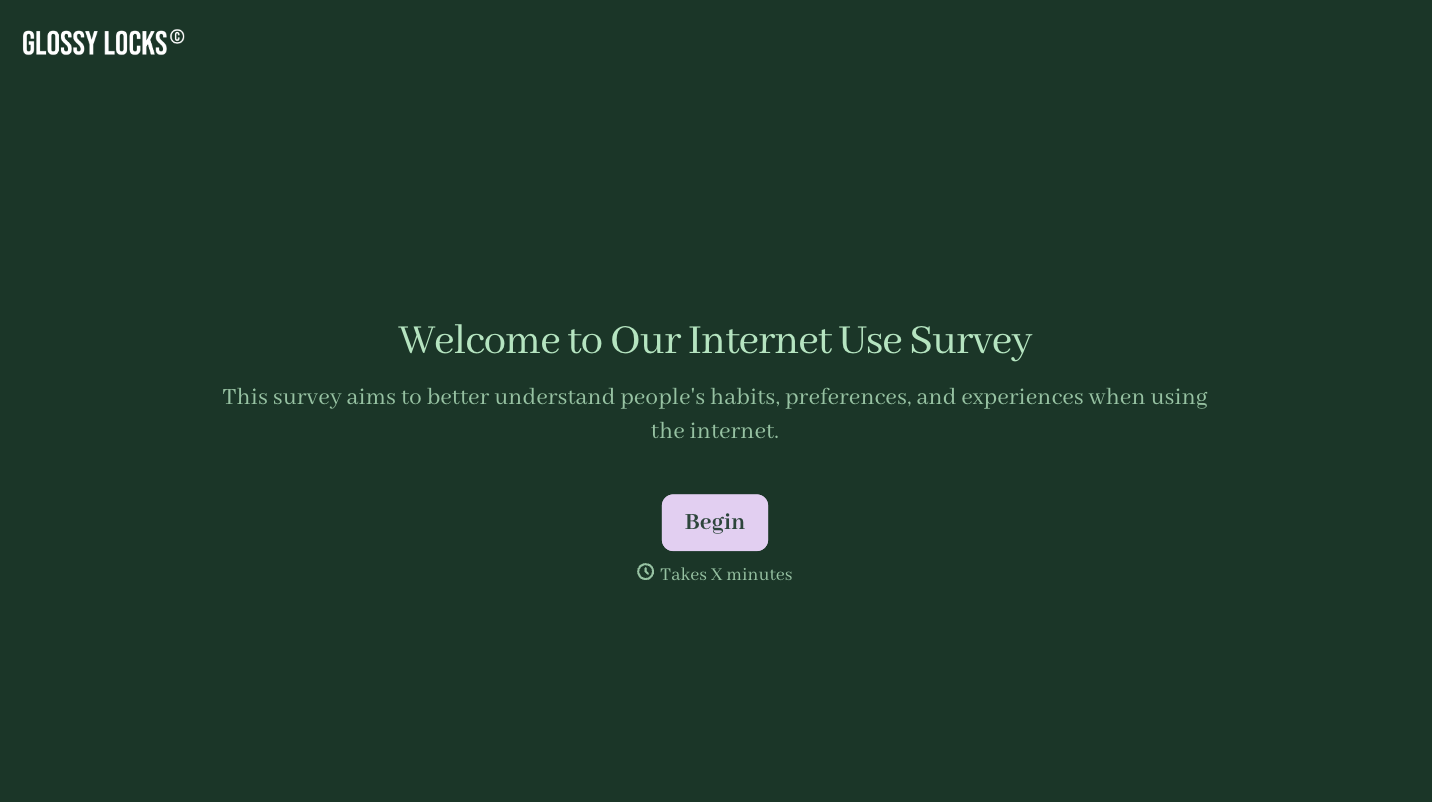

With Typeform, you can customize everything
Change text, colors, and even logos to match the look and feel of your brand. Then embed forms smoothly onto web and email.
Make forms feel effortless to fill out. Pace questions, call people by their name, and adapt the flow based on the data they share.
Stay efficient by connecting forms to your workflow. Typeform integrates with 300+ tools including Slack, Zapier, and HubSpot.


