Social Media Marketing Client Onboarding Form Template
The best social media strategies are built on deep client knowledge. Start every engagement by actually understanding the brand you're about to represent.


Taking on a new social media client without a thorough onboarding process is a recipe for misaligned content, wasted revisions, and a rocky first month. You'll post something the client hates, use a tone that doesn't match their brand, or target an audience they've already written off. All because the kickoff call covered vibes instead of specifics.
This client onboarding form template collects the details that actually drive strategy: brand voice and tone guidelines, target audience profiles, content preferences, competitor landscape, existing analytics access, approval workflows, and success metrics. Conditional logic adapts sections based on the client's industry, platforms of focus, and whether they have existing brand guidelines or need help developing them.
Send it before the kickoff meeting and review the responses together. Integrations with your project management tool, content calendar, or CRM ensure the onboarding data is accessible to everyone on the account. Not buried in a kickoff deck nobody revisits.
A social media marketing client onboarding form is an intake document that agencies and freelancers use to collect the strategic, creative, and operational information needed to manage a client's social media presence. It covers brand identity, audience details, content preferences, competitive landscape, platform access, and performance goals. It's the foundation that everything else. Content strategy, editorial calendars, paid campaigns — is built on.
Because social media is public. When you misrepresent a client's brand voice or target the wrong audience, the mistake is visible to everyone. A thorough onboarding form ensures alignment before the first post goes live. On tone, topics, visual style, approval process, and metrics that define success. It also sets professional expectations: the client sees that you're methodical, not winging it.
- Brand name, website, and industry
- Brand voice descriptors (3-5 adjectives that describe how they want to sound)
- Target audience demographics, psychographics, and platform preferences
- Top 3-5 competitors and what the client thinks they do well (or poorly)
- Content types they want to prioritize (educational, entertaining, promotional, behind-the-scenes)
- KPIs and success metrics (follower growth, engagement rate, website traffic, lead generation)
At minimum: admin or editor access to all social media accounts, access to any existing analytics dashboards (native platform analytics, Google Analytics, social listening tools), brand asset libraries (logos, fonts, photo libraries, brand guidelines documents), and login credentials for any scheduling or management tools they currently use. Include a section in the form for listing these with login details or instructions for granting access. Handle credentials securely — never store passwords in a shared spreadsheet.
Ask the client directly: "Who needs to approve content before it's published, and what's their typical response time?" Some clients want to review every post; others want to approve a monthly calendar and trust you with execution. Define the workflow explicitly — who reviews, in what tool, within what timeframe, and what happens if the deadline passes without feedback. Document this in the onboarding form so there's no ambiguity when your first batch of content is ready for review.
Get inspired by relevant templates and categories
3200+ Templates, 300+ Integrations
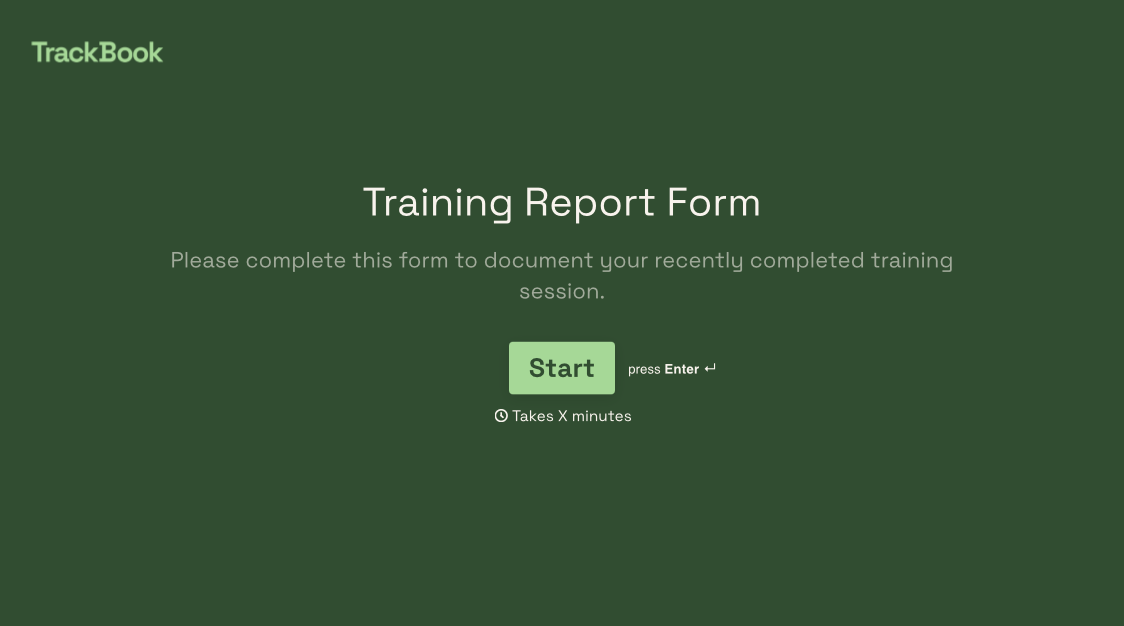
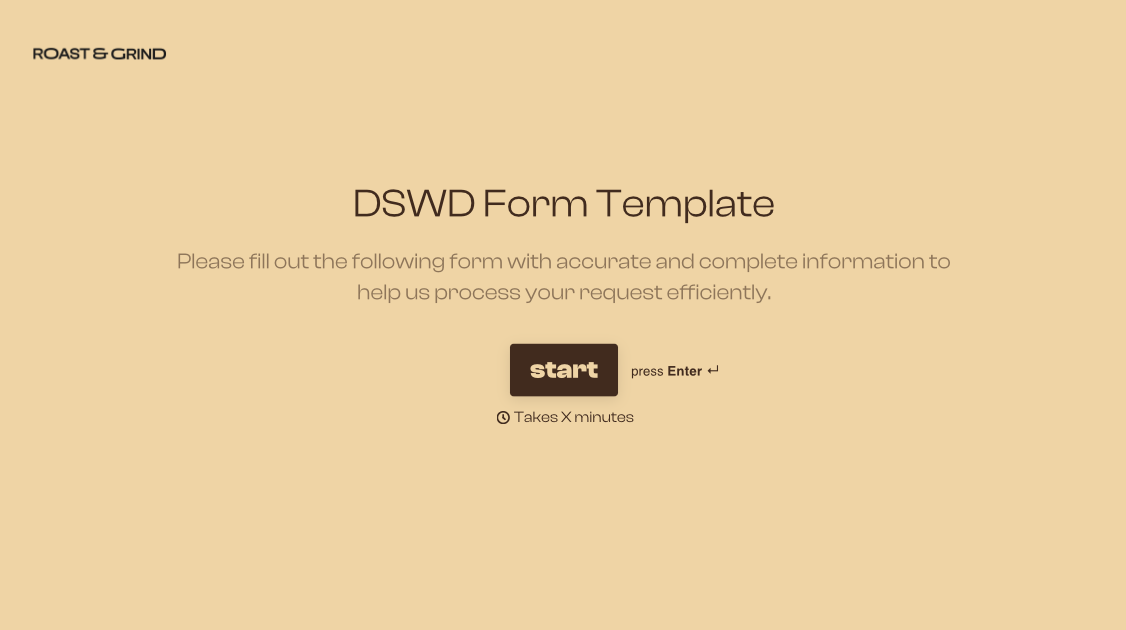
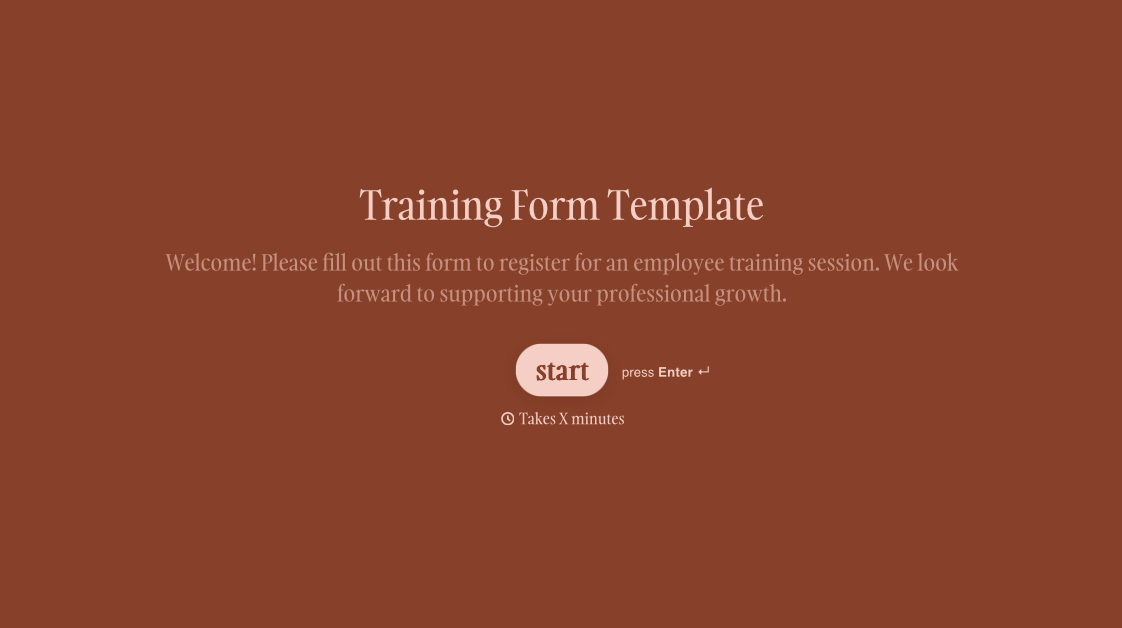
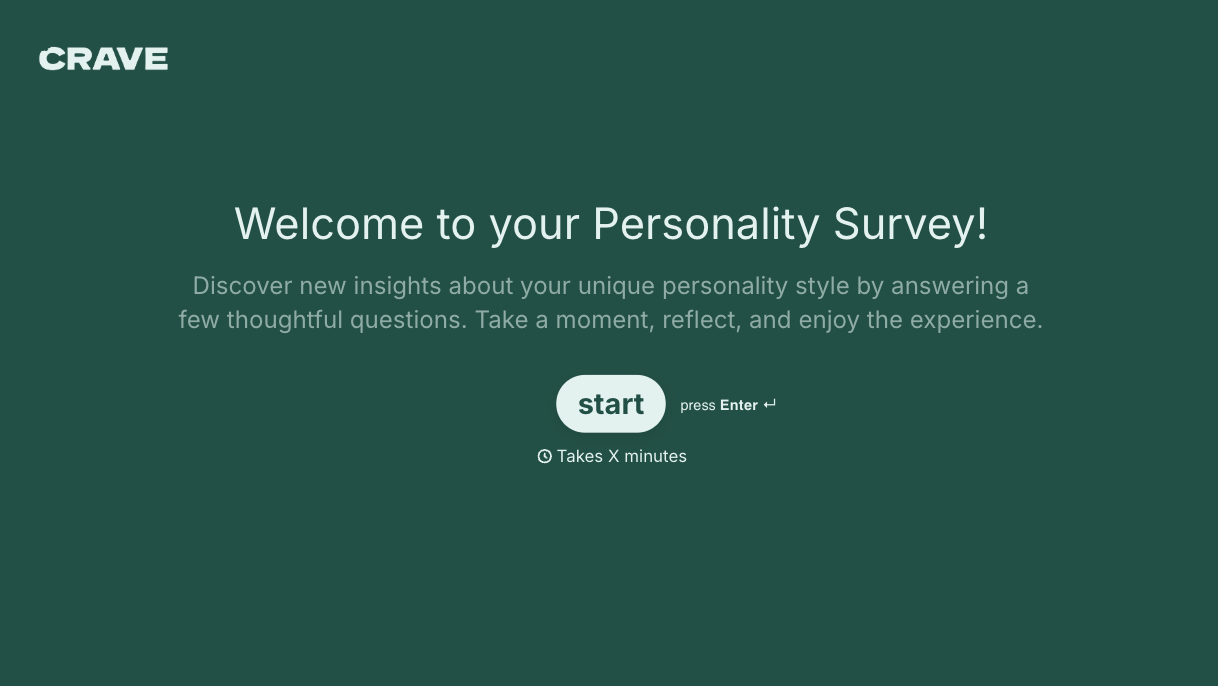
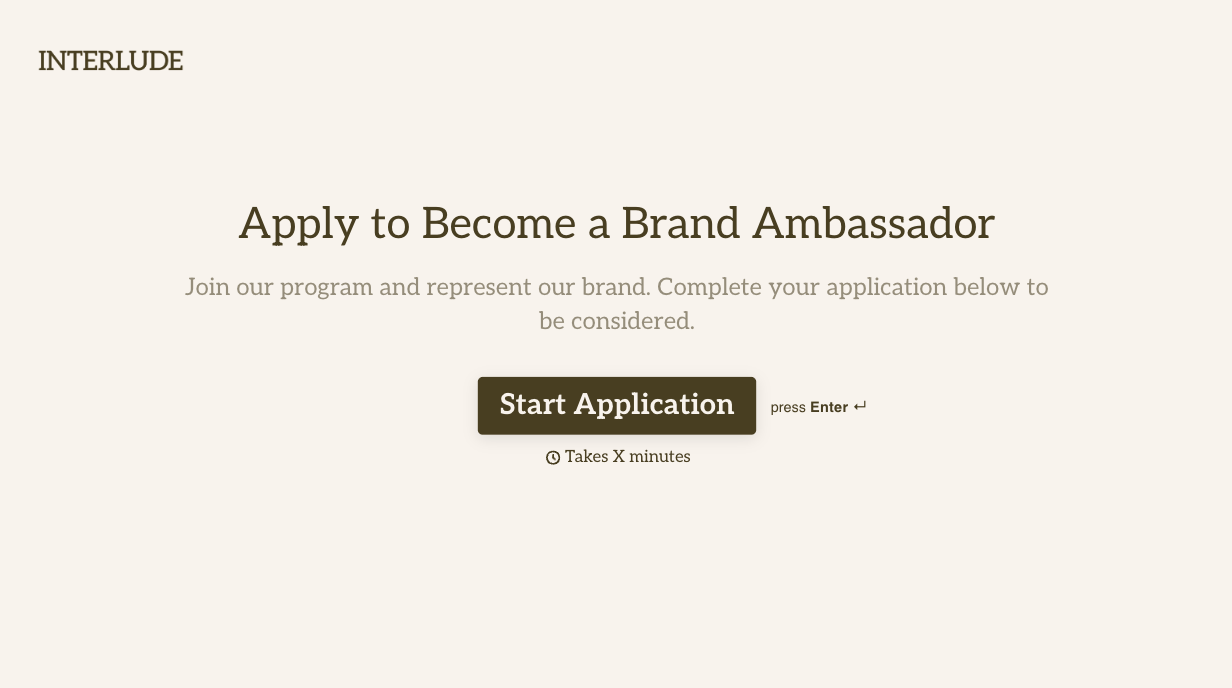
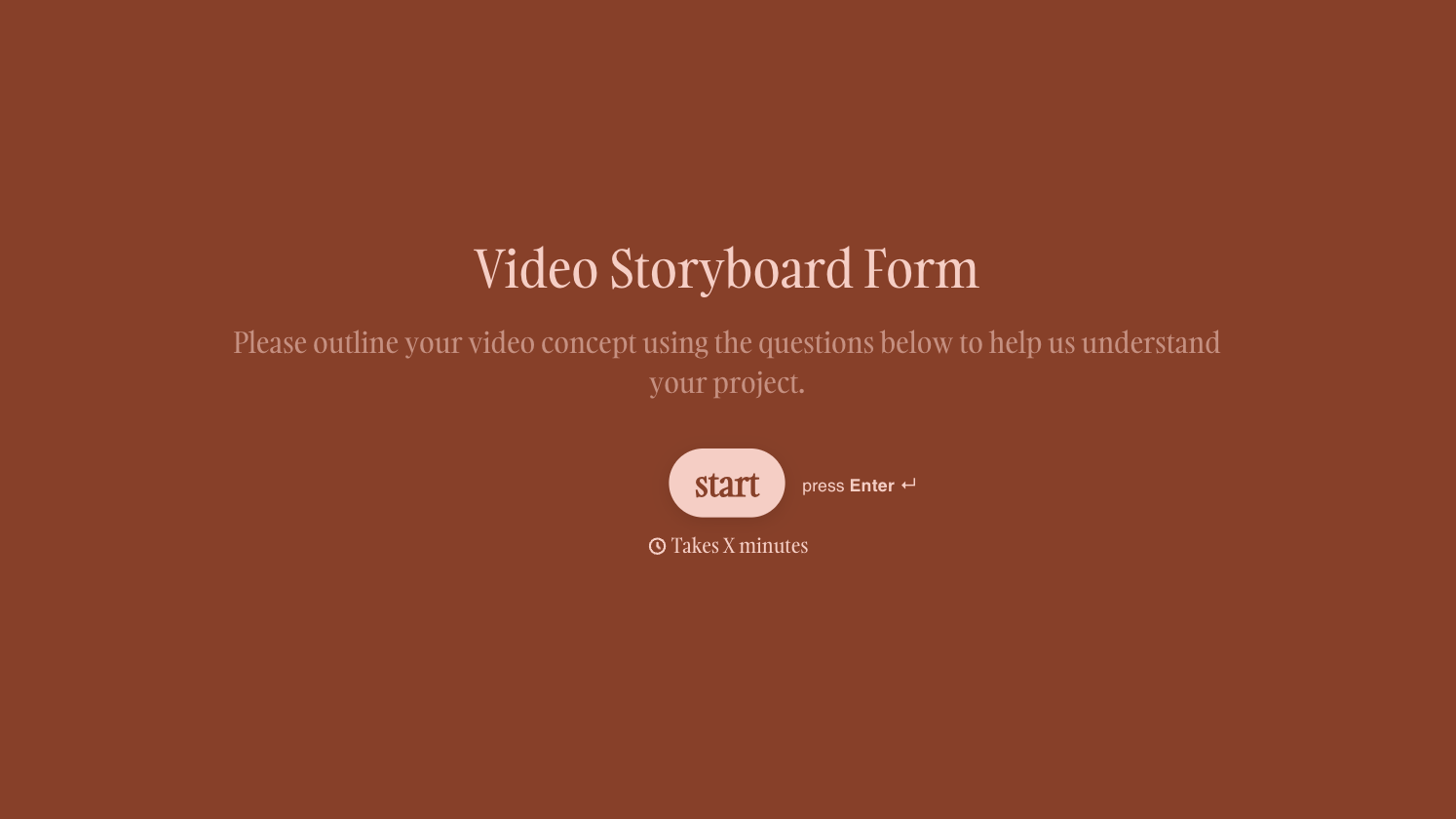
With Typeform, you can customize everything
Change text, colors, and even logos to match the look and feel of your brand. Then embed forms smoothly onto web and email.
Make forms feel effortless to fill out. Pace questions, call people by their name, and adapt the flow based on the data they share.
Stay efficient by connecting forms to your workflow. Typeform integrates with 300+ tools including Slack, Zapier, and HubSpot.


