Serial Number Generator Form Template
Collect product or asset details and generate unique reference numbers in a consistent, trackable format.



Managing products, assets, or registrations without a consistent serial numbering system creates inventory headaches. When serial numbers are assigned manually, duplicates happen, sequences get skipped, and tracking becomes a time-consuming puzzle.
A Typeform serial number generator form collects the key details of a product or asset at the point of registration and creates a record that your team can use to assign and track serial numbers systematically. Combined with a connected spreadsheet or database that auto-generates the sequence, every new submission gets the next available number without manual intervention. The form is the intake point; your connected system does the numbering.
Customize it with your product categories, required identification fields, and any attributes relevant to your numbering schema. Connect it to Google Sheets or your inventory system via Zapier to automate the assignment.
A serial number generator form is an intake form that collects product or asset details as the first step in assigning a unique serial identifier. The form captures the relevant attributes, which are then used to generate a serial number in a connected system.
A form ensures consistent data collection every time a new item needs a serial number. Combined with an automated numbering system, it eliminates manual entry errors and duplicate numbers while creating a searchable record of every registered item.
Gather the details that inform the numbering schema and the item record:
- Product or asset name and category
- Model number or specification type
- Manufacturer or supplier
- Date of manufacture or purchase
- Location or assigned department
- Condition (new, refurbished, etc.)
Connect the form to Google Sheets via Typeform's native integration. In the spreadsheet, set up a formula or script that generates the next number in your sequence each time a new row is added. You can then reference that number in follow-up communications or labels.
Yes. Many IT and facilities teams use this kind of intake form to register new equipment. Combined with a connected asset management system, it creates a complete record from procurement through disposal, including who the asset is assigned to and its current location.
Get inspired by relevant templates and categories
3200+ Templates, 300+ Integrations



Nationality Verification Form
A self-certification buried in a stack of new account paperwork isn't the kind of record a compliance team can rely on for a regulatory filing. Collect nationality, tax residency, and a signed declaration before an account opens, so compliance isn't chasing down a customer's citizenship status after the fact.
View template
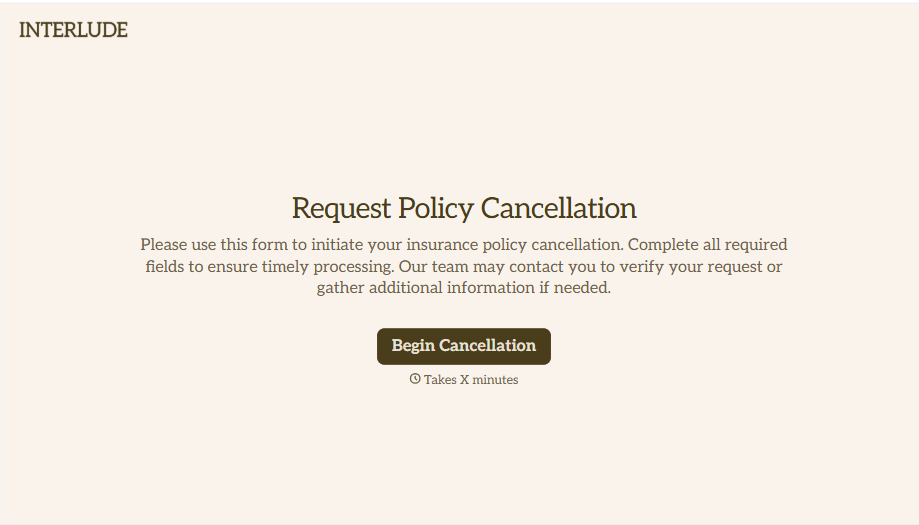
Policy Cancellation Form
A cancellation requested over the phone doesn't leave a clear record of exactly what date the policyholder actually asked for, and that date matters more than it sounds like it should. Collect what your agency actually needs, policy details, identity verification, and the requested effective date, before coverage actually ends.
View template
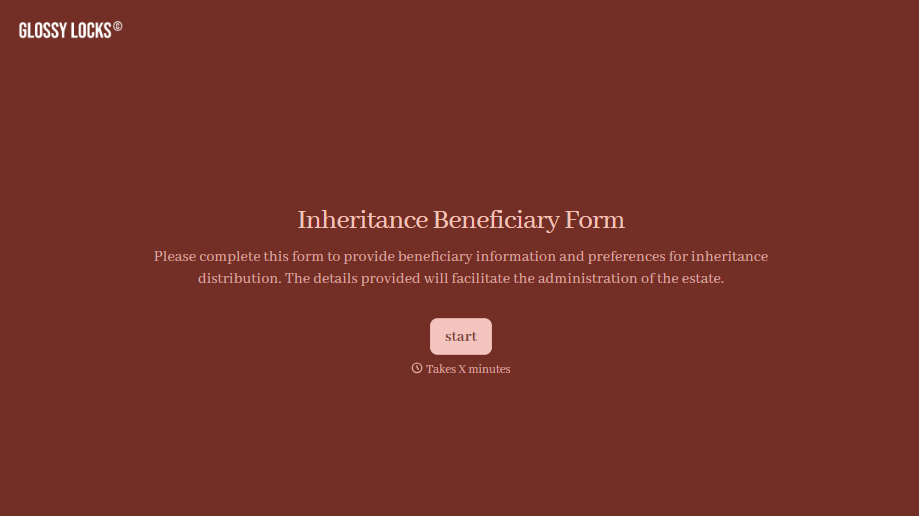
Inheritance Beneficiary Form
Asking a grieving family member for the same banking details across three different phone calls doesn't make settling an estate go any faster. Collect what your firm actually needs, beneficiary information, identification, and distribution details, in one submission instead of three calls.
View template
With Typeform, you can customize everything
Change text, colors, and even logos to match the look and feel of your brand. Then embed forms smoothly onto web and email.
Make forms feel effortless to fill out. Pace questions, call people by their name, and adapt the flow based on the data they share.
Stay efficient by connecting forms to your workflow. Typeform integrates with 300+ tools including Slack, Zapier, and HubSpot.


